
Introduction
Thank you for choosing Philips Kids Wired On-Ear Headphones, model SHK2000PK/00. These headphones are specifically designed for children, prioritizing safe listening and comfort. They feature an 85dB volume limiter to protect young ears, soft ear cushions for extended wear, and a durable, adjustable headband to accommodate growing children. This manual provides essential information for setting up, operating, maintaining, and troubleshooting your headphones.

Image: Philips SHK2000PK/00 Kids Wired On-Ear Headphones. The headphones feature a purple headband and pink earcups with black ear cushions, connected by a gray wired cable with a 3.5mm jack.
Setup
What's in the Box
- Philips Kids Headphones (SHK2000PK/00)
Connecting Your Headphones
- Locate the 3.5mm audio jack on your device (e.g., tablet, smartphone, computer).
- Insert the 3.5mm connector from the headphone cable firmly into the device's audio jack.
- Ensure the connection is secure to prevent audio interruptions.
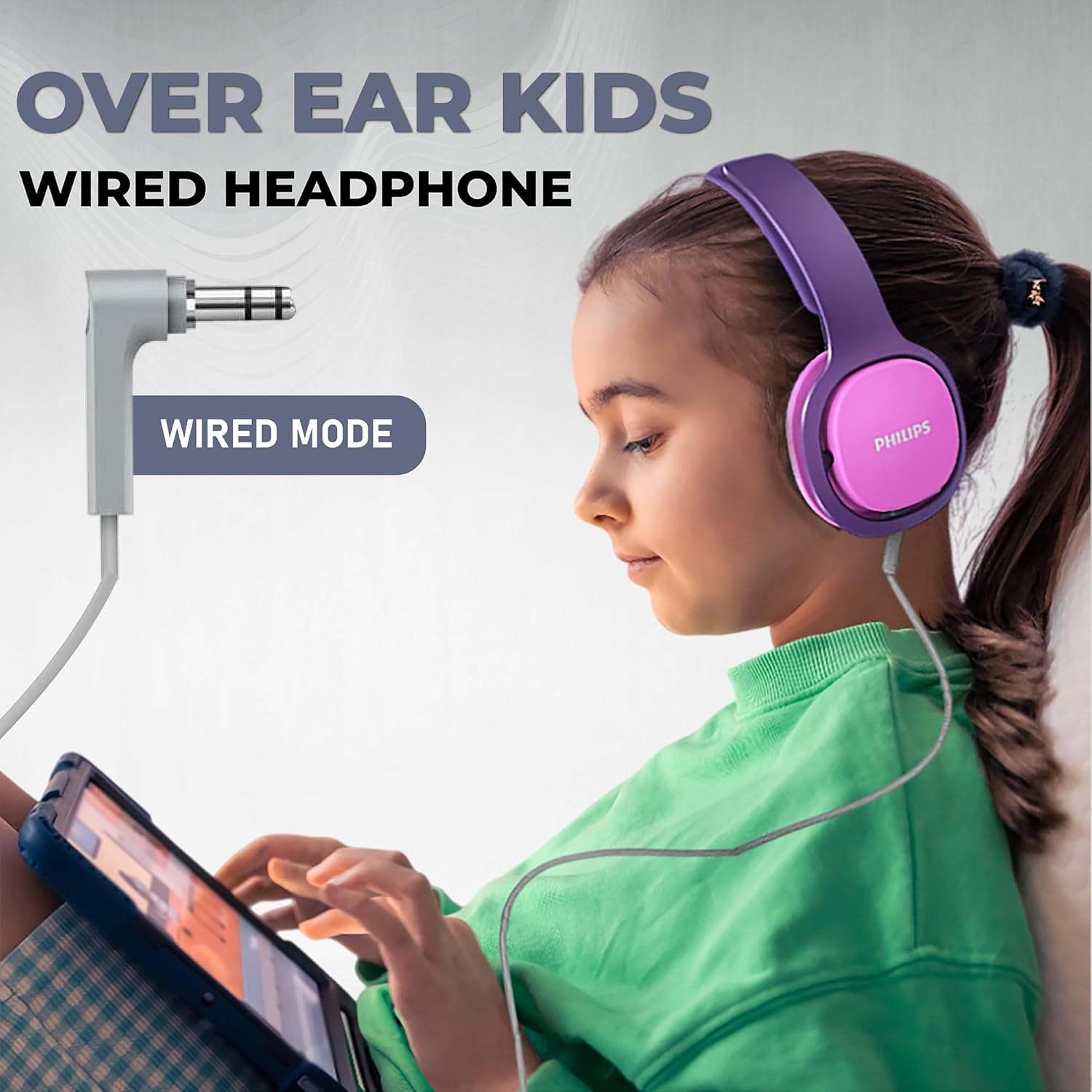
Image: A child wearing the Philips Kids Headphones and connecting the 3.5mm audio jack to a tablet, demonstrating the wired connection.
Operating Instructions
Wearing the Headphones
- Gently place the headphones over your ears, ensuring the ear cushions fully cover them.
- Adjust the headband by sliding the earcups up or down until a comfortable and secure fit is achieved. The ergonomic design allows the headband to grow with the child.

Image: Close-up of the Philips Kids Headphones showing the adjustable headband mechanism, highlighting its flexibility for different head sizes.
Volume Limiter for Safe Listening
These headphones are equipped with an integrated 85dB volume limiter. This feature automatically restricts the maximum sound output to a safe level, protecting children's hearing from excessive noise exposure. No manual adjustment is required for the volume limiter itself; simply control the volume through your connected device, knowing it will not exceed the safe threshold.
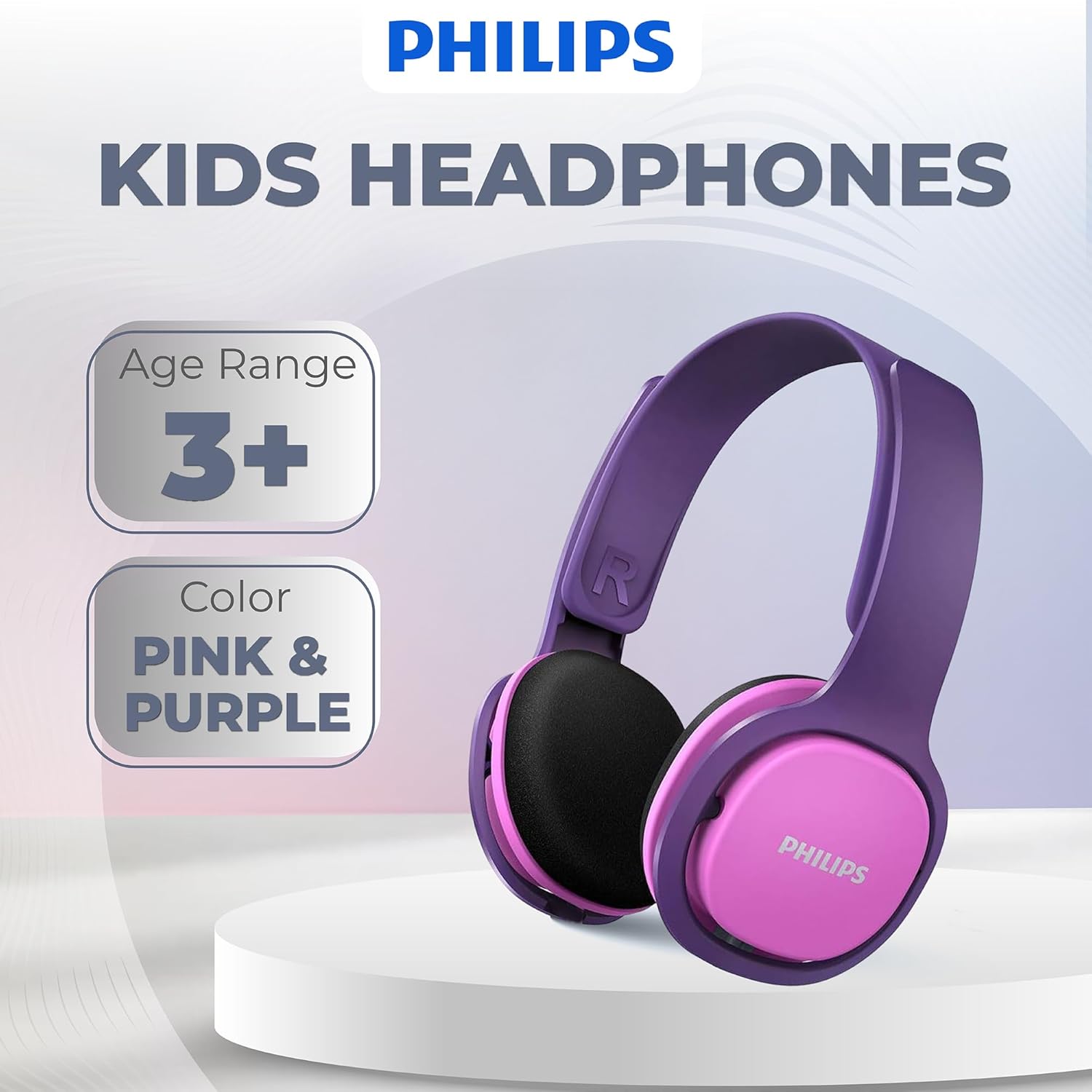
Image: A graphic representation of the Philips Kids Headphones with an overlay indicating the 85dB volume limiter for safer hearing.
Sound Quality and Comfort
The 32mm neodymium speaker drivers deliver clear and balanced stereo sound. The soft, noise-isolating ear cushions enhance the listening experience by reducing external distractions while providing a comfortable fit for prolonged use.
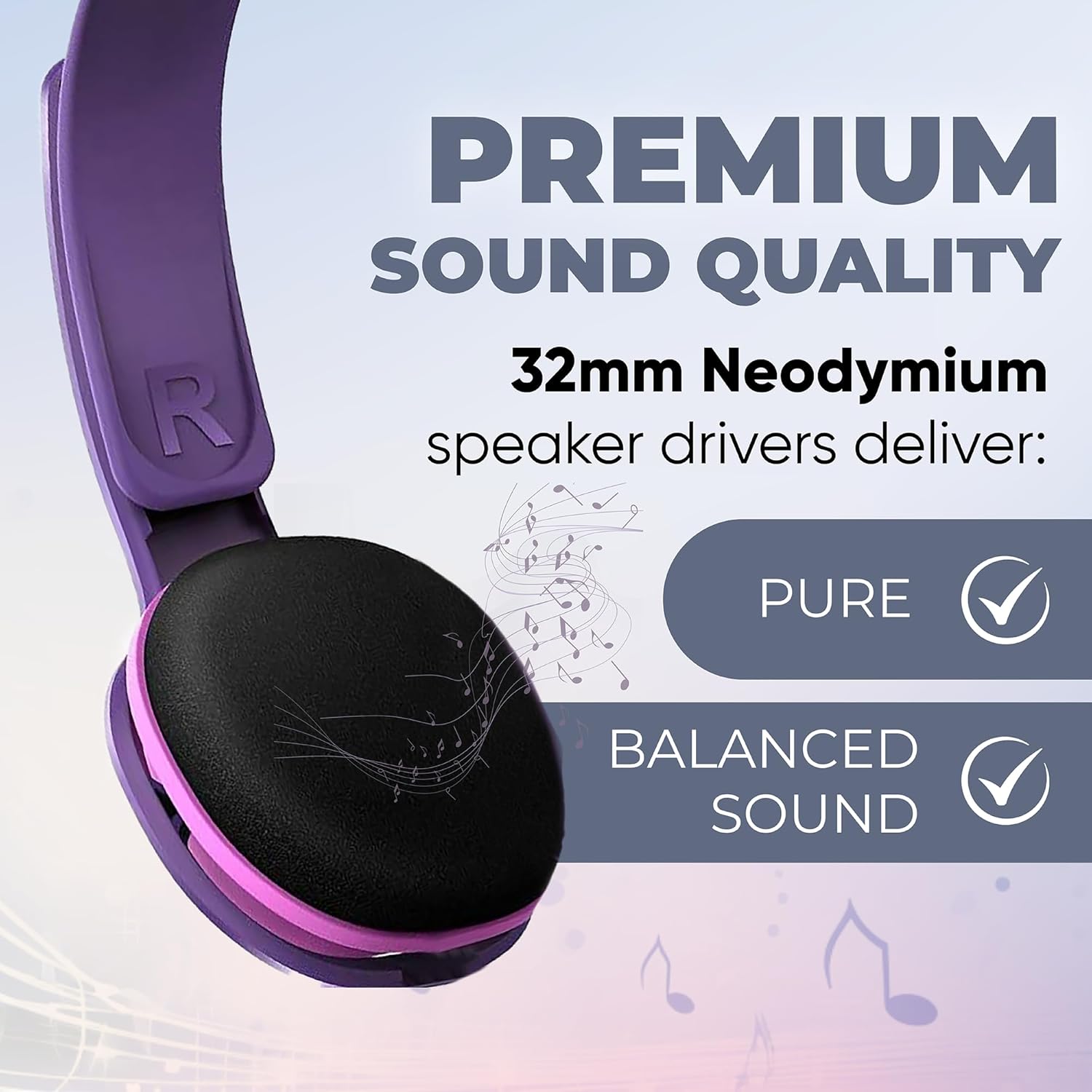
Image: A graphic highlighting the premium sound quality delivered by 32mm Neodymium speaker drivers, emphasizing pure and balanced audio.

Image: A graphic emphasizing the comfortable and lightweight design of the headphones, featuring soft padded ear cushions and an ergonomic adjustable headband.
Maintenance
Cleaning
- Wipe the headphones with a soft, dry cloth.
- Do not use cleaning agents containing alcohol, ammonia, benzene, or abrasives, as these may damage the unit.
- Avoid getting moisture into any openings.
Storage
- Store the headphones in a clean, dry place when not in use.
- Avoid extreme temperatures and direct sunlight.
- Do not wrap the cable tightly around the headphones to prevent damage.
Troubleshooting
| Problem | Solution |
|---|---|
| No sound or low volume |
|
| Uncomfortable fit |
|
| Sound distortion |
|
Specifications
| Feature | Detail |
|---|---|
| Model Number | SHK2000PK/00 |
| Connectivity Technology | Wired |
| Headphones Jack | 3.5 mm Jack |
| Ear Placement | On Ear |
| Form Factor | On Ear |
| Special Features | Adjustable Headband, Lightweight, Noise Isolation, Volume Control (85dB Limiter) |
| Driver Size | 32mm Neodymium |
| Impedance | 32 Ohm |
| Age Range (Description) | 3+ |
| Material | Plastic |
| Product Dimensions | 5.1 x 6.1 x 2.8 inches |
| Item Weight | 0.004 ounces |
Warranty and Support
For warranty information and customer support, please refer to the documentation included with your product packaging or visit the official Philips support website. Keep your proof of purchase for warranty claims.


