Introduction
This manual provides essential information for the proper setup, operation, and maintenance of your HCDZ Universal Replacement Remote Control. This remote is designed as a direct replacement for various Samsung Plasma, LCD, and LED HDTV TV models, including LE32C450E1WXXH, LN46A850S1FXZP, LN46A850S1FXZX, and LN46A860. It operates using Infrared (IR) technology and requires no programming.
Product Overview

Figure 1: Front view of the remote control, displaying the power button, number pad, navigation keys, volume, channel, and various function buttons.
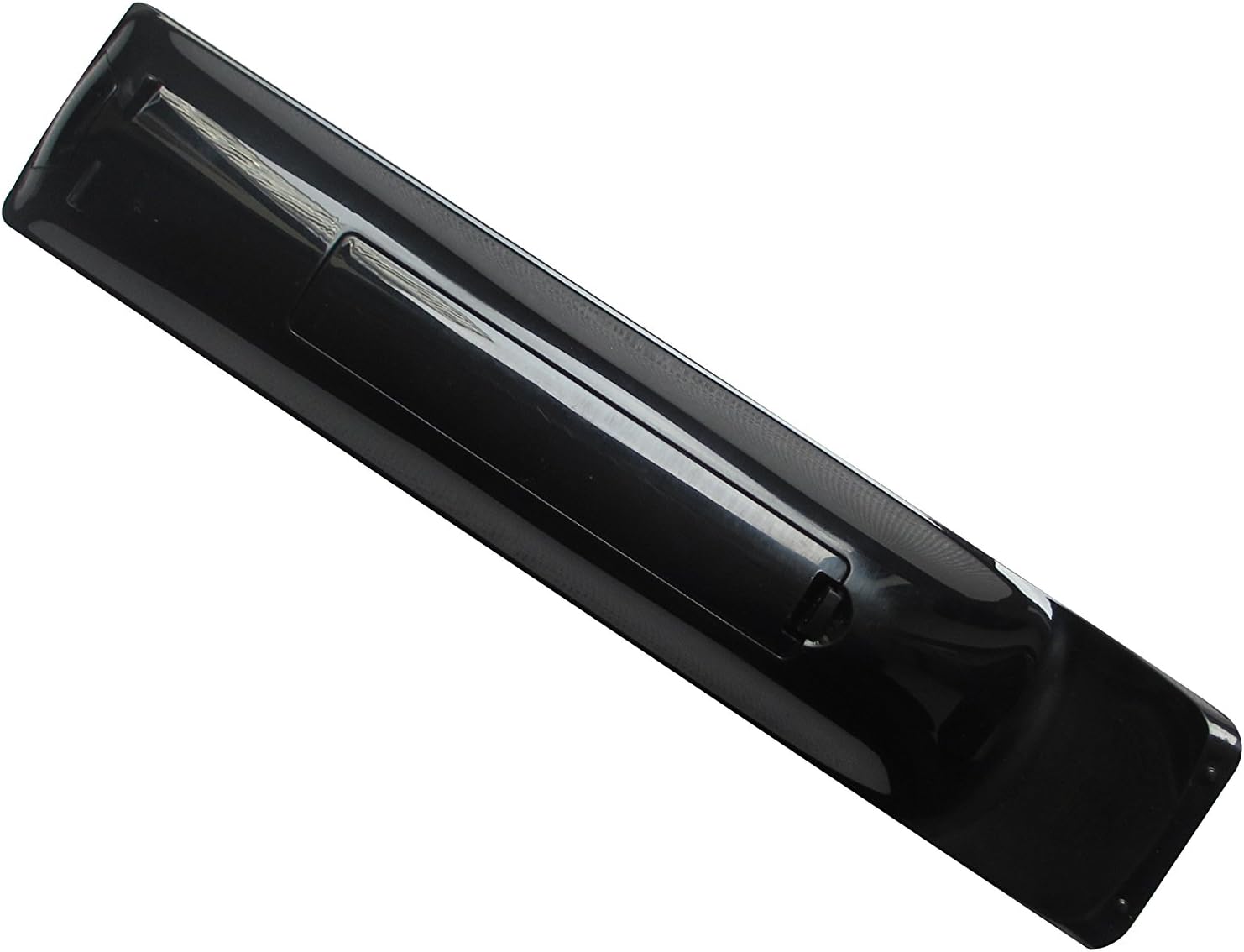
Figure 2: Rear view of the remote control, highlighting the battery compartment cover.
Setup
Battery Installation
The remote control requires 2 AAA batteries (not included). Follow these steps to install the batteries:
- Locate the battery compartment on the back of the remote control.
- Slide the battery compartment cover downwards or in the direction indicated by an arrow to open it.
- Insert two AAA batteries, ensuring the positive (+) and negative (-) terminals align correctly with the markings inside the compartment.
- Slide the battery compartment cover back into place until it clicks securely.

Figure 3: Battery compartment with cover removed, illustrating proper battery placement.
Once batteries are installed, the remote is ready for use. No programming or pairing is required.
Operating Instructions
This universal replacement remote control is designed to function immediately with compatible Samsung TV models once batteries are inserted. Point the remote directly at your television's IR receiver for optimal performance.
Basic Functions:
- Power Button: Turns the TV on or off.
- Number Pad (0-9): Directly input channel numbers.
- Volume Up/Down (+/-): Adjusts the audio volume.
- Channel Up/Down (CH +/-): Changes the television channel.
- Mute Button: Silences the TV audio.
- Menu Button: Accesses the TV's main menu.
- Navigation Buttons (Up, Down, Left, Right, Enter): Used to navigate through TV menus and select options.
- Source Button: Cycles through input sources (HDMI, AV, Component, etc.).
- Exit Button: Exits the current menu or function.
- Return Button: Returns to the previous screen or channel.
For specific advanced functions, refer to your television's original user manual, as button labels on this replacement remote correspond to standard Samsung TV remote functions.
Maintenance
To ensure the longevity and proper functioning of your remote control, follow these maintenance guidelines:
- Cleaning: Wipe the remote control with a soft, dry cloth. For stubborn dirt, slightly dampen the cloth with water or a mild, non-abrasive cleaner. Do not use harsh chemicals or abrasive materials.
- Battery Replacement: Replace batteries when the remote's responsiveness decreases or it stops functioning. Always replace both batteries at the same time with new ones.
- Storage: Store the remote in a cool, dry place away from direct sunlight and extreme temperatures.
- Avoid Drops: Protect the remote from physical impact, as drops can damage internal components.
- Liquid Exposure: Keep the remote away from liquids to prevent damage to the electronics.
Troubleshooting
If you experience issues with your remote control, try the following troubleshooting steps:
- Remote Not Responding:
- Check if the batteries are inserted correctly with the correct polarity (+/-).
- Replace old batteries with new AAA batteries.
- Ensure there are no obstructions between the remote control and the TV's IR sensor.
- Confirm you are pointing the remote directly at the TV.
- Limited Functionality:
- Verify that your TV model is listed as compatible with this universal remote.
- Some advanced TV functions may require the original TV remote or specific TV settings.
If the problem persists after trying these steps, contact the seller for further assistance.
Specifications
| Feature | Detail |
|---|---|
| Brand | HCDZ |
| Model Number | HCDZ-X07066 |
| Compatible Devices | Samsung Televisions (Plasma, LCD, LED HDTV) |
| Connectivity Technology | Infrared (IR) |
| Controller Type | Button Control |
| Batteries Required | 2 x AAA (not included) |
| Item Weight | 1 pound |
Warranty and Support
This product is a universal replacement remote control. For any issues or questions regarding its functionality, please contact the seller, Sure-Win, directly through the Amazon platform. Refer to Amazon's return policy for details on product returns and refunds, which typically allows for returns within 30 days of purchase.
For more information on Amazon's return policy, please visit: Amazon Returns Policy