
1. Introduction
The Energizer Recharge Pro Battery Charger is designed to efficiently charge NiMH rechargeable AA and AAA batteries. This manual provides essential information for the safe and effective use of your charger, including setup, operation, maintenance, and troubleshooting.

Image 1.1: The Energizer Recharge Pro Battery Charger, shown with four AA batteries in its charging slots.
2. Safety Information
Please read all safety instructions before using this product. Failure to follow these instructions may result in electric shock, fire, or serious injury.
- Use only with NiMH rechargeable AA and AAA batteries. Do not attempt to charge alkaline or other battery types.
- Do not disassemble or modify the charger.
- Keep the charger away from water and excessive moisture.
- Do not operate the charger if it has been damaged in any way.
- Unplug the charger from the power outlet when not in use or before cleaning.
- WARNING: This product contains chemicals known to the State of California to cause cancer and birth defects or other reproductive harm.
For detailed safety guidelines, refer to the "Safety Information (PDF)" document available for this product.
3. Setup
Setting up your Energizer Recharge Pro charger is straightforward:
- Unpack: Remove the charger and included batteries from the packaging.
- Insert Batteries: Insert two or four AA or AAA NiMH rechargeable batteries into the charging slots. Ensure correct polarity (+ and -) as indicated on the charger.
- Plug In: Plug the charger directly into a standard wall outlet.

Image 3.1: The charger is capable of charging two or four AA or AAA batteries simultaneously.
4. Operating Instructions
The Energizer Recharge Pro charger features intelligent charging and clear indicators:
- Charging Process: Once plugged in with batteries inserted, the charger will begin charging. A full charge for two or four batteries typically takes approximately 3 hours.
- LED Indicator Lights & Audible Alerts:
- Red Light: Indicates charging has started. An audible beep will sound when charging begins.
- Yellow Light: Indicates charging is approximately 50% complete and continues.
- Green Light: Indicates charging is complete, and batteries are 100% full. An audible beep will sound upon completion.
- Bad Battery Detection: If a non-rechargeable or damaged battery is detected, a red 'X' will illuminate, accompanied by repetitive audible beeps. Remove the faulty battery immediately.
- Auto Shutoff and Overcharge Protection: The charger is equipped with an auto shutoff feature to prevent overcharging and potential battery damage, ensuring optimal battery life.

Image 4.1: The LED indicators provide clear visual feedback on the charging status of the batteries.

Image 4.2: A red 'X' light indicates a bad or non-rechargeable battery has been detected.
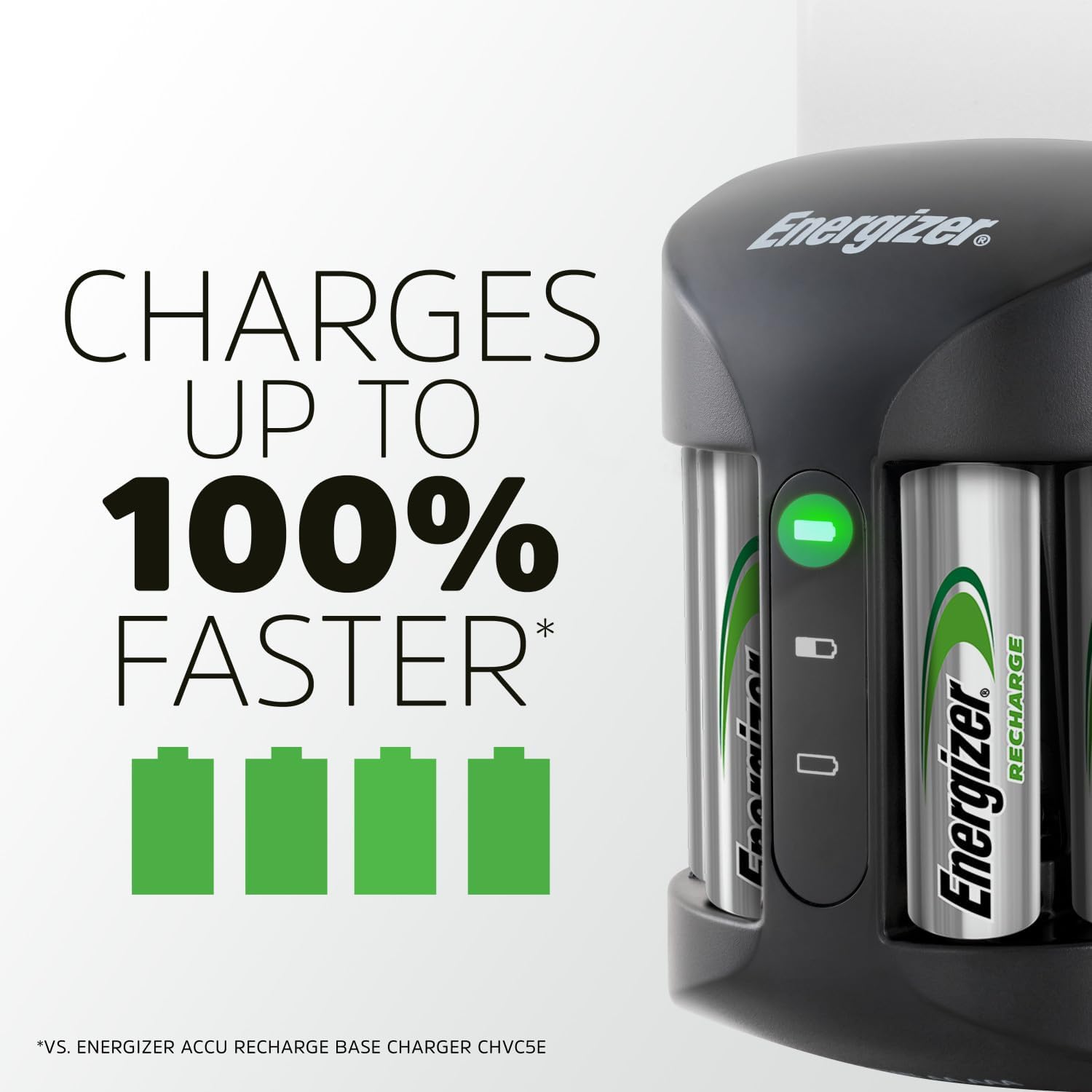
Image 4.3: The charger automatically shuts off once batteries are fully charged to prevent overcharging.
5. Maintenance
To ensure the longevity and optimal performance of your Energizer Recharge Pro charger:
- Cleaning: Disconnect the charger from the power outlet before cleaning. Use a dry, soft cloth to wipe the exterior. Do not use abrasive cleaners or immerse the charger in water.
- Storage: Store the charger in a cool, dry place when not in use.
- Battery Care: For best results, use Energizer NiMH rechargeable batteries. Store rechargeable batteries in a cool, dry place when not in use.
6. Troubleshooting
| Problem | Possible Cause | Solution |
|---|---|---|
| Charger not working / No lights | Not plugged in correctly; Power outlet issue; Damaged charger. | Ensure charger is securely plugged into a working outlet. Try a different outlet. If still no power, the charger may be damaged and require replacement. |
| Red 'X' light and repetitive beeps | Bad or non-rechargeable battery inserted; Incorrect battery polarity. | Remove the battery. Ensure you are using only NiMH rechargeable batteries and that they are inserted with correct polarity. If the issue persists with known good batteries, the battery may be at the end of its life. |
| Batteries not fully charging | Batteries are old/worn out; Charger malfunction. | Try charging newer batteries. Ensure the charger is not obstructed or overheating. If the problem persists, the charger or batteries may need replacement. |
7. Specifications
| Feature | Detail |
|---|---|
| Model Number | CHRPROWB4 |
| Compatible Battery Types | NiMH AA, NiMH AAA |
| Charging Time | Approximately 3 hours (for 2 or 4 batteries) |
| Input Voltage | Standard AC wall outlet |
| Output Voltage | 2.8 Volts |
| Product Dimensions | 4.33 x 2.68 x 9.65 inches (11 x 6.8 x 24.5 cm) |
| Item Weight | 10.2 ounces (289.17 grams) |
| Country of Origin | Japan |
8. Warranty and Support
Energizer products are manufactured to high quality standards. For warranty information, product support, or to contact customer service, please visit the official Energizer website or refer to the contact information provided on the product packaging.
You can also find additional resources and frequently asked questions on the Energizer brand store: Energizer Store on Amazon.


