1. Introduction
The Mettler Toledo PS series / BC-60U Bench Scale is a precision weighing instrument designed for shipping and postal applications. It offers high accuracy and reliability, making it suitable for commercial use. This manual provides essential information for the proper installation, operation, and maintenance of your scale.
Key features include:
- Capacity: 150 lb x 0.05 lb (60 x 0.02 kg)
- Dimensions: 12.3 x 14.3 x 3.2 inches
- PC Connectivity: RS232 and USB serial connections (includes 6-foot USB cable)
- Calibration: Patented GEOCAL feature for location-specific out-of-the-box calibration
- Certifications: NTEP and OIML certified Legal for Trade
2. Setup
Proper setup is crucial for accurate scale performance.
2.1 Unpacking and Inspection
- Carefully remove the scale from its packaging.
- Inspect the scale for any visible damage that may have occurred during transit. If damage is found, contact your supplier immediately.
- Ensure all components listed in the packing list are present.

Figure 1: Top view of the Mettler Toledo BC-60U Bench Scale shipping box, showing branding and shipping labels.
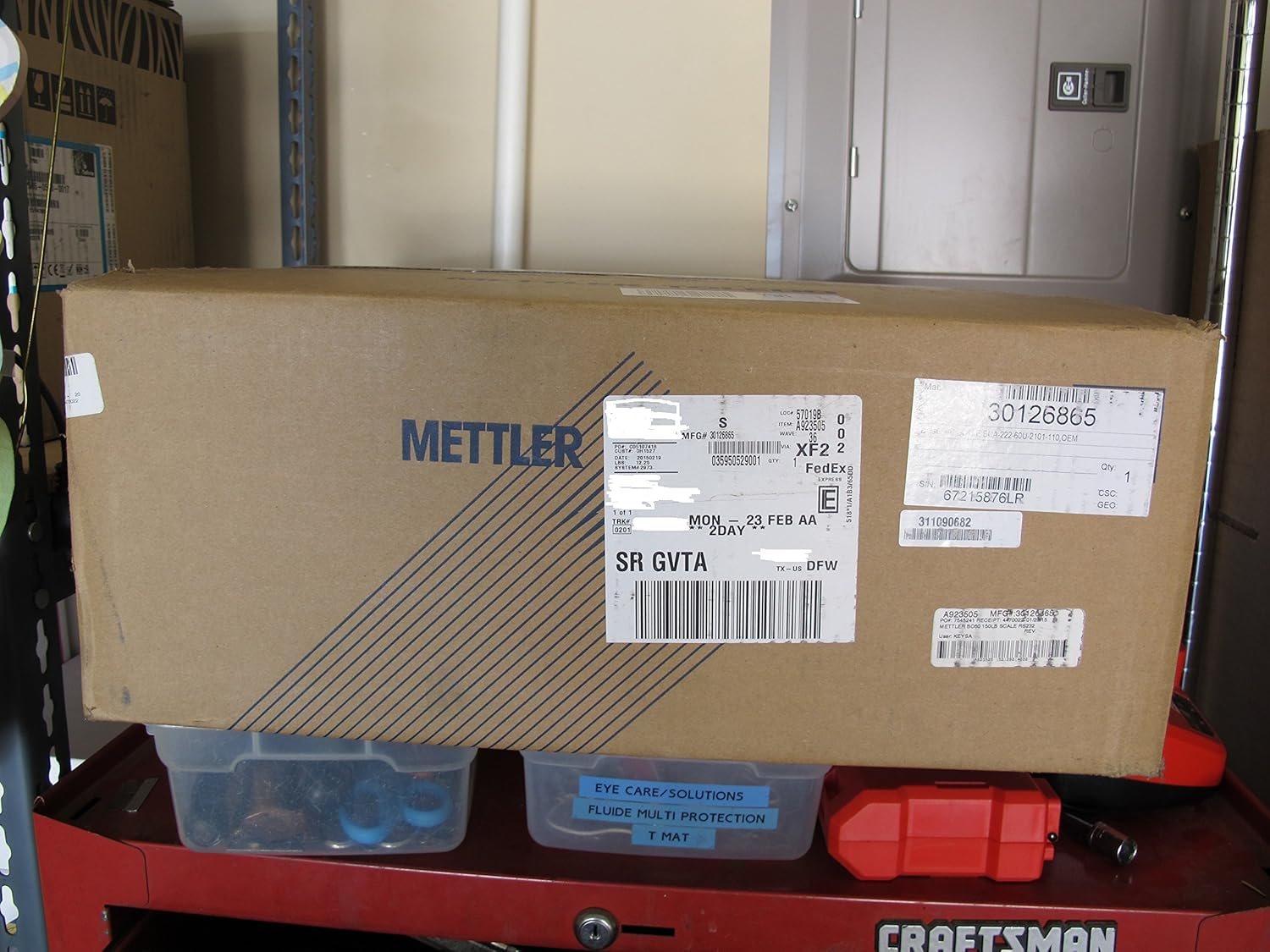
Figure 2: Side view of the Mettler Toledo BC-60U Bench Scale shipping box, displaying various shipping and product identification labels.

Figure 3: Another side view of the Mettler Toledo BC-60U Bench Scale shipping box, showing the overall packaging.
2.2 Placement
- Place the scale on a firm, level, and stable surface to ensure accurate readings.
- Avoid locations with excessive vibrations, drafts, or direct sunlight.
- Ensure adequate space around the scale for operation and maintenance.
2.3 Power Connection
Connect the scale to a suitable power outlet using the provided power adapter. Ensure the power supply meets the scale's requirements.
2.4 PC Connectivity
The BC-60U scale supports both RS232 and USB serial connections for integration with computer systems. A 6-foot USB cable is included.
- USB Connection: Connect the USB cable from the scale to an available USB port on your computer. Drivers may be required and can typically be found on the Mettler Toledo support website.
- RS232 Connection: Connect an RS232 cable (not included) from the scale to your computer's serial port. Configure your software to communicate with the scale via the correct COM port and baud rate.
3. Operating Instructions
3.1 Initial Power-On and Calibration
Upon first power-on, the scale utilizes the patented GEOCAL feature for location-specific out-of-the-box calibration. This feature helps ensure accuracy based on your geographical location. Allow the scale to stabilize after power-on.
3.2 Basic Weighing Procedure
- Ensure the scale display reads zero. If not, press the ZERO or TARE button to reset it.
- Carefully place the item to be weighed on the center of the weighing platform.
- Wait for the reading to stabilize. The stable weight will be displayed.
- Remove the item from the platform.
3.3 Taring Function
The tare function allows you to weigh items in a container by subtracting the container's weight.
- Place the empty container on the weighing platform.
- Press the TARE button. The display will reset to zero.
- Place the items to be weighed into the container. The display will show the net weight of the items.
- Remove both the container and items from the platform.
4. Maintenance
Regular maintenance ensures the longevity and accuracy of your Mettler Toledo scale.
4.1 Cleaning
- Always disconnect the scale from the power supply before cleaning.
- Use a soft, damp cloth with a mild, non-abrasive cleaner to wipe down the scale's surfaces.
- Avoid using harsh chemicals, solvents, or abrasive materials that could damage the finish or internal components.
- Do not spray liquids directly onto the scale.
4.2 Storage
When not in use for extended periods, store the scale in a clean, dry environment, away from extreme temperatures and humidity.
4.3 Recalibration
While the GEOCAL feature provides initial calibration, periodic recalibration by a qualified technician may be necessary to maintain optimal accuracy, especially if the scale is moved or subjected to significant environmental changes.
5. Troubleshooting
This section addresses common issues you might encounter with your scale.
| Problem | Possible Cause | Solution |
|---|---|---|
| Scale does not power on | No power supply; faulty power adapter; power outlet issue | Check power cable connection; test power adapter; try a different power outlet. |
| Inaccurate readings | Unstable surface; scale not level; environmental interference (drafts, vibrations); needs recalibration | Ensure scale is on a stable, level surface; move scale away from drafts/vibrations; consider professional recalibration. |
| Display shows "OVERLOAD" | Weight exceeds maximum capacity | Remove excess weight immediately. Do not exceed 150 lb (60 kg). |
| No communication with PC | Incorrect cable; driver issue; incorrect software settings (COM port, baud rate) | Verify cable type (USB/RS232); install/update drivers; check software communication settings. |
If the problem persists after attempting these solutions, please contact Mettler Toledo customer support.
6. Specifications
| Attribute | Detail |
|---|---|
| Brand | Mettler Toledo |
| Model | PS series / BC-60U |
| Capacity x Readability | 150 lb x 0.05 lb (60 x 0.02 kg) |
| Dimensions | 12.3 x 14.3 x 3.2 inches |
| PC Connectivity | RS232, USB |
| Special Feature | GEOCAL Calibration |
| Certifications | NTEP and OIML certified Legal for Trade |
| Display Type | Digital |
| Weight Limit | 150 Pounds |
| Form Factor | Bench |
| Material | Stainless Steel |
| Item Weight | 8.75 pounds |
| Recommended Uses | Packages, Envelopes |
7. Warranty and Support
The Mettler Toledo PS series / BC-60U Bench Scale comes with a full manufacturer warranty. For specific details regarding the warranty period and coverage, please refer to the warranty card included with your product or visit the official Mettler Toledo website.
For technical support, service, or warranty claims, please contact Mettler Toledo customer service. Have your model number and serial number ready when contacting support.
Mettler Toledo Official Website: www.mt.com