
1. Introduction
Thank you for choosing the Liberty Imports My First Cartoon RC Race Car. This remote control toy is designed for toddlers aged 18 months to 3 years, offering simple controls and engaging features for early developmental play. Please read this manual carefully to ensure proper setup, operation, and maintenance of your product.
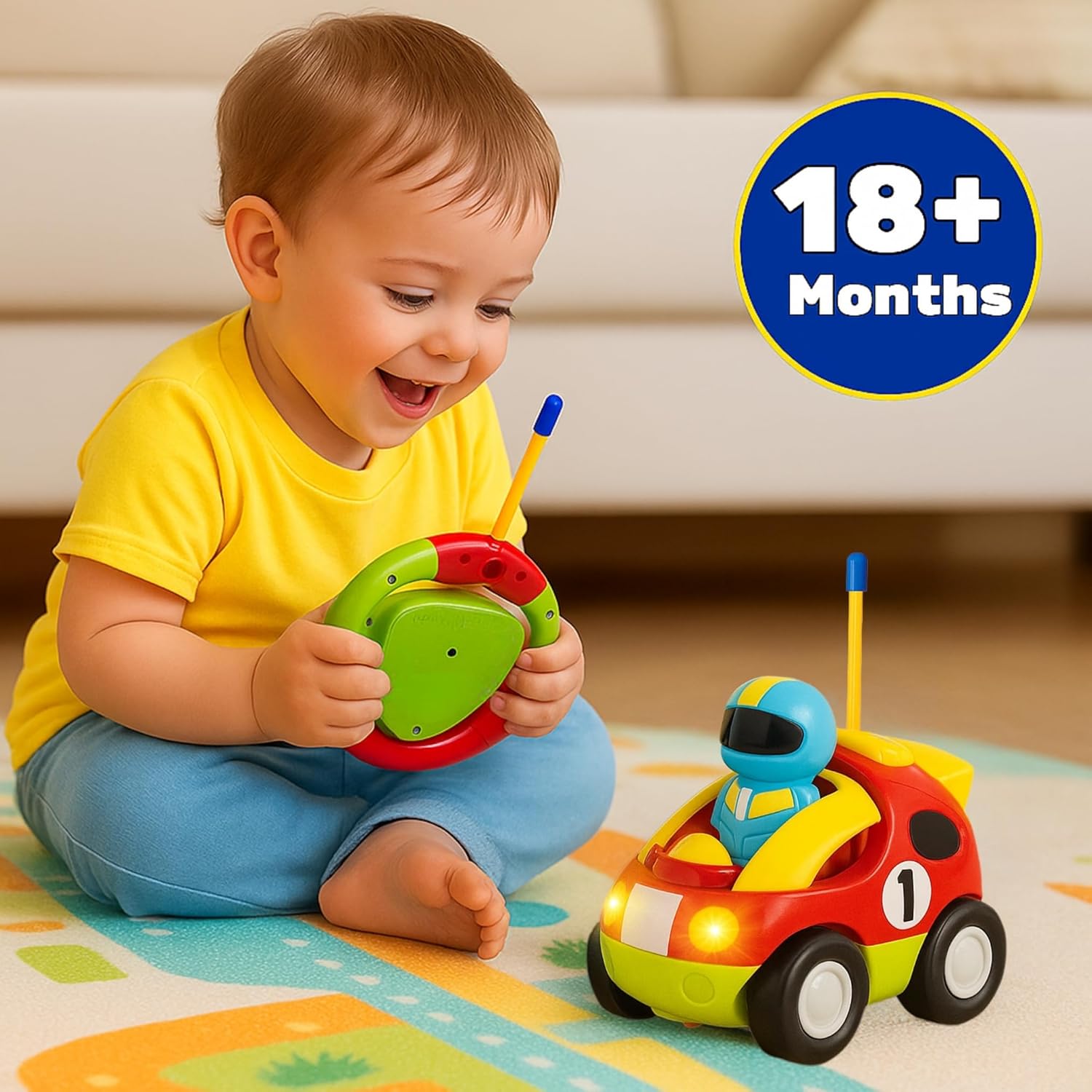
Image 1.1: A toddler engaging with the Liberty Imports My First Cartoon RC Race Car.
2. Safety Information
Parental supervision is recommended during play to ensure the child's safety and proper use of the toy. Keep the toy away from water and extreme temperatures. Do not attempt to modify the toy or its components.
3. Package Contents
- 1 x RC Race Car
- 1 x Steering Wheel Remote Control
- 1 x Removable Race Car Driver Figure
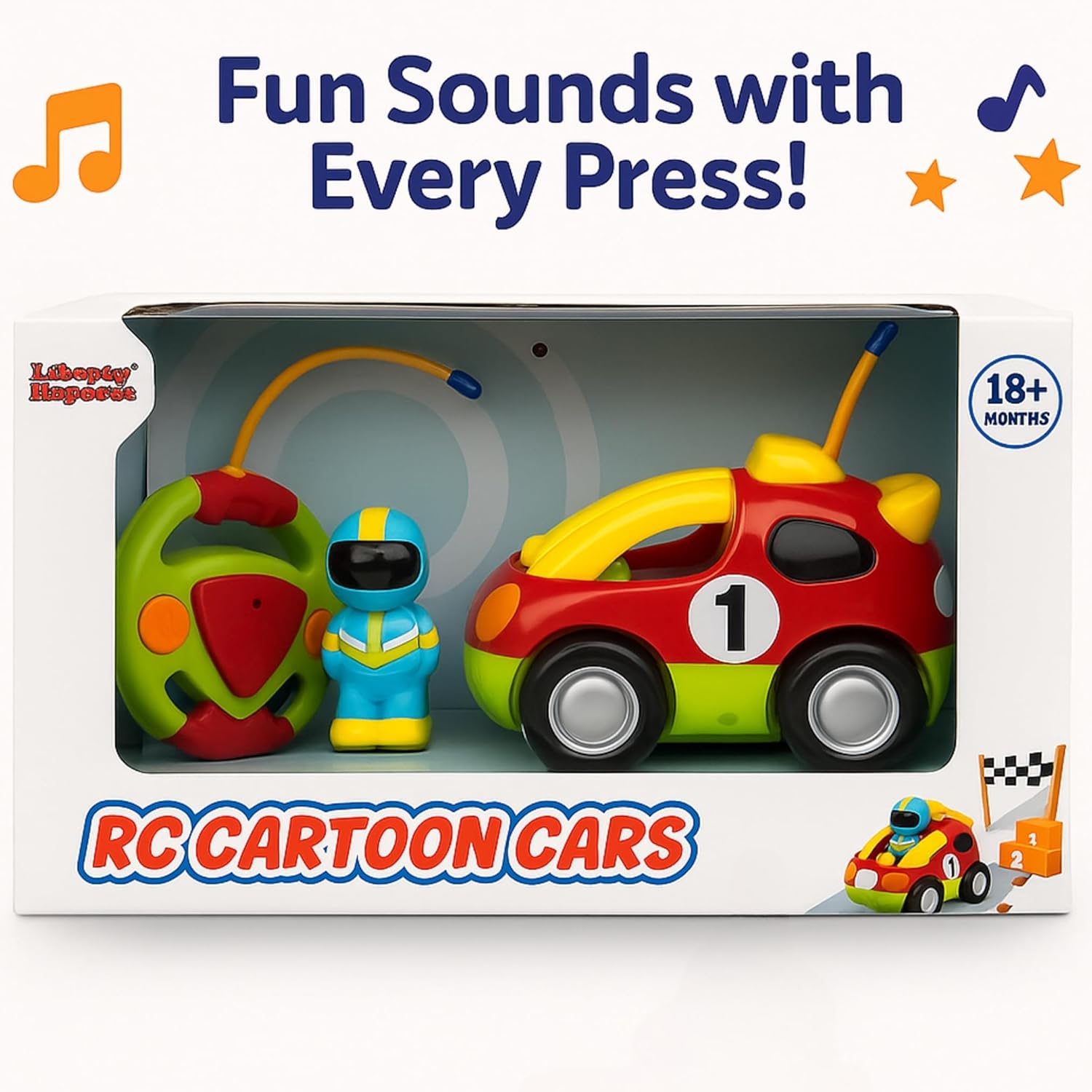
Image 3.1: Contents of the Liberty Imports My First Cartoon RC Race Car package.
4. Setup
4.1 Battery Installation
The RC Race Car and its remote control require a total of 5 AA batteries (not included).
- For the RC Race Car: Locate the battery compartment on the underside of the car. Use a small screwdriver to open the compartment. Insert 3 AA batteries, ensuring correct polarity (+/-). Close the compartment and secure it with the screw.
- For the Remote Control: Locate the battery compartment on the back of the steering wheel remote. Use a small screwdriver to open the compartment. Insert 2 AA batteries, ensuring correct polarity (+/-). Close the compartment and secure it with the screw.
4.2 Placing the Driver Figure
The included race car driver figure can be placed into the driver's seat of the RC car. Simply align the figure with the seat and gently press it into place. The figure is removable for separate play.

Image 4.1: Installing the removable driver figure into the RC car.
5. Operating Instructions
5.1 Powering On
Ensure batteries are correctly installed in both the car and the remote. There is typically an ON/OFF switch on the underside of the car. Turn it to the 'ON' position. The remote control will automatically connect to the car.
5.2 Basic Controls
The steering wheel remote control features two large, easy-to-use buttons:
- Forward Button: Press this button to make the car move straight forward.
- Reverse/Turn Button: Press this button to make the car move backward and turn left simultaneously.
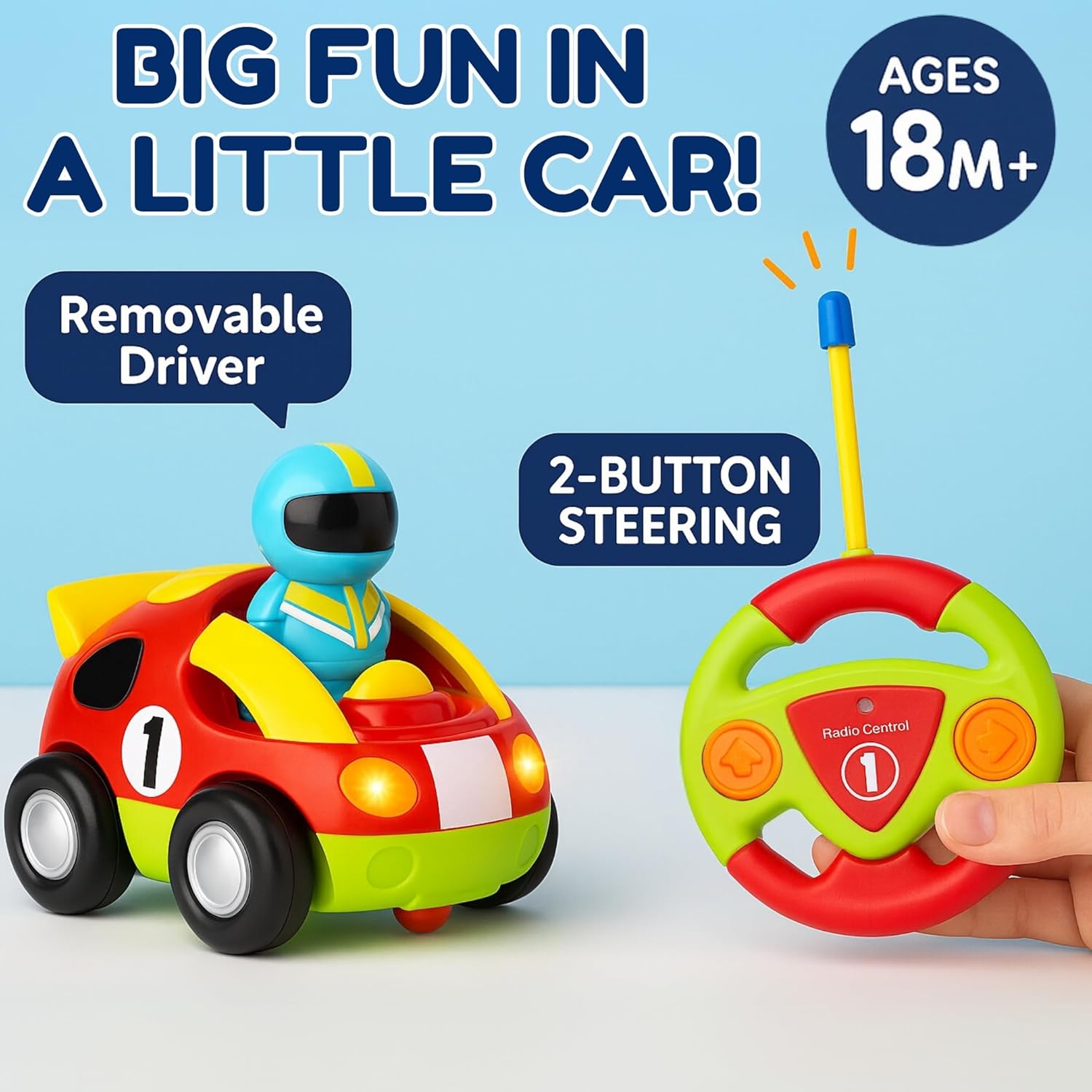
Image 5.1: The 2-button steering remote control and removable driver feature.
5.3 Lights and Sounds
The RC Race Car is equipped with interactive lights and sounds:
- Flashing Headlights: The car's headlights will flash during operation.
- Acceleration Sound: Pressing the forward button may activate an acceleration sound.
- Engine Sound: The car may produce engine sounds during movement.
- Horn & Music: Specific buttons on the car or remote may activate honking sounds and cheerful music.

Image 5.2: Interactive features including flashing headlights, acceleration sound, engine sound, and horn & music.
6. Maintenance
6.1 Cleaning
To clean the RC Race Car and remote control, wipe them with a soft, damp cloth. Do not immerse in water. Avoid using harsh chemicals or abrasive cleaners.
6.2 Storage
When not in use for extended periods, remove all batteries from both the car and the remote control to prevent leakage. Store the toy in a cool, dry place away from direct sunlight.
7. Troubleshooting
- Car not responding to remote:
- Ensure both the car and remote have fresh batteries installed with correct polarity.
- Make sure the car's power switch is in the 'ON' position.
- Check that there are no obstructions between the remote and the car.
- The effective range for control is approximately 10 feet.
- Lights or sounds not working:
- Verify battery levels. Low batteries can affect light and sound functions.
- Ensure the driver figure is properly seated if its presence triggers sounds.
- Car moves erratically or stops:
- Replace batteries in both the car and remote.
- Ensure the play surface is clear of debris that might impede wheel movement.
8. Specifications
| Product Dimensions | 11.6 x 7 x 4.59 inches |
| Item Weight | 15.8 ounces |
| Item Model Number | Cartoon |
| Manufacturer Recommended Age | 18 months - 3 years |
| Batteries Required | 5 AA batteries (not included) |
| Manufacturer | Liberty Imports |
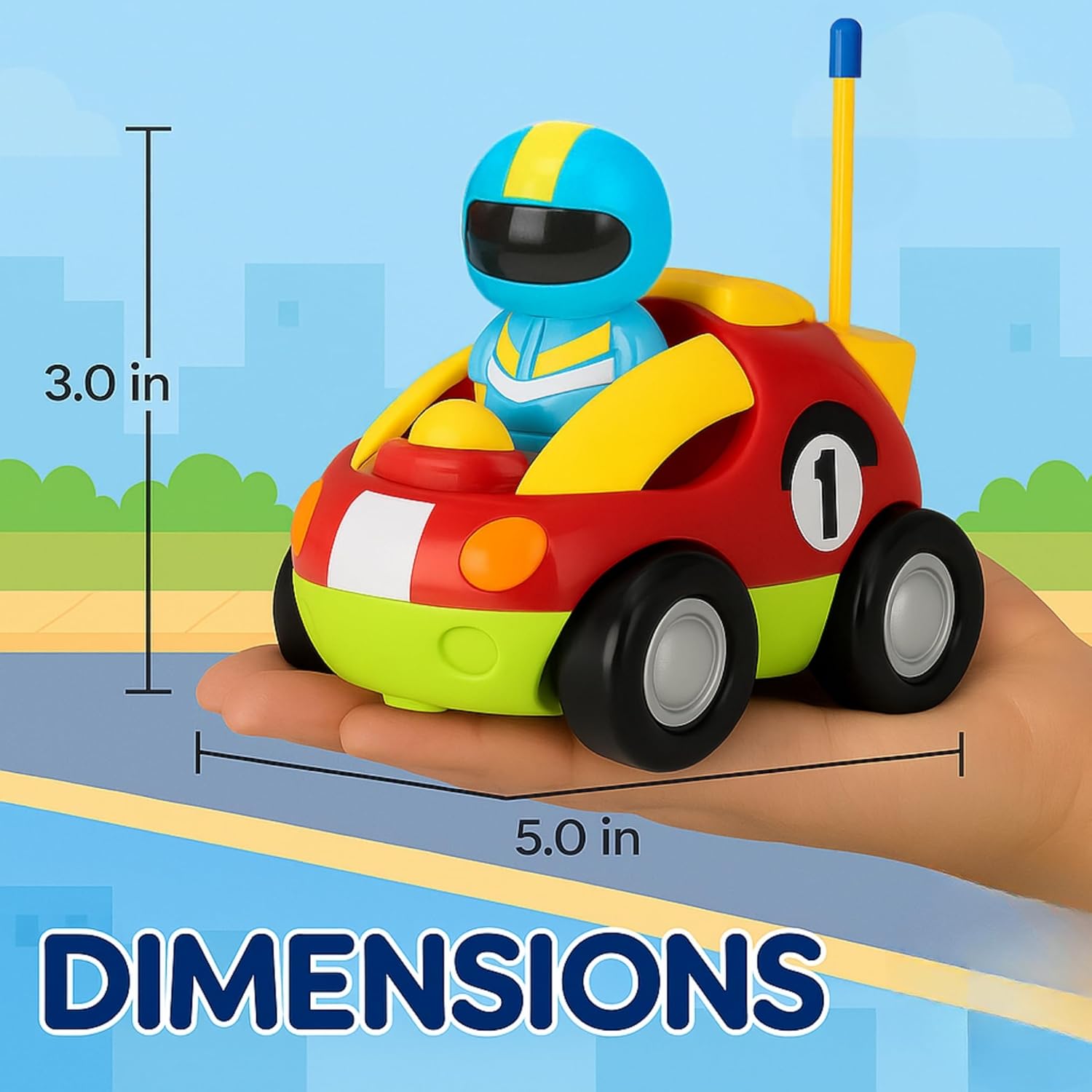
Image 8.1: Approximate dimensions of the RC Race Car.
9. Warranty and Support
For any questions, concerns, or support regarding your Liberty Imports My First Cartoon RC Race Car, please refer to the retailer's return policy or contact Liberty Imports customer service directly. Specific warranty details may vary by region and retailer.