
1. Introduction
The PowerMax PM3-35 is a robust and versatile AC-DC converter and battery charger designed to provide reliable 12V DC power from a standard 110/120V AC source. This unit features a 3-stage smart charging mode, ensuring optimal battery health and longevity, and is compatible with various battery types, including lithium. It is equipped with a built-in cooling fan and LED indicator light for enhanced functionality and user convenience. This manual provides essential information for the safe and effective installation, operation, and maintenance of your PowerMax PM3-35 power supply.
2. Product Overview and Features
The PowerMax PM3-35 is engineered for high performance and durability, making it suitable for a wide range of applications requiring stable 12V DC power. Key features include:
- Advanced Converter Technology: Converts 110/120V AC to 0-12V DC, providing clean and stable power.
- 3-Stage Smart Charging: Automatically adjusts charging voltage and current to optimize battery charging, extending battery life.
- Lithium Compatibility: Designed to work seamlessly with lithium batteries, alongside other battery types.
- Automatic Thermal Protection: Safeguards the unit by reducing output voltage if internal temperatures exceed safe limits.
- Built-in Cooling Fan: A temperature-controlled fan ensures efficient heat dissipation and quiet operation.
- LED Indicator Light: Provides visual status of the unit's operation.
- Multiple Protection Features: Includes protection against voltage issues, overheating, overload, reverse polarity, and short circuits.
- Compact Design: Measures approximately 11"x8.5"x4.2" for easy integration.

Figure 2.1: A detailed view of the PowerMax PM3-35 power supply, showcasing its compact design and connection ports.

Figure 2.2: This image highlights the core functionalities of the PowerMax PM3-35, including its ability to convert 110V AC to 12V DC, charge and maintain batteries, support various battery types, and offer both 3-stage and fixed single-stage output.

Figure 2.3: This view details the user-adjustable settings on the PowerMax PM3-35, including the switch to select between 3-Stage and Fixed Output modes, and the adjustment points for setting fixed output voltage between 13V DC and 16.5V DC.
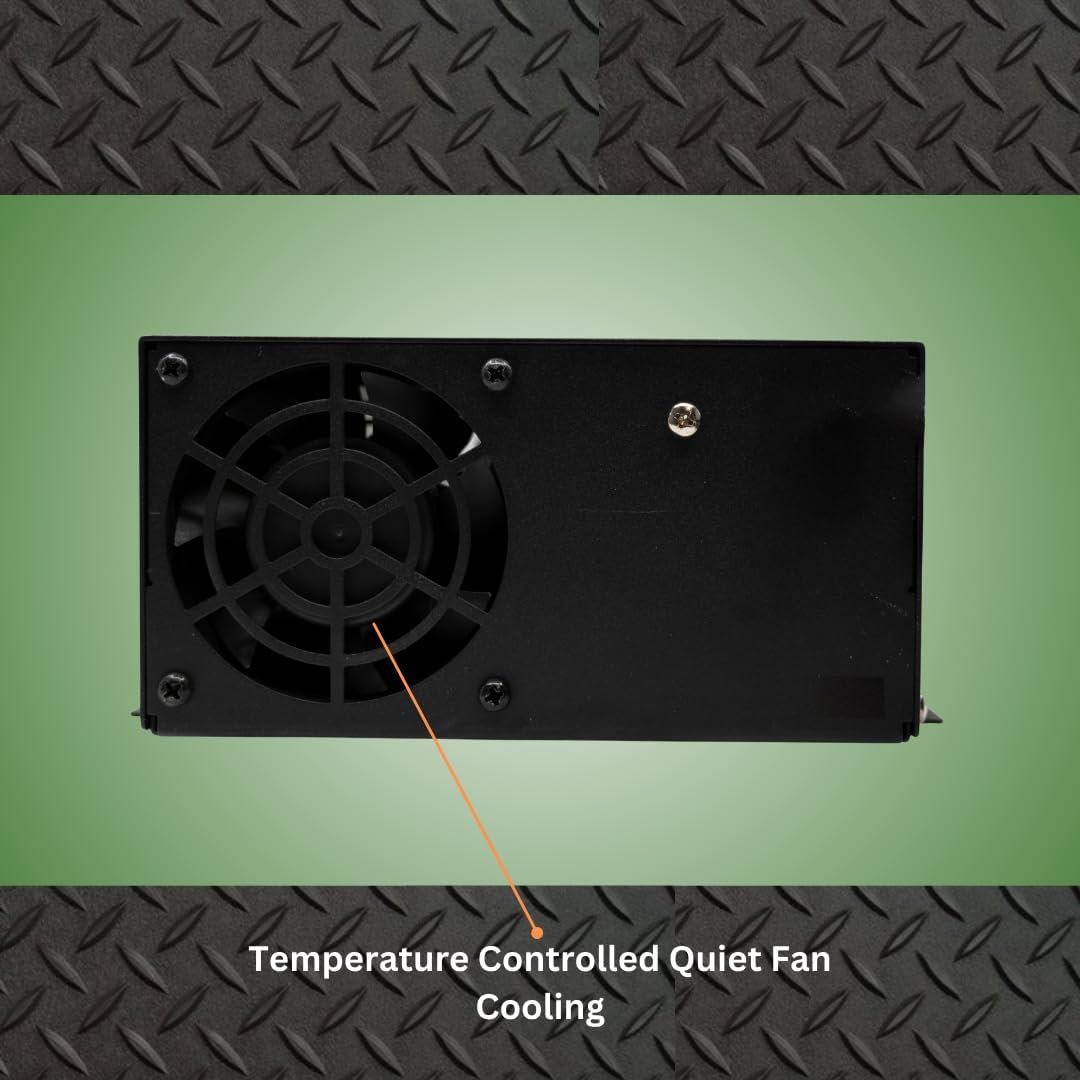
Figure 2.4: The side of the PowerMax PM3-35 unit, featuring the integrated temperature-controlled fan designed for efficient and quiet cooling during operation.
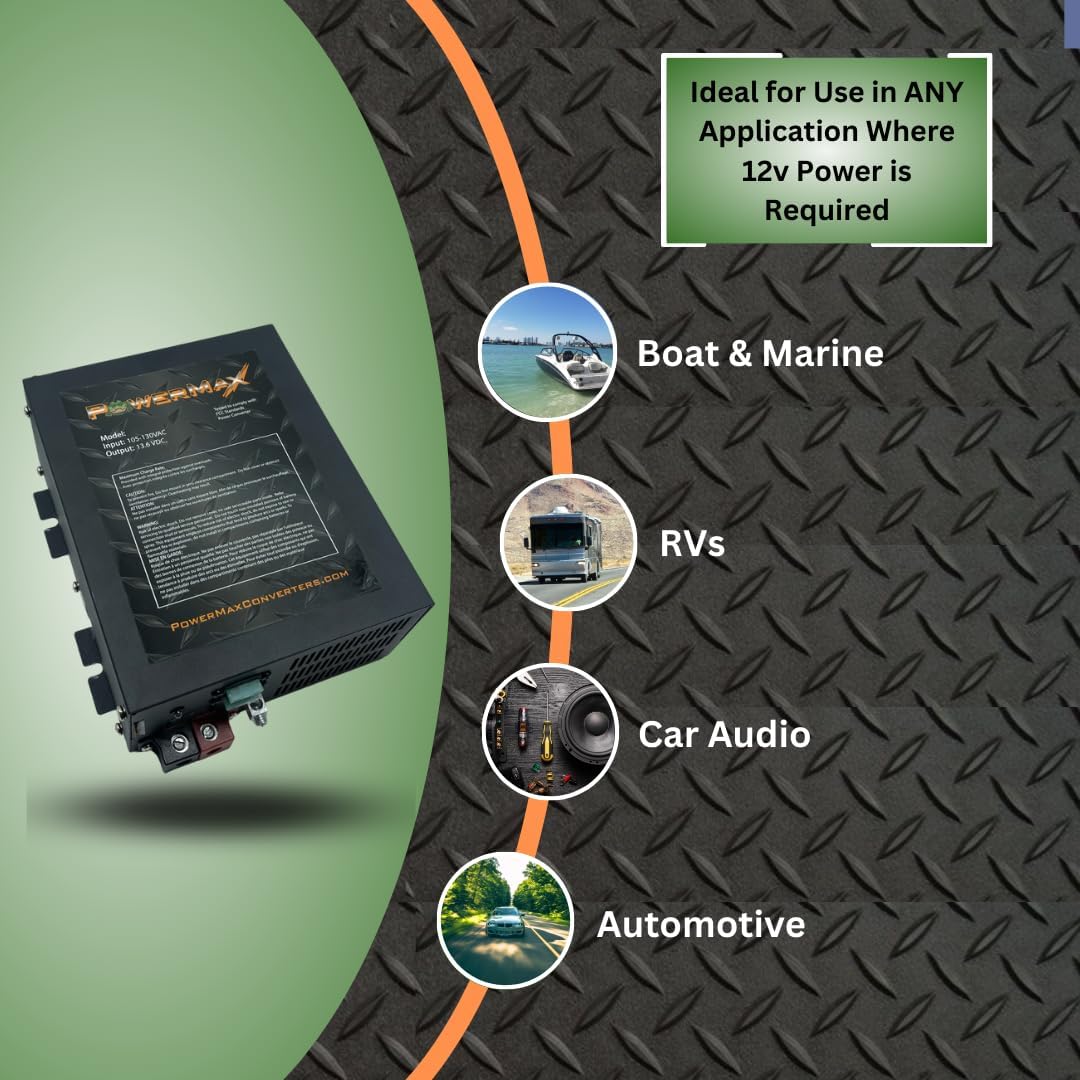
Figure 2.5: An illustration demonstrating the wide range of applications for the PowerMax PM3-35, including use in boats, RVs, car audio systems, and general automotive electrical needs.

Figure 2.6: This image outlines advanced capabilities of the PowerMax PM3-35, such as its suitability for series or parallel wiring for increased output, availability in various amperages, optimized charging for battery longevity, and compatibility with LiFePO4 batteries.

Figure 2.7: A detailed view of the PowerMax PM3-35's terminal side, highlighting the LED indicator light and the integrated protection features against reverse polarity, overload, and thermal issues.
3. Setup and Installation
The PowerMax PM3-35 is designed for straightforward installation. It features built-in mounting flanges and an AC power cord for standard 110/120V outlets. For DC output, the converter utilizes a junction-set screw-style terminal block with clearly marked positive (red) and negative (black) terminals.
Installation Steps:
- Mounting: Securely mount the converter using its built-in flanges. Ensure adequate ventilation around the unit.
- AC Connection: Plug the integrated AC power cord into a standard 110/120V AC outlet.
- DC Wiring: Strip the heavy-gauge battery charge wires. Insert the positive wire into the red terminal and the negative wire into the black terminal of the junction-set screw-style terminal block. Tighten the screws to ensure a secure connection.
- Verification: Double-check all connections for proper polarity and tightness before powering on the unit.
Important: For safety and optimal performance, it is highly recommended that installation be performed by a trained, licensed technician.
4. Operation
The PowerMax PM3-35 operates with intelligent charging and current-limiting capabilities, providing reliable power and battery charging.
Charging Modes:
- 3-Stage Charging Mode: This automatic mode optimizes battery charging by cycling through bulk, absorption, and float stages. It provides 14.4V DC for bulk charging and 13.6V DC for absorption/float, ensuring efficient and safe charging.
- Fixed Output Mode: The unit can be set to a fixed DC output voltage, adjustable between 13V DC and 16.5V DC. This mode is suitable for applications requiring a constant voltage supply. Refer to Figure 2.3 for the location of the mode switch and voltage adjustment.
Indicator Light:
The LED indicator light provides visual feedback on the unit's operational status. Consult the specific product labeling for detailed interpretations of the LED states.
5. Maintenance
The PowerMax PM3-35 is designed for minimal maintenance. Regular inspection and proper ventilation are key to ensuring its longevity and reliable performance.
- Ventilation: Ensure that the cooling fan and ventilation grilles are free from dust and obstructions. Adequate airflow is crucial for preventing overheating.
- Connections: Periodically check all electrical connections (AC input and DC output) to ensure they remain tight and free from corrosion.
- Cleaning: Keep the exterior of the unit clean and free of debris. Use a dry cloth for cleaning; do not use liquid cleaners.
- Thermal Protection: The unit features automatic thermal protection. If the unit reduces output due to high temperature, ensure it has proper ventilation and allow it to cool before resuming full operation.
6. Troubleshooting
This section addresses common issues you might encounter with your PowerMax PM3-35 power supply.
| Problem | Possible Cause | Solution |
|---|---|---|
| No power output / Unit not turning on | No AC input; Blown fuse; Internal fault | Check AC power source and connections. Inspect and replace fuses if necessary. If problem persists, contact support. |
| Overheating / Reduced output | Insufficient ventilation; Excessive load | Ensure clear airflow around the unit. Reduce connected load. Allow unit to cool. |
| Battery not charging properly | Incorrect mode selection; Faulty battery; Loose connections | Verify correct charging mode (3-stage or fixed). Check battery condition. Secure all DC connections. |
| Unusual noise from fan | Dust/debris in fan; Fan malfunction | Clean fan area carefully. If noise persists or fan stops, contact support. |
If you encounter issues not listed here or if the suggested solutions do not resolve the problem, please contact PowerMax customer support for assistance.
7. Specifications
| Specification | Value |
|---|---|
| Model Number | PM3_35 |
| Product Dimensions | 12 x 9 x 4 inches |
| Item Weight | 6.49 pounds |
| Input Voltage | 110/120 VAC |
| Output Voltage | 0-12 Volt DC (Adjustable in Fixed Mode) |
| Output Amperage | 35 Amp |
| Charging Modes | 3-Stage Smart Charging, Fixed Output |
| Manufacturer | PowerMax |
| Date First Available | April 29, 2013 |
8. Important Safety Information
Please read and understand all safety instructions before installing or operating this product. Failure to do so may result in injury or damage.
- All items are new and unused. Some items may be repackaged in plain boxes due to bulk purchasing and shipments.
- The manufacturer is not liable for any damages incurred during the installation process.
- It is highly recommended that a trained, licensed technician performs the installation process to ensure safety and proper functionality.
- Ensure the unit is disconnected from all power sources before performing any installation, maintenance, or troubleshooting.
- Do not operate the unit in wet or damp conditions.
- Ensure proper ventilation to prevent overheating.
9. Warranty and Support
Specific warranty details for the PowerMax PM3-35 are not provided within this manual. For information regarding product warranty, technical support, or service, please refer to the official PowerMax website or contact their customer service department directly.
PowerMax Customer Support: Please visit the PowerMax Store on Amazon or their official website for contact information and further assistance.


