1. Product Overview
This Upstart Battery replacement is designed for use with Paslode IM250 II 6V power tools. It provides a reliable power source for your compatible equipment.
Key Features:
- Capacity: 1300mAh
- Voltage: 6V
- Battery Cell Composition: NiCD
- Designed for Paslode 6V Power Tools
2. Specifications
| Brand | Upstart Battery |
| Model Number | PS-6V-NICD-13-DL15 |
| Battery Cell Composition | NiCAD |
| Battery Capacity | 1300 Milliampere Hour (mAh) |
| Voltage | 6V |
| Recommended Uses | Power Tool |
| Unit Count | 1 Count |
3. Compatibility
This replacement battery is compatible with various Paslode 6V power tools, including models such as:
- Paslode IM250 II
- Paslode 404717
- Other Paslode 6V tools requiring a 1300mAh NiCD battery.
4. Installation
- Ensure Power Tool is Off: Before attempting to remove or install the battery, ensure the power tool is switched off and disconnected from any power source.
- Remove Old Battery: Locate the battery release mechanism on your Paslode tool. Press the release button or latch and slide the old battery out of its compartment.
- Insert New Battery: Align the new Upstart Battery replacement with the battery compartment. Slide the battery firmly into place until it clicks, indicating it is securely locked.
- Verify Connection: Gently tug on the battery to ensure it is properly seated and will not dislodge during use.
5. Charging Instructions
For optimal performance and battery life, follow these charging guidelines:
- Use a charger compatible with Paslode 6V NiCD batteries.
- Insert the battery into the charger according to the charger's instructions.
- Allow the battery to charge fully before first use and after each discharge.
- Avoid overcharging for extended periods, as this can reduce battery life.
- Charge the battery in a well-ventilated area, away from flammable materials.
6. Safety Warnings
To prevent injury or damage, observe the following safety precautions:
- Do not disassemble, crush, puncture, or short-circuit the battery.
- Do not expose the battery to extreme heat (above 60°C / 140°F) or direct sunlight.
- Do not dispose of the battery in fire or water.
- Keep the battery away from children and pets.
- If the battery shows signs of damage, leakage, or overheating, discontinue use immediately.
- Recycle used batteries responsibly according to local regulations.
7. Maintenance and Storage
Proper care and storage will extend the life of your battery:
- Store the battery in a cool, dry place, away from direct sunlight and moisture.
- If storing for an extended period, charge the battery to approximately 50% capacity.
- Avoid storing the battery in a completely discharged state.
- Clean battery terminals periodically with a dry cloth to ensure good electrical contact.
8. Troubleshooting
- Battery not charging: Ensure the charger is plugged in and functioning correctly. Verify the battery is properly seated in the charger. Check for any visible damage to the battery or charger.
- Tool not powering on: Ensure the battery is fully charged and securely installed in the tool. Check the tool's power switch and other connections.
- Reduced run time: Battery capacity may decrease over time with normal use. Ensure the battery is fully charged before each use. If run time is significantly reduced, consider replacing the battery.
9. Warranty and Support
Any warranties for this product are offered solely by Upstart Battery. This product is a replacement part and is not affiliated with any OEM brands, nor is it covered under any warranties offered by the original manufacturers. For warranty claims or support, please contact Upstart Battery directly.
10. Product Media
Product Images
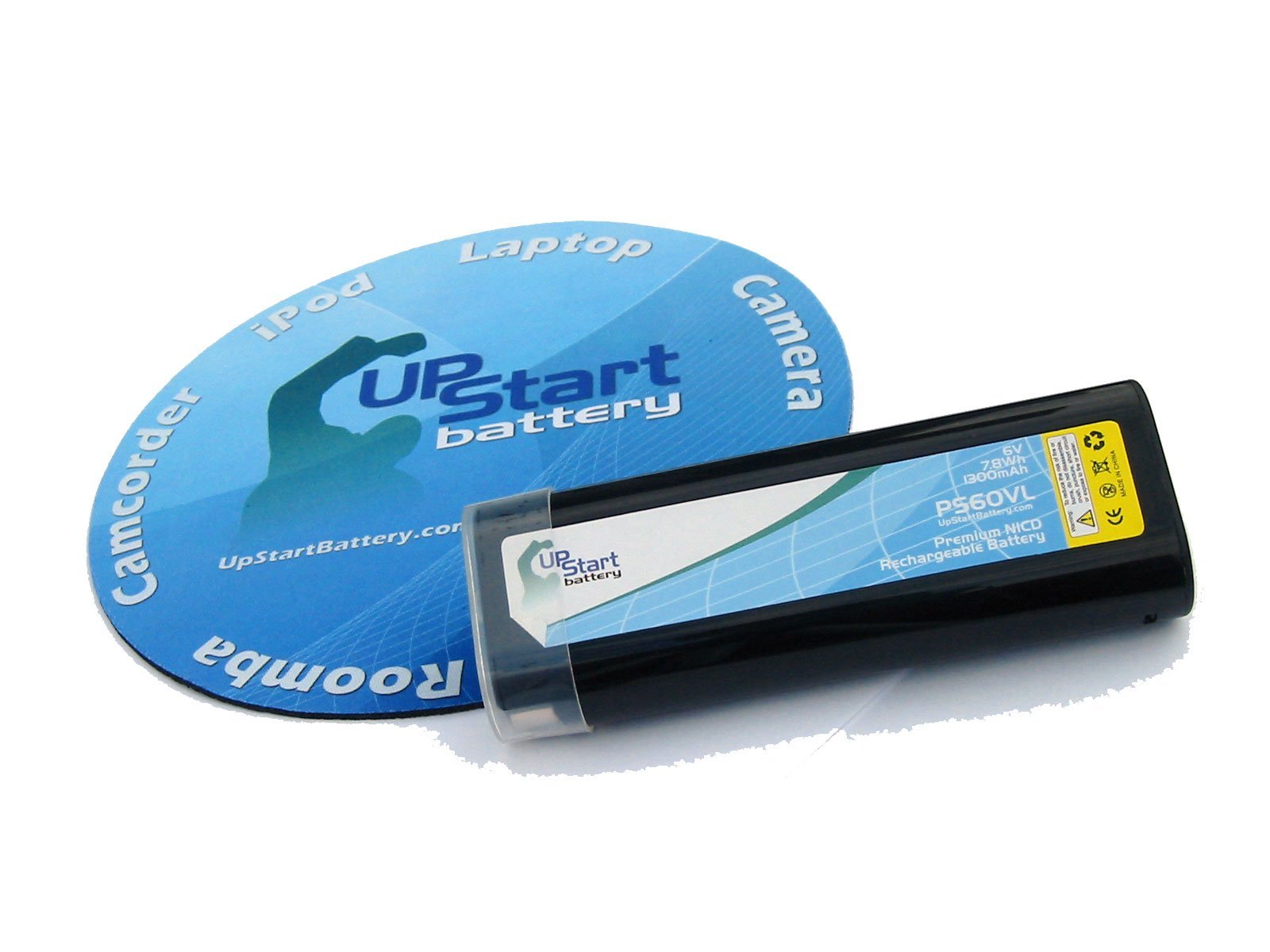
Image: Upstart Battery Replacement for Paslode IM250 II 6V 1300mAh NiCD Battery, showing its overall design.
Official Product Videos
Video: Overview of the heshunchang 6V battery, compatible with Paslode 404717, highlighting its features and specifications.
Video: Demonstration of a battery compatible with Paslode 404717, showcasing its design and use.
Video: Detailed look at a replacement Ni-MH battery for Paslode 404717, including its features and compatibility.


