
Introduction
This manual provides essential information for the proper installation, operation, and maintenance of your Tekin RX8 Gen2 30mm x 7mm Cooling Fan set. These fans are designed as direct replacement cooling units for the Tekin RX8 Gen2 Electronic Speed Control (ESC) in remote-controlled cars. Each set includes two black 30mm x 7mm fans.
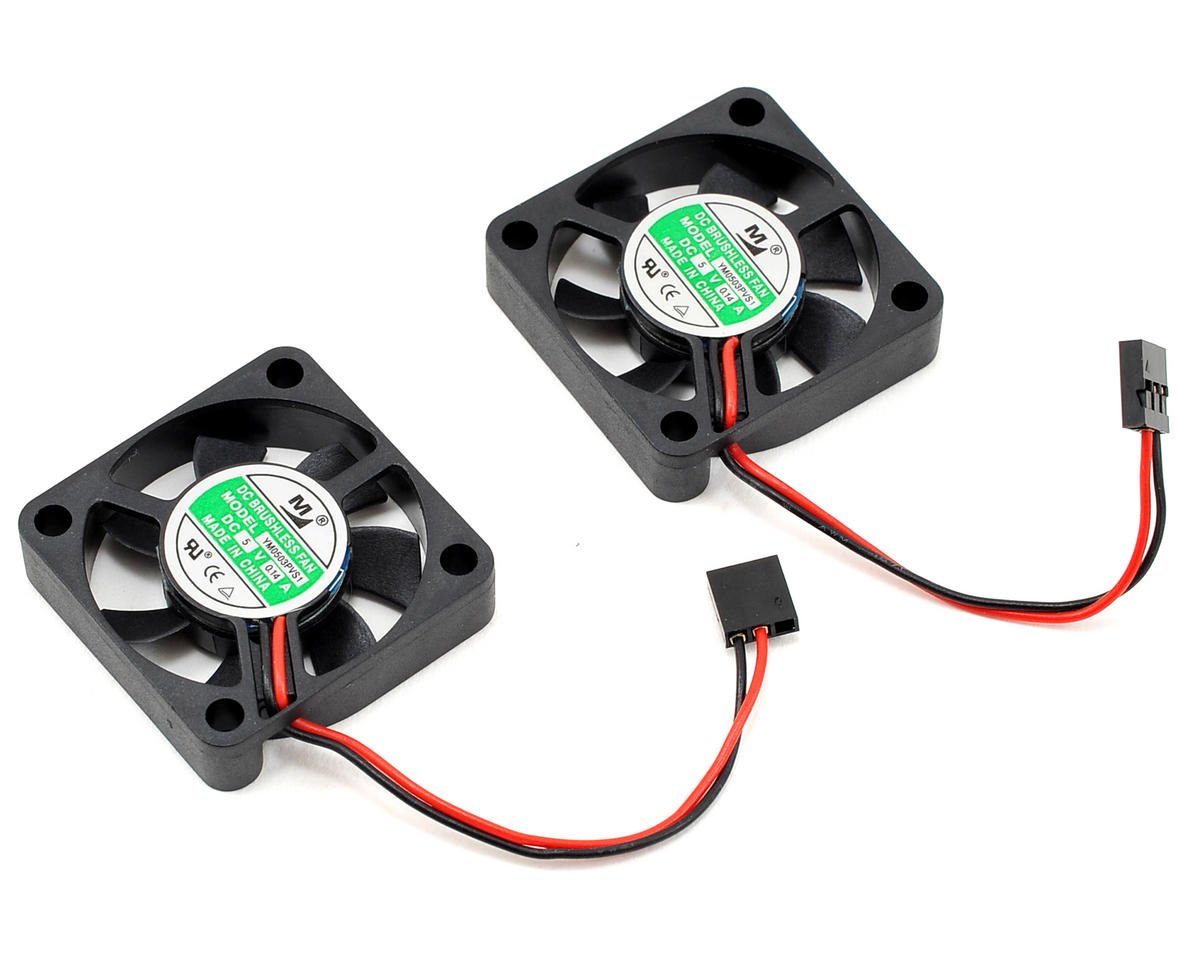
Image: The Tekin RX8 Gen2 30mm x 7mm Cooling Fan set, including two fans, shown in its original packaging.
Setup and Installation
The Tekin RX8 Gen2 30mm x 7mm Cooling Fans are specifically designed for the RX8 Gen2 ESC. Proper installation ensures optimal cooling performance.
- Preparation: Ensure your RX8 Gen2 ESC is powered off and disconnected from the battery before beginning installation.
- Remove Old Fans: Carefully disconnect and remove the existing fans from your RX8 Gen2 ESC. Note the orientation of the old fans to ensure correct airflow direction with the new fans.
- Install New Fans: Position the new Tekin 30mm x 7mm fans onto the RX8 Gen2 ESC. Secure them using the appropriate mounting hardware (not included, typically reused from the original fans or provided with the ESC).
- Connect Power: Connect the fan's 3-Pin or 4-Pin power connector to the designated fan port on the RX8 Gen2 ESC. Ensure the connector is fully seated and correctly oriented.
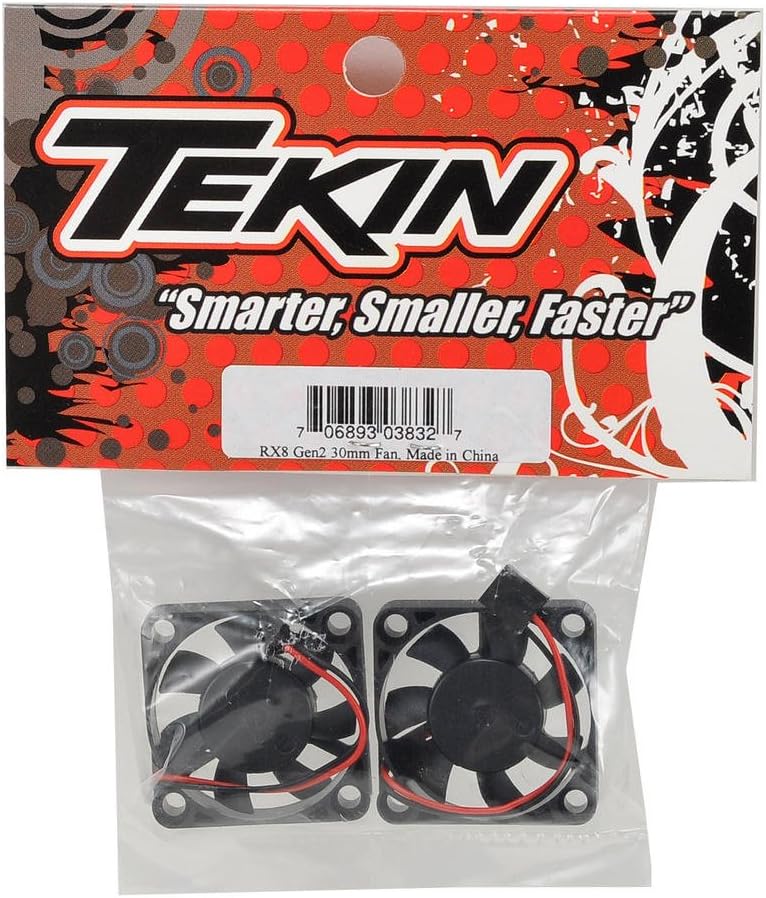
Image: A close-up view of the two Tekin 30mm x 7mm cooling fans, highlighting their design and wiring.
Note: These fans operate at 12 Volts. Verify your ESC's fan output voltage compatibility if using with a different device.
Operating Instructions
Once installed, the cooling fans will activate automatically when the ESC is powered on, providing forced air cooling to maintain optimal operating temperatures for your RX8 Gen2 ESC. The fans are designed for continuous operation during vehicle use.
- Airflow: Ensure that the fan blades are unobstructed to allow for maximum airflow. Proper airflow is crucial for effective cooling.
- Noise Level: The fans operate at a typical noise level of 30 Decibels. Any significant increase in noise may indicate an issue.
Maintenance
Regular maintenance helps prolong the life and efficiency of your cooling fans.
- Cleaning: Periodically inspect the fan blades and housing for dust, dirt, or debris accumulation. Use a soft brush or compressed air to gently clean the fans. Avoid using liquids or harsh chemicals.
- Inspection: Check the fan blades for any signs of damage, cracks, or bending. Damaged blades can lead to imbalance, increased noise, and reduced cooling performance.
- Wiring: Inspect the fan wiring for any fraying, cuts, or loose connections. Secure any loose connections immediately.
- Replacement: If a fan becomes excessively noisy, stops spinning, or has visibly damaged blades, it should be replaced to ensure proper ESC cooling.
Troubleshooting
If you encounter issues with your Tekin cooling fans, refer to the following troubleshooting steps:
- Fan Not Spinning:
- Check the power connection to the ESC. Ensure it is securely plugged in.
- Verify that the ESC is powered on and functioning correctly.
- Inspect for any obstructions preventing the blades from rotating.
- If the fan still does not spin, it may be faulty and require replacement.
- Excessive Noise:
- Check for debris caught in the fan blades.
- Inspect blades for damage or imbalance.
- Ensure the fan is securely mounted and not vibrating against other components.
Specifications
| Feature | Specification |
|---|---|
| Brand | Tekin |
| Model Number | TEKTT3832 |
| Dimensions | 30mm x 7mm |
| Voltage | 12 Volts |
| Power Connector Type | 3-Pin or 4-Pin |
| Cooling Method | Forced Air |
| Noise Level | 30 Decibels |
| Material | Plastic |
| Included Components | Two ESC Cooling Fans |
| Item Weight | 0.01 Kilograms |
Warranty Information
Please note that this product is sold without a manufacturer's warranty. For specific return or replacement policies, please refer to the retailer where the product was purchased.
Support
For further assistance or inquiries regarding your Tekin RX8 Gen2 30mm x 7mm Cooling Fans, please visit the official Tekin website or contact their customer support directly. You can find more information and contact details at www.teamtekin.com.