
1. Introduction to Mario Kart 8
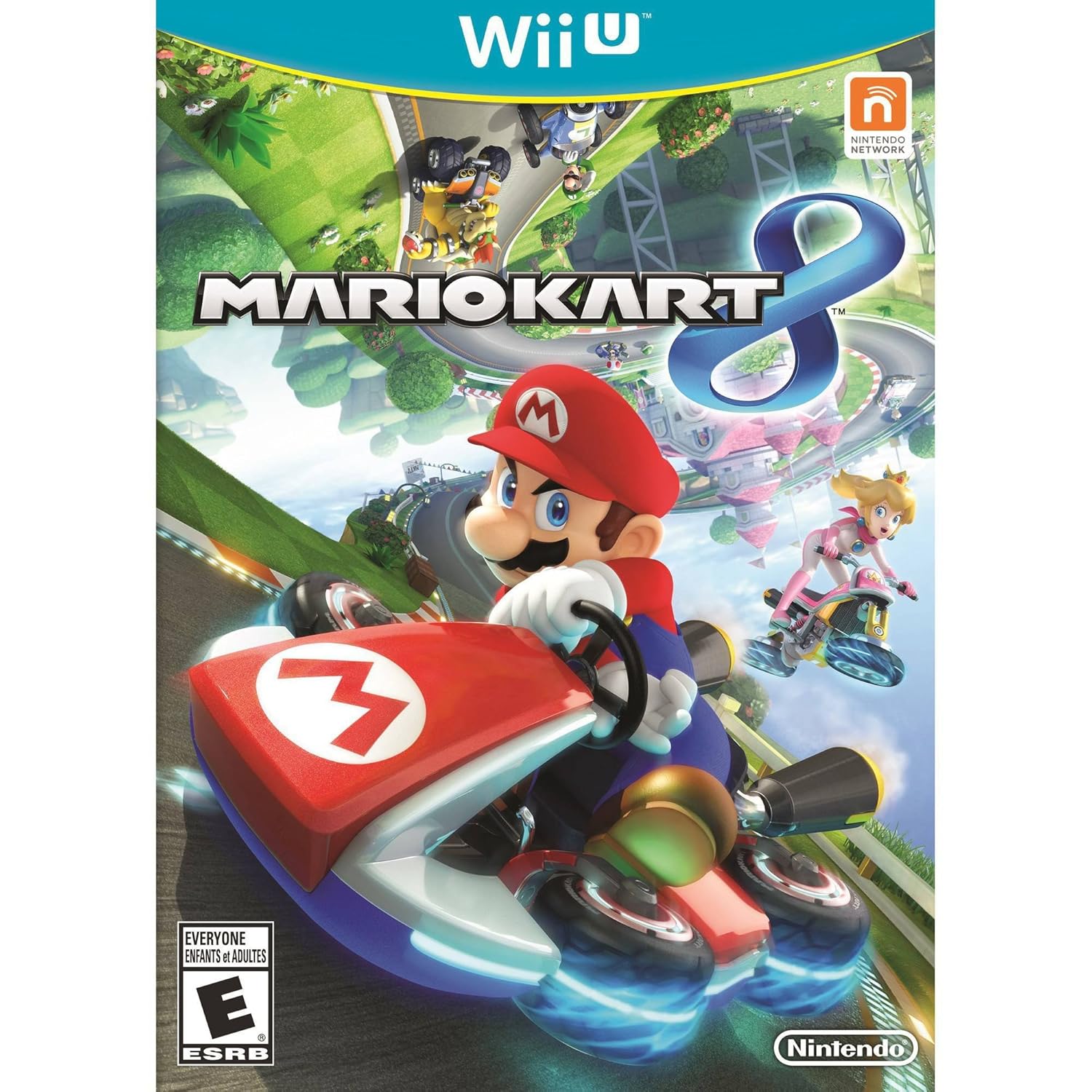
Mario Kart 8 brings the iconic racing franchise to the Wii U console with high-definition graphics and innovative gameplay mechanics. This manual provides essential information for setting up, operating, and maintaining your game.
Key Features:
- Experience racing along walls and upside-down on twisting anti-gravity racetracks.
- Share highlight videos of your best moments with friends using the Mario Kart TV feature.
- Engage in local multiplayer races and battles, or connect online with players worldwide.
- Enjoy fan-favorite features from previous Mario Kart titles, including gliders, underwater racing, motorbikes, and mid-air tricks.
- Immerse yourself in crisp HD graphics and fluid animation for a visually stunning racing experience.
2. Setup Instructions
- Insert the Game Disc: Gently insert the Mario Kart 8 game disc into the Wii U console's disc slot with the label facing up.
- Power On: Turn on your Wii U console and television.
- Select Game: From the Wii U Menu on the Wii U GamePad, select the Mario Kart 8 icon to start the game.
- Controller Connection: Ensure your preferred controller (Wii U GamePad, Wii Remote, Wii U Pro Controller, etc.) is synced with the console. Follow on-screen prompts if pairing is required.
3. Operating Instructions
Basic Controls:
- Steering: Use the control stick on the GamePad or Pro Controller, or tilt a Wii Remote (with or without a Wii Wheel accessory) for motion steering.
- Accelerate: Press the A button or the right trigger.
- Brake/Reverse: Press the B button or the left trigger.
- Use Item: Press the L or ZL button.
- Drift: Hold the R or ZR button while turning to perform a drift for a speed boost.
- Anti-Gravity: When on blue anti-gravity strips, your kart will automatically switch to anti-gravity mode, allowing you to drive on walls and ceilings. Colliding with other racers or certain objects in this mode provides a speed boost.
Game Modes:
- Grand Prix: Compete in cups against computer-controlled opponents to earn trophies.
- VS Race: Customize race rules and compete against friends or AI.
- Battle Mode: Engage in various battle types, such as Balloon Battle, with friends or AI.
- Online Play: Race and battle with up to 12 players from around the world.
- Mario Kart TV: View and share highlight reels of your races.
4. Maintenance
- Disc Care: Handle the game disc by its edges. Store it in its case when not in use to prevent scratches. Clean the disc with a soft, lint-free cloth if it becomes dirty, wiping from the center outwards.
- Console Ventilation: Ensure your Wii U console has adequate ventilation to prevent overheating. Do not block air vents.
- Software Updates: Periodically check for and install system and game updates to ensure optimal performance and access to new features.
5. Troubleshooting
- Game Not Loading:
- Ensure the disc is clean and free of scratches.
- Restart the Wii U console.
- Verify the disc is inserted correctly.
- Controller Issues:
- Check battery levels.
- Resync the controller with the Wii U console.
- Ensure no obstructions are interfering with wireless signals.
- Lag or Performance Issues:
- Close other applications running on the Wii U.
- Ensure your console is well-ventilated.
- For online play, check your internet connection stability.
6. Specifications
| Title | Mario Kart 8 - Wii U |
| Brand | Nintendo |
| Model Number | WUPPAMKE |
| Platform | Nintendo Wii U |
| Number of Players | Multiplayer |
| Release Date | May 30, 2014 |
| ESRB Rating | Everyone |
| Language | English |
| Product Dimensions | 0.57 x 5.34 x 7.43 inches |
| Item Weight | 3.2 ounces |
7. Warranty and Support
For detailed warranty information and technical support regarding your Nintendo Mario Kart 8 game or Wii U console, please refer to the official Nintendo support website or contact Nintendo customer service directly. Specific warranty terms may vary by region and purchase date.
You can typically find support resources, FAQs, and contact information on the official Nintendo website:


