1. Introduction
This manual provides essential information for the safe and efficient operation of your 2010 Ford F-150. It covers various models, including the SVT Raptor. Please read this manual thoroughly to familiarize yourself with the vehicle's features, controls, and maintenance requirements. Proper use and regular maintenance will ensure the longevity and optimal performance of your F-150.
Keep this manual in your vehicle for quick reference.
2. Safety Information
Your safety and the safety of your passengers are paramount. This section outlines important safety precautions and warnings. Always adhere to local traffic laws and regulations.
2.1 Seat Belts and Airbags
- Always wear your seat belt and ensure all passengers are properly restrained.
- Never place children in the front seat without appropriate child restraints.
- Do not modify the airbag system.
2.2 Driving Safely
- Avoid distracted driving. Focus on the road.
- Do not operate the vehicle under the influence of alcohol or drugs.
- Adjust your speed to road and weather conditions.
3. Initial Setup and Controls
Before driving, familiarize yourself with the vehicle's primary controls and adjustments.
3.1 Adjusting Your Driving Position
- Seat Adjustment: Locate the levers or buttons on the side of your seat to adjust its position, height, and recline.
- Steering Wheel Adjustment: Use the lever located under the steering column to adjust the steering wheel's tilt and telescope. Lock it in place before driving.
- Mirror Adjustment: Adjust the side mirrors using the control on the driver's door panel. Adjust the rearview mirror manually for optimal visibility.
3.2 Instrument Panel Overview
The instrument panel provides critical information about your vehicle's status. Refer to the diagram below for key indicators.
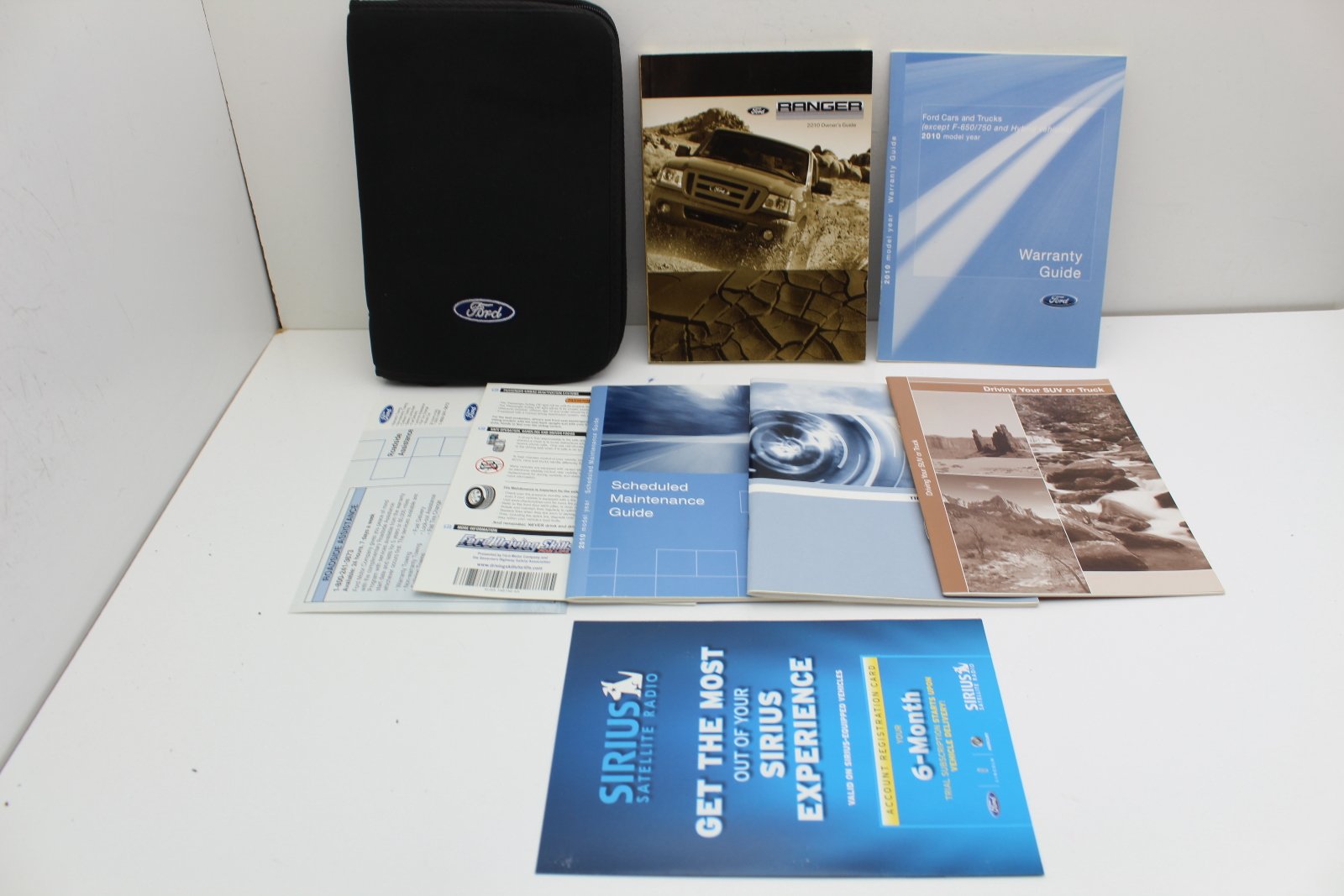
Figure 3.2.1: Cover of the 2010 Ford F-150 Owner's Manual. This image represents the manual itself, which contains detailed diagrams of the instrument panel and other vehicle components.
- Speedometer: Displays current vehicle speed.
- Tachometer: Displays engine RPM.
- Fuel Gauge: Indicates fuel level.
- Warning Lights: Illuminate to indicate potential issues (e.g., check engine, oil pressure, battery). Consult the manual for specific light meanings.
4. Operating Your Vehicle
This section details the procedures for starting, driving, and utilizing various features of your F-150.
4.1 Starting and Stopping the Engine
- Ensure the transmission is in Park (P) or Neutral (N).
- Press the brake pedal firmly.
- Insert the key into the ignition and turn it to the START position. Release the key once the engine starts.
- To stop the engine, shift to Park (P) and turn the key to the OFF position.
4.2 Transmission Operation
Your F-150 is equipped with an automatic transmission. Use the gear selector to choose the desired driving mode.
- P (Park): Locks the transmission. Use when parking.
- R (Reverse): For backing up.
- N (Neutral): Allows the wheels to turn freely.
- D (Drive): For normal forward driving.
- (L) Low Gear (if equipped): Provides increased engine braking for steep descents or heavy towing.
4.3 Four-Wheel Drive (SVT Raptor Specific)
SVT Raptor models feature advanced 4x4 capabilities. Use the transfer case control knob to select between 2H, 4A (if equipped), 4H, and 4L modes.
- 2H (Two-Wheel Drive High): For normal road driving.
- 4A (Four-Wheel Drive Auto): Automatically shifts power between front and rear wheels as needed (if equipped).
- 4H (Four-Wheel Drive High): For off-road or slippery conditions at normal speeds.
- 4L (Four-Wheel Drive Low): For maximum traction at low speeds, such as climbing steep grades or navigating difficult terrain.
5. Maintenance and Care
Regular maintenance is crucial for the performance, safety, and longevity of your Ford F-150. Follow the recommended service schedule.
5.1 Scheduled Maintenance
Refer to the separate "Scheduled Maintenance Guide" for detailed service intervals. Key items include:
- Oil and filter changes.
- Tire rotation and inspection.
- Brake system inspection.
- Fluid level checks (coolant, brake fluid, power steering fluid, washer fluid).
- Air filter replacement.
5.2 Fluid Checks
| Fluid Type | Check Interval | Recommended Action |
|---|---|---|
| Engine Oil | Every 5,000-7,500 miles or 6 months | Check level, add if low, change as per schedule. |
| Coolant | Every 15,000 miles or 12 months | Check level, ensure proper concentration. |
| Brake Fluid | Every 15,000 miles or 12 months | Check level, top up if low. |
6. Troubleshooting Common Issues
This section provides solutions for common operational problems. For more complex issues, consult a certified Ford technician.
6.1 Engine Will Not Start
- Battery: Check battery terminals for corrosion and ensure they are tight. If the battery is dead, jump-start the vehicle.
- Fuel: Ensure there is sufficient fuel in the tank.
- Ignition: Confirm the key is fully inserted and turned correctly.
- Transmission: Make sure the transmission is in Park (P) or Neutral (N).
6.2 Warning Light Illuminated
- Check Engine Light: This indicates an emission system malfunction. It may be a minor issue or something more serious. Have the vehicle inspected by a technician.
- Oil Pressure Light: Stop the vehicle immediately and check the engine oil level. Do not drive with low oil pressure.
- Battery Light: Indicates a charging system issue. Have the battery and alternator checked.
7. Specifications
Key technical specifications for the 2010 Ford F-150.
| Feature | Detail |
|---|---|
| ASIN | B00CGA2960 |
| Publisher | Ford |
| Publication Date | January 1, 2010 |
| Language | English |
| Item Weight | 12.6 ounces |
Note: Specific engine types, towing capacities, and dimensions vary by trim level (e.g., XL, XLT, Lariat, SVT Raptor). Refer to your vehicle's specific documentation for precise figures.
8. Warranty Information
Your 2010 Ford F-150 is covered by a comprehensive warranty. Details regarding coverage, duration, and limitations are provided in a separate "Warranty Guide" booklet included with your vehicle. Please consult this guide for complete information.
Keep your warranty documentation in a safe place for future reference.
9. Customer Support
For further assistance, questions, or to locate an authorized service center, please contact Ford Customer Service or visit the official Ford website.
- Ford Official Website: www.ford.com
- Customer Service: Refer to your warranty guide or the Ford website for regional contact numbers.
- Authorized Dealerships: Your local Ford dealership is equipped to handle all service and parts needs.


