
Introduction
This manual provides instructions for the setup, operation, and maintenance of your CRAFTSMAN 139.18190 315 MHz Security+ Visor Remote Control. This remote is designed to be compatible with garage door openers featuring a purple learn button, operating on the 315 MHz frequency with Security+ technology.
Product Overview
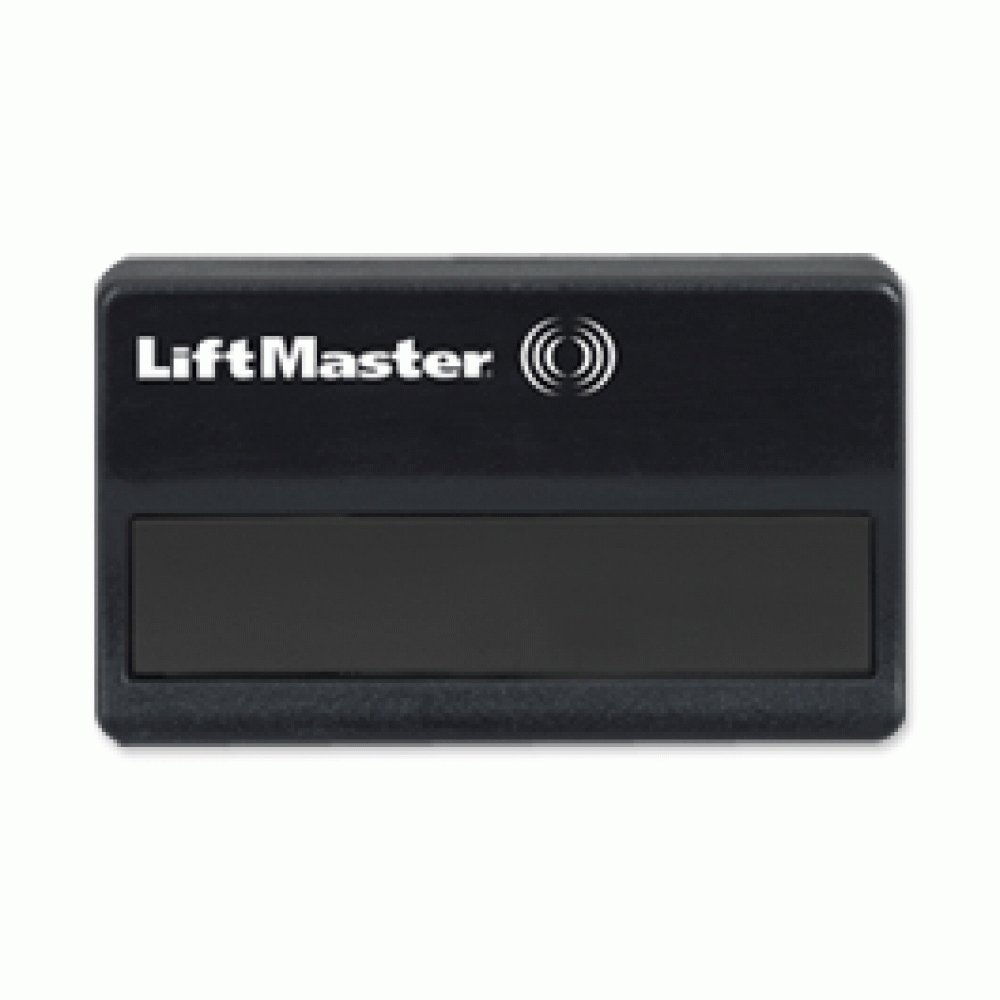
Image: A black, rectangular remote control unit with the "LiftMaster" logo and a single button area. This image represents a compatible remote for the specified Craftsman garage door opener systems.
The remote control features a single button for operating your compatible garage door opener. Its compact design allows for convenient attachment to a vehicle's sun visor or placement in a pocket.
Setup and Programming
To program your new remote control to your garage door opener, follow these steps:
- Locate the Learn Button: On your garage door opener motor unit, locate the "Learn" button. This remote is compatible with openers that have a purple learn button. The learn button is typically found on the back or side panel of the motor unit.
- Press the Learn Button: Press and immediately release the purple learn button on the motor unit. The LED indicator light on the motor unit will illuminate steadily for 30 seconds.
- Activate the Remote: Within 30 seconds of pressing the learn button, press and hold the button on your new remote control.
- Release the Remote Button: Release the remote control button when the garage door opener lights flash or two clicks are heard. This indicates that the remote has been successfully programmed.
- Test the Remote: Press the remote control button again to test its operation. The garage door should activate.
If the remote does not work after following these steps, refer to the Troubleshooting section or consult your garage door opener's original manual.
Operating Instructions
Once programmed, operating your CRAFTSMAN 139.18190 remote control is straightforward:
- To Open or Close the Door: Press and release the single button on the remote control. The garage door will begin to move.
- To Stop the Door: Press and release the button again while the door is in motion. The door will stop.
- To Reverse the Door: If the door is stopped mid-travel, pressing the button again will reverse its direction.
Maintenance
Battery Replacement
The remote control uses a standard coin cell battery (e.g., CR2032, though specific type not provided, common for these remotes). When the remote's range decreases or it stops functioning, the battery may need replacement.
- Open the Casing: Use a small coin or screwdriver to carefully pry open the remote control casing, typically along a seam on the side or bottom.
- Remove Old Battery: Carefully remove the old battery, noting its orientation (+/-).
- Insert New Battery: Insert a new battery of the same type, ensuring the correct polarity.
- Close Casing: Snap the remote control casing back together securely.
- Test: Test the remote's operation.
Cleaning
Wipe the remote control with a soft, dry cloth. Avoid using harsh chemicals or abrasive cleaners, as these can damage the casing or internal components.
Troubleshooting
| Problem | Possible Cause | Solution |
|---|---|---|
| Remote does not work after programming. |
|
|
| Reduced operating range. |
|
|
| Remote works intermittently. |
|
|
Specifications
- Model: CRAFTSMAN 139.18190
- Frequency: 315 MHz
- Buttons: 1
- Compatibility: Garage door openers with a purple learn button (Security+ 315 MHz)
- Approximate Dimensions: 13.2 x 7 x 2.5 cm (5.2 x 2.75 x 1 inches)
- Approximate Weight: 71 g (2.5 oz)
- Power Source: Coin cell battery (type not specified, typically CR2032)
Warranty and Support
Specific warranty information and direct support contacts for this product are not provided in the available product details. Please refer to the retailer or manufacturer of your garage door opener for compatibility questions or additional support.


