
Filter Queen AM4000
Filter Queen Defender Air Purifier User Manual
Model: AM4000
Introduction
Welcome to the comprehensive user manual for your Filter Queen Defender Air Purifier. This device is designed to significantly improve indoor air quality by filtering out harmful pollutants. The Defender is an FDA-Cleared, Class II Medical Device, trusted by millions for its effectiveness in creating a healthier home environment. It features 3x HEPA filtration and is 100% assembled in the USA.

The Filter Queen Defender Air Purifier, featuring a black base and red accents.
Important Safety Information
Please read all instructions carefully before operating your Filter Queen Defender Air Purifier. Keep this manual for future reference. This appliance is intended for household use only. Do not use outdoors or on wet surfaces. Always unplug the unit before cleaning or performing any maintenance.
- Ensure the power cord is not damaged and is properly plugged into a grounded outlet.
- Do not block air inlets or outlets.
- Keep away from water and excessive humidity.
- This product is an FDA-Cleared Class II Medical Device, designed for air purification.
Package Contents
Verify that all items are present in the package:
- Filter Queen Defender Air Purifier Unit (Model AM4000)
- Pre-installed HEPA Filter
- Pre-installed Activated Carbon Wrap
- User Manual (this document)
Setup
Follow these steps for initial setup:
- Unpack the Unit: Carefully remove the air purifier from its packaging.
- Choose a Location: Place the Defender on a flat, stable surface in the room where air purification is desired. For optimal performance, ensure there is clear space around the unit for 360° air intake and exhaust. The unit is portable and can clean air for spaces up to 700 sq. ft.
- Check Filters: The HEPA filter and Activated Carbon Wrap are typically pre-installed. Refer to the Maintenance section for instructions on how to access and inspect them.
- Plug In: Connect the power cord to a standard electrical outlet.

The Defender effectively purifies air in spaces up to 700 sq. ft.

The 360° intake and exhaust system ensures comprehensive air circulation.
Operating Instructions
The Filter Queen Defender Air Purifier features simple button controls for ease of use.
- Power On/Off: Press the power button located on the top panel to turn the unit on or off.
- Adjust Fan Speed: The unit offers multiple fan speeds. Press the fan speed button to cycle through the available settings (Low, Medium, High). The lowest setting operates at a quiet 46 dB, suitable for bedrooms.
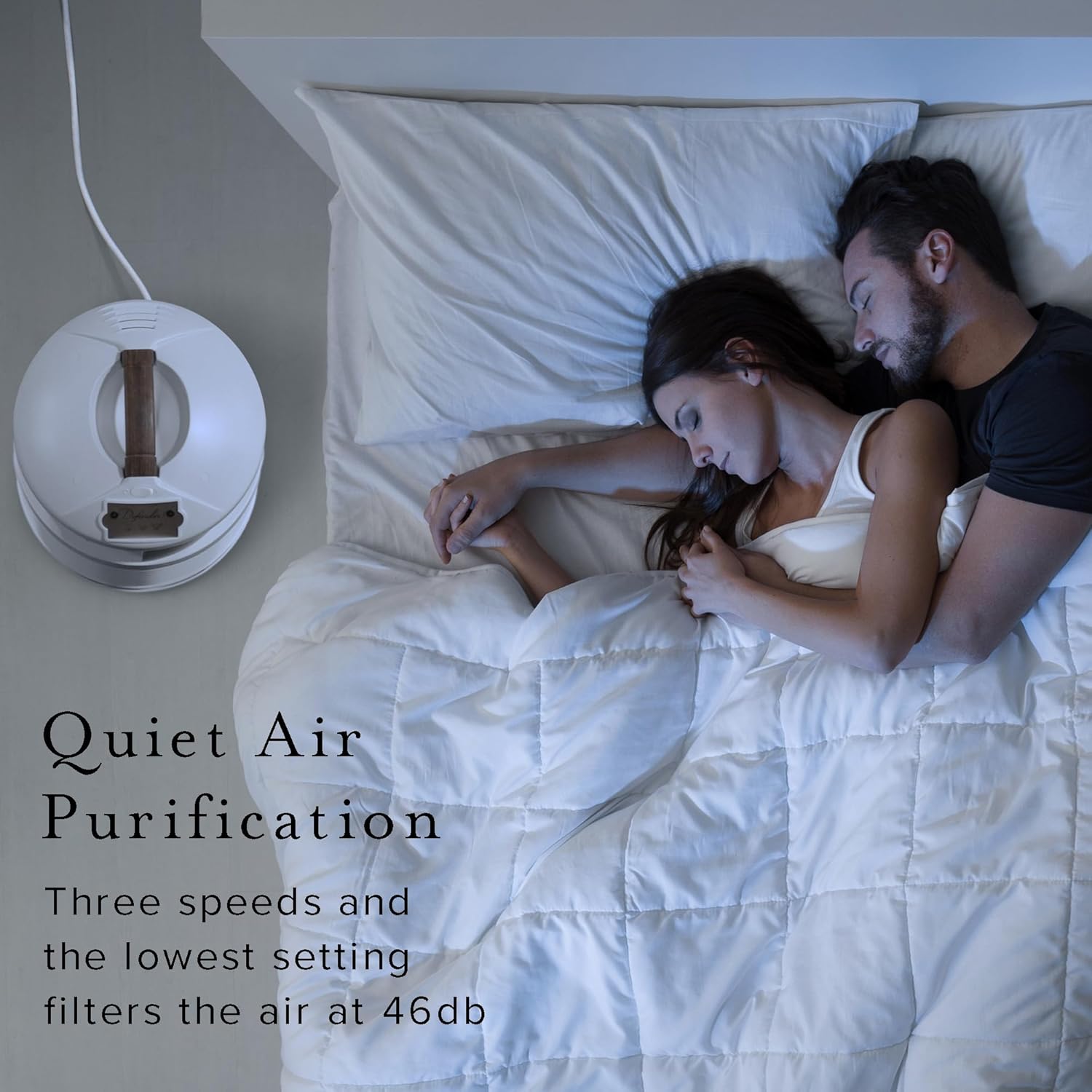
Enjoy quiet air purification, even at night, with the low 46 dB setting.
Benefits of Continuous Operation:
For optimal air quality, it is recommended to operate your Defender Air Purifier continuously. It works 24 hours a day to clean the air, effectively removing indoor allergens, pet odors, and other harmful particles down to 0.1 micron.

Filters 99.99% of harmful particles down to 0.1 micron, reducing indoor allergens.

Clears indoor air of unwanted odors from pets, smoke, and more.
Official Product Video: Filter Queen Defender Air Purifier
This video provides an overview of the Filter Queen Defender Air Purifier, highlighting its features and benefits for improving indoor air quality, including testimonials from users.
Maintenance
Regular maintenance ensures the longevity and optimal performance of your air purifier.
Filter Replacement:
The Defender uses a multi-stage filtration system, including a HEPA filter and an Activated Carbon Wrap. Filters will need changing yearly for optimal performance. Always use OEM filters for best results and to maintain the medical grade rating.
- Unplug the Unit: Always disconnect the power before opening the unit.
- Access Filters: Refer to the unit's specific design for opening the filter compartment.
- Remove Old Filters: Carefully remove the used HEPA filter and Activated Carbon Wrap.
- Install New Filters: Insert new, genuine Filter Queen replacement filters, ensuring they are properly seated.
- Close Unit: Securely close the filter compartment.
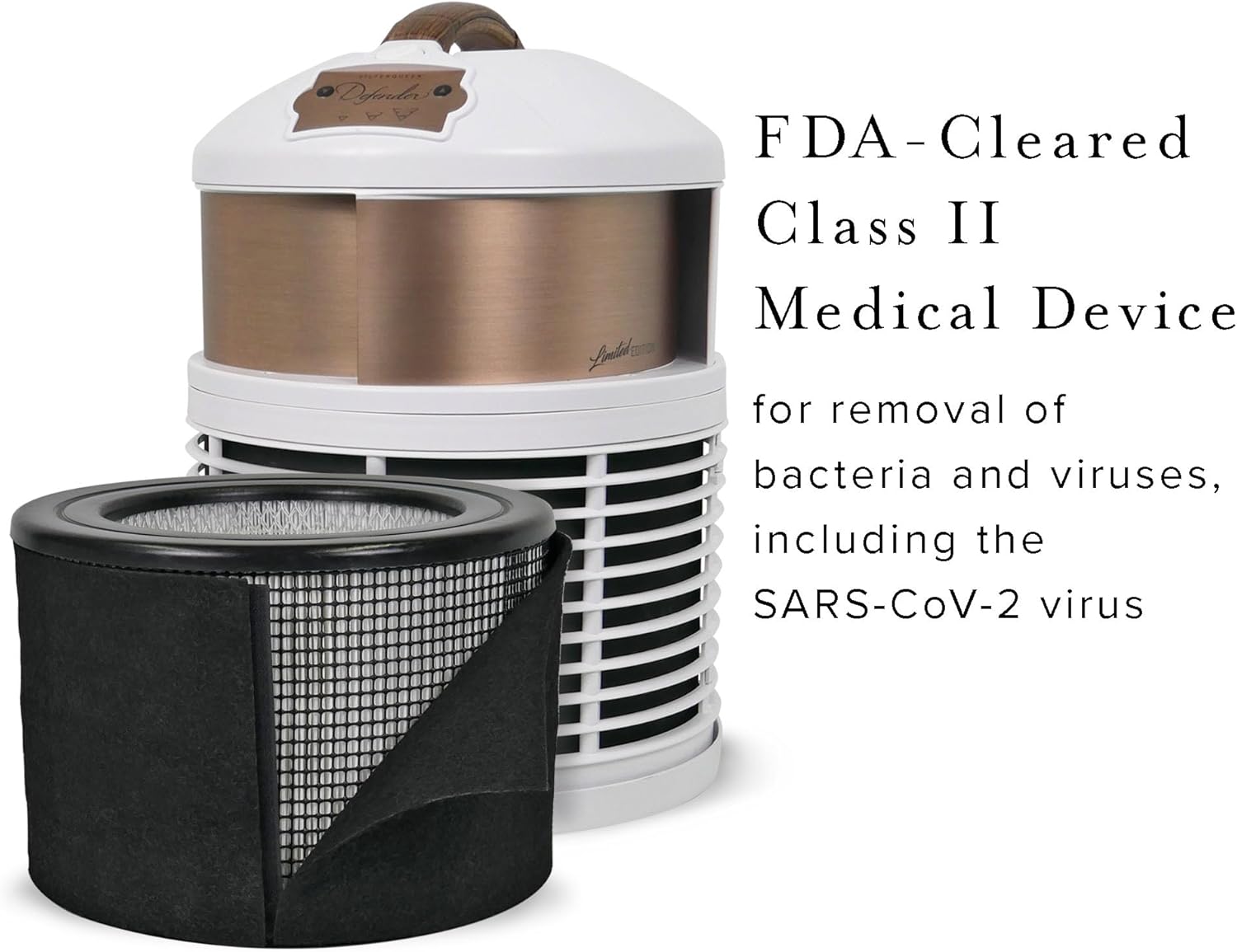
The Defender is an FDA-Cleared Class II Medical Device, utilizing advanced filtration for superior air quality.
Cleaning the Exterior:
Wipe the exterior of the unit with a soft, dry cloth. Do not use abrasive cleaners or solvents.
Troubleshooting
If you encounter issues with your Filter Queen Defender, consult the table below for common problems and solutions.
| Problem | Possible Cause | Solution |
|---|---|---|
| Unit does not turn on. | No power, loose connection. | Check power cord connection and wall outlet. |
| Reduced airflow or poor purification. | Clogged filters. | Replace HEPA filter and Activated Carbon Wrap. |
| Unusual noise. | Obstruction in fan, unit not level. | Ensure no objects are blocking the fan. Place on a flat surface. |
| Persistent odors. | Saturated carbon filter. | Replace the Activated Carbon Wrap. |
If the problem persists after trying these solutions, please contact customer support.
Specifications
| Feature | Detail |
|---|---|
| Brand | Filter Queen |
| Model Number | AM4000 |
| Product Dimensions | 12"D x 12"W x 15"H |
| Floor Area Coverage | 700 Square Feet |
| Noise Level | 46 dB (lowest setting) |
| Particle Retention Size | 0.1 micron |
| Controller Type | Button Control |
| Item Weight | 12.75 pounds |
| Manufacturer | Health-Mor Inc |
| UPC | 692769221125 |
| FDA Clearance | Class II Medical Device |
Warranty and Support
Warranty Information:
The Filter Queen Defender Air Purifier comes with a Lifetime Perpetual Warranty, demonstrating the manufacturer's confidence in its quality and durability. Please retain your proof of purchase for warranty claims.
Customer Support:
For technical assistance, troubleshooting not covered in this manual, or warranty inquiries, please contact Filter Queen customer support. You can also refer to the official user manual PDF for more detailed information: Download User Manual PDF.
Visit the official Filter Queen Store for more products and support: Filter Queen Store.
Related documentsAM4000


Ask a question about this manual
Ask about setup, troubleshooting, compatibility, parts, safety, or missing instructions. Manuals+ will review the question and use this page’s manual context to help answer it.