
Introduction
The Honeywell Air Genius 5 Air Purifier HFD320 is designed to improve indoor air quality by capturing microscopic airborne particles such as dust, pollen, pet dander, dust-mite debris, and smoke. This unit features permanent washable filters, reducing the need for frequent replacements. It offers multiple cleaning levels, quiet operation, and an optional accent light, making it suitable for various room environments.
Important Safety Information
- Read all instructions before using this appliance.
- Always place the air purifier on a firm, level surface.
- Do not block air openings.
- Unplug the appliance before cleaning or performing any maintenance.
- Keep electrical cords away from heated surfaces.
- This product is for indoor use only.
Package Contents
- Honeywell Air Genius 5 Air Cleaner/Odor Reducer
- Odor-Reducing Pre-filter
- Owner's Manual
Product Overview
The Honeywell Air Genius 5 Air Purifier (Model HFD320) is a sleek, black tower unit designed for effective air purification. Its control panel is located on the top, providing easy access to all functions.

Image: The Honeywell Air Genius 5 Air Purifier HFD320 shown alongside its retail packaging, highlighting its black tower design.

Image: The Honeywell Air Genius 5 Air Purifier HFD320, emphasizing its Energy Star and AHAM Verified certifications, indicating energy efficiency and performance.
Setup
- Unpacking: Carefully remove the air purifier from its packaging.
- Placement: Place the unit on a firm, level, and flat surface. Ensure there is adequate space around the unit for proper air circulation. Avoid placing it directly against walls or furniture that might obstruct air intake or output.
- Power Connection: Plug the power cord into a 120V AC electrical outlet.
Operating Instructions
The control panel on top of the unit allows you to manage all functions.
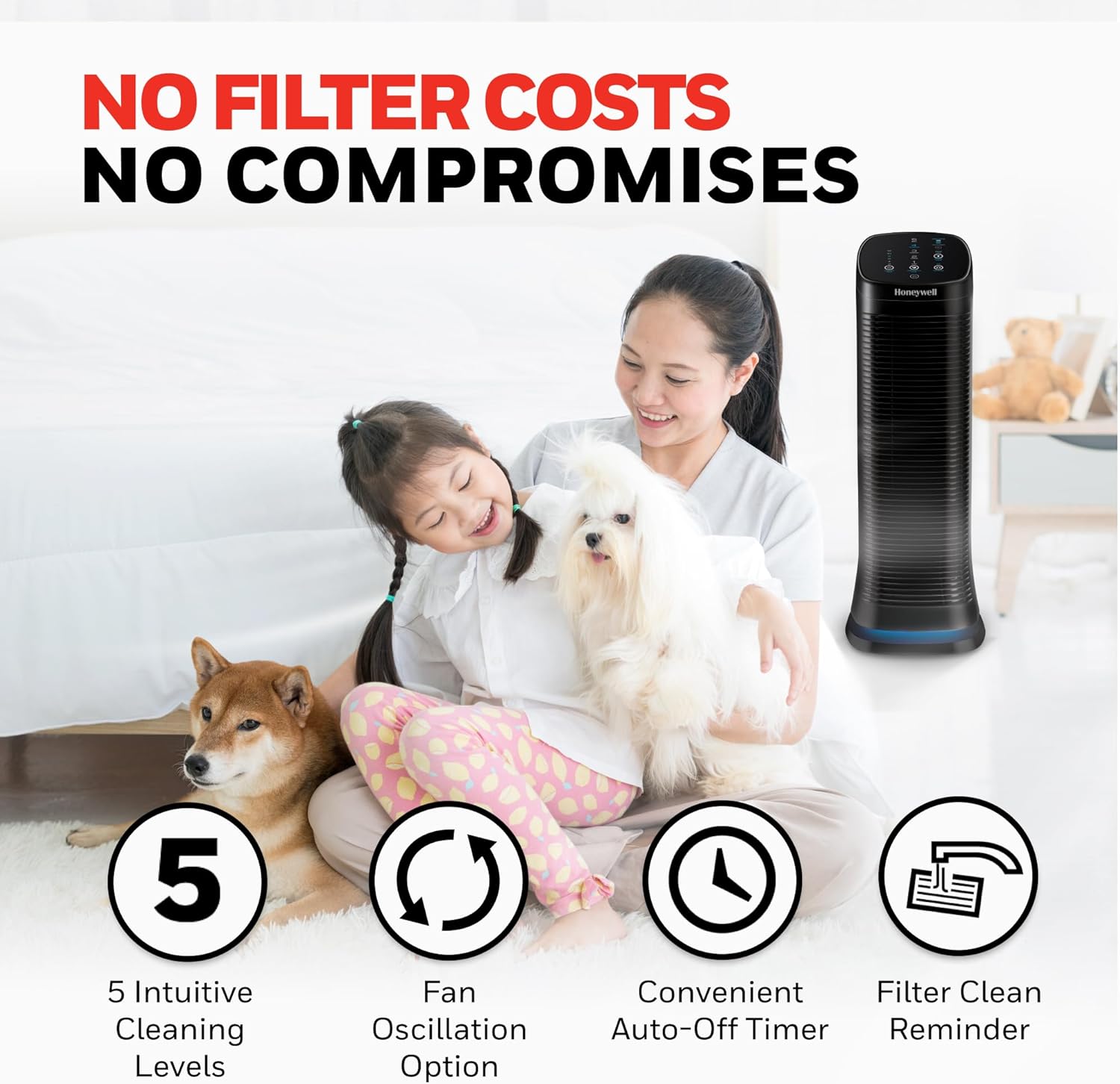
Image: Close-up of the Honeywell Air Genius 5 Air Purifier HFD320's control panel, showing buttons for purification levels, timer, accent light, and oscillation.
Power On/Off
Press the Power button (usually indicated by a circle with a vertical line) to turn the unit on or off.
Purification Levels
The unit offers five purification levels to suit different needs:
- Sleep (Level 1): Quiet operation for nighttime use.
- Germs (Level 2): Optimized for reducing airborne germs.
- General (Level 3): Standard purification for everyday use.
- Allergen (Level 4): Enhanced filtration for allergy sufferers.
- Max (Level 5): Maximum air cleaning power for rapid purification.
Press the Purification Level button repeatedly to cycle through the levels.
Auto-Off Timer
Set the unit to automatically turn off after a specified period. Options typically include 2, 4, 6, 8, 10, or 12 hours. Press the Auto-Off Timer button to select the desired duration.
Accent Light
The unit features an optional accent light at its base. Press the Accent Light button to toggle between high, low, or off settings.

Image: The Honeywell Air Genius 5 Air Purifier HFD320 displaying its blue accent light at the base, providing a subtle glow.
Oscillation
Activate the oscillation feature to distribute purified air across a wider area. Press the Oscillate button to turn this function on or off.
Maintenance
Regular maintenance of your Honeywell Air Genius 5 Air Purifier is crucial for optimal performance.
Filter Status Indicator
The Filter Status indicator on the control panel will show the remaining life of your filters. When the indicator suggests it's time, clean the filters.
Cleaning the Permanent Washable ifD® Filter
- Turn off and unplug the air purifier.
- Open the rear grille to access the filters.
- Remove the permanent washable ifD® filter.
- Rinse the filter under tap water until clean. Do not use soap or detergents.
- Allow the filter to air dry completely before reinserting. Ensure it is fully dry to prevent mold growth.
- Reinsert the dry ifD® filter and close the rear grille.
- Plug in the unit and press and hold the Check Filters button until the indicator resets.
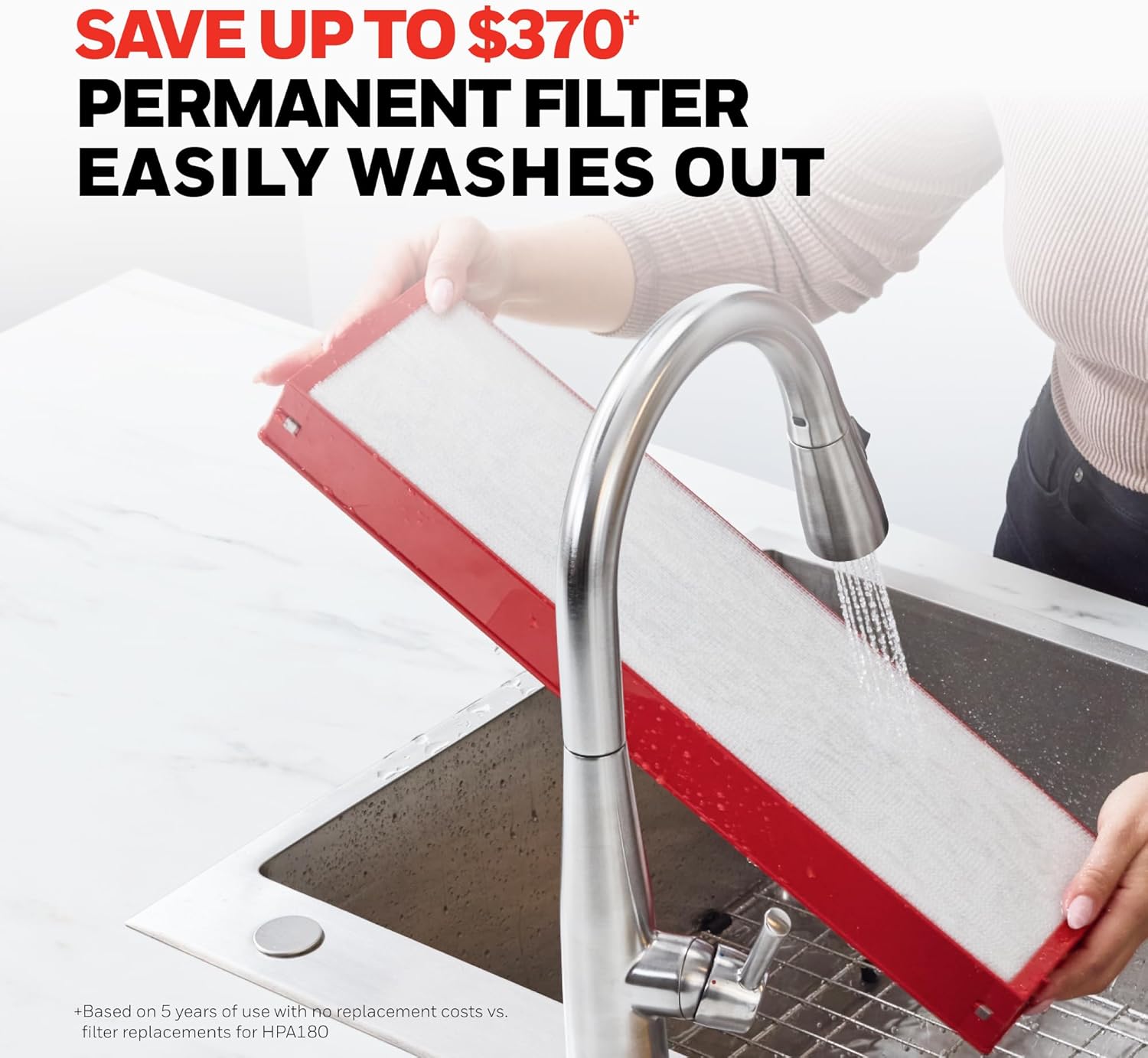
Image: A person washing the red-framed permanent ifD filter under running water, demonstrating the washable nature of the filter.
Cleaning the Washable Pre-Filter
- Turn off and unplug the air purifier.
- Open the rear grille and remove the washable pre-filter (a black foam filter).
- Rinse the pre-filter under tap water. Mild soap can be used if necessary, but rinse thoroughly.
- Allow the pre-filter to air dry completely before reinserting.
- Reinsert the dry pre-filter and close the rear grille.

Image: A cutaway diagram illustrating the internal filter system of the Honeywell Air Genius 5 Air Purifier HFD320, showing the washable pre-filter and the permanent ifD filter.
Troubleshooting
- Unit not turning on: Ensure the power cord is securely plugged into a working outlet. Check if the power button has been pressed.
- Reduced airflow or unusual noise: Check if filters are clean and properly installed. Ensure no objects are obstructing air intake or output.
- Filter Status light remains on after cleaning: Make sure to reset the filter indicator by pressing and holding the Check Filters button after cleaning and reinserting the filters.
Specifications
| Feature | Detail |
|---|---|
| Model Number | HFD320 |
| Brand | Honeywell |
| Color | Black |
| Product Dimensions | 11.5"D x 28.9"W x 9.9"H |
| Item Weight | 5 pounds |
| Floor Area Coverage | 250 Square Feet |
| Noise Level | 60 Decibels |
| Filter Class | ifD® |
| Contaminant Filtration | Dust, Pollen, Pet Dander, Dust-Mite Debris, Smoke |
| Special Features | Air Purifier, Auto Shutoff, Oscillating, Quiet Operation, Washable Filter |
| Certifications | AHAM Certified, EPA Certified, Energy Star Certified |
| Manufacturer | Kaz |
Warranty and Support
This Honeywell Air Genius 5 Air Purifier HFD320 comes with a 5-year limited warranty. For detailed warranty information, troubleshooting assistance, or to contact customer support, please refer to the official Honeywell website or the contact information provided in your owner's manual.
Online resources and FAQs may also be available on the Honeywell Store.
Official Product Videos
The following videos provide additional information and demonstrations of the Honeywell Air Genius 5 Air Purifier HFD320.
Video: "Honeywell Tower Air Purifier, Odor Reducer" - This video provides an overview of the Honeywell Air Genius 5 Air Purifier, highlighting its features and function as an odor reducer.
Video: "Love the difference in air quality. Washable filter." - This video demonstrates the impact of the air purifier on air quality and showcases the washable filter feature.