
1. Introduction
This manual provides essential information for the installation, operation, maintenance, and troubleshooting of the LSI Logic MegaRAID SAS 9271-8i Storage Controller. The MegaRAID SAS 9271-8i is an eight-port controller built on dual-core 6Gb/s MegaRAID SAS technology, designed to offer high performance and enterprise-grade RAID data protection. It ensures proven interoperability with the latest PCI Express 3.0 server platforms and supports up to 128 SAS, SATA, and solid-state drives (SSDs).

Figure 1: LSI Logic MegaRAID SAS 9271-8i Storage Controller card with low profile bracket.
2. Safety Information
Please read and understand all safety precautions before installing or operating this device. Failure to follow these instructions may result in injury, damage to the product, or damage to other components.
- Electrostatic Discharge (ESD) Precautions: Always wear an anti-static wrist strap and work on an anti-static mat when handling the controller card to prevent damage from static electricity.
- Power Disconnection: Ensure that the server system is completely powered off and disconnected from the power source before installing or removing the controller card.
- Proper Ventilation: Ensure adequate airflow within the server chassis to prevent overheating of the controller and other components.
- Professional Installation: If you are not familiar with computer hardware installation, seek assistance from a qualified technician.
3. Package Contents
Verify that all items are present and undamaged upon opening the package. If any items are missing or damaged, contact your vendor immediately.
- LSI Logic MegaRAID SAS 9271-8i Storage Controller Card
- Low-profile bracket (may be pre-installed or included separately)
- Documentation (Quick Installation Guide, CD with drivers/software - contents may vary by kit)
- SAS/SATA cables (may be included depending on the kit)
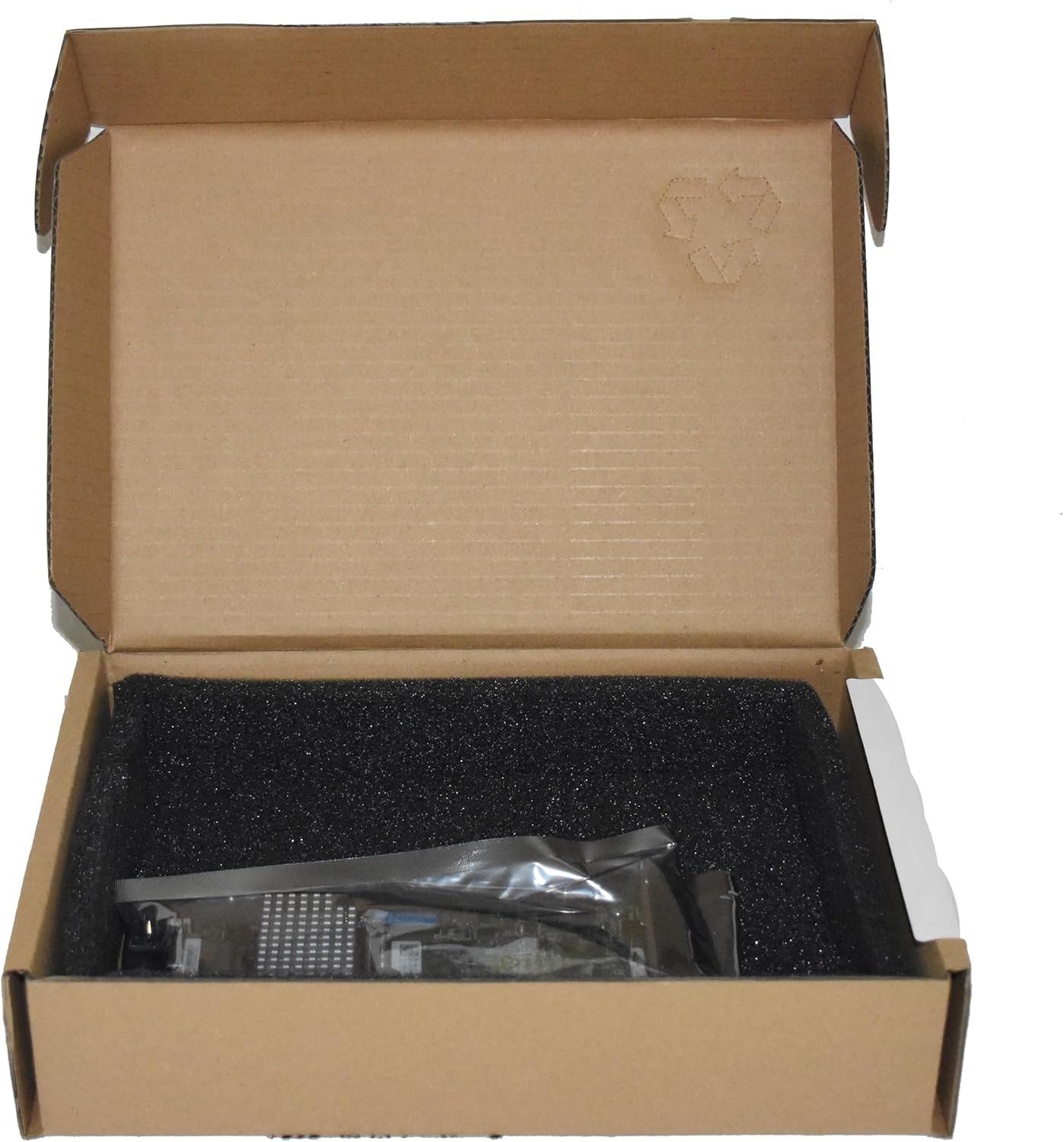
Figure 2: Controller card as typically packaged in its box.
4. Setup and Installation
4.1. Hardware Installation
- Prepare the System: Power off the server and disconnect all power cables. Open the server chassis.
- Select a PCIe Slot: Locate an available PCI Express 3.0 x8 or wider slot on your server's motherboard.
- Install the Controller: Carefully align the controller card with the chosen PCIe slot and press firmly until it is securely seated. Secure the card with the retention clip or screw.
- Connect Drives: Connect your SAS or SATA drives to the controller's internal SAS ports using appropriate cables. The controller features two internal SFF-8087 connectors, each supporting up to four drives.
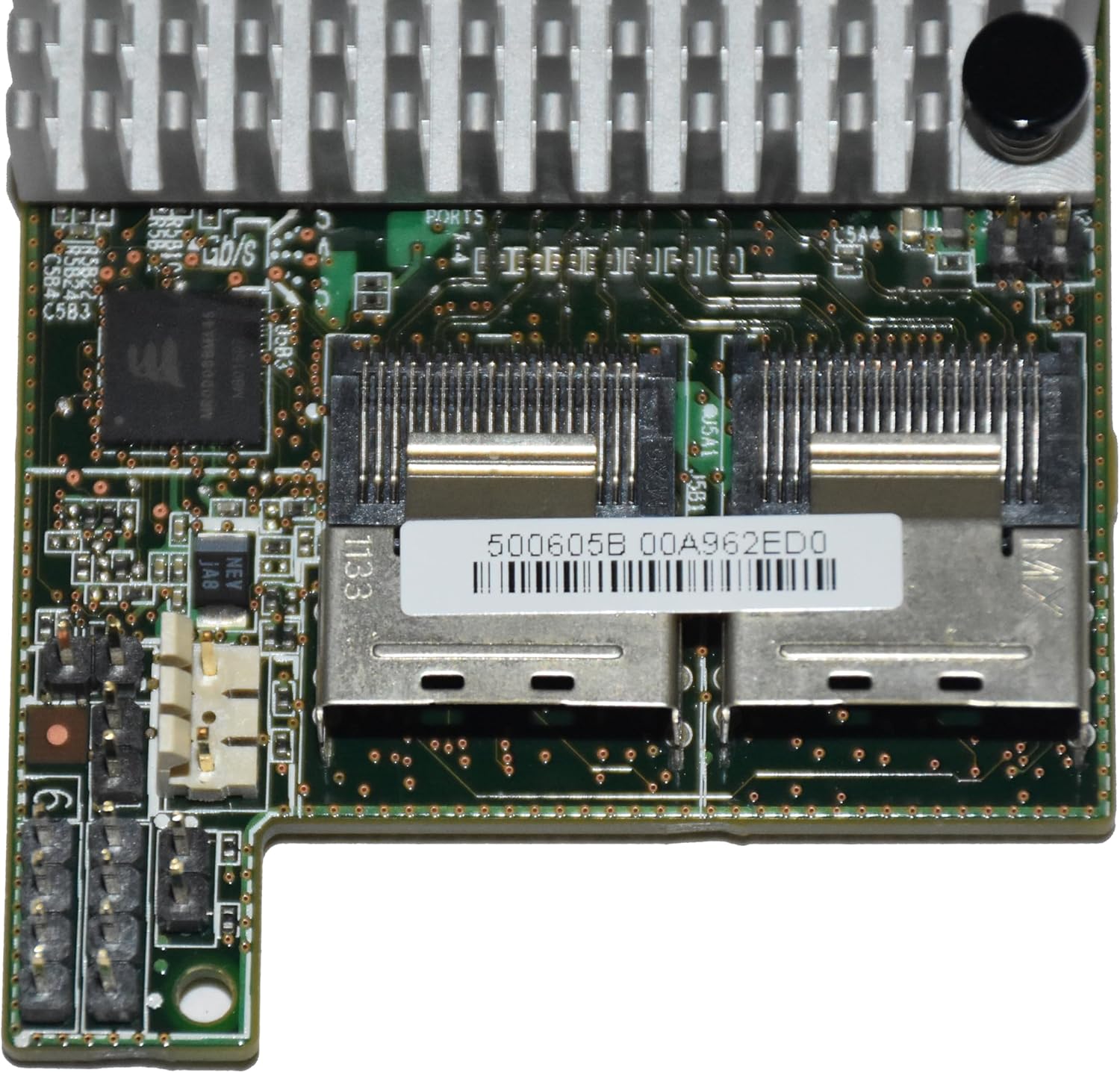
Figure 3: Close-up view of the two internal SAS ports (SFF-8087 connectors) on the controller.
4.2. Driver Installation
After hardware installation, power on the server. The operating system may require specific drivers for the controller. Drivers for various operating systems are typically available on the LSI Logic (now Broadcom) support website. It is recommended to download the latest drivers for optimal performance and compatibility.
4.3. RAID Configuration
The MegaRAID SAS 9271-8i controller supports various RAID levels. Initial RAID array configuration is typically performed through the controller's Web-BIOS utility, accessible during the server's POST (Power-On Self-Test) sequence. Refer to the detailed MegaRAID Software User Guide for comprehensive instructions on creating and managing virtual disks.
5. Operating the Controller
Once installed and configured, the MegaRAID SAS 9271-8i operates autonomously to manage your storage array. You can monitor its status and perform advanced management tasks using the MegaRAID Storage Manager (MSM) software, available for download from the manufacturer's website.
- Monitoring: Use MSM to view the health status of your RAID arrays, individual drives, and the controller itself.
- Event Logging: The controller logs events, which can be reviewed through MSM or the system's operating system logs, to identify potential issues.
- Rebuild Operations: In case of a drive failure in a redundant RAID array, the controller will initiate a rebuild process using a hot spare or a replacement drive. Monitor this process via MSM.
6. Maintenance
Regular maintenance ensures the longevity and optimal performance of your storage solution.
- Firmware Updates: Periodically check the manufacturer's website for updated firmware. Firmware updates can improve performance, add features, and resolve known issues. Follow the provided instructions carefully when updating firmware.
- Driver Updates: Keep your operating system drivers for the controller up to date.
- Physical Inspection: During routine server maintenance, visually inspect the controller card for any signs of damage or loose connections. Ensure proper airflow around the card.
7. Troubleshooting
This section addresses common issues you might encounter with the MegaRAID SAS 9271-8i controller.
| Problem | Possible Cause | Solution |
|---|---|---|
| Controller not detected by OS | Incorrectly seated card, missing drivers, incompatible PCIe slot. | Ensure card is fully seated. Install correct drivers for your OS. Verify PCIe slot compatibility. |
| RAID array invisible to OS | No drivers installed, RAID array not configured, array degraded/failed. | Install appropriate drivers. Configure the RAID array via Web-BIOS. Check array status in Web-BIOS or MSM. |
| Alarm sounds after restart | Degraded array, battery backup unit (BBU) issue, or configuration alert. | Check array status in MSM. Silence the alarm via MSM or Web-BIOS. Address the underlying issue (e.g., replace failed drive). |
| "No boot device found" | Boot order incorrect, RAID array not configured as bootable, array failure. | Verify boot order in server BIOS. Ensure the RAID array containing the OS is set as bootable in the controller's configuration. Check array health. |
For more complex issues, consult the comprehensive MegaRAID Software User Guide or contact LSI Logic (Broadcom) technical support.
8. Specifications
Key technical specifications for the LSI Logic MegaRAID SAS 9271-8i Storage Controller (Model LSI00331):
- Model Number: LSI00331
- Hardware Interface: SAS (Serial Attached SCSI)
- Data Transfer Rate: 6 Gbps SAS/SATA
- Internal Connectors: 2 x SFF-8087 (Mini-SAS)
- Supported Devices: Up to 128 SAS, SATA, and SSDs
- PCI Express Interface: PCI Express 3.0 x8
- RAID Levels: 0, 1, 5, 6, 10, 50, 60 and JBOD
- Cache Memory: 1GB DDR3 1333MHz (with CacheVault technology option)
- Compatible Devices: Servers with PCI Express 3.0 x8 slot
- Operating System Support: Multiple (Windows, Linux, VMware ESXi, etc.)
- Item Weight: Approximately 16 ounces (0.45 kg)
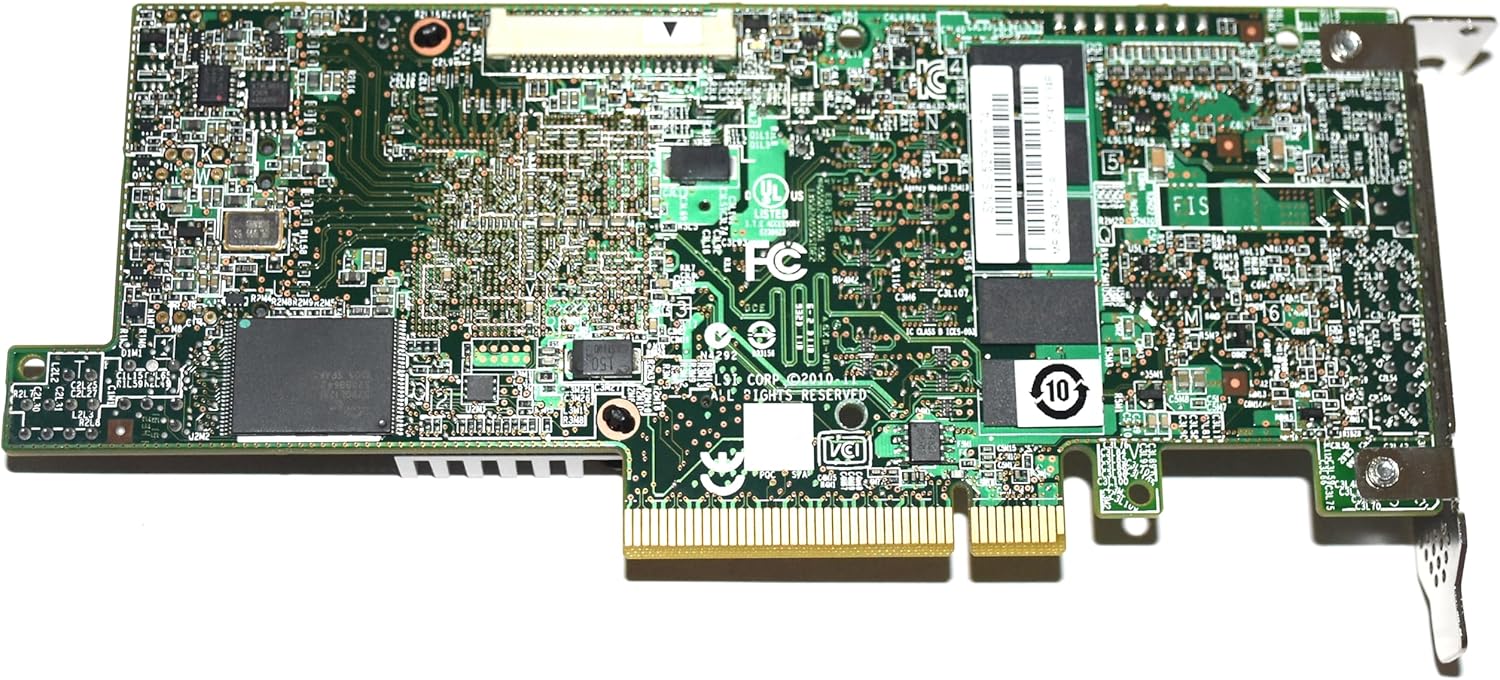
Figure 4: Rear view of the controller card, illustrating the printed circuit board (PCB) layout.

Figure 5: Detailed view of the product label, including serial number and model identification.
9. Warranty and Support
The LSI Logic MegaRAID SAS 9271-8i Storage Controller comes with a limited warranty. Please refer to the official documentation or the manufacturer's website for the most current warranty terms and conditions. Typically, a 3-year limited warranty is provided.
For technical assistance, driver downloads, firmware updates, and additional documentation, please visit the official Broadcom (formerly LSI Logic) support website. When contacting support, have your product model number (LSI00331) and serial number ready.

