
Introduction
This manual provides essential information for the safe and efficient operation of your Honeywell RM7840M1017U Programmer Control. It covers installation, operation, maintenance, and troubleshooting. Please read this manual thoroughly before installing or operating the device and retain it for future reference.
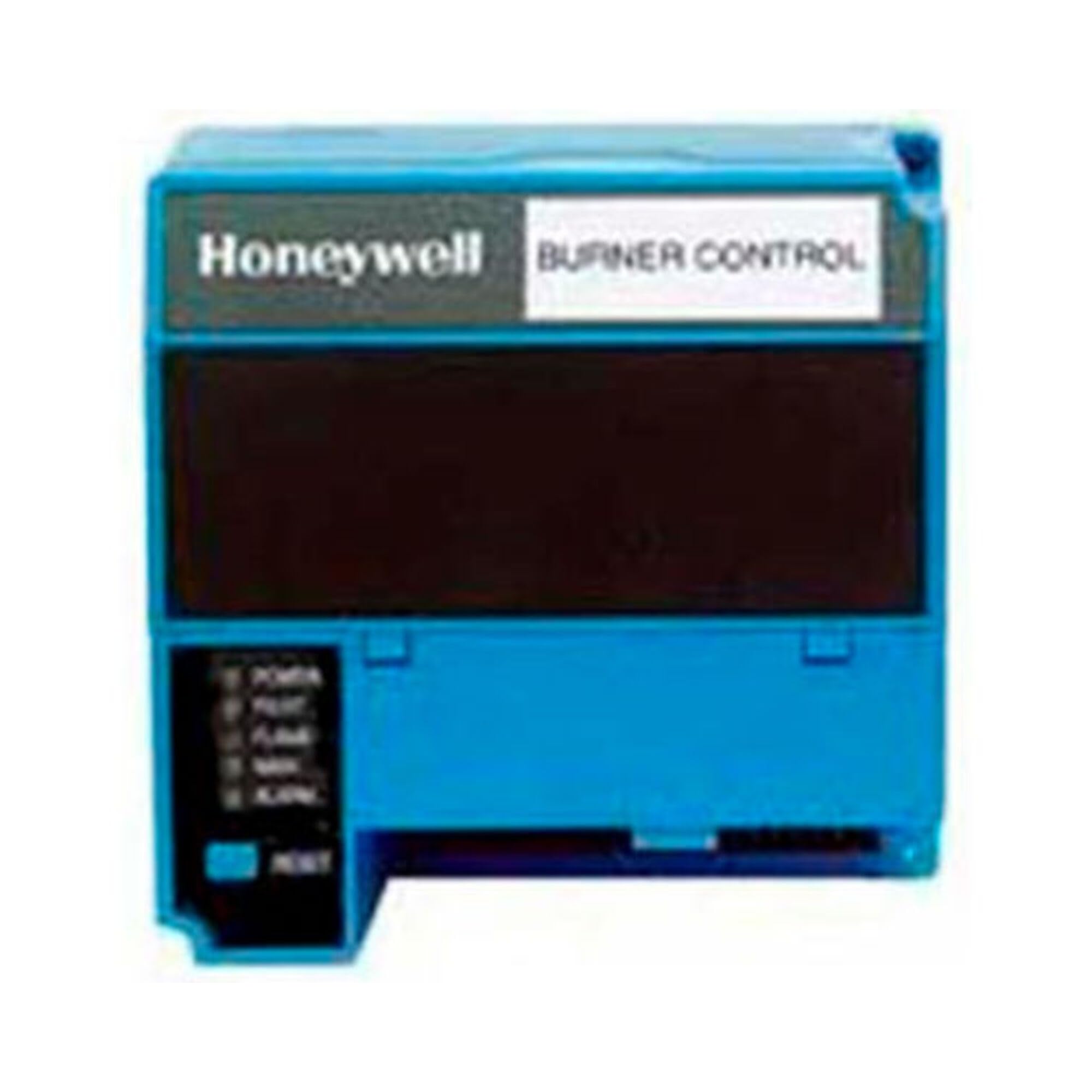
Figure 1: Honeywell RM7840M1017U Programmer Control. This image displays the front view of the control unit, typically showing its display and interface.
Safety Information
Always observe all safety precautions when working with electrical equipment. Installation and servicing should only be performed by qualified personnel. Disconnect power before servicing to prevent electrical shock or equipment damage.
- Ensure proper grounding.
- Verify correct voltage supply.
- Do not operate with damaged components.
- Refer to local codes and regulations for installation.
Setup and Installation
The RM7840M1017U Programmer Control is designed for integration into industrial electrical systems. Proper installation is crucial for its functionality and safety.
Unpacking
- Carefully remove the control unit and its included cover from the packaging.
- Inspect for any visible damage incurred during shipping. Report any damage to your supplier immediately.
Mounting
Mount the control unit in a suitable enclosure, ensuring adequate ventilation and protection from environmental factors such as excessive heat, moisture, and dust. Refer to the system's wiring diagrams for specific mounting locations and requirements.
Wiring
All wiring must comply with local and national electrical codes. Connect the control unit to the power supply and associated components (e.g., sensors, actuators) according to the detailed wiring diagrams provided with your specific system documentation. Ensure all connections are secure and properly insulated.
Operating Instructions
The RM7840M1017U Programmer Control manages burner operations, including automatic burner sequencing and safety functions.
Powering On
- Ensure all wiring is complete and verified by a qualified technician.
- Apply power to the system. The control unit's display (LCD or LED) should illuminate, indicating it is active.
- Observe the initial self-check sequence.
Normal Operation
The control unit will initiate the burner start-up sequence, which includes a pre-purge cycle (LF Proven Purge) to clear the combustion chamber of residual gases before ignition. Follow the specific operational procedures for your burner system.
- On/Off Control: The unit provides basic on/off control for the burner.
- Status Indicators: Monitor the display and any indicator lights for operational status and fault codes.
Shutting Down
To safely shut down the system, follow the procedures outlined in your burner system's manual. Typically, this involves deactivating the burner and allowing for any post-purge cycles before disconnecting power.
Maintenance
Regular maintenance ensures the longevity and reliable performance of the RM7840M1017U Programmer Control. Always disconnect power before performing any maintenance.
- Cleaning: Periodically clean the exterior of the control unit with a soft, dry cloth. Do not use abrasive cleaners or solvents.
- Inspection: Annually inspect wiring connections for tightness and signs of wear or corrosion. Check the unit's housing for any physical damage.
- Professional Servicing: It is recommended to have the entire burner management system, including the programmer control, inspected and serviced by a qualified technician at least once a year.
Troubleshooting
If the RM7840M1017U Programmer Control is not functioning as expected, refer to the following basic troubleshooting steps. For complex issues, contact qualified service personnel.
- No Power: Check the main power supply and circuit breakers. Ensure all wiring connections are secure.
- Error Codes: If the display shows an error code, consult your system's specific documentation for the meaning of the code and recommended corrective actions.
- Burner Fails to Ignite: Verify fuel supply, ignition source, and sensor functionality. The programmer control will prevent ignition if safety interlocks are not met.
- Unexpected Shutdown: This often indicates a safety lockout. Check for fault codes and address the underlying issue before attempting to restart.
Specifications
| Feature | Detail |
|---|---|
| Model Number | RM7840M1017U |
| Product Dimensions | 5 x 6 x 5 inches |
| Manufacturer | Honeywell |
| Included Components | Cover |
| Material | Plastic |
| Display Type | LCD or LED |
Warranty Information
The manufacturer states that this product is sold without a warranty. Please refer to your point of purchase or system integrator for any specific warranty terms that may apply to your overall system.
Support and Contact
For technical assistance, detailed wiring diagrams, or further support regarding the Honeywell RM7840M1017U Programmer Control, please contact Honeywell customer service or your authorized Honeywell distributor. Ensure you have your product model number (RM7840M1017U) available when seeking support.
You can find more information and contact details on the official Honeywell website: www.honeywell.com