
MEE audio HP-AF32-GW-MEE
MEE audio Runaway 4.0 Bluetooth Stereo Wireless + Wired Headphones
Model: HP-AF32-GW-MEE
Introduction
The MEE audio Runaway 4.0 Bluetooth Stereo Wireless + Wired Headphones are designed to provide a versatile and high-quality audio experience. Featuring a sleek design and advanced Bluetooth 4.0 technology, these headphones offer both wireless freedom and wired connectivity. Enjoy clear sound, comfortable wear, and convenient controls for music and calls.

Image: MEE audio Runaway 4.0 Bluetooth Stereo Wireless + Wired Headphones in white, showcasing their design.
What's in the Box
Upon unboxing your MEE audio Runaway 4.0 headphones, you should find the following components:
- MEE audio Runaway Bluetooth Headphones
- Charging Cable
- Stereo Audio Cable (3.5mm)
- Carrying Pouch
- User Manual
- Protective Case
- 1-year Manufacturer's Warranty Information

Image: All items included in the MEE audio Runaway 4.0 headphone package, including the headphones, cables, pouch, and manual.
Product Overview
Key Features
- Dual Connectivity: Can be used both wirelessly via Bluetooth 4.0 and wired with the included 3.5mm stereo audio cable.
- High-Quality Audio: Supports A2DP for wireless stereo music playback, delivering rich and clear sound through high-efficiency 40mm drivers.
- Integrated Microphone: Features a built-in microphone for clear hands-free calls.
- Convenient Controls: Easily manage phone calls, music playback, and volume with conveniently located controls on the earcup.

Image: The headphones emphasizing "Wireless Audio Freedom" with Bluetooth 4.0 connectivity.

Image: The headphones highlighting "Outstanding Fidelity" with high-efficiency 40mm drivers for clear sound.
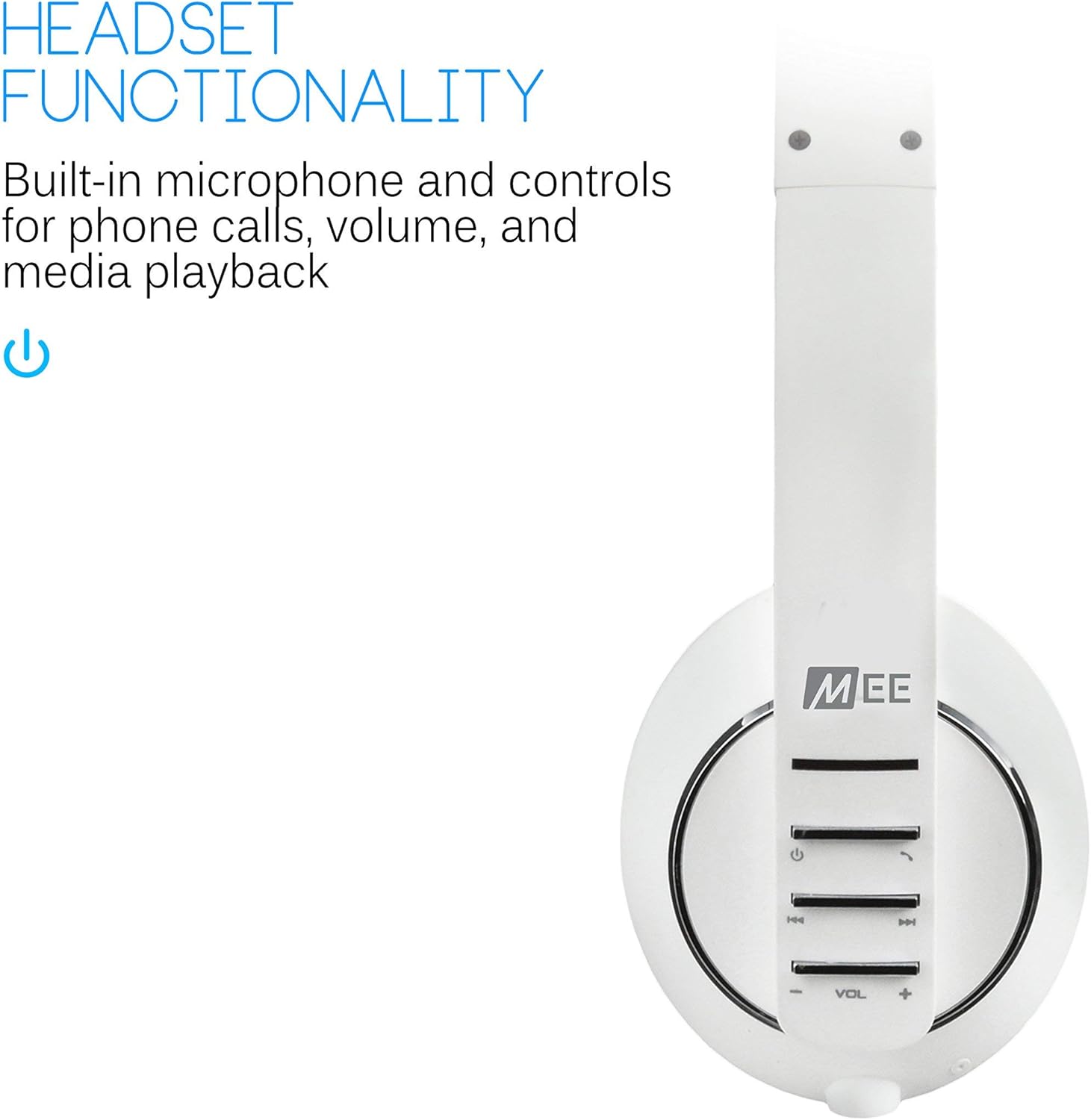
Image: The headphones showcasing "Headset Functionality" with built-in microphone and controls for calls and media.
Design and Comfort
- Ergonomic Design: Features ultra-soft ear pads and an adjustable headband for extended wearing comfort.
- Portability: The headphones are foldable for convenient storage and transport in the included travel pouch.
- Dimensions: Approximately 5 x 0.7 x 6.8 inches.
- Weight: Approximately 3.8 ounces.
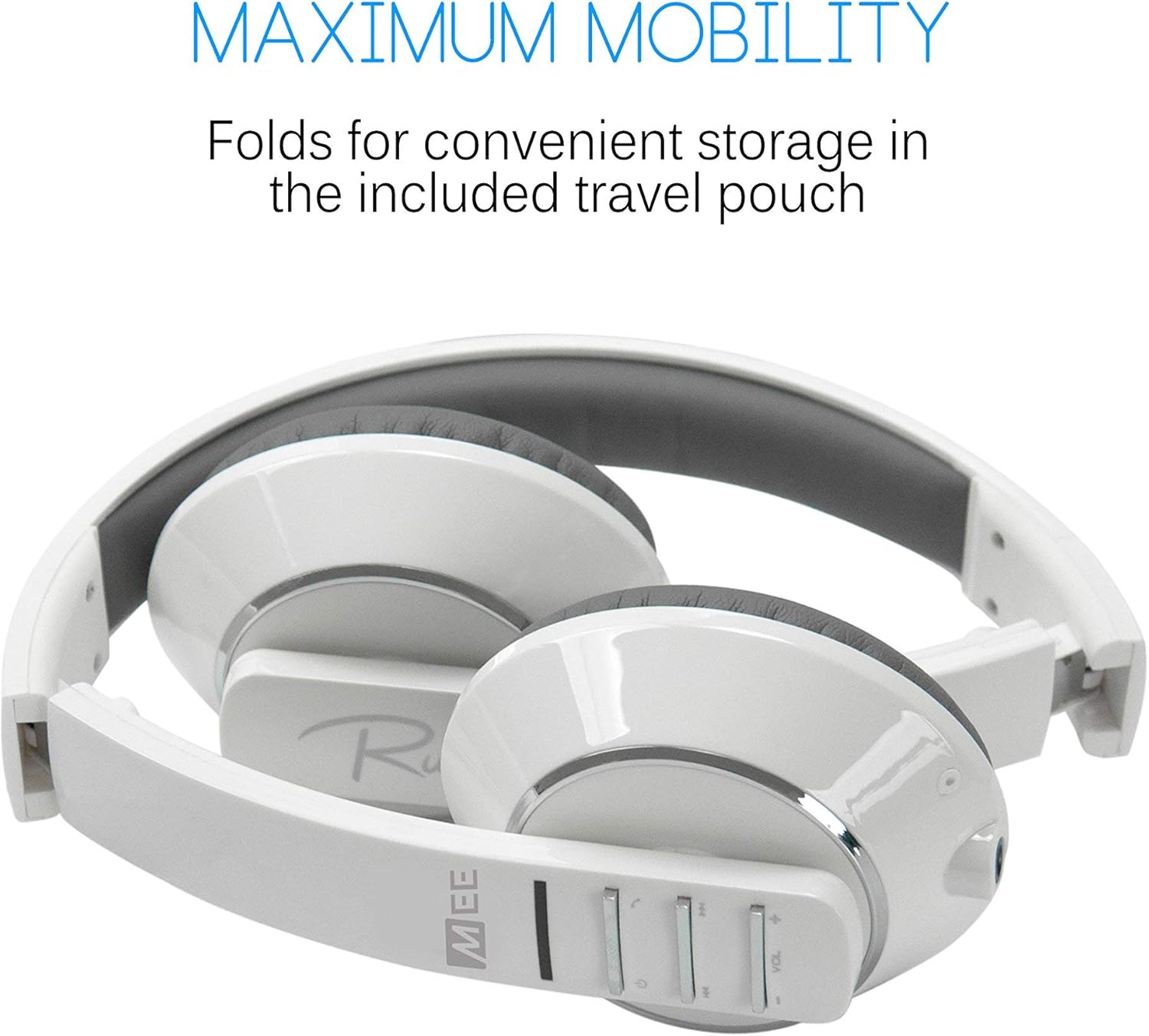
Image: The headphones folded, illustrating "Maximum Mobility" for convenient storage.

Image: Multiple color options of the headphones, emphasizing "Advanced Ergonomics" for comfort.
Setup
Initial Charging
Before the first use, it is recommended to fully charge your MEE audio Runaway 4.0 headphones for at least four hours. This ensures optimal battery performance and longevity.
Powering On and Pairing Mode
To power on the headphones and enter pairing mode, press and hold the power button for approximately seven seconds. The indicator light will flash alternating red and blue, indicating that the headphones are ready for pairing.
Bluetooth Pairing with Android Smartphones
Follow these steps to pair your MEE audio Runaway 4.0 headphones with an Android smartphone:
- Ensure your headphones are in pairing mode (alternating red and blue light).
- On your Android device, navigate to Settings.
- Select Wireless and network, then Bluetooth settings.
- If Bluetooth is off, turn it on.
- Select Scan devices. Your headphones (AF32) should appear in the list.
- Tap on "AF32" to initiate the pairing process.
- A Bluetooth pairing request pop-up may appear. Click Accept.
- Once connected, the headphones are ready for use.
Video: A demonstration of pairing MEElectronics Air Fi AF32 Wireless Bluetooth Stereo Headphones to Android Smartphones. This video guides users through the steps of putting the headphones into pairing mode and connecting them via Bluetooth on an Android device.
Operation
Wired Connectivity
For devices without Bluetooth or when battery power is low, you can use the included 3.5mm stereo audio cable to connect your headphones directly. Simply plug one end into the headphone's audio jack and the other into your audio source.
Controls
The MEE audio Runaway 4.0 headphones feature intuitive controls located on the earcup for easy management of your audio and calls:
- Power Button: Press and hold to power on/off, or for 7 seconds to enter pairing mode.
- Volume Controls (+/-): Adjust the listening volume.
- Track Navigation: Skip forward or backward through your music tracks.
- Call Management: Answer, end, or reject calls using the dedicated call button.
Maintenance
To ensure the longevity and optimal performance of your MEE audio Runaway 4.0 headphones, follow these maintenance guidelines:
- Cleaning: Use a soft, dry cloth to clean the headphones. Avoid using harsh chemicals or abrasive materials.
- Storage: When not in use, store the headphones in the included protective case or carrying pouch to prevent damage.
- Avoid Moisture: Do not expose the headphones to water or excessive moisture, as they are not water-resistant.
- Temperature: Avoid storing or using the headphones in extreme temperatures.
Troubleshooting
If you encounter issues with your MEE audio Runaway 4.0 headphones, consider the following common troubleshooting steps:
- No Power: Ensure the headphones are fully charged. Connect them to a power source using the charging cable.
- Cannot Pair: Make sure the headphones are in pairing mode (alternating red/blue light). On your device, turn Bluetooth off and on again, then try rescanning for devices. Ensure no other devices are currently connected to the headphones.
- No Sound (Wireless): Check the volume levels on both the headphones and your connected device. Ensure the headphones are properly paired and connected.
- No Sound (Wired): Ensure the 3.5mm audio cable is securely plugged into both the headphones and the audio source. Test with a different audio cable if available.
- Poor Sound Quality: Move closer to your Bluetooth device to reduce interference. Ensure the audio source is of good quality.
Specifications
| Feature | Detail |
|---|---|
| Brand | MEE audio |
| Model Number | HP-AF32-GW-MEE |
| Connectivity Technology | Wireless (Bluetooth), Wired (3.5mm Jack) |
| Bluetooth Version | 4.0 |
| Ear Placement | Over Ear |
| Form Factor | Over Ear |
| Included Components | Protective Case, User Manual, 1-year manufacturer’s warranty |
| Item Weight | 3.8 Ounces |
| Product Dimensions | 5 x 0.7 x 6.8 inches |
| Water Resistance Level | Not Water Resistant |
| Frequency Range | 20 Hz to 20 kHz |
| Control Type | Media Control, Integrated Controls, Remote |
| Recommended Uses | Music, Travel, Calling, Recording, Exercising |
Warranty and Support
Your MEE audio Runaway 4.0 Bluetooth Stereo Wireless + Wired Headphones come with a 1-year manufacturer's warranty. For warranty claims, technical support, or further assistance, please refer to the contact information provided in the included User Manual or visit the official MEE audio website.
For additional product information and support, you may also visit the MEE audio Store on Amazon.