
Inter Link 13500100
Inter Link Arconati 2-Door White Shelf Cabinet (Model 13500100) Instruction Manual
This manual provides detailed instructions for the assembly, usage, and maintenance of your Inter Link Arconati 2-Door White Shelf Cabinet. Please read carefully before proceeding.
Important Safety Information
This product requires assembly. During assembly, sharp edges may be present. Always use protective gloves and exercise caution to protect your fingers. Do not leave the product unattended during assembly. Follow all instructions in this manual and use the necessary tools. The product is delivered in multiple packages; handle with care to prevent injury.
Ensure all components are present and undamaged before beginning assembly. If any parts are missing or damaged, contact customer support. After assembly, ensure the cabinet is stable and securely placed. If necessary, use wall anchors (not included) to prevent tipping, especially in households with children or pets.
Product Overview
The Inter Link Arconati 2-Door White Shelf Cabinet is a versatile storage solution featuring two large doors and five height-adjustable shelves. Constructed from durable particleboard, this cabinet offers ample storage space in a classic white finish.
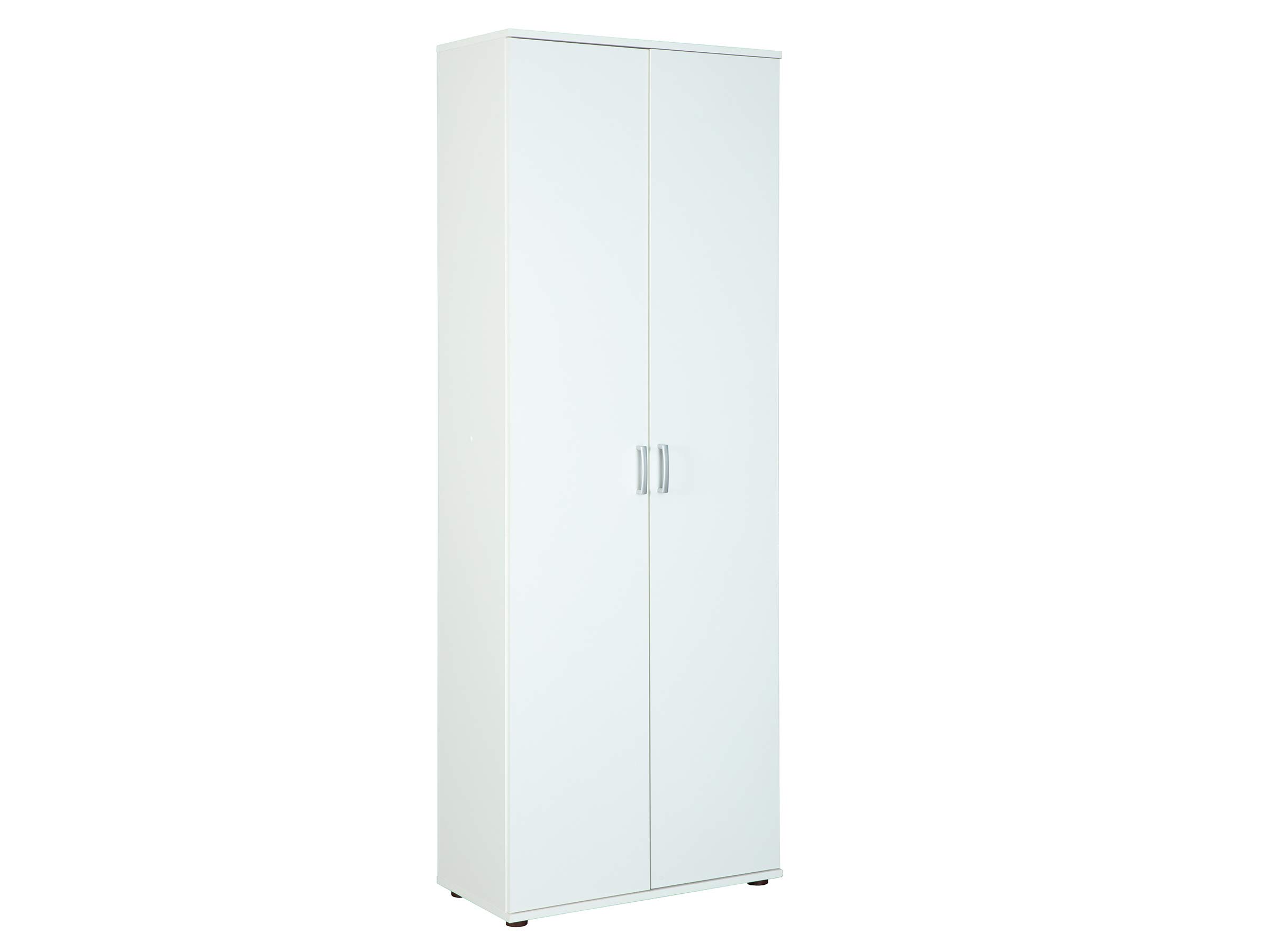
Image 1: The Arconati 2-Door White Shelf Cabinet in a typical room environment, showcasing its design and size.
Components
Before assembly, verify that all listed components are present in your package(s).
- Cabinet panels (sides, top, bottom, back)
- 2 Doors
- 5 Adjustable shelves
- PVC aluminum-colored handles (2 pieces)
- Hinges and mounting hardware
- Assembly screws and dowels
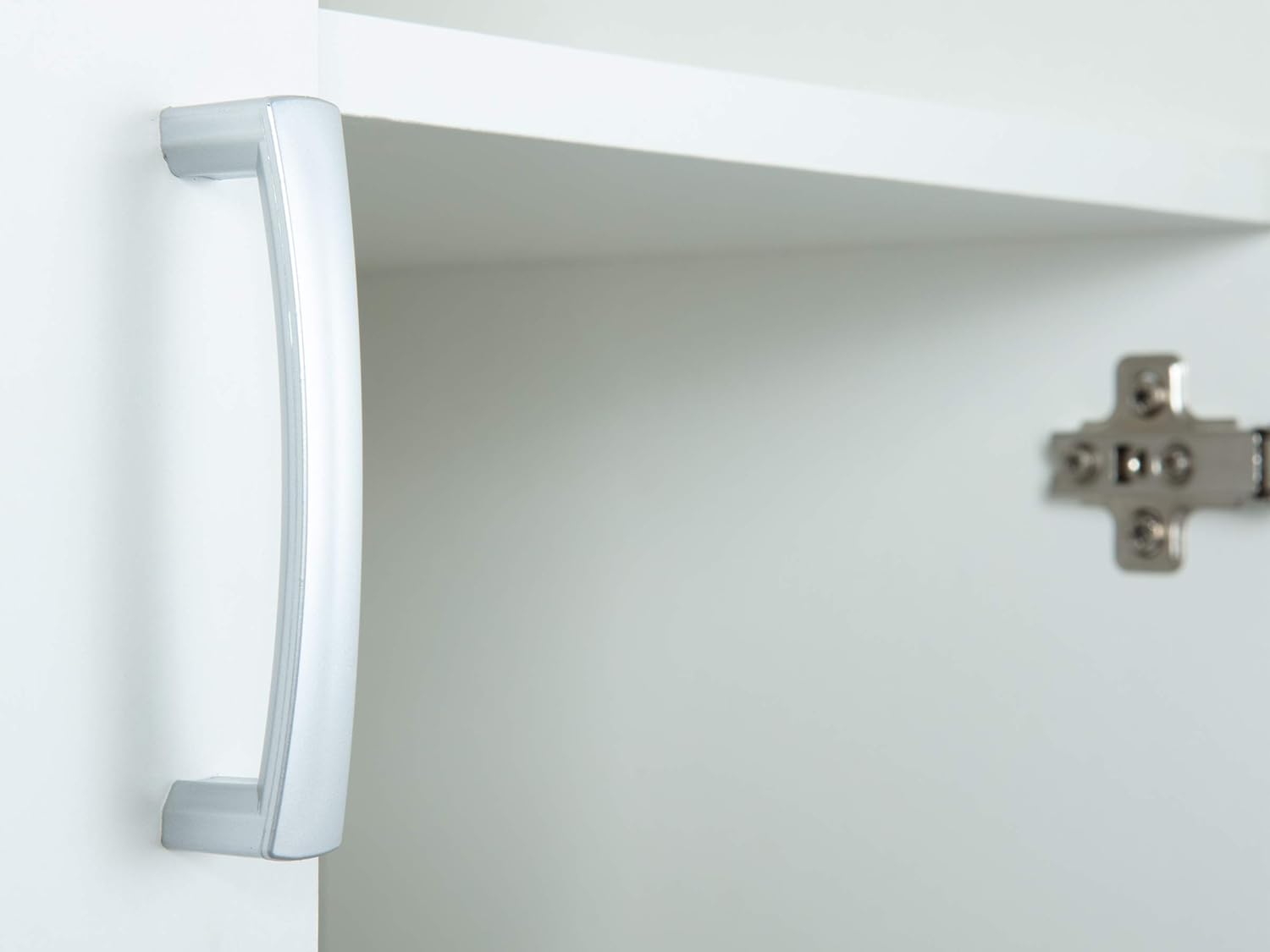
Image 2: Interior view of the cabinet, showing the five adjustable shelves and hinge mechanisms.

Image 3: Close-up of one of the PVC aluminum-colored handles, demonstrating its design and finish.
Assembly Instructions
This cabinet is designed for self-assembly. It is recommended to have two people for assembly. Lay out all parts on a clean, soft surface to prevent scratches.
- Identify all panels: side panels, top panel, bottom panel, and back panel.
- Attach the cam locks and dowels to the designated holes on the panels as per the included diagram (refer to the physical manual for detailed diagrams).
- Connect the side panels to the bottom panel, ensuring a secure fit.
- Slide the back panel into the grooves of the side panels.
- Attach the top panel to the side panels, securing it with cam locks.
- Install the hinges onto the doors and the corresponding side panels.
- Mount the doors onto the cabinet frame. Adjust hinges as needed for proper alignment.
- Attach the PVC aluminum-colored handles to the doors.
- Insert the shelf pins into the desired height positions for the adjustable shelves.
- Place the five adjustable shelves onto the shelf pins.
Ensure all screws and fasteners are tightened securely. Do not overtighten.
Usage
Adjusting Shelves
The cabinet features five adjustable shelves, allowing you to customize storage space according to your needs.
- Empty the shelf you wish to adjust.
- Carefully lift the shelf and remove the four shelf pins supporting it.
- Reinsert the shelf pins into the new desired holes on the side panels. Ensure all four pins are at the same height.
- Place the shelf back onto the pins, ensuring it is level and secure.
Door Operation
The two doors provide access to the cabinet's interior. Open and close them gently using the handles. Avoid forcing the doors to prevent damage to hinges or the cabinet structure.
Maintenance
Cleaning
To clean the cabinet, wipe surfaces with a soft, damp cloth. Use a mild, non-abrasive cleaner if necessary. Avoid harsh chemicals, abrasive pads, or solvents, as these can damage the particleboard finish.
General Care
- Regularly check all screws and fasteners to ensure they remain tight. Retighten if necessary.
- Avoid placing excessively heavy items on shelves to prevent bowing or damage.
- Keep the cabinet away from direct sunlight and extreme temperature changes to prevent material warping or discoloration.
- If the cabinet is moved, ensure it is lifted, not dragged, to prevent structural damage.
Troubleshooting
Doors are misaligned or do not close properly:
Check the hinge adjustments. Most hinges allow for minor adjustments using a screwdriver to align the doors horizontally, vertically, and in depth. Refer to the hinge manufacturer's instructions if available, or gently adjust screws on the hinges.
Cabinet feels wobbly:
Ensure all assembly screws are fully tightened. Verify that the cabinet is placed on a level surface. If wobbling persists, consider using furniture levelers or wall anchoring hardware for added stability.
Shelves are not level:
Ensure all four shelf pins are inserted into holes at the same height. Remove the shelf, re-check pin placement, and reinsert the shelf.
Specifications
| Feature | Detail |
|---|---|
| Brand | Inter Link |
| Model Number | 13500100 |
| Color | White |
| Dimensions (L x W x H) | 70 x 34 x 189 cm (27.5 x 13.4 x 74.4 inches) |
| Weight | 45 kg (99.2 lbs) |
| Material | Particleboard |
| Number of Doors | 2 |
| Number of Shelves | 5 (adjustable) |
| Handles | PVC, aluminum-colored |
Warranty and Support
For warranty information or customer support regarding your Inter Link Arconati cabinet, please refer to the purchase documentation or contact your retailer.
For general inquiries, you may visit the Inter Link website or contact their customer service department.
Related documents13500100

Ask a question about this manual
Ask about setup, troubleshooting, compatibility, parts, safety, or missing instructions. Manuals+ will review the question and use this page’s manual context to help answer it.