
1. Overview
The Citizen Eco-Drive Brycen Chronograph Watch (Model: BL5403-03X) is a sophisticated timepiece featuring Eco-Drive technology, which powers the watch using any light source, eliminating the need for battery replacement. This watch includes a 1/20 second chronograph, perpetual calendar, dual time display, 12/24 hour time, alarm, and a rotating inner ring. It is designed with a 48mm rose gold-tone stainless steel case, a brown leather strap with white contrast stitching, and is water-resistant to 100 meters.

Figure 1: Front view of the Citizen Eco-Drive Brycen Chronograph Watch BL5403-03X.
Key Features:
- Eco-Drive Technology: Powered by light, never requires a battery.
- Chronograph: 1/20 second chronograph measures up to 60 minutes.
- Perpetual Calendar: Automatically adjusts for month length and leap years.
- Dual Time: Displays a second time zone.
- Alarm: Integrated alarm function.
- Rotating Inner Ring: For various calculations or time tracking.
- Water Resistance: Up to 100 meters (330 feet).
- Luminous Hands and Markers: For visibility in low light conditions.
2. Setup and Initial Adjustment
Upon receiving your watch, it may be in a low power state. Expose the watch to a bright light source for several hours to ensure it is fully charged before attempting to set the time or functions.
2.1 Charging the Watch (Eco-Drive)
The Eco-Drive movement converts light into electrical energy, which is stored in a power cell. For optimal performance, ensure the watch is regularly exposed to light.
- Place the watch where the dial is exposed to direct light (natural or artificial).
- Avoid placing the watch in direct sunlight for extended periods in hot environments to prevent overheating.
- A full charge can take several hours depending on the light intensity.
Video 1: Official Citizen Eco-Drive video explaining how the light-powered technology works.
2.2 Setting the Time and Date
The BL5403-03X features a perpetual calendar, which requires initial setup to ensure correct date display. Refer to the detailed diagram of the watch dial for component identification.

Figure 2: Watch dial with key features labeled.
- Pull the Crown: Gently pull the crown out to the time setting position (usually the second click).
- Set Time: Rotate the crown to set the hour and minute hands. Ensure AM/PM is correctly set for the 12/24 hour display.
- Set Date/Perpetual Calendar: The perpetual calendar requires specific steps, often involving pushing buttons in a sequence while the crown is in a certain position. Consult the full manual for precise instructions on setting the perpetual calendar, as this varies by movement.
- Push the Crown: Once time and date are set, push the crown back into the normal position.
3. Operating Functions
3.1 Chronograph Operation
The 1/20 second chronograph measures elapsed time up to 60 minutes.
- Start: Press the upper pusher button to start the chronograph.
- Stop: Press the upper pusher button again to stop the chronograph.
- Reset: Press the lower pusher button to reset the chronograph hands to zero.
3.2 Dual Time Function
The dual time function allows you to track a second time zone simultaneously.
- Specific buttons or crown positions are used to adjust the dual time sub-dial. Refer to the full instruction manual for your specific model's procedure.
3.3 Alarm Setting
The watch includes an alarm function.
- The alarm is typically set using a combination of the crown and pusher buttons to move the alarm hand to the desired time.
- Ensure the alarm is activated/deactivated as needed.
3.4 Rotating Inner Ring (Pilot's Slide Rule)
The rotating inner ring can be used for various calculations, such as multiplication, division, and fuel consumption, similar to a pilot's slide rule.
- Rotate the crown (often at the 8 o'clock position) to move the inner ring.
- Align the desired scales for calculations. Detailed instructions for using the slide rule are typically found in the comprehensive manual.
4. Eco-Drive Technology and Care
Citizen Eco-Drive watches are powered by light and do not require conventional battery replacement. This technology converts both natural and artificial light into energy, which is stored in a permanently rechargeable power cell.
Video 2: Citizen's "How It Works" video demonstrating the Eco-Drive technology.
4.1 Power Reserve
Once fully charged, your Eco-Drive watch can run for several months in complete darkness. If the watch is stored in darkness for an extended period, it may enter a power-saving mode (hands stop moving) to conserve energy. Exposing it to light will reactivate it.
4.2 Charging Guidelines
- Daily Exposure: Wear your watch regularly or place it near a light source to maintain charge.
- Avoid Extreme Heat: Do not place the watch directly under intense sunlight for prolonged periods, especially in hot environments, as this can damage the movement.
- Artificial Light: Fluorescent lamps and other artificial light sources can also charge the watch, though it may take longer than natural sunlight.
5. Maintenance and Care
5.1 Water Resistance (100M)
Your watch is water-resistant to 100 meters (330 feet), making it suitable for swimming, showering, and snorkeling. It is not recommended for scuba diving.
- Always ensure the crown is pushed in completely before exposing the watch to water.
- Do not operate the crown or pushers while the watch is wet or submerged.
- After exposure to saltwater, rinse the watch with fresh water and dry it thoroughly.
5.2 Cleaning
To maintain the appearance of your watch:
- Wipe the case and crystal with a soft, dry cloth.
- For the leather strap, avoid prolonged exposure to water, direct sunlight, and harsh chemicals. Clean with a damp cloth and mild soap if necessary, then allow to air dry.

Figure 3: Side view of the watch.
6. Troubleshooting
If your watch is not functioning as expected, consider the following common issues:
- Watch Not Running: The most common cause is insufficient charge. Expose the watch to bright light for several hours (e.g., 1-2 days in sunlight or 3-5 days under a fluorescent lamp) to fully charge it.
- Hands Not Moving Correctly: After charging, if the hands are still not moving or are incorrect, perform a full reset and time setting procedure as outlined in the comprehensive manual.
- Date Incorrect: Ensure the perpetual calendar has been set correctly. This often requires a specific sequence of crown and pusher operations.
- Water Inside Watch: If moisture appears inside the watch, immediately take it to an authorized service center.
For complex issues or repairs, contact Citizen customer support or an authorized service center.
7. Specifications
| Feature | Detail |
|---|---|
| Model Number | BL5403-03X |
| Movement | Eco-Drive (Caliber E820) |
| Case Material | Rose Gold-Tone Stainless Steel |
| Case Diameter | 48 millimeters |
| Case Thickness | 12 millimeters |
| Band Material | Brown Leather (Croc Embossed) |
| Band Size | 7.5 inches |
| Band Width | 23 millimeters |
| Dial Window Material | Mineral Crystal |
| Water Resistance Depth | 100 Meters (330 Feet) |
| Special Features | Chronograph, Perpetual Calendar, Dual Time, 12/24 Hour Time, Alarm, Luminous Hands/Markers, Rotating Inner Ring |
| Item Weight | 7.05 ounces |
8. Warranty and Support
Your Citizen Eco-Drive Brycen Chronograph Watch BL5403-03X comes with a 5 Year Limited Warranty. This warranty covers manufacturing defects under normal use.
- For warranty claims or service, please retain your proof of purchase.
- Contact Citizen customer support for detailed warranty terms and conditions, or to locate an authorized service center.
For further assistance or to download the complete instruction manual specific to the Caliber E820 movement, visit the official Citizen Watch website.
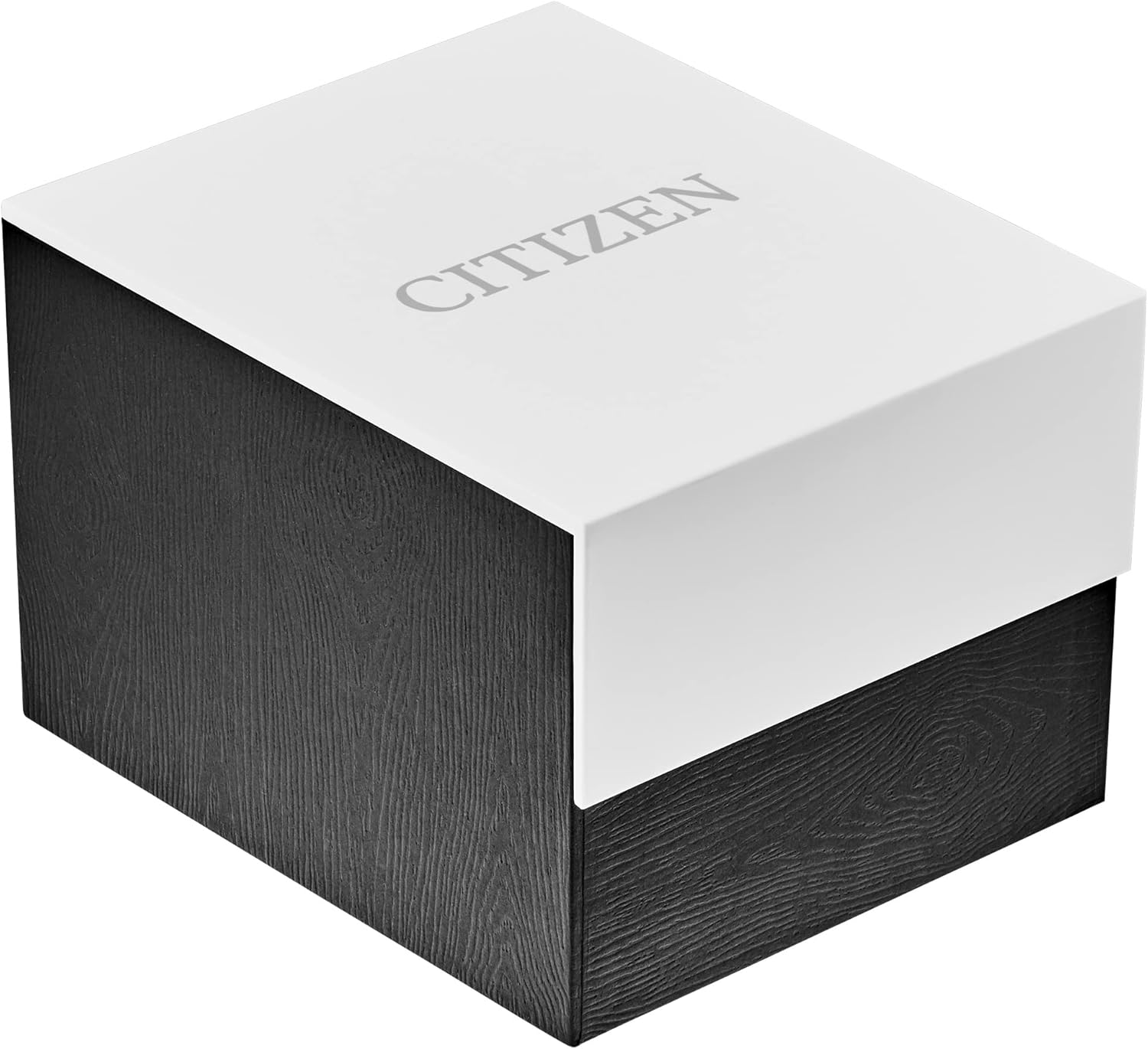
Figure 4: Citizen watch packaging.


