
Introduction
Thank you for purchasing the Bai 750.SS Square Retro Wall Clock. This manual provides essential information for the proper setup, operation, and maintenance of your clock. Please read these instructions carefully before use and retain them for future reference.
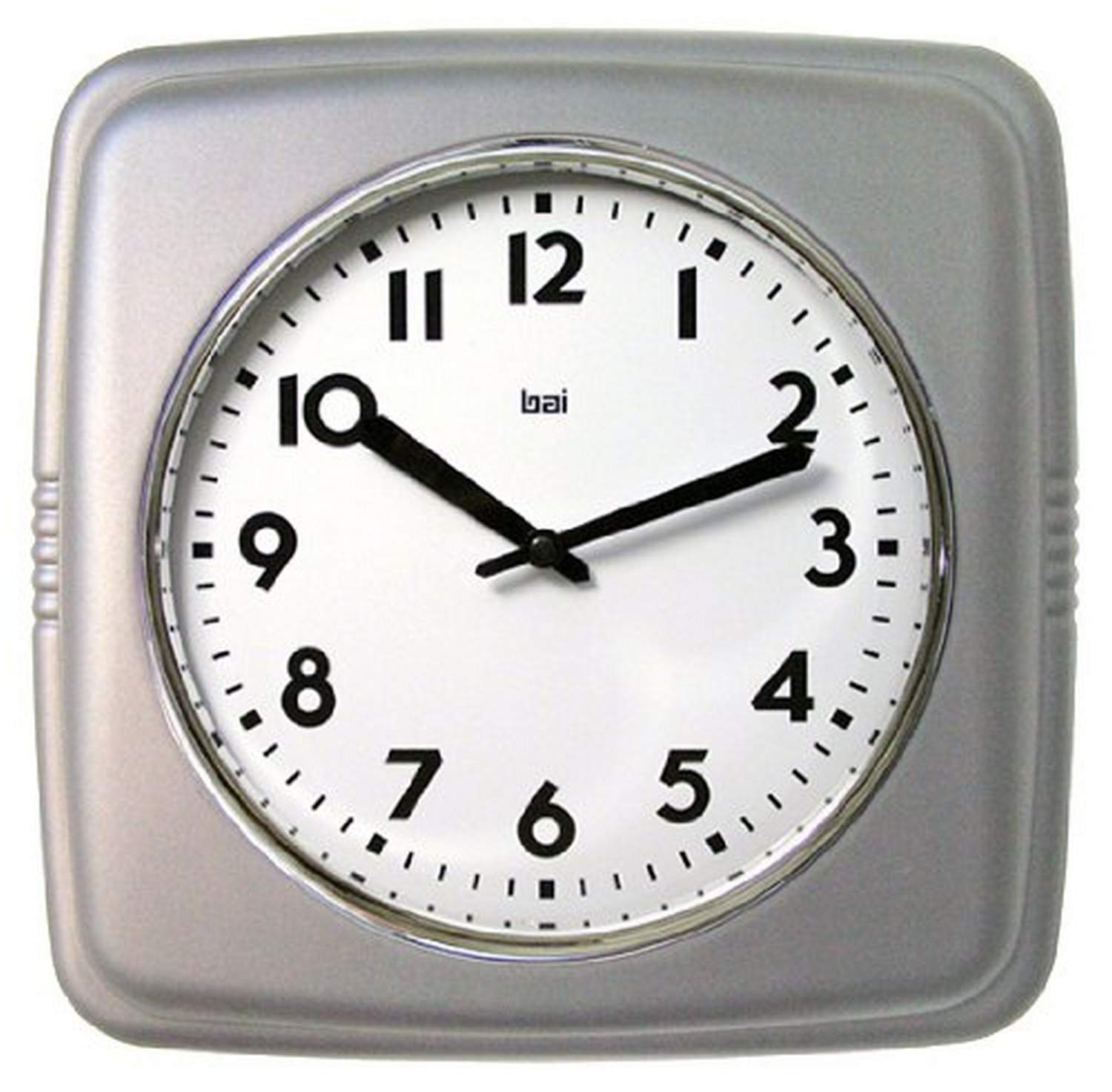
Image: Front view of the Bai 750.SS Square Retro Wall Clock, featuring a white dial with black numbers and hands, enclosed in a satin silver square bezel.
Package Contents
- Bai 750.SS Square Retro Wall Clock
- Instruction Manual (this document)
Note: Batteries are not included and must be purchased separately.
Setup
- Insert Battery: Locate the battery compartment on the back of the clock. Insert one AA battery (not included), ensuring the correct polarity (+/-) as indicated inside the compartment.
- Set Time: Use the time-setting knob, usually located near the battery compartment on the back of the clock, to adjust the hands to the current time. Turn the knob clockwise until the correct time is displayed.
- Mounting: The clock is designed for wall mounting. Use a suitable screw or hook (not included) in your desired location. Hang the clock securely using the keyhole slot on the back. Ensure the clock is level and stable.
Operating Instructions
The Bai 750.SS Square Retro Wall Clock operates continuously once the battery is installed and the time is set. It features a quartz movement for accurate timekeeping.
- Time Adjustment: If the time needs to be adjusted (e.g., for daylight saving), repeat step 2 from the "Setup" section.
- Battery Replacement: Replace the battery annually or when the clock hands begin to slow down or stop.
Maintenance
- Cleaning: Wipe the clock's surface with a soft, dry cloth. Do not use abrasive cleaners or solvents, as these may damage the finish or glass lens.
- Battery Care: Remove depleted batteries promptly to prevent leakage. If the clock will not be used for an extended period, remove the battery.
- Placement: Avoid placing the clock in direct sunlight or near extreme temperature changes, which can affect accuracy and material longevity.
Troubleshooting
| Problem | Possible Cause | Solution |
|---|---|---|
| Clock not running or running slowly. | Depleted or incorrectly inserted battery. | Replace the battery with a fresh AA battery, ensuring correct polarity. |
| Time is inaccurate. | Battery low; clock hands were not set precisely; environmental factors. | Replace battery. Re-set the time carefully. Ensure clock is not exposed to extreme temperatures. |
| Clock makes unusual noise. | Internal mechanism issue. | Contact customer support if noise persists after battery replacement. |
Specifications
- Model: 750.SS
- Brand: Bai
- Type: Wall Clock
- Display Type: Analog
- Movement: Quartz
- Power Source: 1 x AA Battery (not included)
- Material: Plastic (Satin Silver finish)
- Dimensions: Approximately 9.5 inches (24.1 cm) width x 9.5 inches (24.1 cm) height
- Weight: Approximately 1 pound (0.45 kg)
- Lens: Glass
- UPC: 606090750773
Warranty and Support
The Bai 750.SS Square Retro Wall Clock comes with a 1 Year Manufacturer's Warranty from the date of purchase. This warranty covers defects in materials and workmanship under normal use.
For warranty claims or technical support, please contact Bai customer service. Keep your proof of purchase for warranty validation.
Contact information for Bai customer service is typically found on the product packaging or the official Bai website.