
1. Introduction
This manual provides essential instructions for the assembly, operation, and maintenance of your Monster Shop C1200 Maple Retail Counter and Reception Desk. Please read this manual thoroughly before assembly and use to ensure safe and correct operation. Keep this manual for future reference.
The C1200 counter is designed for retail environments, offering a display area with tempered glass panels and a functional workspace with integrated storage. Its maple laminate finish provides a professional appearance suitable for various business settings.
2. Safety Instructions
- Always assemble the unit on a soft, clean surface to prevent scratches.
- Ensure all components are present before beginning assembly.
- Do not overtighten screws, as this may damage the material.
- Keep small parts and packaging materials away from children.
- This product is heavy. Assembly may require two people.
- Do not stand or climb on the counter.
- Place the counter on a level and stable surface to prevent tipping.
- Handle glass components with care to avoid breakage and injury.
3. Package Contents
Before assembly, verify that all the following components are included in your package. If any parts are missing or damaged, please contact customer support.
- Laminated wood panels (various sizes for top, sides, base, and shelves)
- Tempered glass display panels
- Glass shelf
- Assembly hardware (screws, dowels, cam locks, shelf pins, etc.)
- Assembly instructions (this document)
4. Assembly Instructions
The C1200 counter is delivered flat-packed and requires basic assembly. Follow these steps carefully.
- Unpack Components: Carefully remove all parts from the packaging. Lay them out on a clean, soft surface to prevent damage. Identify each component using the provided parts list.
- Assemble Base Frame: Connect the base panels using the provided hardware (e.g., dowels and screws). Ensure all connections are secure.
- Attach Side Panels: Secure the side panels to the base frame. Pay attention to the orientation of the panels, ensuring pre-drilled holes align correctly for subsequent steps.
- Install Rear Storage Shelf: Insert the fixed rear storage shelf into the designated slots or attach it with the appropriate hardware. This shelf provides internal storage space.
- Install Tempered Glass Panels: Carefully slide the tempered glass display panels into their respective grooves on the front and top sections of the counter. Ensure they are seated properly and securely.
- Place Glass Shelf: Position the adjustable glass shelf within the display area using the provided shelf pins. Ensure the pins are firmly in place before resting the glass shelf.
- Attach Top Panel: Secure the top panel to complete the main structure.
- Final Checks: Verify that all screws are tightened and all components are securely in place. Gently move the counter to its desired location.

Image 1: Fully assembled Monster Shop C1200 Maple Retail Counter, showing the front display area with a glass shelf and the maple finish.

Image 2: Rear view of the C1200 counter, illustrating the internal storage shelves for operational supplies.
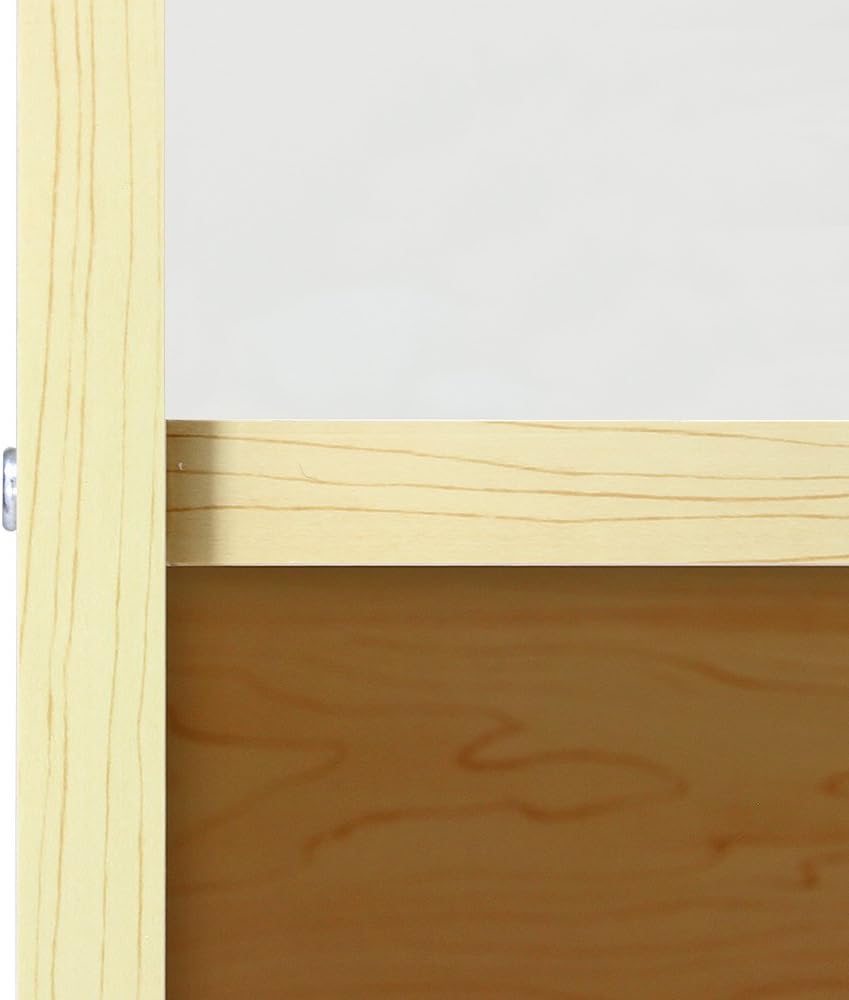
Image 3: Detailed view of the tempered glass shelf, highlighting its placement within the display section.
5. Operating Instructions
The C1200 counter is designed for versatile use in retail environments.
- Display Area: Utilize the front display area with its glass panels and shelf to showcase products. Arrange items neatly for optimal visibility.
- Work Surface: The large top surface serves as a transaction area for serving customers, processing payments, and preparing items.
- Storage: The rear shelving provides convenient storage for essential retail supplies such as bags, rolls, pricing guns, or other operational items.
- Placement: Position the counter in a location that allows for easy customer access to the display and efficient workflow for staff.
6. Maintenance
Regular cleaning and care will help maintain the appearance and longevity of your counter.
- Cleaning Surfaces: Wipe down the melamine-finished wood surfaces with a soft, damp cloth. For stubborn marks, a mild, non-abrasive cleaner can be used. Avoid harsh chemicals or abrasive materials that could damage the finish.
- Cleaning Glass: Use a standard glass cleaner and a lint-free cloth to clean the tempered glass panels and shelf. Spray cleaner onto the cloth, not directly onto the glass, to prevent overspray onto wood surfaces.
- Inspecting Hardware: Periodically check all screws and connections to ensure they remain tight. Retighten if necessary to maintain structural integrity.
- Avoid Excessive Moisture: Do not expose the counter to excessive moisture or standing water, as this can cause damage to the wood material.
7. Troubleshooting
- Wobbly Counter: Ensure the counter is placed on a level surface. Check all assembly hardware for tightness. If necessary, adjust leveling feet (if included) or place shims under the base.
- Scratches on Surface: Minor aesthetic imperfections may be present as noted in the product description. For new scratches, touch-up pens or furniture repair kits matching the maple finish may be used.
- Glass Panel Issues: If glass panels appear loose, ensure they are correctly seated in their grooves. Do not force them. If damaged, contact customer support for replacement options.
8. Specifications
| Brand | Monster Shop |
| Model Number | C1200 / 5002 |
| Color | Maple (beige) |
| Dimensions (L x W x H) | 120 cm x 60 cm x 90 cm (47.2 x 23.6 x 35.4 inches) |
| Material | Engineered Wood, Tempered Glass |
| Item Weight | 40 kg (88.2 lbs) |
| Special Feature | Highly durable |
9. Warranty and Support
For information regarding warranty coverage, returns, or replacement parts, please refer to your purchase documentation or contact the retailer directly. Monster Shop is committed to providing quality products and customer satisfaction.
10. Contact Information
If you have any questions or require assistance with your Monster Shop C1200 Retail Counter, please contact your point of purchase or visit the official Monster Shop website for customer support details.