
HQRP 884667405171116
HQRP AC Adapter User Manual
For Panasonic SDR-H100, SDR-H100P, SDR-H100PC Camcorders
Introduction
This manual provides instructions for the safe and effective use of your HQRP AC Adapter. This adapter is designed to provide power to your Panasonic SDR-H100, SDR-H100P, or SDR-H100PC camcorder and to charge its battery. Please read this manual thoroughly before use and retain it for future reference.
Package Contents
- 1 x HQRP AC Adapter
- 1 x USA Power Cord
- 1 x Euro Plug Adapter

Image: The HQRP AC Adapter unit shown with both the USA power cord and the Euro plug adapter, illustrating the complete package contents.
Safety Information
WARNING: For California residents, this product may contain chemicals known to the State of California to cause cancer and birth defects or other reproductive harm, pursuant to CA Proposition 65. Always handle electronic devices with care.
- Do not expose the adapter to rain or moisture.
- Do not disassemble the adapter. Refer servicing to qualified personnel.
- Ensure the power outlet voltage matches the adapter's input specifications (100V-240V AC).
- Avoid placing heavy objects on the power cord.
- Disconnect the adapter from the power source when not in use for extended periods.
Setup
- Connect the Power Cord: Insert the appropriate power cord (USA or Euro) into the AC adapter's input port. Ensure a firm connection.
- Connect to Camcorder: Plug the DC output connector of the AC adapter into the power input port of your Panasonic SDR-H100 series camcorder.
- Connect to Power Outlet: Insert the power cord's plug into a suitable wall outlet.

Image: The HQRP AC Adapter with the USA power cord and the DC output cable connected, ready for use. The Euro plug adapter is also shown separately.
Operating Instructions
Once properly connected, the HQRP AC Adapter will supply power to your camcorder. You can use the camcorder directly from the AC power source or charge its internal battery (if supported by the camcorder model).
- To operate the camcorder: Ensure the adapter is connected as described in the "Setup" section. Turn on your camcorder.
- To charge the battery: With the adapter connected, the camcorder's battery charging indicator should activate. Refer to your camcorder's manual for specific battery charging procedures and indicators.
Maintenance
- Cleaning: Disconnect the adapter from the power outlet and camcorder before cleaning. Use a soft, dry cloth to wipe the adapter. Do not use liquid cleaners or aerosols.
- Storage: Store the adapter in a cool, dry place away from direct sunlight and extreme temperatures.
- Cable Care: Avoid bending or crimping the power cords excessively. Regularly inspect cords for any signs of damage.
Troubleshooting
| Problem | Possible Cause | Solution |
|---|---|---|
| Adapter not providing power. |
|
|
| Adapter feels hot. |
|
|
Specifications
- Input: 100V-240V AC, 50/60Hz
- Output: DC 5V, 2A
- Connector Type: Barrel connector
- Safety Features: Automatic Overload cut-off, Automatic Thermal cut-off, Short circuit protection, Over Voltage protection, Low Interference & Noise.
- Compatibility: Panasonic SDR-H100, SDR-H100P, SDR-H100PC Camcorders
- Model Number: 884667405171116

Image: The HQRP AC Adapter shown in its retail packaging, highlighting the brand and product type.
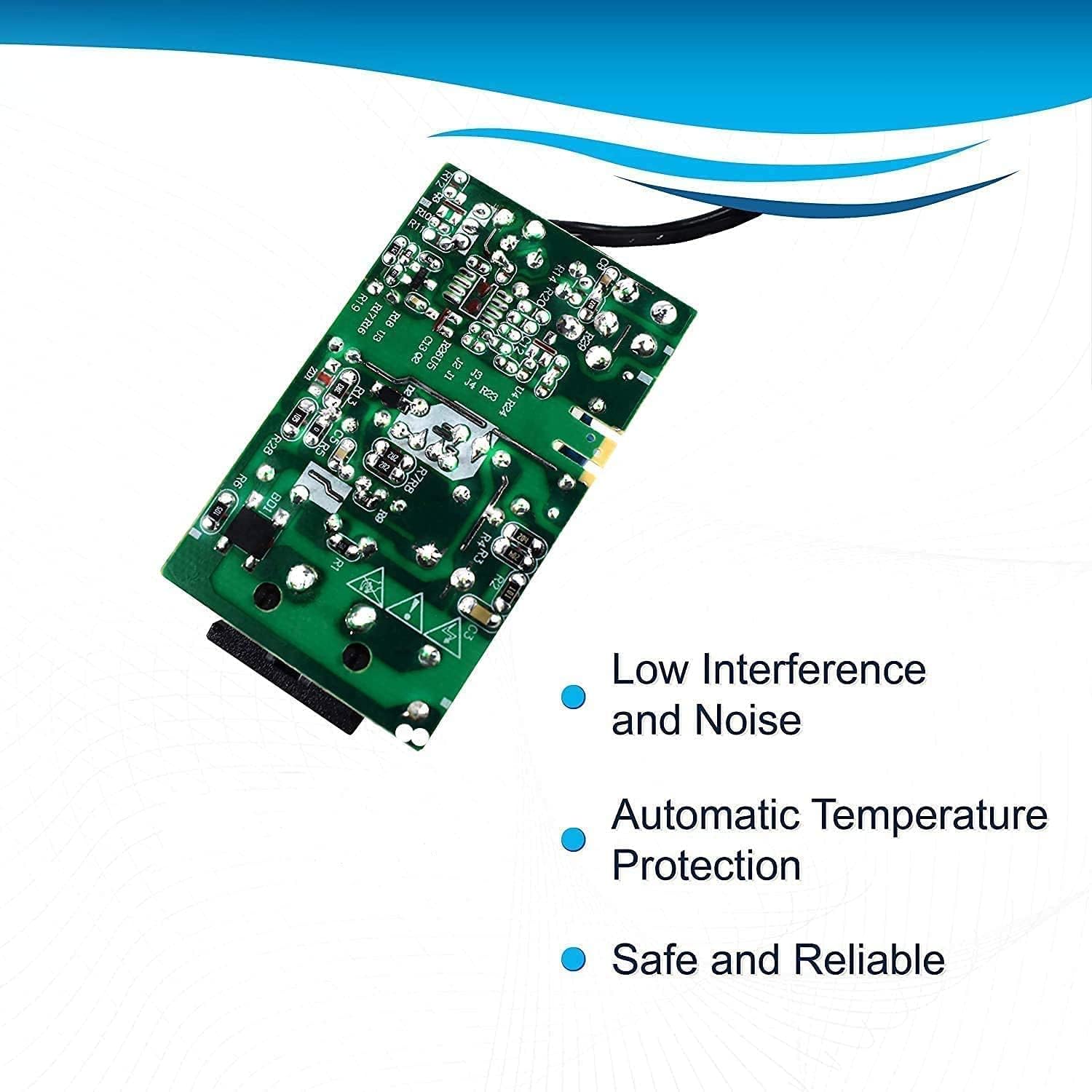
Image: An internal view of the AC adapter's circuit board, illustrating components related to low interference, automatic temperature protection, and overall reliability.

Image: A close-up view of a power cable cross-section, demonstrating high-quality, effectively conductive contacts and double insulation for reliability and damage prevention.
Warranty and Support
For warranty information or technical support, please refer to the HQRP official website or contact their customer service. This product is a replacement part and is not an Original Equipment Manufacturer (OEM) product.
All brand names and logos mentioned are registered trademarks of their respective owners. Any use of brand names or model designations for this product is solely for demonstrating compatibility.