
1. Introduction
This manual provides essential information for the safe and efficient operation, installation, and maintenance of the Okamoto PSG-63DX, ACC-63DX, and ACC-1224DX Precision Surface Grinders. Please read this manual thoroughly before operating the machine to ensure proper understanding and to prevent injury or damage to the equipment. Keep this manual in a readily accessible location for future reference.
1.1 Safety Precautions
Always observe the following safety precautions to prevent accidents and ensure safe operation:
- Ensure all safety guards are in place and functioning correctly before operation.
- Wear appropriate personal protective equipment (PPE), including safety glasses, hearing protection, and safety shoes.
- Never operate the machine under the influence of drugs or alcohol.
- Disconnect power before performing any maintenance or adjustments.
- Familiarize yourself with the emergency stop button location and operation.
2. Setup and Installation
Proper setup and installation are crucial for the performance and longevity of your Okamoto surface grinder. Follow these steps carefully.
2.1 Unpacking and Inspection
Upon receiving the machine, carefully unpack it and inspect for any shipping damage. Report any damage to the carrier immediately.
2.2 Site Requirements
The machine should be installed on a level, stable concrete foundation capable of supporting its weight. Ensure adequate space for operation, maintenance, and material handling. Provide proper ventilation and lighting.
2.3 Leveling the Machine
Use a precision level to ensure the machine is perfectly level. Adjust the leveling screws located at the base of the machine until all points are within tolerance. Refer to the machine's technical drawings for specific leveling points.
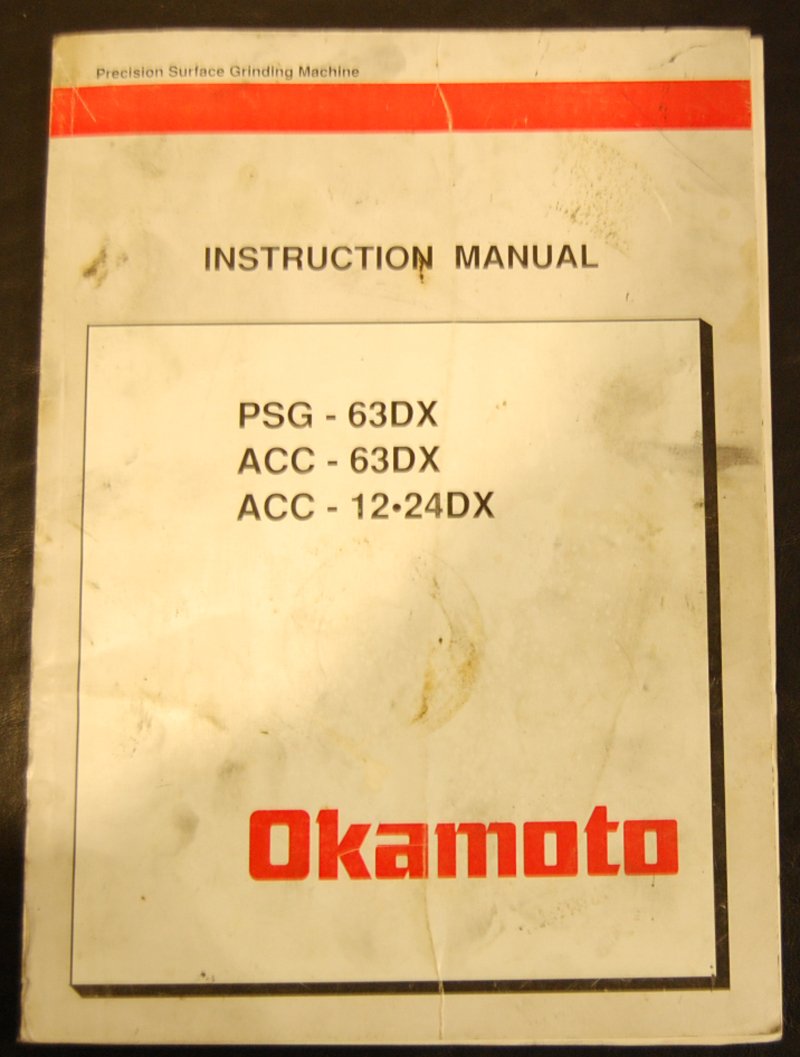
Figure 2.3.1: Machine base with adjustable leveling feet. This image illustrates the typical location of leveling feet for stability.
2.4 Electrical Connection
Connect the machine to a power supply that matches the specifications listed on the machine's nameplate. This typically requires a three-phase power supply. All electrical work must be performed by a qualified electrician in accordance with local codes and regulations.
- Verify voltage and frequency.
- Ensure proper grounding.
- Check phase rotation for correct motor direction.
3. Lubrication
Regular and proper lubrication is vital for the smooth operation and extended lifespan of your Okamoto surface grinder. Use only recommended lubricants.
3.1 Lubrication Points and Schedule
Refer to the lubrication chart below for specific lubrication points, recommended lubricants, and frequency.
| Lubrication Point | Lubricant Type | Frequency |
|---|---|---|
| Spindle Bearings | ISO VG 32 Spindle Oil | Daily |
| Table Ways | ISO VG 68 Way Oil | Daily |
| Lead Screws | Lithium Grease NLGI 2 | Weekly |
| Hydraulic System | ISO VG 46 Hydraulic Oil | Check Monthly, Change Annually |
Figure 3.1.1: Key lubrication points on the Okamoto surface grinder. This diagram indicates where to apply lubricants.
3.2 Coolant System
Maintain the coolant system by regularly checking the coolant level and concentration. Use a high-quality grinding coolant suitable for your application. Clean the coolant tank and filters periodically to prevent contamination and maintain grinding efficiency.
4. Operating Instructions
This section details the procedures for operating the Okamoto Precision Surface Grinder safely and effectively.
4.1 Control Panel Overview
Familiarize yourself with the main control panel. It includes power switches, spindle start/stop, table movement controls, and emergency stop button.
Figure 4.1.1: Main control panel of the Okamoto surface grinder. This image highlights the layout of controls and indicators.
4.2 Grinding Wheel Installation
- Ensure the machine is powered off and locked out.
- Remove the wheel guard.
- Carefully mount the grinding wheel onto the spindle flange, ensuring it is seated correctly.
- Tighten the wheel nut securely, but do not overtighten.
- Replace the wheel guard.
- Perform a wheel balancing procedure if necessary.
4.3 Workpiece Clamping
Secure the workpiece firmly to the magnetic chuck or fixture. Ensure the workpiece is clean and free of burrs to achieve optimal clamping force and prevent movement during grinding.
4.4 Grinding Operation
- Start the spindle motor and allow it to reach full speed.
- Engage the coolant system.
- Slowly bring the grinding wheel into contact with the workpiece, taking light passes initially.
- Adjust table feed rate and depth of cut according to material and desired finish.
- Monitor the grinding process for any unusual vibrations or sounds.
- Upon completion, retract the wheel, stop the spindle, and turn off the coolant.
5. Maintenance
Regular maintenance ensures the longevity and precision of your Okamoto surface grinder. Always disconnect power before performing maintenance.
5.1 Daily Maintenance
- Clean the machine thoroughly, removing grinding swarf and coolant residue.
- Check coolant level and replenish if necessary.
- Inspect grinding wheel for wear or damage.
- Verify proper function of safety guards.
5.2 Weekly Maintenance
- Check and clean the magnetic chuck surface.
- Inspect and clean coolant filters.
- Lubricate lead screws and other specified points (refer to Section 3).
5.3 Monthly/Quarterly Maintenance
- Inspect hydraulic oil level and condition.
- Check electrical connections for tightness and signs of wear.
- Verify accuracy of machine movements and adjust if necessary.
- Clean and inspect all motors and electrical cabinets.
6. Troubleshooting
This section provides solutions to common operational issues. For problems not listed here, contact Okamoto technical support.
| Problem | Possible Cause | Solution |
|---|---|---|
| Machine Fails to Start | No power supply; Emergency Stop engaged; Safety interlock open. | Check power connection; Reset Emergency Stop; Close all safety guards. |
| Poor Surface Finish | Worn or unbalanced grinding wheel; Incorrect feed rate/depth of cut; Insufficient coolant. | Replace/balance wheel; Adjust grinding parameters; Check coolant level/flow. |
| Excessive Vibration | Unbalanced grinding wheel; Loose mounting bolts; Worn spindle bearings. | Balance wheel; Tighten bolts; Inspect/replace bearings (contact service). |
| Hydraulic System Malfunction | Low hydraulic fluid; Clogged filter; Faulty pump. | Check/replenish fluid; Clean/replace filter; Contact service for pump issues. |
7. Electrical Circuit Diagram
This section contains the electrical circuit diagrams for the PSG-63DX, ACC-63DX, and ACC-1224DX models. These diagrams are intended for use by qualified electrical technicians for troubleshooting and maintenance purposes only. Unauthorized modifications to the electrical system can void the warranty and pose significant safety risks.
Note: Due to the complexity and proprietary nature, the full detailed diagrams are typically provided in a separate, dedicated section of the physical manual or as an appendix. For safety, only qualified personnel should access and interpret these diagrams.
Figure 7.1.1: Simplified electrical block diagram illustrating major components and connections. This image provides a general overview of the electrical system.
8. Specifications
Technical specifications for the Okamoto PSG-63DX, ACC-63DX, and ACC-1224DX Precision Surface Grinders.
| Parameter | PSG-63DX | ACC-63DX | ACC-1224DX |
|---|---|---|---|
| Table Size (W x L) | 6" x 18" | 6" x 18" | 12" x 24" |
| Max Grinding Length | 18" | 18" | 24" |
| Max Grinding Width | 6" | 6" | 12" |
| Spindle Motor | 2 HP | 2 HP | 5 HP |
| Grinding Wheel (Dia x Width x Bore) | 8" x 0.5" x 1.25" | 8" x 0.5" x 1.25" | 12" x 1.5" x 5" |
| Machine Weight (Approx.) | 1,500 lbs | 1,600 lbs | 4,500 lbs |
| Power Requirements | 208-230V, 3 Phase, 60Hz | 208-230V, 3 Phase, 60Hz | 208-230V/460V, 3 Phase, 60Hz |
9. Warranty and Support
9.1 Warranty Information
Okamoto products are covered by a limited warranty against defects in materials and workmanship. The specific terms and duration of the warranty vary by region and model. Please refer to the warranty card included with your machine or contact your local Okamoto distributor for detailed warranty information.
- Warranty typically covers manufacturing defects.
- Does not cover wear and tear, misuse, or unauthorized modifications.
- Proof of purchase is required for warranty claims.
9.2 Technical Support
For technical assistance, spare parts, or service inquiries, please contact your authorized Okamoto dealer or the Okamoto customer support center. When contacting support, please have your machine model number and serial number readily available.
Okamoto Corporation
www.okamotocorp.com
(Contact information may vary by region. Please check the official website for your local support details.)
10. Related Videos
No official product videos from the seller were found to be relevant for embedding in this manual.