
1. Introduction
The Cloud Microphones Cloudlifter CL-1 Mic Activator is designed to enhance the performance of passive dynamic and ribbon microphones. It provides up to +25dB of ultra-clean gain, improving signal strength and clarity while reducing noise. This device is ideal for home studios, professional recording environments, podcasts, live streaming, radio broadcasts, and live sound applications.
2. Key Features
- Ultra-Clean Gain: Provides up to +25dB of transparent gain for passive microphones.
- Noise Reduction: Helps reduce unwanted feedback and ambient noise, increasing microphone clarity.
- Phantom Power Utilization: Uses phantom power from your preamp or interface without passing it directly to the microphone, making it safe for all passive ribbon microphones.
- Broad Compatibility: Compatible with tube, battery, or power supply driven microphones.
- Rugged Construction: Durable all-metal chassis ensures reliability in various environments.
- Made in USA: Proudly manufactured in the USA, ensuring high-quality craftsmanship.
3. What's in the Box
- 1 x Cloudlifter CL-1 Mic Activator
4. Setup Guide
Follow these steps to properly set up your Cloudlifter CL-1 Mic Activator:
- Connect Microphone: Plug your passive dynamic or ribbon microphone into the input (female XLR) of the Cloudlifter CL-1.
- Connect to Preamp/Interface: Connect the output (male XLR) of the Cloudlifter CL-1 to your microphone preamp, mixer, or audio interface.
- Activate Phantom Power: Ensure that your microphone preamp, mixer, or audio interface is providing +48V phantom power. The Cloudlifter CL-1 uses this phantom power to operate, but it does not pass the phantom power directly to your microphone, making it safe for all passive microphones.
- Adjust Gain: Begin with your preamp gain set to a low level and gradually increase it until you achieve the desired signal level. The Cloudlifter CL-1 provides a significant boost, allowing you to use lower preamp gain settings for a cleaner signal.

Image: The Cloudlifter CL-1 Mic Activator, a compact blue device with XLR connectors.
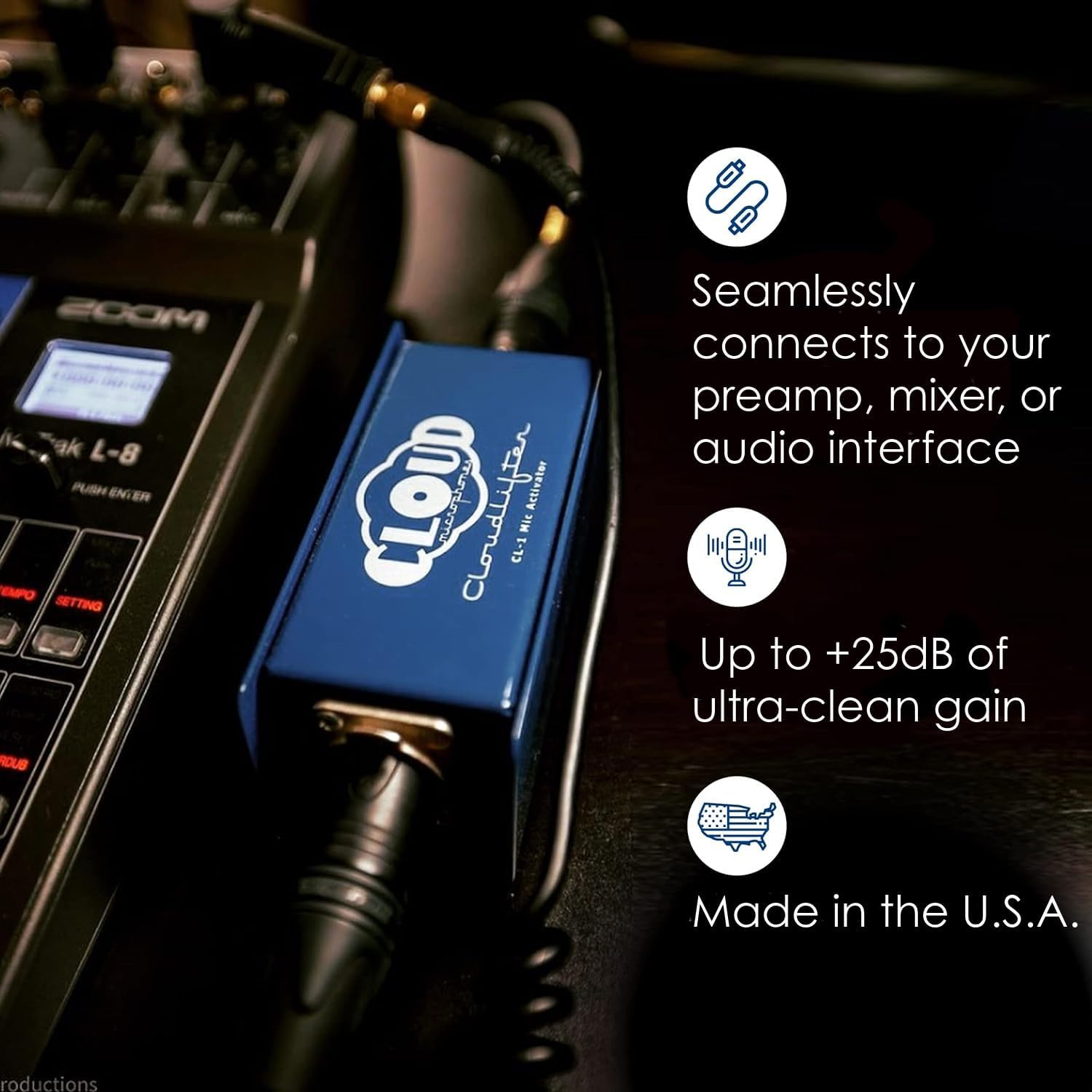
Image: The Cloudlifter CL-1 connected via XLR cables to a microphone and an audio mixer/interface.

Image: A microphone connected to the Cloudlifter CL-1, which is then connected to an audio device, illustrating the signal path.
Video: A product overview demonstrating the Cloudlifter CL-1 and its basic connections.
5. Operating Instructions
The Cloudlifter CL-1 operates by providing a significant boost to your microphone's signal, allowing your preamp to work less, resulting in a cleaner, more transparent sound. It is particularly beneficial for microphones with low output levels, such as many dynamic and ribbon microphones.
- Enhanced Signal: The +25dB of gain ensures that even quiet sound sources are captured with sufficient level, preventing the need to excessively boost your preamp, which can introduce noise.
- Preserves Microphone Character: The ultra-clean gain stage maintains the natural sonic characteristics of your microphone, delivering its true sound without coloration.
- Reduced Noise Floor: By providing a stronger signal at the input of your preamp, the Cloudlifter CL-1 effectively lowers the overall noise floor of your recording chain.

Image: The Cloudlifter CL-1 connected to a microphone, highlighting its ability to provide up to +25dB of clean gain.
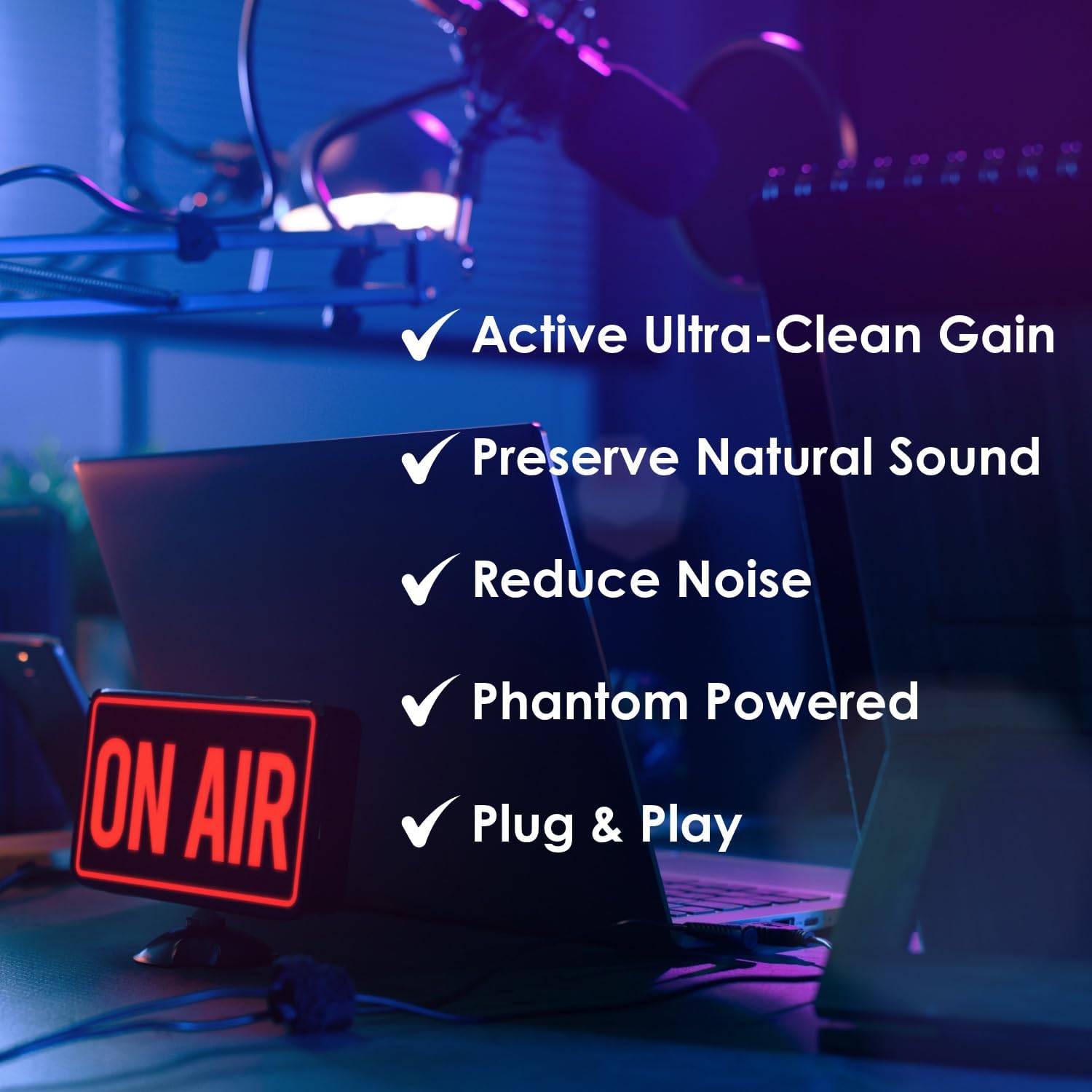
Image: A graphic listing the benefits of the Cloudlifter CL-1: Active Ultra-Clean Gain, Preserve Natural Sound, Reduce Noise, Phantom Powered, and Plug & Play.

Image: A collage showing various applications for the Cloudlifter CL-1, including recording studios, podcast studios, live performances, and content creation.
6. Maintenance
The Cloudlifter CL-1 is a robust device designed for longevity. Minimal maintenance is required:
- Cleaning: Use a soft, dry cloth to wipe down the exterior of the unit. Avoid using harsh chemicals or abrasive materials.
- Storage: Store the device in a cool, dry place away from direct sunlight and extreme temperatures when not in use.
- Connections: Periodically check XLR connections for any signs of wear or damage. Ensure cables are securely connected during operation.
7. Troubleshooting
| Problem | Possible Cause | Solution |
|---|---|---|
| No sound or very low signal | No phantom power; incorrect connections; faulty cable. | Ensure +48V phantom power is enabled on your preamp/interface. Check all XLR cable connections for proper seating. Test with different cables. |
| Distorted sound | Preamp gain too high; microphone input level too hot. | Reduce the gain on your preamp/interface. The Cloudlifter provides a significant boost, so less preamp gain is often needed. |
| Excessive background noise/hiss | Poor quality cables; electrical interference; microphone issues. | Use high-quality, shielded XLR cables. Ensure the Cloudlifter is not placed near sources of electromagnetic interference (e.g., power supplies, cell phones). Test with a different microphone if possible. |
| Cloudlifter not working with condenser mic | Cloudlifter is designed for passive dynamic and ribbon microphones. | The Cloudlifter CL-1 is not intended for use with condenser microphones, which typically require direct phantom power. |
8. Specifications
- Model: CL-1
- Gain: +25 dB
- Power Source: Standard Microphone Phantom Power +48V
- Connectivity Technology: XLR
- Connector Type: XLR
- Material: Stainless Steel
- Item Weight: 11.3 ounces (0.32 Kilograms)
- Product Dimensions (L x W x H): 4.72 x 1.93 x 1.93 inches
- Special Feature: Noise Reduction
- Compatible Devices: Standard Microphone Inputs with Phantom Power (for passive dynamic/ribbon mics)
- Manufacturer: Cloud Microphones
9. Warranty & Support
Cloud Microphones products are manufactured to high standards. For specific warranty details and terms, please refer to the documentation included with your purchase or visit the official Cloud Microphones website. For technical support or service inquiries, please contact Cloud Microphones customer service directly.


