
Introduction
Welcome to the user manual for your Philips SENSEO Viva Café coffee machine. This appliance is designed to provide delicious coffee with convenience and ease. Please read this manual carefully before first use to ensure proper operation and maintenance.
The SENSEO Viva Café features an iconic design and offers freshly brewed coffee at the touch of a button. Key features include an adjustable spout for various cup sizes and a calc indicator to remind you when descaling is needed. For energy saving, the machine automatically switches off after 30 minutes of inactivity.
Setup
Unpacking and Placement
Carefully remove all packaging materials. Place the coffee machine on a stable, flat surface, away from heat sources and direct sunlight. Ensure there is enough space around the machine for proper ventilation.

Image: The Philips SENSEO Viva Cafe coffee machine in red, shown brewing coffee into two glass cups. This image illustrates the compact design and the dual-cup brewing capability.
Filling the Water Reservoir
- Remove the water reservoir from the back of the machine.
- Fill the reservoir with fresh, cold tap water up to the MAX indication.
- Place the water reservoir back onto the machine, ensuring it is securely seated.
First Use / Rinsing Cycle
Before first use, or if the machine has not been used for a long time, perform a rinsing cycle:
- Fill the water reservoir.
- Place a bowl or container under the coffee spout to collect water.
- Press the 1-cup button and the 2-cup button simultaneously. The machine will start the rinsing cycle.
- Repeat this process until the water reservoir is empty.
This process cleans the internal system and prepares the machine for brewing.
Operating Instructions
Brewing Coffee
- Ensure the water reservoir is filled.
- Open the lid and place one SENSEO coffee pad into the 1-cup pad holder for a single cup, or two pads into the 2-cup pad holder for two cups. Ensure the pad is centered and flat.
- Close the lid firmly until it clicks into place.
- Place one or two cups under the coffee spout. The adjustable spout can be moved up or down to accommodate different cup sizes.
- Press the 1-cup button for a single cup of coffee or the 2-cup button for two cups. The machine will start brewing.
- The machine will stop automatically when the brewing process is complete.
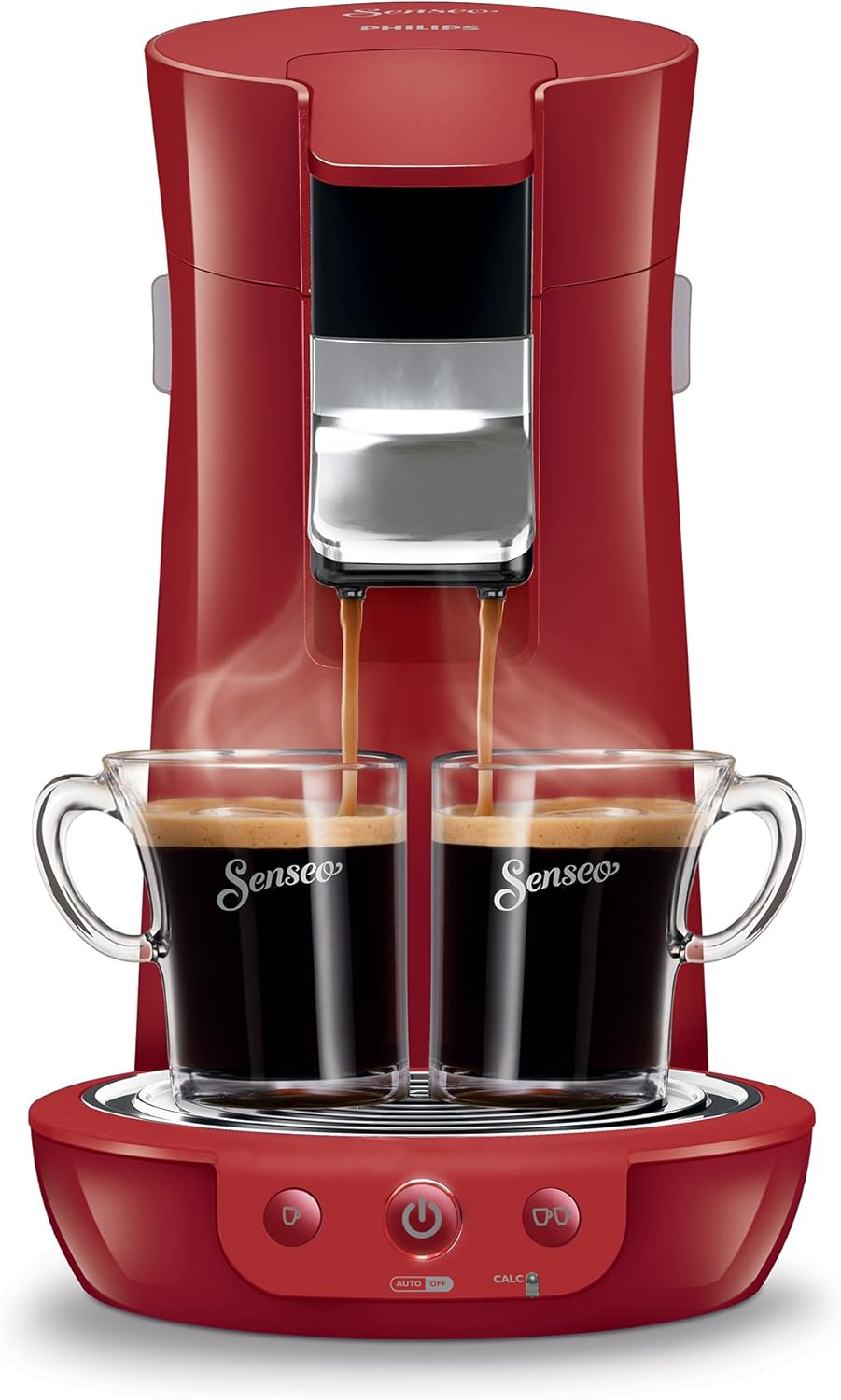
Image: A close-up front view of the Philips SENSEO Viva Cafe machine actively brewing coffee into two cups, with visible steam, highlighting the brewing process.
Adjustable Spout
The coffee spout can be adjusted vertically to fit various cup heights. Gently push or pull the spout to the desired position.
Automatic Shut-off
For energy efficiency, the SENSEO Viva Café coffee machine automatically switches off after 30 minutes of inactivity.
Maintenance
Descaling
Regular descaling is crucial for maintaining optimal performance and coffee taste. The machine features a light indication that reminds you when to decalcify. Use only the specially developed SENSEO descaler.
- When the CALC light illuminates, it's time to descale.
- Follow the instructions provided with the SENSEO descaler for the descaling procedure.
- Typically, this involves filling the water reservoir with a descaling solution and running several cycles through the machine.
- After descaling, perform several rinsing cycles with fresh water to remove any descaler residue.

Image: A side-angle view of the Philips SENSEO Viva Cafe coffee machine, showing coffee being dispensed into two cups. This perspective highlights the machine's profile and the adjustable spout.
Cleaning
- Drip Tray and Grid: Remove and empty the drip tray regularly. Clean the drip tray and grid with warm water and a mild detergent.
- Coffee Spout: The coffee spout can be removed for cleaning. Rinse it under running water.
- Pad Holders: Clean the pad holders with warm water and a mild detergent. Ensure no coffee residue blocks the small holes.
- Exterior: Wipe the exterior of the machine with a damp cloth. Do not use abrasive cleaning agents or immerse the machine in water.
Troubleshooting
If you encounter issues with your SENSEO Viva Café machine, please refer to the following common solutions:
| Problem | Possible Cause / Solution |
|---|---|
| No coffee is dispensed. |
|
| Coffee is weak or watery. |
|
| Machine leaks water. |
|
If the problem persists, please contact Philips customer support.
Specifications
| Feature | Detail |
|---|---|
| Brand | PHILIPS |
| Model Number | HD7825/80 |
| Product Dimensions (WxHxD) | 19 x 34 x 31 cm (7.48 x 13.39 x 11.81 inches) |
| Item Weight | 5.86 pounds |
| Coffee Maker Type | Espresso Machine (Pad System) |
| Operation Mode | Fully Automatic |
| Filter Type | Reusable (for pads) |
| Automatic Shut-off | Yes (after 30 minutes) |
| Descaling Indicator | Yes |
| Adjustable Spout | Yes |
Warranty and Support
For information regarding warranty coverage, product registration, and customer support, please visit the official Philips website or contact their customer service department.
You can find more information and support resources by visiting the Philips Store on Amazon.