
1. Introduction
This manual provides essential information for the proper installation, operation, and maintenance of your Honeywell AF11S-11/2A Water Filter. Please read these instructions thoroughly before proceeding with installation or use to ensure safe and efficient performance of the product.
2. Product Overview
The Honeywell AF11S-11/2A is a water filter screen designed to remove particulate matter from water systems. It is suitable for various industrial and HVAC applications.
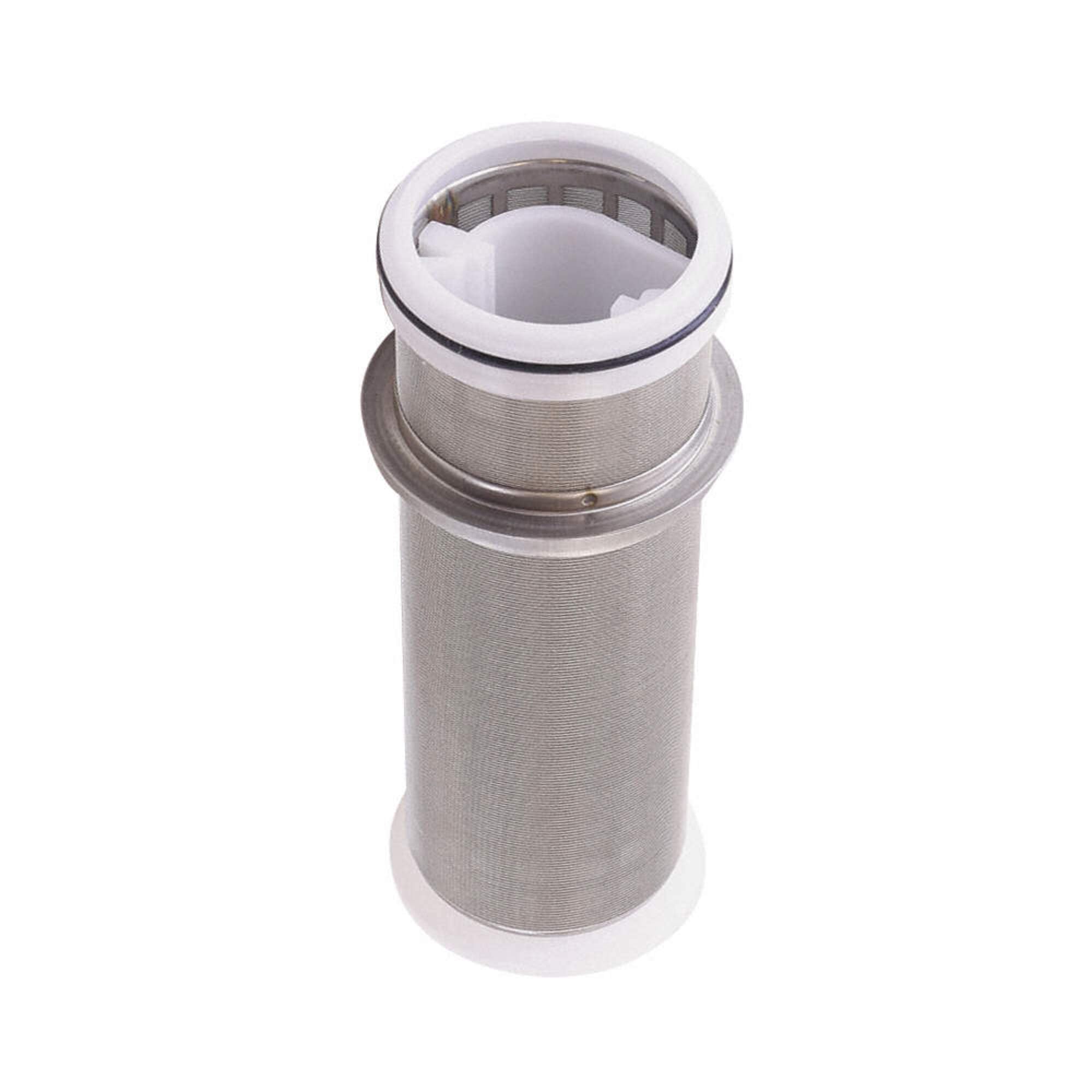
Figure 1: Honeywell AF11S-11/2A Water Filter screen. This image displays the cylindrical mesh filter screen with white plastic end caps, designed for effective filtration.
Key features include a 100 micron filter screen, ensuring efficient removal of fine sediment.
3. Safety Information
- Always shut off the main water supply before installing or servicing the filter.
- Ensure all connections are secure to prevent leaks.
- Do not use the filter with water that is microbiologically unsafe or of unknown quality without adequate disinfection before or after the filter.
- Consult local plumbing codes for proper installation requirements.
4. Setup and Installation
Installation should be performed by a qualified professional in accordance with local plumbing codes and manufacturer guidelines.
- Prepare the System: Turn off the main water supply and relieve system pressure.
- Position the Filter: Install the filter in the main water line at the desired location, ensuring proper flow direction.
- Connect Plumbing: Securely connect the filter to the existing plumbing using appropriate fittings.
- Check for Leaks: Slowly restore water pressure and inspect all connections for leaks.
- Flush the System: Flush the system as recommended by the overall system manufacturer to remove any air or loose particles.
5. Operating Instructions
Once installed, the Honeywell AF11S-11/2A Water Filter operates continuously to filter water. No specific user interaction is required during normal operation.
- Monitor system pressure to detect potential clogging of the filter screen.
- Regularly inspect the filter housing (if applicable) for any signs of wear or damage.
6. Maintenance
Regular maintenance ensures optimal performance and longevity of your water filter.
- Screen Cleaning: The 100 micron filter screen should be periodically inspected and cleaned. Frequency depends on water quality and usage.
- Cleaning Procedure:
- Shut off water supply and relieve pressure.
- Carefully remove the filter screen from its housing.
- Rinse the screen thoroughly under running water to remove accumulated debris. A soft brush may be used for stubborn deposits.
- Inspect the screen for any damage or tears. Replace if necessary.
- Reinstall the clean screen and restore water supply, checking for leaks.
- Replacement: Replace the filter screen if it becomes damaged or if cleaning no longer restores adequate flow.
7. Troubleshooting
This section addresses common issues that may arise with your water filter.
- Reduced Water Flow: This often indicates a clogged filter screen. Perform the cleaning procedure outlined in the Maintenance section.
- Leaks: Check all plumbing connections for tightness. Ensure O-rings and gaskets are properly seated and not damaged. Replace any worn seals.
- Poor Filtration: If water quality does not improve after cleaning, the filter screen may be damaged and require replacement.
8. Specifications
| Attribute | Value |
|---|---|
| Manufacturer | Honeywell Braukmann |
| Part Number | AF11S-11/2A |
| Item Model Number | AF11S-11/2A |
| Item Weight | 12.6 ounces |
| Package Dimensions | 8.5 x 2.99 x 2.76 inches |
| Item Package Quantity | 1 |
| Number Of Pieces | 1 |
| Filter Screen Size | 100 micron |
9. Warranty and Support
For warranty information or technical support, please contact Honeywell customer service or visit the official Honeywell website. Keep your purchase receipt for warranty claims.
Honeywell Customer Support: Refer to your product packaging or the official Honeywell website for current contact information.


