
Introduction
The SoundTech CM-1000 is an omni-directional conference microphone designed to provide exceptional sound quality and broad coverage for various recording and communication needs. Its sleek, low-profile design makes it ideal for placement in the center of a meeting table or recording area. This manual provides essential information for setting up, operating, maintaining, and troubleshooting your CM-1000 microphone.
Key Features
- Excellent audio clarity.
- Full 360-degree omni-directional pickup.
- Built-in echo cancellation and noise reduction.
- Daisy-chaining capability for expanded coverage.
- Includes a 5 ft. cord with a 3.5mm stereo plug.
- No external power required.
- Mac and PC compatible.
- Suitable for portable recording devices.
Product Overview
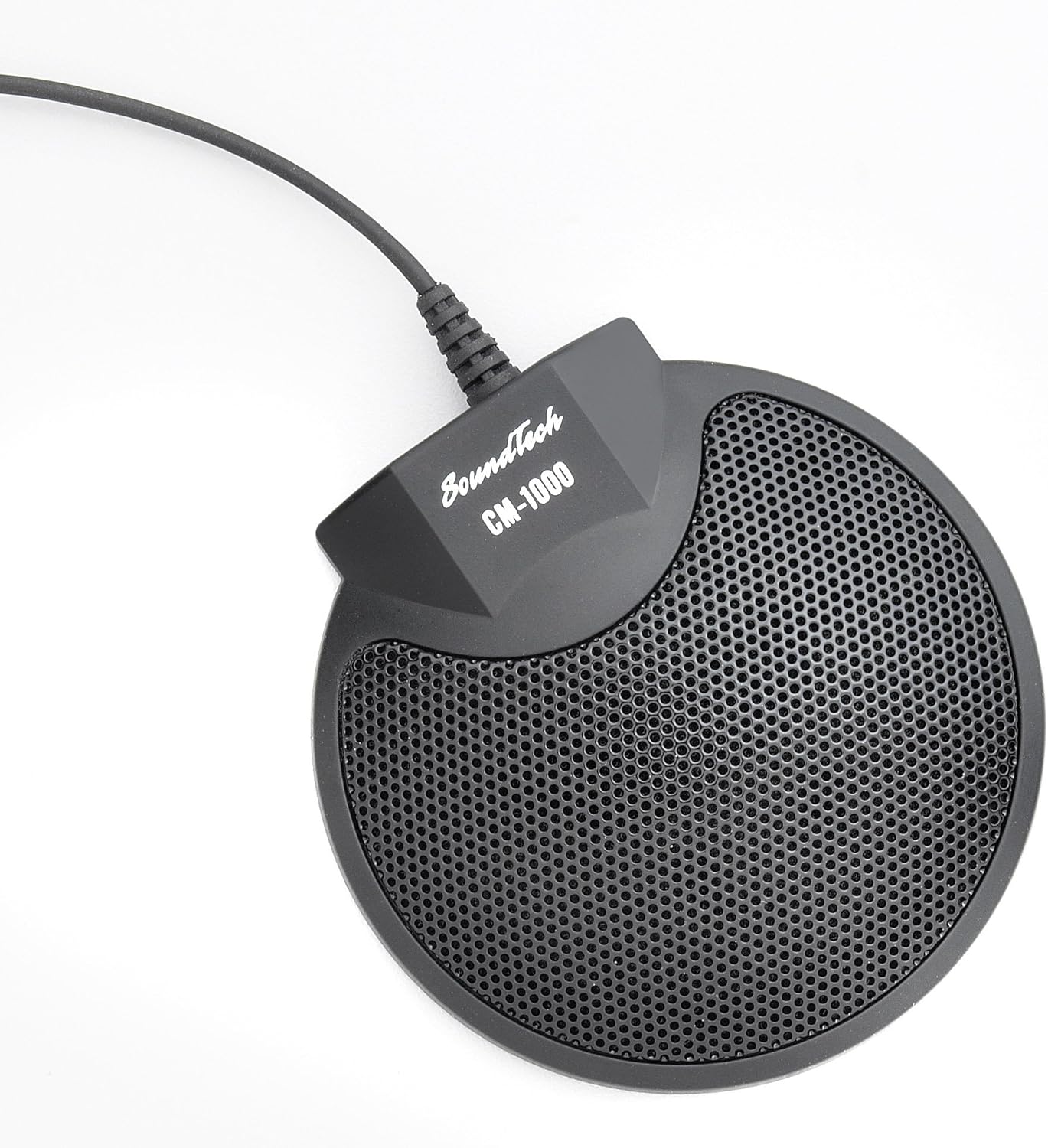
The SoundTech CM-1000 microphone features a compact, circular design with a perforated grille for optimal sound capture. It connects via a durable 3.5mm stereo plug and is designed for stable placement on any flat surface.
Setup
- Connect the 3.5mm stereo plug of the SoundTech CM-1000 to your computer's microphone input jack.
- No external power is required for operation, as the microphone draws power from your device.
- The microphone is compatible with both Mac and PC systems. For optimal performance, ensure your computer's microphone input provides sufficient phantom power, as this is an electret condenser microphone. If your PC has a combined 3.5mm audio headset jack, a TRS to TRRS adapter may be required.
- Multiple CM-1000 microphones can be daisy-chained together for expanded coverage in larger settings.
Operating Instructions
- Place the microphone in the center of your meeting or recording area to utilize its full 360-degree omni-directional pickup.
- The microphone is designed for clear audio capture in various applications, including meetings, interviews, lectures, and public hearings.
- Adjust input levels through your computer's sound settings for optimal clarity and to minimize background noise.
Maintenance
- Keep the microphone clean by wiping it with a soft, dry cloth. Avoid using harsh chemicals or abrasive materials.
- Store the microphone in a cool, dry place when not in use to prevent damage.
Troubleshooting
- No Sound/Low Volume: Ensure the 3.5mm plug is fully inserted into the correct microphone input. Check your computer's sound settings to confirm the SoundTech CM-1000 is selected as the input device and that volume levels are adequate. Verify that your computer's microphone input provides the necessary phantom power. If using a combined headset jack, try a TRS to TRRS adapter.
- Excessive Background Noise: Ensure the microphone is placed away from direct noise sources. Adjust microphone sensitivity in your computer's sound settings. The microphone features built-in echo cancellation and noise reduction to help minimize ambient sounds.
- Intermittent Audio: Check all cable connections for looseness. If daisy-chaining, ensure all microphones are properly connected.
Specifications
| Attribute | Value |
|---|---|
| Item Dimensions L x W x H | 9 x 3 x 6 inches |
| Power Source | Corded Electric |
| Material | Metal |
| Signal-to-Noise Ratio | 75 dB |
| Hardware Platform | PC |
| Number of Channels | 1 |
| Polar Pattern | Omnidirectional |
| Item Weight | 4.6 ounces |
| Connector Type | 3.5 mm Jack |
| Compatible Devices | PC, desktop, and handheld recording |
Warranty and Support
For warranty information and technical support, please refer to the official Executive Communication Systems website or contact their customer service directly. Keep your purchase receipt for warranty claims.