
1. Introduction
This manual provides detailed instructions for the installation, operation, and maintenance of your Paragon 83-DT5912 Flat Electronic Hidden Wall Safe. This safe is designed to secure valuables in a concealed location within a wall, offering both electronic keypad access and traditional key override.
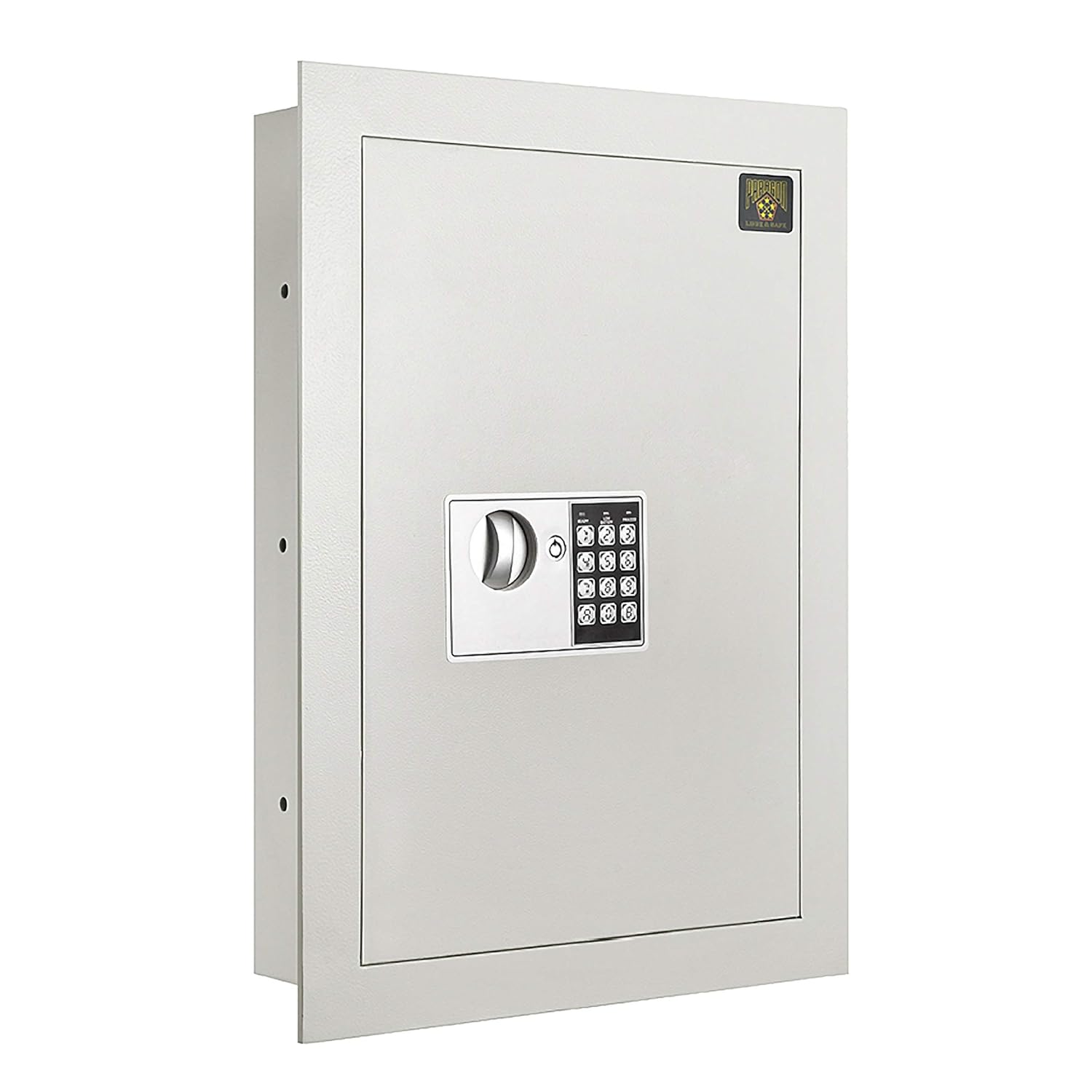
Image 1.1: Front view of the Paragon 83-DT5912 Flat Electronic Hidden Wall Safe.
2. Safety Information
- Do not store override keys inside the safe. Always keep them in a secure, separate location away from the safe.
- Regularly check the battery level and replace batteries annually or when the low battery indicator appears.
- This safe is designed for security against theft and concealment. It is not fireproof or waterproof.
- Ensure the safe is securely anchored to wall studs during installation to prevent removal.
3. Package Contents
Verify that all the following items are included in your package:
- Paragon 83-DT5912 Wall Safe Unit
- 2 x Override Keys
- 2 x AA (1.5V) Batteries
- Fixing Bolts (for installation)

Image 3.1: Included accessories: fixing bolts, AA batteries, and override keys.
4. Specifications
| Model | 83-DT5912 |
| Outside Dimensions (H x W x D) | 22 inches x 16.25 inches x 4 inches |
| Inside Wall Dimensions (H x W x D) | 20.25 inches x 14.25 inches x 3.8 inches |
| Weight | Approximately 39 pounds |
| Construction | Solid steel body, 1/8 inch thick solid steel door |
| Lock Type | Electronic Keypad (3-8 digit code) and Key Override |
| Power Source | 2 x AA (1.5V) Batteries |
| Capacity | 0.83 Cubic Feet |
| Color | Off White / Light Gray |
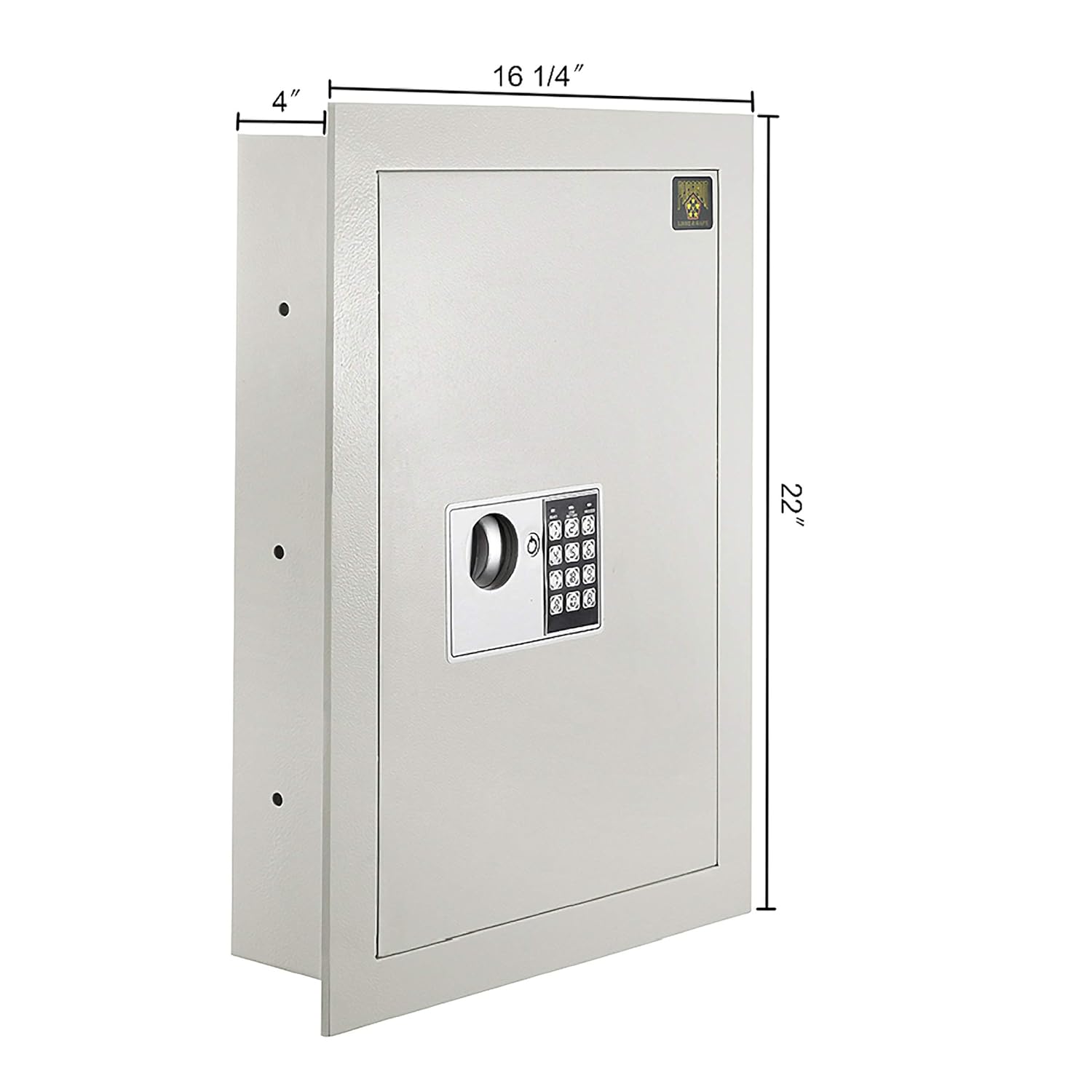
Image 4.1: External dimensions of the safe.
5. Setup and Installation
5.1 Tools Required
- Pencil
- Level
- Tape Measure
- Drywall Saw
- Drill
- Screwdriver
5.2 Choosing a Location
Select a location on an interior wall that is free of electrical wiring, plumbing, or other obstructions. The safe is designed to fit between standard 16-inch on-center wall studs. Use a stud finder to locate the studs.
5.3 Cutting the Wall Opening
- Using a pencil and level, mark the outline for the wall opening. The required opening size is approximately 20.25 inches high by 14.25 inches wide.
- Carefully cut along the marked lines using a drywall saw.
5.4 Mounting the Safe
- Insert the safe into the cut opening. Ensure it is level and flush with the wall surface. The 1-inch frame around the front of the safe is designed to conceal minor imperfections in the drywall cut.
- Using the pre-drilled holes on the sides of the safe, secure it to the wall studs with the provided fixing bolts. Use a drill and screwdriver to tighten the bolts firmly.

Image 5.1: Example of the safe installed within a wall.
5.5 Battery Installation
- Open the safe using one of the override keys (see Section 6.3).
- Locate the battery compartment on the inside of the safe door.
- Open the battery cover and insert the two AA (1.5V) batteries, ensuring correct polarity.
- Close the battery cover. The safe is now powered.
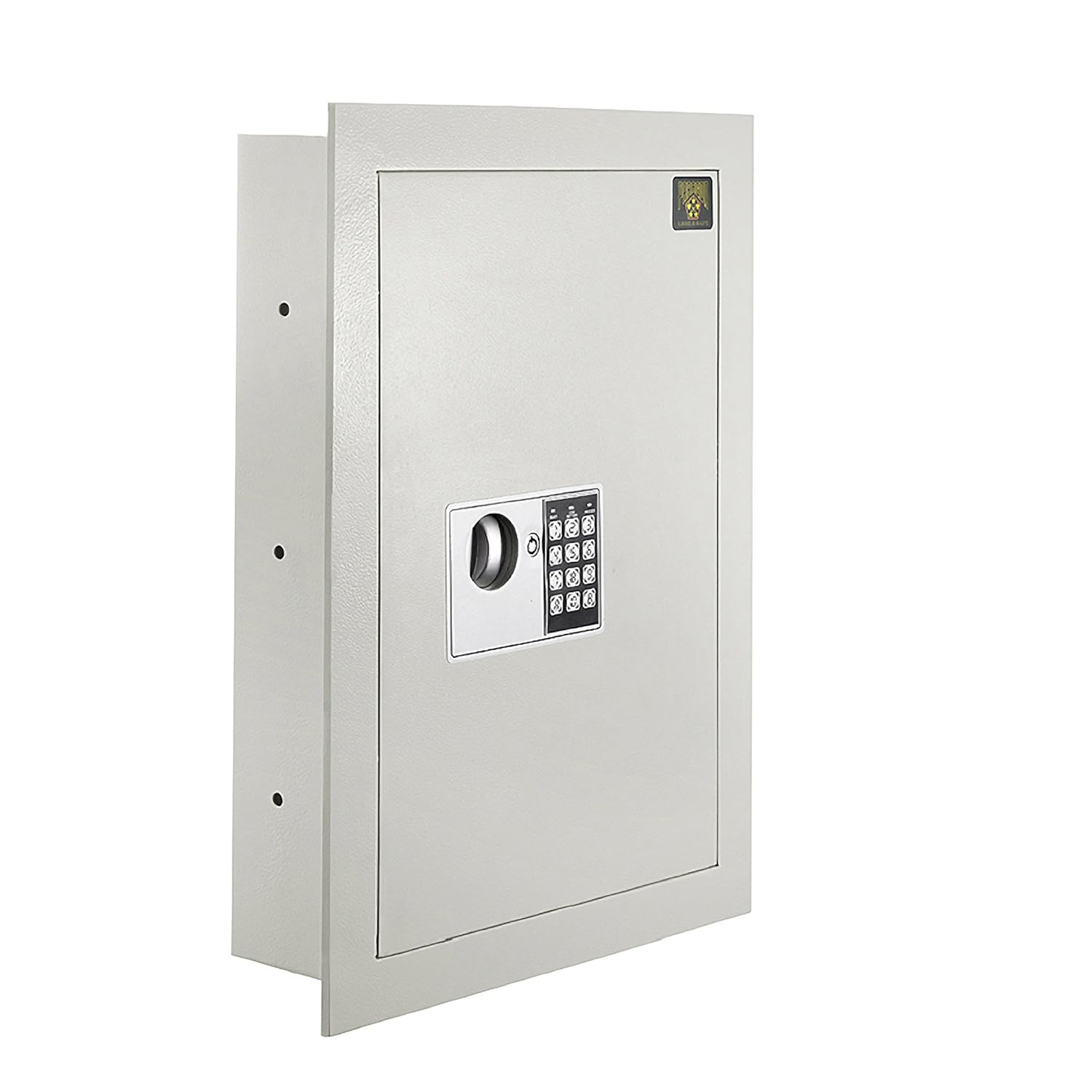
Image 5.2: Installing batteries in the internal compartment.
6. Operating Instructions
6.1 Initial Code Setup and Programming a New Code
- With the safe door open, locate the red reset button on the inside of the door, near the hinge.
- Press the red reset button. The keypad will beep, and the green LED will illuminate.
- Within 5 seconds, enter your desired 3 to 8 digit code on the keypad.
- Press the "PROCEED" button to confirm. The safe will beep twice, indicating the new code is set.
- Test the new code with the safe door open before closing it. If the code works, close the door.
6.2 Opening the Safe Electronically
- Enter your 3 to 8 digit code on the keypad.
- Press the "PROCEED" button. The green LED will illuminate, and you will hear a click.
- Within 5 seconds, turn the knob clockwise to open the safe door.
6.3 Opening the Safe with Override Key
In case of forgotten code, dead batteries, or electronic malfunction, the safe can be opened using the override key.
- Locate the keyhole on the keypad panel.
- Insert one of the provided override keys into the keyhole and turn it.
- While the key is turned, rotate the knob clockwise to open the safe door.
- Remove the key once the safe is open.

Image 6.1: Keypad with override keys in position.
6.4 Low Battery Warning and External Power
The keypad features a "LOW BATTERY" indicator. When this light illuminates, it is recommended to replace the batteries promptly.
If the batteries die completely and you cannot open the safe electronically, you can use the override key. Alternatively, an external battery pack (not included) can be connected to the external power port (a small red button on the side of the safe, usually covered) to temporarily power the keypad for electronic access.

Image 6.2: External battery port for emergency power.
7. Maintenance
- Battery Replacement: Replace the AA batteries at least once a year, or immediately when the low battery indicator appears.
- Cleaning: Wipe the safe's exterior with a soft, damp cloth. Avoid using abrasive cleaners or solvents.
- Key Storage: Always store the override keys in a secure location separate from the safe.
- Door Alignment: If the safe door becomes stiff or difficult to open/close, the bottom hinge may require adjustment. Use an Allen key to make small adjustments to the bottom hinge until the door operates smoothly.
8. Troubleshooting
| Problem | Possible Cause | Solution |
|---|---|---|
| Safe will not open electronically. | Incorrect code entered. Dead or low batteries. | Re-enter the code carefully. Replace batteries (see Section 5.5). Use the override key (see Section 6.3). |
| Keypad is unresponsive. | Batteries are completely dead. | Use the override key (see Section 6.3). Connect an external battery pack to the external power port (see Section 6.4). |
| Safe door is stiff or difficult to open/close. | Door alignment issue. Obstruction. | Check for any physical obstructions. Adjust the bottom hinge with an Allen key (see Section 7). |
9. Warranty and Support
The Paragon 83-DT5912 Flat Electronic Hidden Wall Safe is covered by a 10-Year Manufacturer Warranty. For warranty claims or technical support, please refer to the contact information provided with your purchase documentation or visit the official Paragon website.