
Introduction
This user manual provides comprehensive instructions for the setup, operation, and maintenance of your Honeywell Model 5101 Digital Security Safe. This low-profile digital security safe is designed to protect your valuable possessions with its programmable digital lock, solid steel construction, and secure locking mechanisms. Please read this manual thoroughly before using your safe to ensure proper functionality and security.
Safety Information
- Do not store the emergency override keys inside the safe. Keep them in a secure, separate location.
- Ensure the safe is placed on a stable, level surface.
- Keep the digital keypad clean and dry.
- Do not expose the safe to extreme temperatures or humidity.
- This safe is not water resistant. Do not expose it to water or excessive moisture.
- Keep batteries out of reach of children.
Package Contents
Verify that all items are present in the package:
- Honeywell Model 5101 Digital Security Safe Unit
- 2 Emergency Override Keys
- Mounting Hardware (bolts, washers)
- User Manual (this document)
Setup
1. Battery Installation
The safe requires 4 AA batteries (not included) for the digital lock to function. The battery compartment is located on the inside of the safe door.
- Open the safe door using one of the emergency override keys (refer to "Opening the Safe with Emergency Key" if needed).
- Locate the battery compartment cover on the inside of the door.
- Remove the cover and insert 4 new AA batteries, ensuring correct polarity (+/-).
- Replace the battery compartment cover.

2. Setting Your Personal Digital Code
You can program a personal digital code (3-8 digits) for your safe.
- With the safe door open, locate the red reset button on the inside of the door, near the hinge.
- Press the red reset button. You will hear a beep, and the yellow "PROCEED" light on the keypad will illuminate.
- Within 5 seconds, enter your desired 3 to 8 digit code on the keypad.
- Press the "A" or "B" button to confirm your code. You will hear a confirmation beep, and the yellow light will turn off.
- Test your new code with the door open before closing it. Enter your code, then press "A" or "B". The green "READY" light should illuminate, and you should hear the lock mechanism retract.

3. Mounting the Safe (Optional)
The safe features pre-drilled mounting holes for secure installation to a floor or wall. Mounting hardware is included.
- Choose a suitable location for mounting.
- Open the safe door and locate the pre-drilled holes on the back or bottom panel.
- Position the safe in the desired location and mark the drilling points through the holes onto the surface.
- Move the safe and drill pilot holes into the marked points using an appropriate drill bit for your surface (wood, concrete, etc.).
- Reposition the safe over the drilled holes.
- Secure the safe using the provided mounting bolts and washers. Tighten firmly.

Operating Instructions
1. Opening the Safe with Your Digital Code
- Enter your programmed 3 to 8 digit code on the keypad.
- Press the "A" or "B" button.
- The green "READY" light will illuminate, and you will hear the lock mechanism retract.
- Within 5 seconds, turn the knob clockwise to open the safe door.
2. Opening the Safe with Emergency Override Key
In case of forgotten code, dead batteries, or electronic malfunction, use the emergency override key.
- Locate the keyhole cover on the digital keypad panel.
- Gently remove the cover.
- Insert one of the emergency override keys into the keyhole and turn it counter-clockwise.
- While holding the key turned, turn the knob clockwise to open the safe door.
- Remove the key and replace the keyhole cover after use.
3. Closing and Locking the Safe
To lock the safe, simply close the door and turn the knob counter-clockwise until it clicks into place. The digital lock will automatically engage.
Maintenance
1. Battery Replacement
When the "LOW BATT" indicator light illuminates, it is time to replace the batteries. Replace all 4 AA batteries simultaneously. Do not mix old and new batteries or different types of batteries.
2. Cleaning
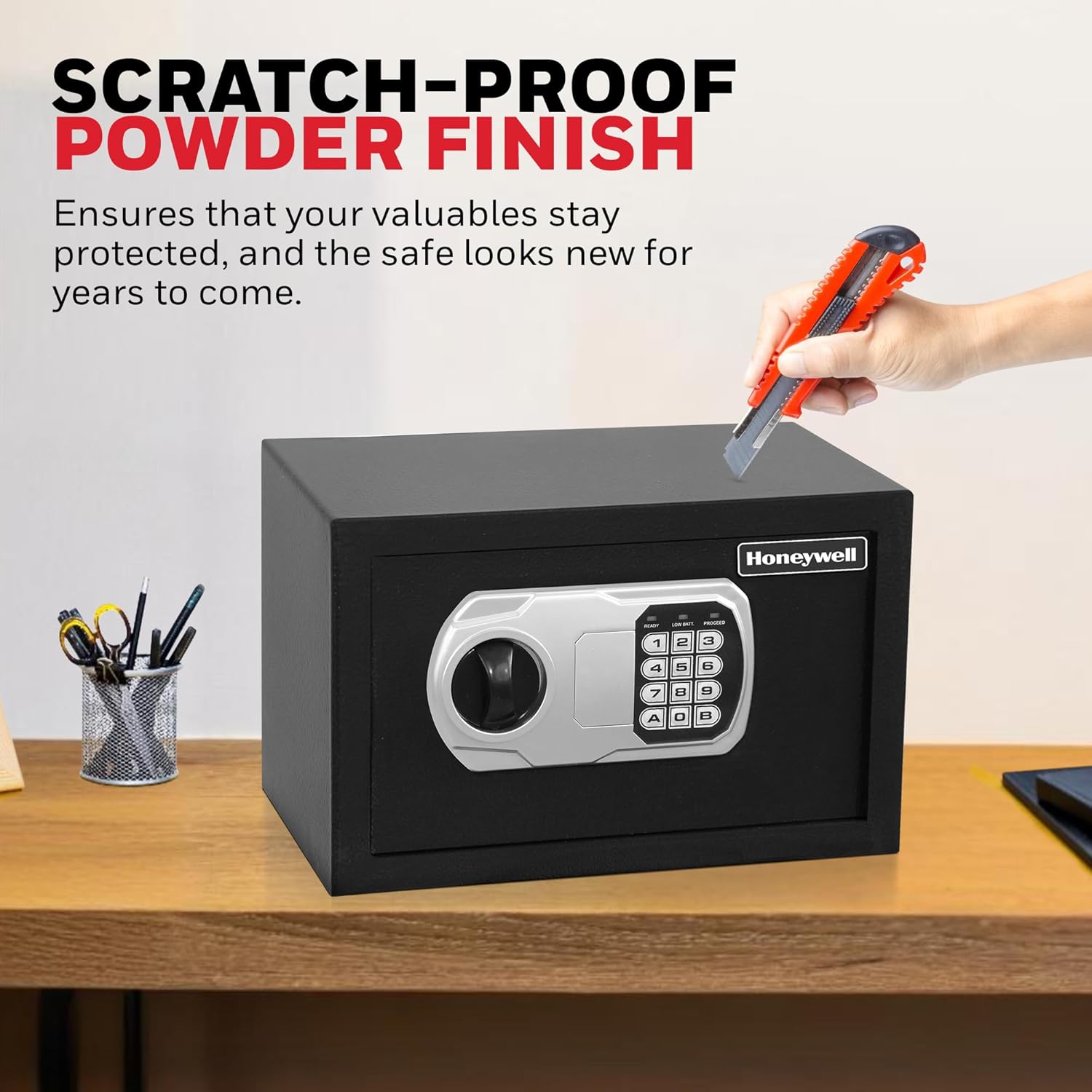
Clean the exterior of the safe with a soft, damp cloth. Do not use abrasive cleaners or solvents, as they may damage the finish or the electronic components.
Troubleshooting
| Problem | Possible Cause | Solution |
|---|---|---|
| Safe does not open with digital code. | Incorrect code entered; Low batteries; Electronic malfunction. | Re-enter code carefully. Replace batteries. Use emergency override key. |
| "LOW BATT" light is on. | Batteries are low. | Replace all 4 AA batteries immediately. |
| Cannot set new code. | Code not entered within 5 seconds; Incorrect procedure. | Ensure you press the reset button and enter the new code within 5 seconds, then confirm with "A" or "B". |
| Door does not close or lock properly. | Obstruction in the door frame; Locking bolts not aligned. | Check for any obstructions. Ensure the safe is on a level surface. |
Specifications
| Feature | Detail |
|---|---|
| Model Number | 5101 |
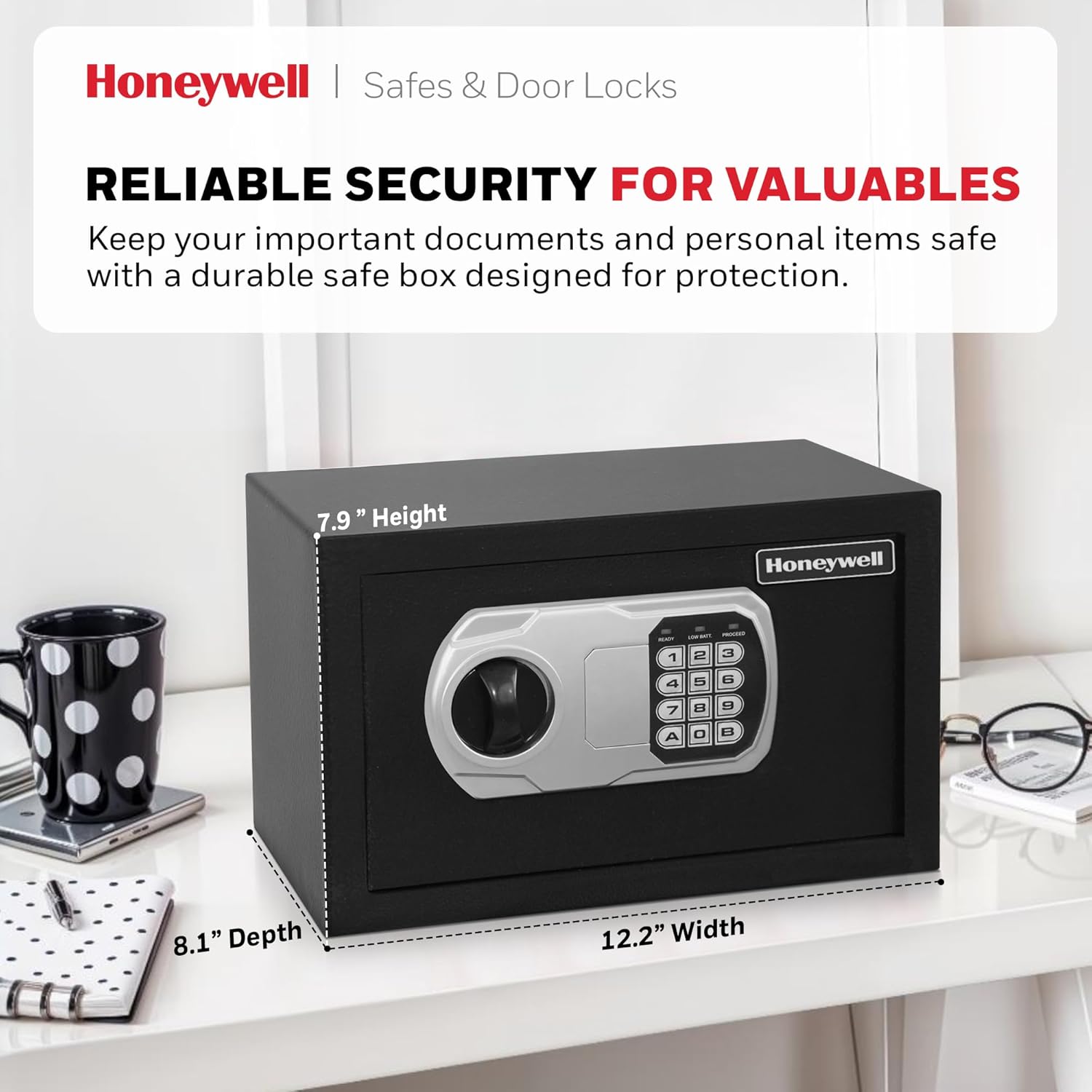
| Exterior Dimensions (H x W x D) | 7.9" x 12.2" x 8.1" (20.07 cm x 30.99 cm x 20.57 cm) |
| Interior Dimensions (H x W x D) | 7.8" x 11.9" x 5.1" (19.81 cm x 30.23 cm x 12.95 cm) |
| Capacity | 0.27 Cubic Feet (7.65 Liters) |
| Weight | 9.9 lbs (4.5 kg) |
| Lock Type | Electronic Digital Lock with Key Override |
| Locking Bolts | 2 Live Steel Locking Bolts |
| Power Source | 4 AA Batteries (not included) |
| Mounting | Pre-drilled holes for floor/wall mounting |
| Color | Black |
Warranty Information
This Honeywell Model 5101 Digital Security Safe comes with a 5 Year Limited Warranty. For detailed warranty terms and conditions, please refer to the warranty card included with your product or contact customer support.
Customer Support
For any questions, technical assistance, or warranty claims, please contact Honeywell Safes & Door Locks customer support. Refer to the contact information provided on the product packaging or the official Honeywell Safes & Door Locks website.
You can also visit the official Honeywell Store on Amazon for more information and products: Honeywell Amazon Store