
Introduction
The Philips Norelco BeardTrimmer 7300 (Model QT4070/41) is designed for precise beard and stubble trimming with an integrated vacuum system for mess-free grooming. This high-performance trimmer offers 18 secured length settings and a turbo power boost for efficient trimming.
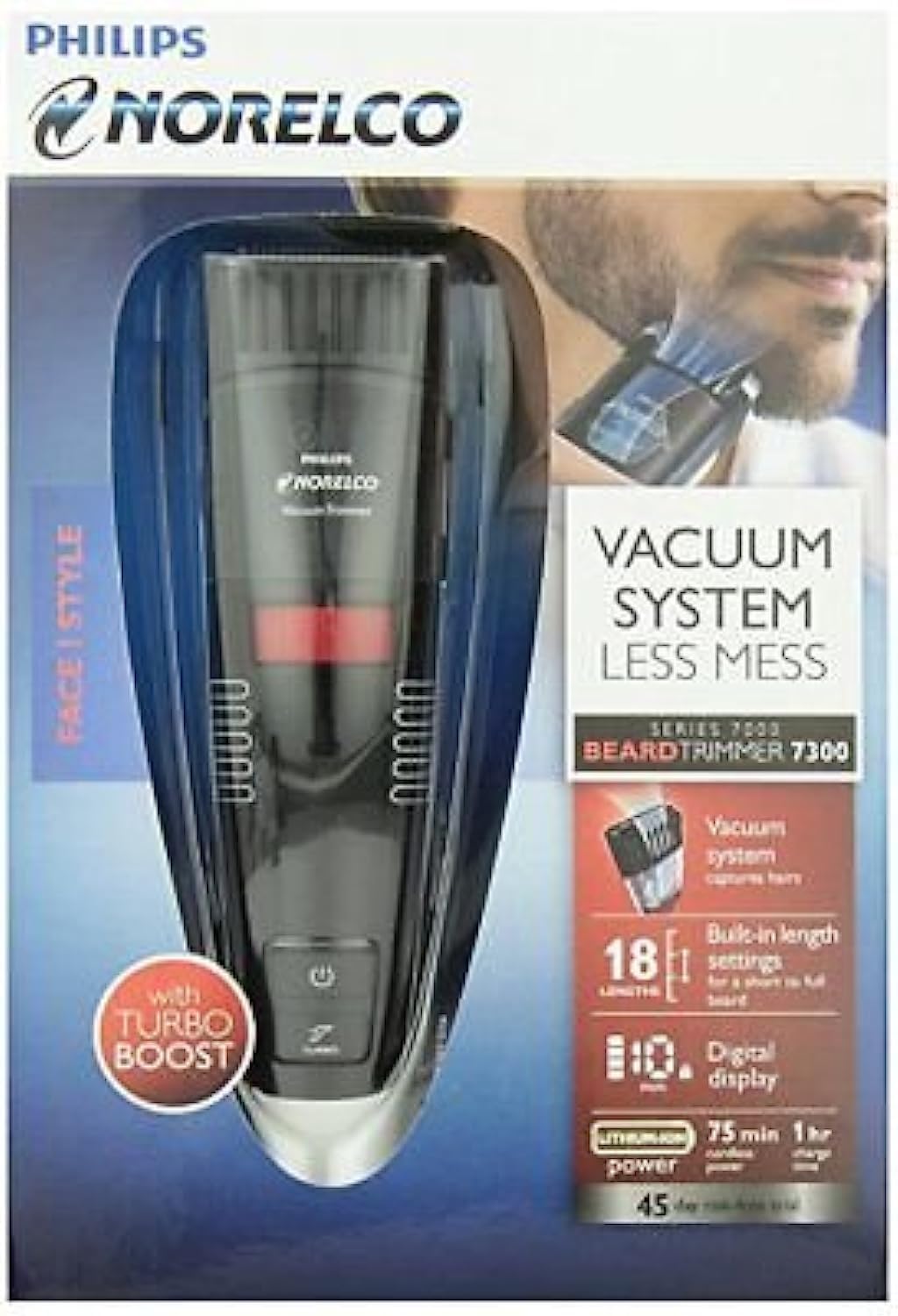
Image: Philips Norelco BeardTrimmer 7300 in its retail packaging, highlighting key features like the vacuum system and adjustable length settings.
Key Features
- Integrated Vacuum System: Captures cut hairs for a clean trimming experience.
- 18 Secured Length Settings: Adjustable from 1/32 inch (1mm) up to 23/32 inch (18mm) for versatile styling.
- 0.5mm Stubble Setting: For achieving a precise stubble look.
- Turbo Power Boost Button: Increases cutting and fan speed for thicker hair.
- Multifunctional Display: Shows battery status and selected hair length.
- Maintenance-Free Blades: Self-sharpening blades require no oiling.
- Corded and Cordless Use: Provides flexibility and convenience.
- Travel Lock: Prevents accidental activation during transport.
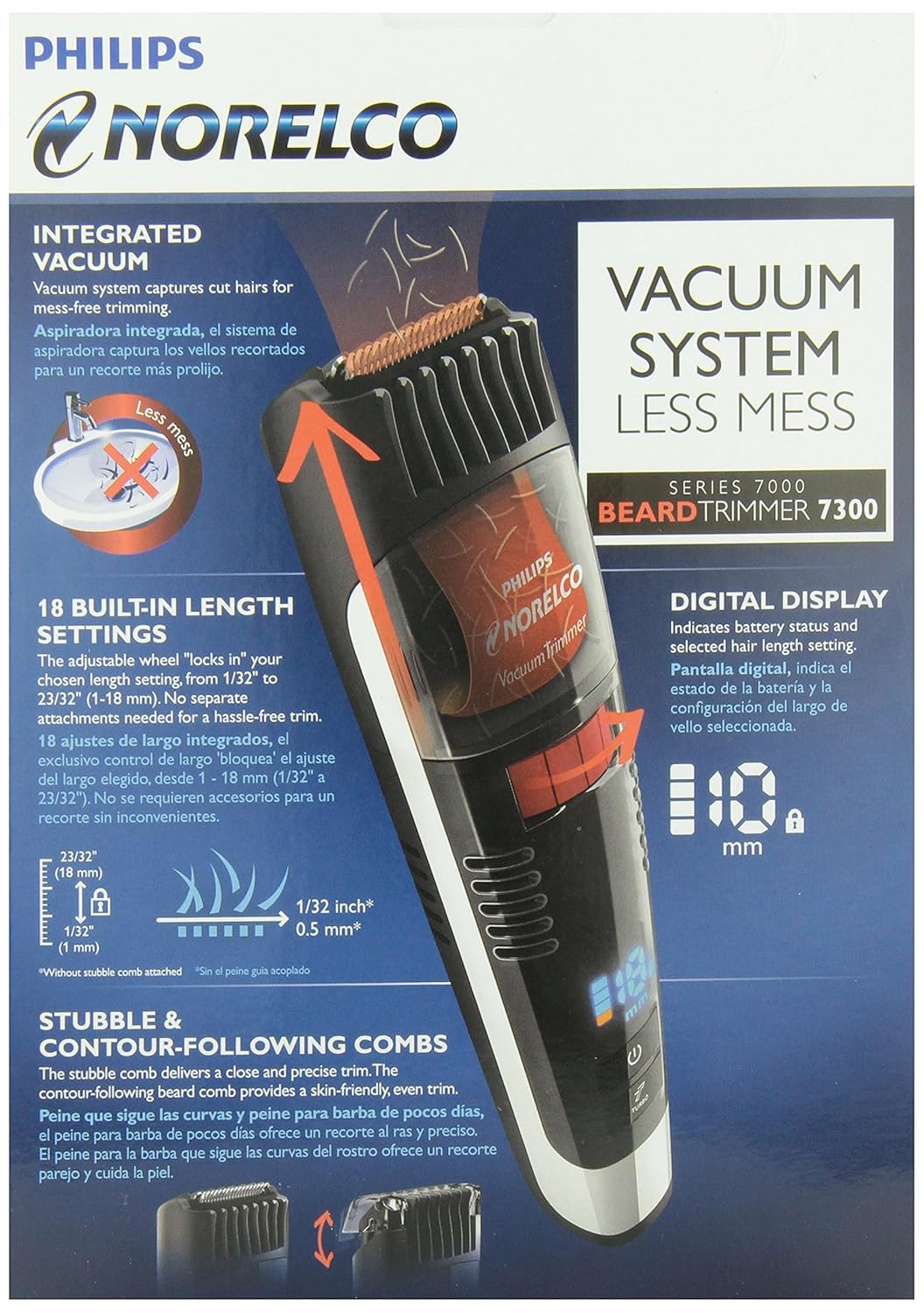
Image: Detailed view of the Philips Norelco BeardTrimmer 7300, illustrating the integrated vacuum system, 18 built-in length settings, and digital display.
What's in the Box
Your Philips Norelco BeardTrimmer 7300 package includes:
- Philips Norelco Vacuum Stubble and Beard Trimmer Pro (Model QT4070/41)
- Charging Adaptor
- USB-C Cable
- Cleaning Brush
- Stubble Comb
- Contour-Following Comb
- Beard Comb
- Blade Oil
- Travel Case
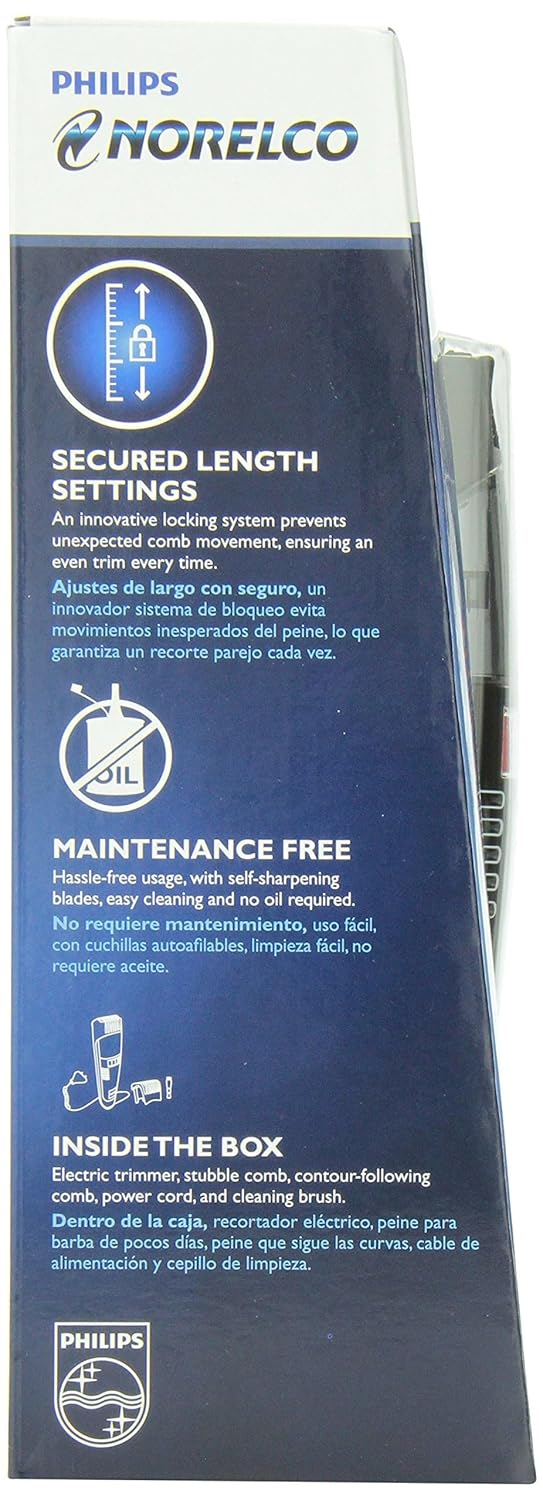
Image: Side view of the product packaging, detailing the secured length settings, maintenance-free feature, and listing the items included in the box.
Setup
Charging the Trimmer
- Connect the USB-C cable to the trimmer and the charging adaptor.
- Plug the charging adaptor into a power outlet.
- The multifunctional display will indicate the battery level during charging. A full charge provides up to 50 minutes of cordless use.
Attaching and Removing Combs
- To attach a comb: Align the comb with the trimmer head and gently push until it clicks into place.
- To remove a comb: Gently pull the comb away from the trimmer head.

Image: Close-up of the trimmer's digital display, showing the battery level and selected length setting in millimeters.
Operating Instructions
Powering On/Off and Travel Lock
- To power on: Slide the power button upwards.
- To power off: Slide the power button downwards.
- To activate travel lock: Press and hold the power button for 3 seconds until the lock icon appears on the display. Repeat to unlock.
Adjusting Length Settings
- Turn the zoom lock wheel on the back of the trimmer to select your desired length setting (1mm to 18mm). The selected length will be shown on the multifunctional display.
- For a 0.5mm stubble setting, remove the comb.
Trimming Techniques
- Ensure your beard is clean and dry before trimming.
- Select the desired length setting using the zoom wheel.
- Move the trimmer against the direction of hair growth, ensuring the comb is flat against your skin.
- Use the Turbo power boost button for thicker hair by pressing the 'Turbo' button.
- For precise edging, remove the comb and use the trimmer blade directly.
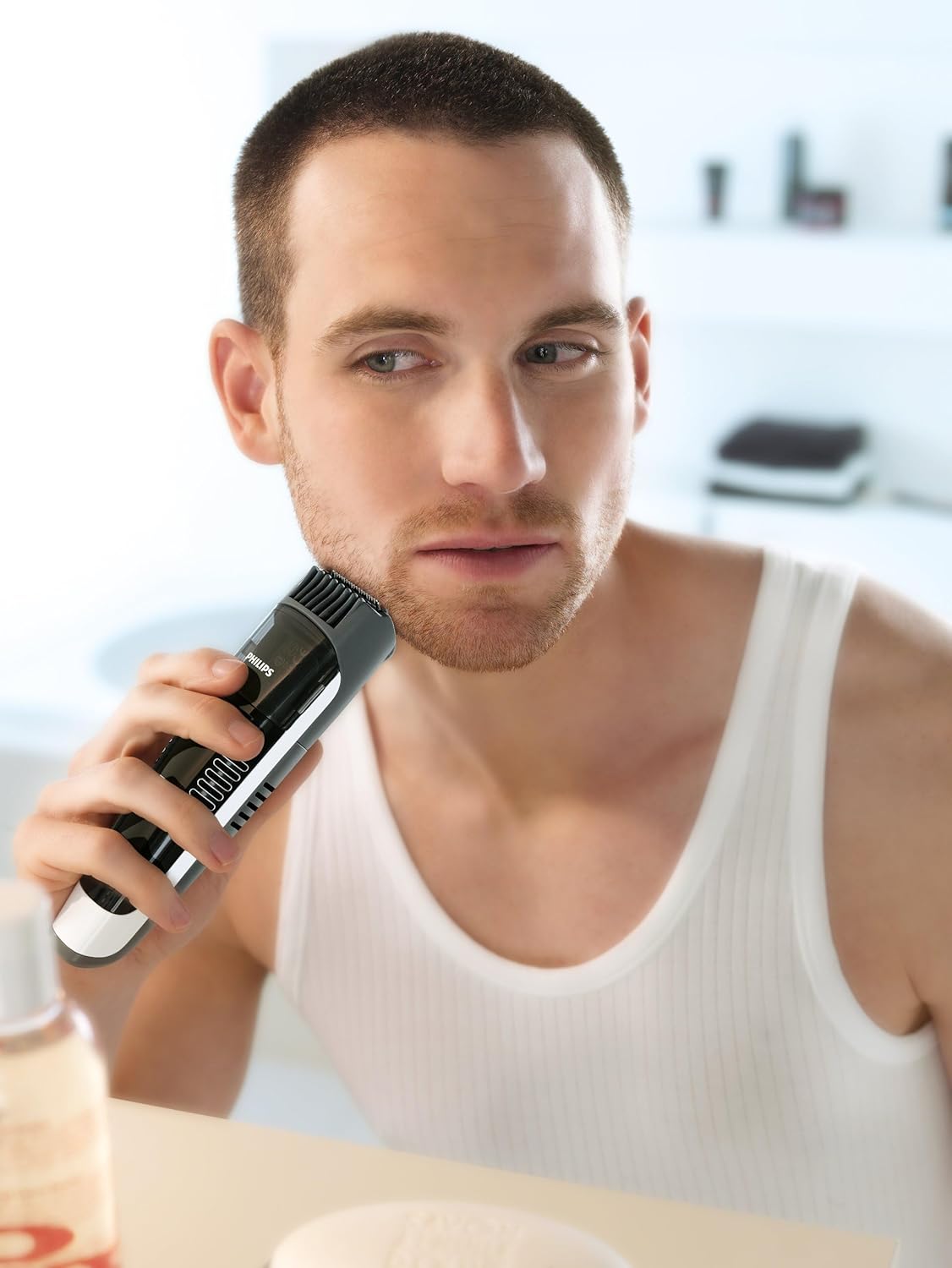
Image: A man using the Philips Norelco BeardTrimmer 7300 to trim his beard, demonstrating typical usage.
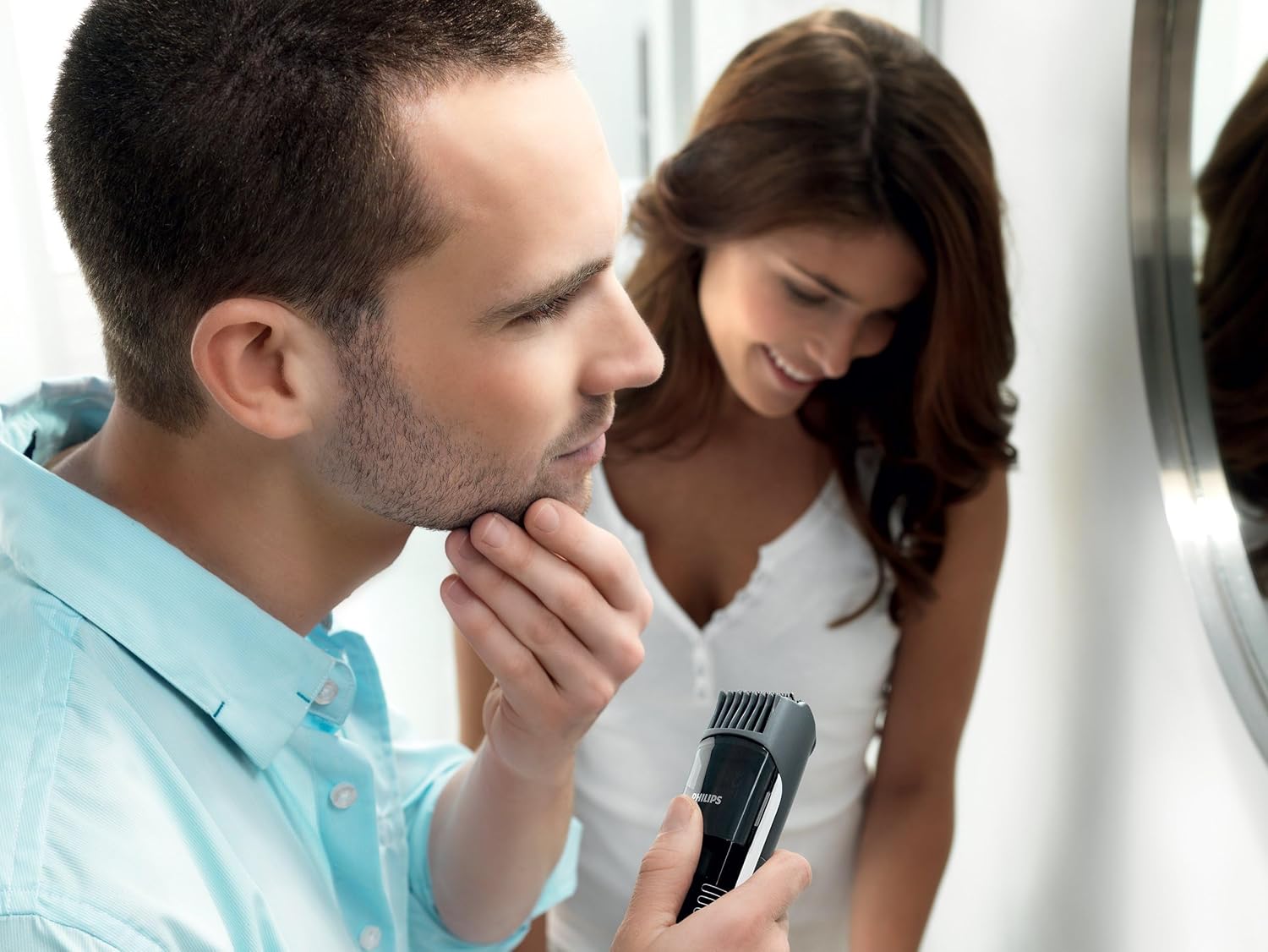
Image: A man using the Philips Norelco BeardTrimmer 7300 to refine his beard, with a woman observing in the background, illustrating the product's ease of use.
Vacuum System
The integrated vacuum system automatically captures most cut hairs into a chamber within the trimmer handle, reducing mess. Empty the hair chamber after each use for optimal performance.
Maintenance
Cleaning the Trimmer
- Ensure the trimmer is powered off and unplugged before cleaning.
- Remove the trimming comb.
- Open the hair chamber and empty collected hairs.
- Rinse the trimmer head and hair chamber under running water. The trimmer is waterproof.
- Use the provided cleaning brush to remove any stubborn hairs from the blades or internal components.
- Allow all parts to air dry completely before reassembling or storing.
Oiling Blades
The self-sharpening blades of the Philips Norelco BeardTrimmer 7300 are designed to be maintenance-free and do not require oiling under normal use. If you notice reduced performance, apply a small drop of the provided blade oil to the blades.
Troubleshooting
- Trimmer not turning on: Ensure the trimmer is charged. Check if the travel lock is activated.
- Reduced trimming performance: Clean the trimmer head and hair chamber thoroughly. Ensure blades are free of debris.
- Vacuum not collecting hair effectively: Empty the hair chamber. Ensure the vacuum intake is not blocked.
- Battery not holding charge: Ensure the charging adaptor and cable are properly connected. Contact customer support if the issue persists.
Specifications
| Model Number | QT4070/41 |
| Product Dimensions | 7.28 x 7.67 x 10.83 inches |
| Item Weight | 1 Pound |
| Color | Black/Silver |
| Power Source | Battery Powered (1 AA battery required) |
| Recommended Uses | Trimming (Beard, Stubble, Mustache) |
| Manufacturer | Norelco |
Safety Information
Please read and understand all safety instructions before using the Philips Norelco BeardTrimmer 7300.
- Avoid contact with eyes, skin, and water (other than for cleaning as instructed).
- Unplug the device when not in use and before cleaning.
- Do not use on infants or children without adult supervision.
- Keep the device away from heat sources and direct sunlight.
- Do not use if the device or any part is damaged.
Warranty and Support
The Philips Norelco Vacuum Stubble and Beard Trimmer Pro is backed by a two-year manufacturer's warranty. For warranty services or product support, please contact Norelco customer service directly. All sales are final.
Product Videos
Shavers 101: The Types
Video: This video provides a general overview of different shaver types, including a brief demonstration of the Philips Norelco Vacuum Trimmer (QT4070/41) at the 0:27 mark, showcasing its use for beard and stubble trimming.


