
ION iTR06H
ION Tape Express Plus Digital Converter User Manual
Model: iTR06H
Introduction
The ION Tape Express Plus is a portable, handheld USB cassette player designed to convert your analog cassette tapes into digital audio files. This device allows you to preserve your old recordings and music by transferring them to your computer, enabling playback on modern digital devices or archiving. Its compact design ensures portability, allowing you to convert tapes anywhere.
Package Contents
- Tape Express Plus unit
- Headphones
- USB Cable
- Software CD (EZ Vinyl/Tape Converter)
- Quickstart Guide
- Safety & Warranty Guide
Product Features
- USB cassette player for converting music or recordings into MP3 format.
- Powered by mini-USB or 2 AA batteries for versatile use.
- Integrated hardware transport controls (Play, Stop, FF, REW) and volume control.
- Software selector for Normal and Chrome (Cr02 / metal) cassette tape types.
- Audio output jack (1/8") for headphone or external speaker playback.
- Includes EZ Vinyl/Tape Converter software for guided transfer and dubbing to computer.
Setup
Powering the Device
The Tape Express Plus can be powered in two ways:
- USB Power: Connect the included USB cable from the Tape Express Plus to an available USB port on your computer. The device will draw power directly from the computer.
- Battery Power: Insert 2 AA batteries (not included) into the battery compartment located on the underside of the unit.
Software Installation
Install the EZ Vinyl/Tape Converter software from the included CD onto your computer. Follow the on-screen instructions for installation. This software is essential for converting your cassette audio to digital files.
Operating Instructions
Inserting a Cassette Tape
- Open the cassette compartment door.
- Insert your cassette tape with the open edge facing upwards.
- Close the compartment door securely.
Basic Playback
- Press the PLAY button to start tape playback.
- Adjust the VOLUME slider to your desired listening level.
- To stop playback, press the STOP button.
- Use the FF (Fast Forward) and REW (Rewind) buttons to navigate through the tape.
- Connect headphones to the 1/8" jack for private listening, or connect to an external stereo system.
Digital Conversion Process
To convert your cassette tapes to digital files, follow these steps:
- Ensure the Tape Express Plus is powered (via USB or batteries) and connected to your computer via the USB cable.
- Insert the cassette tape you wish to convert.
- Launch the EZ Vinyl/Tape Converter software on your computer.
- Follow the software's prompts to select recording settings, such as tape type (Normal or Chrome/Metal).
- Press the PLAY button on the Tape Express Plus to start playing the cassette.
- Initiate recording within the EZ Vinyl/Tape Converter software. The software will guide you through the process of capturing the audio.
- Once the tape has finished playing or you have captured the desired segment, press the STOP button on the Tape Express Plus and stop the recording in the software.
- The software will then allow you to save the digitized audio file (typically in MP3 format) to your computer. You can then transfer these files to portable music players or burn them to a CD.
Product Overview

Figure 1: The ION Tape Express Plus with a cassette tape partially inserted, showcasing its compact design and the tape mechanism.

Figure 2: Front view of the ION Tape Express Plus, highlighting the ION logo and the clear window for viewing the cassette tape.
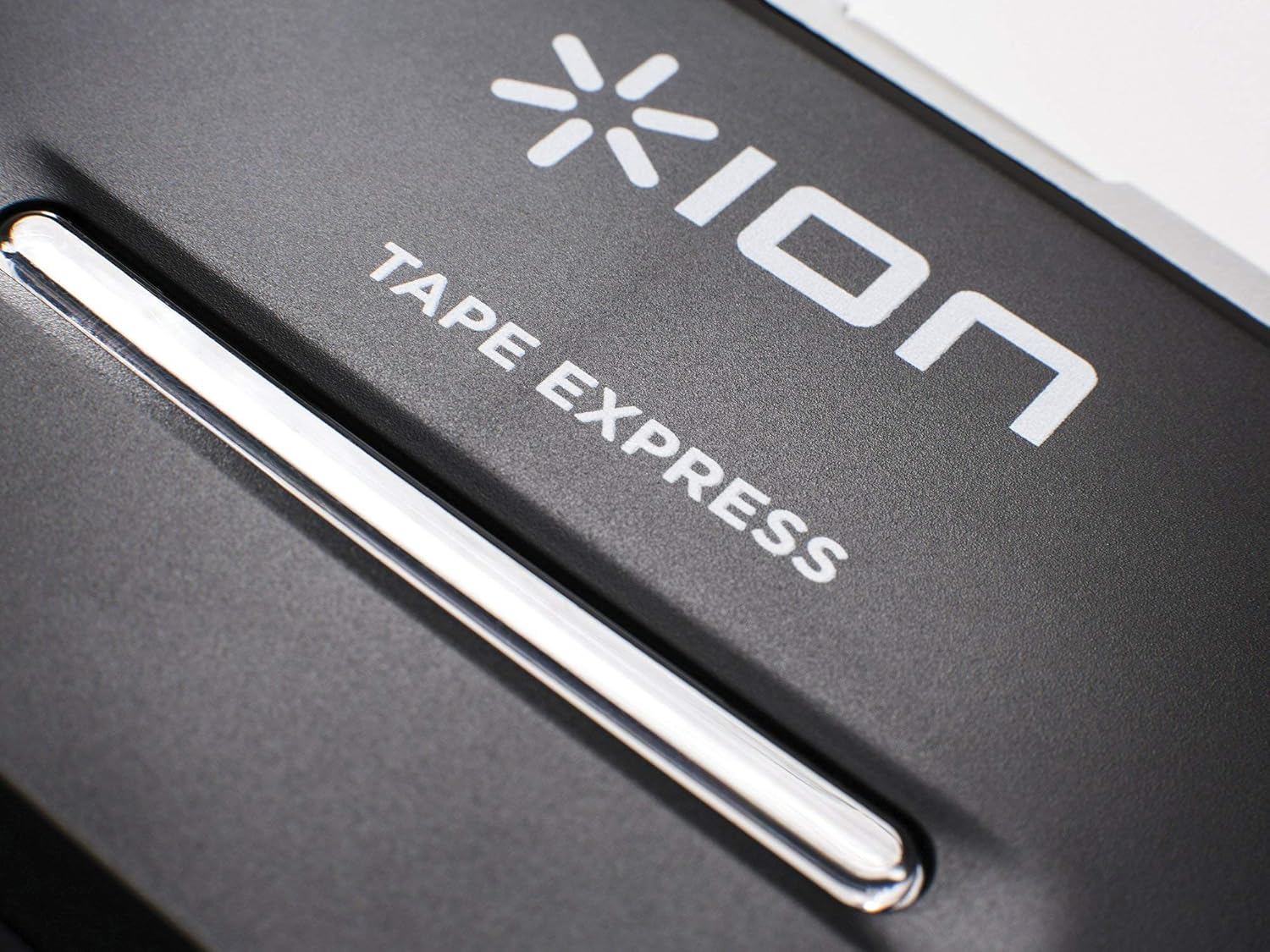
Figure 3: Close-up view of the control buttons (Stop, Play, Fast Forward, Rewind) located on the top edge of the Tape Express Plus.
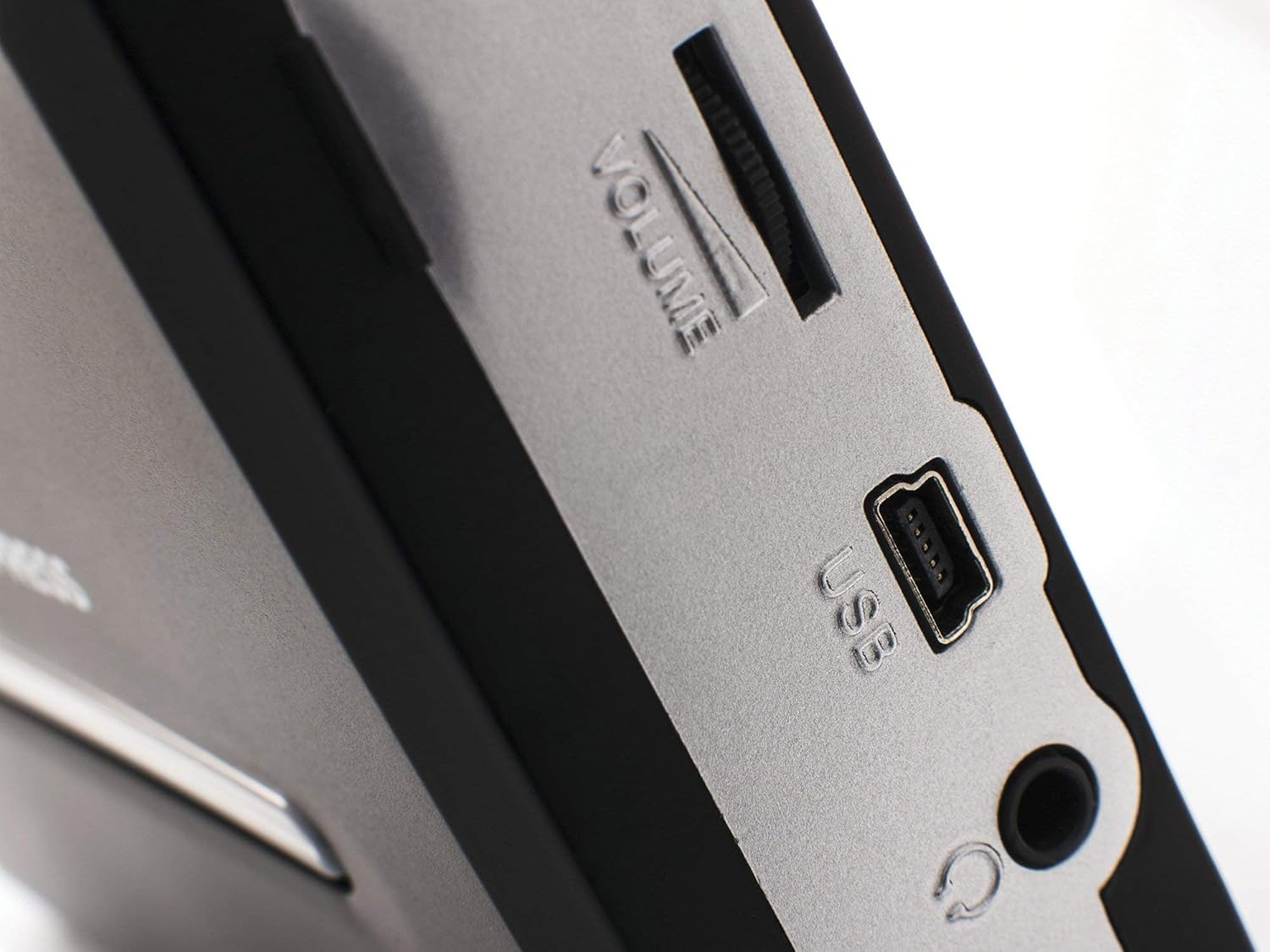
Figure 4: Side view of the ION Tape Express Plus, clearly showing the volume slider, USB connection port, and 1/8" headphone jack.
Maintenance
- Cleaning: Use a soft, dry cloth to clean the exterior of the Tape Express Plus. Do not use abrasive cleaners or solvents.
- Tape Head Cleaning: Periodically clean the tape heads with a cotton swab lightly dampened with isopropyl alcohol to ensure optimal audio quality.
- Storage: Store the device in a cool, dry place away from direct sunlight and extreme temperatures. Remove batteries if the device will not be used for an extended period.
Troubleshooting
No Power
- Ensure batteries are correctly inserted and not depleted, or that the USB cable is securely connected to a powered USB port.
- If using batteries, try replacing them with fresh ones.
Poor Audio Quality / No Sound
- Check the volume level on the Tape Express Plus and your computer/connected audio system.
- Ensure headphones or external speakers are properly connected to the 1/8" audio output.
- Clean the tape heads and pinch rollers as described in the Maintenance section.
- Verify the cassette tape itself is in good condition. Worn or damaged tapes may produce poor audio.
- In the EZ Vinyl/Tape Converter software, ensure the correct input device (USB PnP Audio Device) is selected.
Software Not Recognizing Device
- Ensure the USB cable is firmly connected to both the Tape Express Plus and your computer.
- Try connecting to a different USB port on your computer.
- Restart your computer and the Tape Express Plus.
- Reinstall the EZ Vinyl/Tape Converter software.
Specifications
| Feature | Detail |
|---|---|
| Product Dimensions | 4.5 x 3.5 x 1.25 inches |
| Item Weight | 8 ounces |
| Model Number | iTR06H |
| Power Source | Mini-USB or 2 AA batteries |
| Operating System Compatibility | PC, Mac |
| Connectivity | USB |
| Audio Output | 1/8" Headphone Jack |
Warranty and Support
This product is sold "as is". For detailed warranty information and technical support, please refer to the "Safety & Warranty Guide" included in your package or visit the official ION Audio website.
Related documentsiTR06H


Ask a question about this manual
Ask about setup, troubleshooting, compatibility, parts, safety, or missing instructions. Manuals+ will review the question and use this page’s manual context to help answer it.