
Kodak C330
Kodak EasyShare C330 Zoom Digital Camera User's Guide
Model: C330
Brand: Kodak
1. Introduction
This user's guide provides comprehensive instructions for operating your Kodak EasyShare C330 Zoom Digital Camera. It covers everything from initial setup to advanced features, maintenance, and troubleshooting. Please read this manual carefully to ensure optimal performance and longevity of your camera.
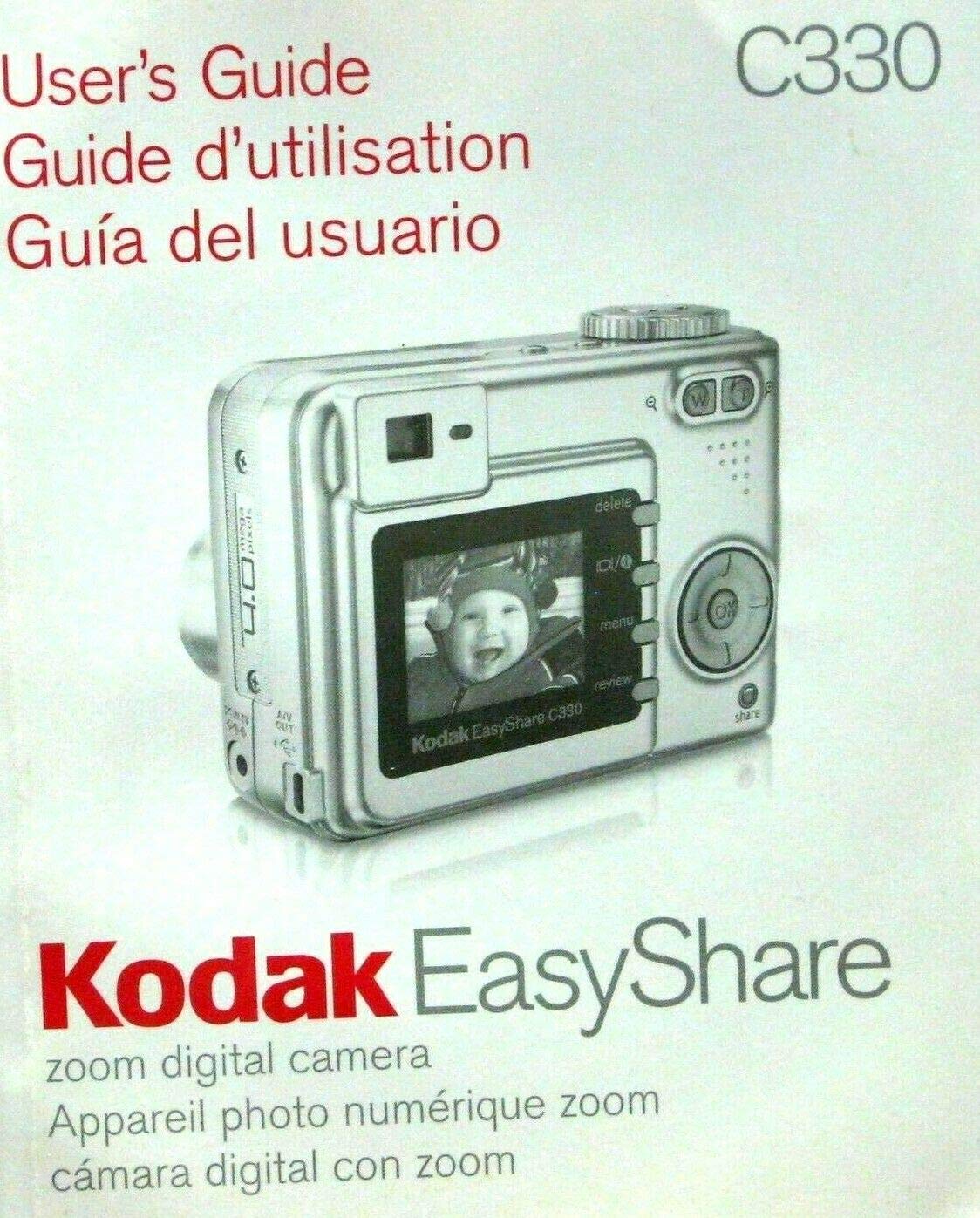
Figure 1.1: Front cover of the Kodak EasyShare C330 Zoom Digital Camera User's Guide, featuring an image of the camera itself.
2. Setup
2.1 Installing Batteries
The Kodak EasyShare C330 uses AA batteries. Follow these steps to install them:
- Open the battery compartment door located on the bottom of the camera.
- Insert two AA batteries, ensuring correct polarity (+/-) as indicated inside the compartment.
- Close the battery compartment door securely until it clicks.
2.2 Inserting a Memory Card
The camera supports SD (Secure Digital) memory cards.
- Locate the memory card slot, typically next to the battery compartment.
- Insert the SD card with the metal contacts facing down and towards the camera, pushing gently until it locks into place.
- To remove, push the card in slightly until it springs out.
3. Operating the Camera
3.1 Powering On/Off
Press the Power button located on the top of the camera to turn it on or off.
3.2 Taking Pictures
- Turn the mode dial to the Still Picture mode (usually indicated by a camera icon).
- Frame your shot using the LCD screen.
- Press the Shutter button halfway down to focus, then press it all the way down to take the picture.
3.3 Zoom Function
Use the W (Wide) and T (Telephoto) buttons, typically located near the shutter button, to zoom in and out.
3.4 Reviewing Pictures
Press the Review button (often indicated by a play icon) to view your captured images. Use the directional pad to navigate through photos.
3.5 Deleting Pictures
While in Review mode, select the picture you wish to delete and press the Delete button (often indicated by a trash can icon). Confirm your selection when prompted.
4. Maintenance
4.1 Cleaning the Camera
- Use a soft, lint-free cloth to clean the camera body.
- For the lens, use a specialized lens cleaning cloth and solution. Avoid touching the lens with your fingers.
- Do not use harsh chemicals or abrasive materials.
4.2 Storage
Store the camera in a cool, dry place away from direct sunlight and extreme temperatures. Remove batteries if storing for extended periods to prevent leakage.
5. Troubleshooting
| Problem | Possible Cause | Solution |
|---|---|---|
| Camera does not turn on. | Dead or incorrectly inserted batteries. | Replace batteries or reinsert them correctly. |
| Pictures are blurry. | Camera shake, out of focus, or dirty lens. | Hold camera steady, ensure focus, clean lens. |
| Memory card error. | Card not inserted correctly or corrupted. | Reinsert card, try a different card, or format the card (will erase data). |
6. Specifications
- Model: Kodak EasyShare C330
- Publisher: Eastman Kodak Company
- Publication Date: January 1, 2005
- Language: English
- Print Length: 73 pages
- Item Weight: 4.8 ounces
- ASIN: B0036RP9UU
7. Warranty and Support
Specific warranty information for the Kodak EasyShare C330 Zoom Digital Camera is typically provided with the original product packaging or can be found on the official Kodak website. For technical support or service inquiries, please refer to the contact information provided by Kodak at the time of purchase or visit their official support channels online.
Note: This manual is a reproduction of the original user's guide and does not imply any direct support or warranty from the publisher of this document.
8. Official Product Videos
No official product videos from the seller are available for embedding in this manual based on the provided information.