
1. Introduction
Thank you for purchasing the Winners Sonic Beauty Plus Electric Toothbrush, model SBT-1P. This sonic toothbrush is designed to provide an effective and comfortable brushing experience with approximately 30,000 vibrations per minute. It features two brushing modes and a built-in timer to help you maintain optimal oral hygiene. Please read this manual thoroughly before use to ensure proper operation and care.
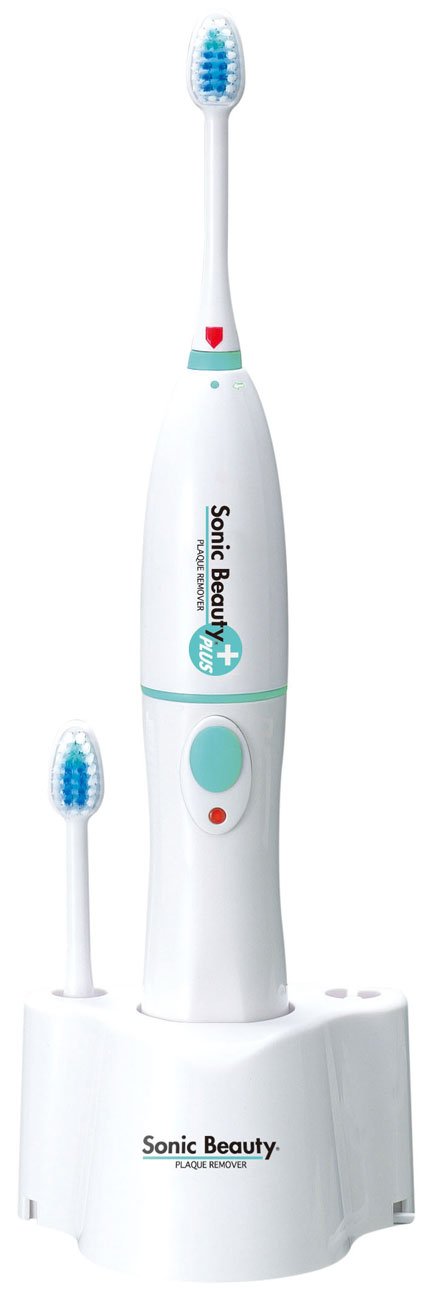
Image 1.1: The Winners Sonic Beauty Plus Electric Toothbrush SBT-1P. This image shows the complete electric toothbrush unit, including the handle and an attached brush head, against a plain background.
2. Safety Information
Please observe the following safety precautions to prevent injury or damage to the product:
- Do not immerse the main unit (power handle) in water. This product is not waterproof. Clean the handle with a damp cloth only.
- Keep the charging base away from water and moisture.
- Do not disassemble, repair, or modify the product. Contact customer support for service.
- Keep out of reach of children. This appliance is not intended for use by persons with reduced physical, sensory or mental capabilities, or lack of experience and knowledge, unless they have been given supervision or instruction concerning use of the appliance by a person responsible for their safety.
- Use only the provided charging base and power adapter.
- If the product is damaged, discontinue use immediately.
3. Package Contents
Verify that all items are present in the package:
- Sonic Beauty Plus Power Handle (Main Unit)
- Brush Head (1 pc)
- Charging Base
- User Manual (this document)
4. Setup
4.1 Initial Charging
- Connect the charging base to an AC100V (50/60Hz) power outlet.
- Place the power handle onto the charging base. Ensure it is seated correctly. The charging indicator light (if present) should illuminate.
- For first-time use, charge the toothbrush for approximately 24 hours to ensure a full battery. A full charge provides approximately 40 minutes of continuous use (under no load).
4.2 Attaching the Brush Head
- Align the brush head with the shaft on the power handle.
- Push the brush head down firmly until it clicks into place. Ensure it is securely attached.

Image 4.1: Close-up view of the brush head. This image highlights the bristles and the attachment point of the brush head, demonstrating its design for effective cleaning.
5. Operating Instructions
5.1 Brushing Your Teeth
- Wet the brush head and apply a small amount of toothpaste.
- Place the brush head against your teeth at a slight angle towards the gum line.
- Press the power button to turn on the toothbrush.
- Mode Selection: Press the power button repeatedly to cycle through the available modes: Normal Mode (standard vibration) and Soft Mode (reduced vibration, ideal for sensitive teeth or gums, or new users).
- Gently guide the brush head slowly from tooth to tooth. Allow the sonic vibrations to do the cleaning. Do not scrub vigorously.
- The toothbrush is equipped with a 2-minute timer that automatically stops the device after 2 minutes of continuous use, indicating the recommended brushing time.
- After brushing, press the power button to turn off the toothbrush.

Image 5.1: Side view of the brush head. This perspective shows the profile of the bristles, which are designed to reach various surfaces of the teeth and gums.
6. Maintenance
6.1 Cleaning the Toothbrush
- After each use, rinse the brush head thoroughly under running water.
- Remove the brush head from the power handle and rinse both parts separately.
- Wipe the power handle with a damp cloth. Do not rinse the power handle directly under water or immerse it.
- Wipe the charging base with a dry cloth.
- Allow all parts to air dry before reassembling or placing on the charging base.
6.2 Replacing the Brush Head
Dentists recommend replacing your toothbrush head every 3 months, or sooner if the bristles become frayed. Replacement brush heads are sold separately.
- Grip the power handle firmly and pull the old brush head straight off.
- Align the new brush head with the shaft and push it down firmly until it clicks into place.
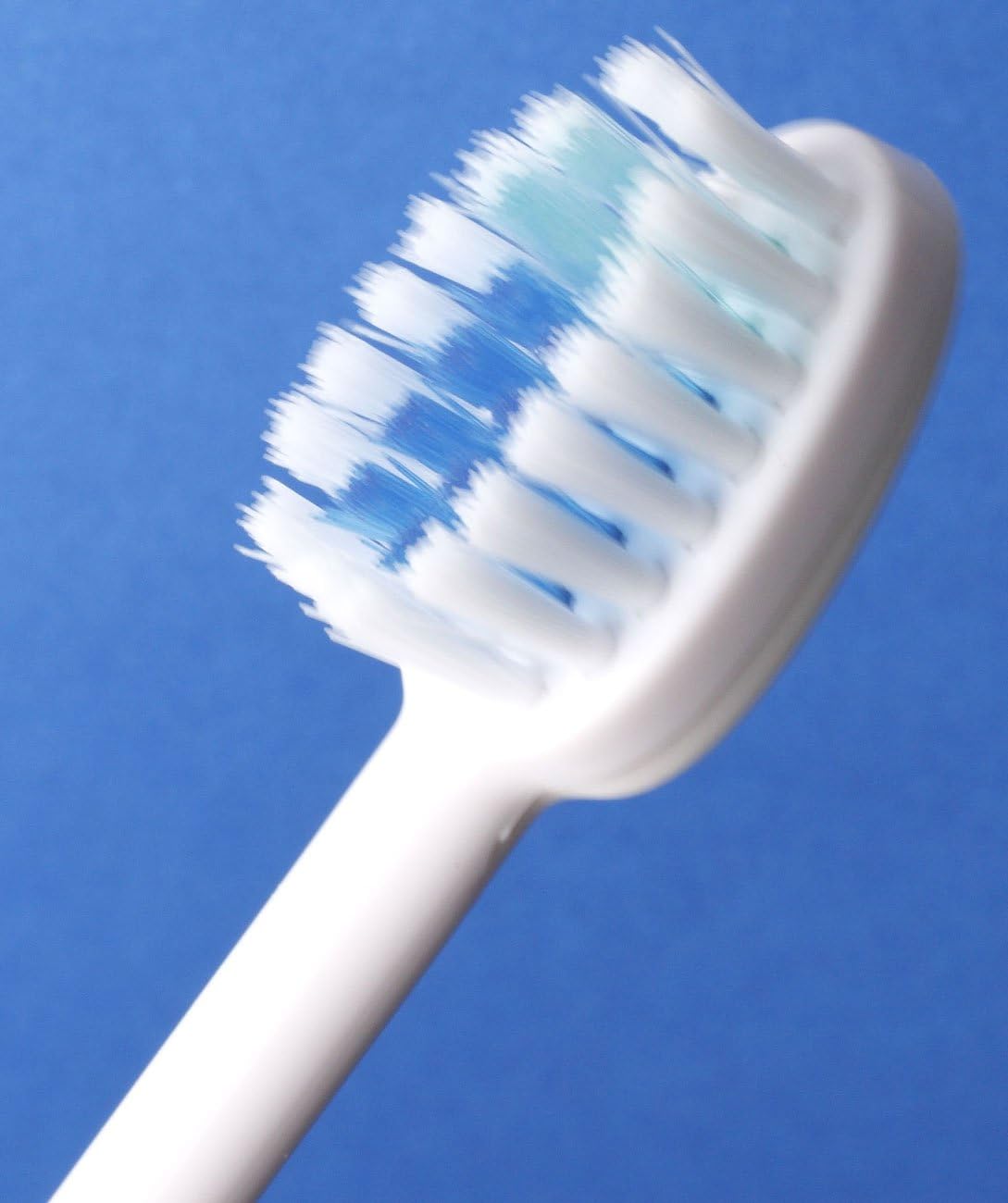
Image 6.1: Angled view of the brush head. This image provides another perspective of the brush head's design, useful for understanding how to attach and detach it.
7. Troubleshooting
If you encounter any issues with your Sonic Beauty Plus Electric Toothbrush, please refer to the following table:
| Problem | Possible Cause | Solution |
|---|---|---|
| Toothbrush does not turn on. | Battery is depleted. | Place the toothbrush on the charging base and charge for 24 hours. |
| Toothbrush does not vibrate strongly. | Low battery. | Recharge the toothbrush. |
| Brush head feels loose. | Brush head not properly attached. | Remove and reattach the brush head, ensuring it clicks into place. |
| Charging indicator not lighting up. | Charging base not connected to power, or toothbrush not seated correctly. | Check power connection and ensure the toothbrush is properly placed on the base. |
If the problem persists after trying these solutions, please contact customer support.
8. Specifications
| Feature | Specification |
|---|---|
| Model Number | SBT-1P |
| Body Size | 97 x 79 x 290 mm |
| Body Weight (Set) | 330 g |
| Body Weight (Power Handle) | 185 g |
| Material | ABS Resin |
| Charging Power | AC100V (50/60Hz) |
| Battery | 3.6V 650mAH (Ni-MH battery) |
| Charging Method | Inductive charging (constant charging) |
| Continuous Use Time | Approx. 40 minutes (after 24-hour charge / no load) |
| Vibration Frequency | Approx. 30,000 times/minute (no load) |
| Color | White |
| Special Features | 2-minute Automatic Timer, 2 Brushing Modes (Normal, Soft) |
| Water Resistance Level | Non-waterproof |
9. Warranty and Support
This product comes with a standard manufacturer's warranty. Please refer to the warranty card included in your package for specific terms and conditions. For technical support, replacement parts, or any inquiries not covered in this manual, please contact Winners customer service through their official website or the retailer where you purchased the product.