
Product Overview
The Inspired LED Inline On/Off Switch is designed to control up to 10 LED light panels within an Inspired LED plug-in lighting system. This switch provides a simple and effective method to power your LED lights on or off. It is compatible with 12VDC to 24VDC systems and supports a maximum load of 4 Amps.
- Controls multiple LED light panels with a single switch.
- Specifically designed for use with Inspired LED plug-in lighting systems.
- Operating Voltage: 12VDC - 24VDC input/output.
- Maximum Load Capacity: 4 Amps.
- Input/Output Connector Type: 3.5mm x 1.3mm.
- Quiescent Current: 0 mA.
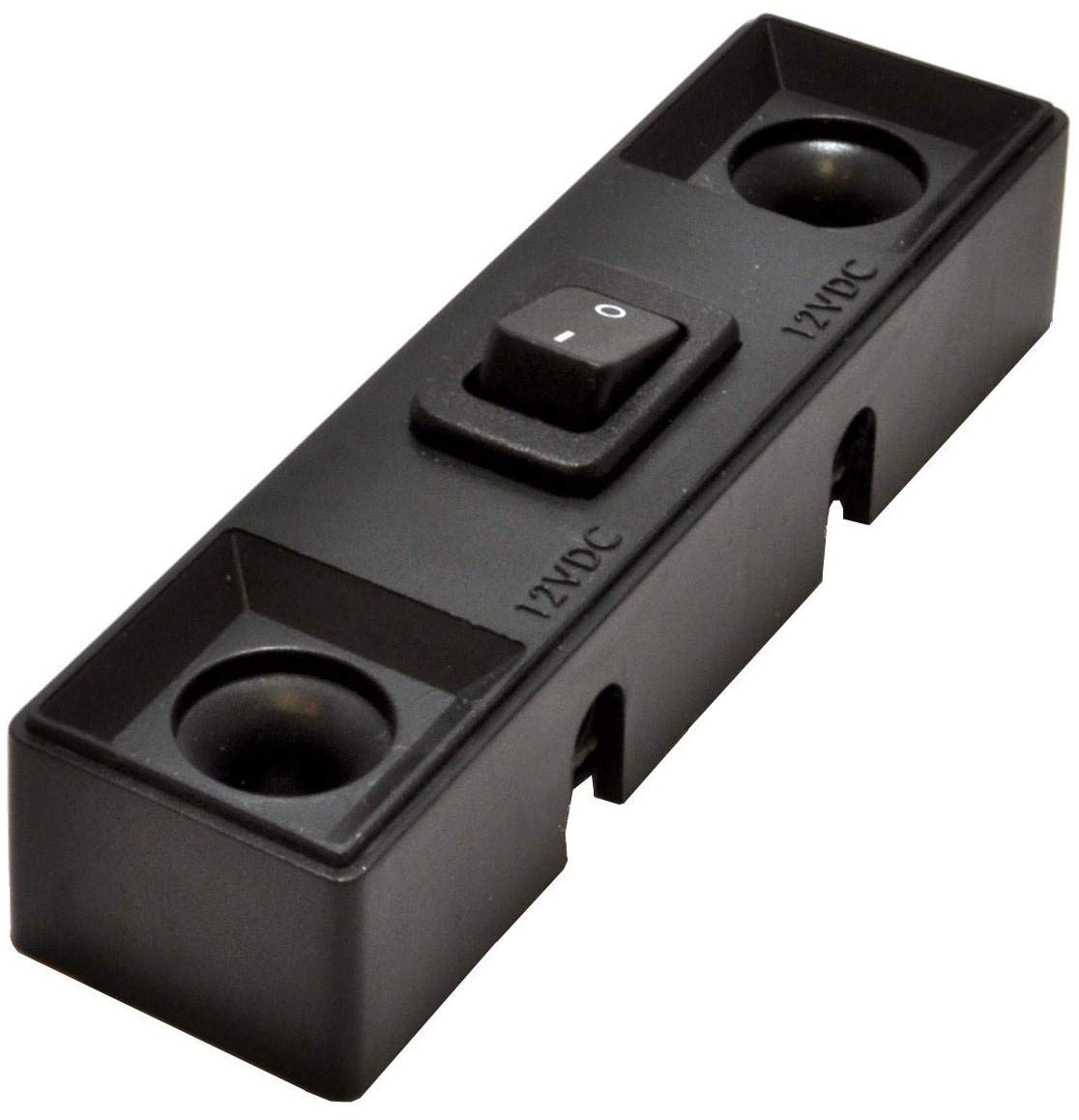
Image: The Inspired LED Inline On/Off Switch, showing its compact design and the input/output connectors.
Package Contents
Verify that all items are present in the package:
- 1x Inspired LED Inline On/Off Switch
- 2x Cable Clamps
- 2x Screws
Setup and Installation
- Power Disconnection: Before beginning installation, ensure that the power supply to your LED lighting system is completely disconnected.
- Identify Connection Points: The inline switch has a male 3.5mm x 1.3mm connector on one end and a female 3.5mm x 1.3mm connector on the other.
- Connect to Power Supply: Plug the male connector of the inline switch into the female output connector of your Inspired LED power supply.
- Connect to LED Lights: Plug the female connector of the inline switch into the male input connector of your first Inspired LED light panel or distribution block.
- Secure Wiring: Use the provided cable clamps and screws to secure the switch and associated wiring in a desired location, ensuring cables are not strained or pinched.
- Power Connection: Once all connections are secure, reconnect the power supply to your LED lighting system.
Important Note: Ensure that the total current draw of your connected LED light panels does not exceed the switch's maximum load capacity of 4 Amps. Exceeding this limit can damage the switch or the lighting system.
Operating Instructions
The Inspired LED Inline On/Off Switch operates with a simple push-button mechanism.
- To Turn On: Press the button on the switch once. The connected LED lights will illuminate.
- To Turn Off: Press the button on the switch again. The connected LED lights will turn off.
This switch provides a basic on/off function and does not support dimming or other advanced control features.
Maintenance
The Inspired LED Inline On/Off Switch requires minimal maintenance.
- Cleaning: To clean the switch, gently wipe it with a dry, soft cloth. Do not use liquid cleaners, solvents, or abrasive materials, as these can damage the switch's housing or internal components.
- Environment: Ensure the switch is installed in a dry environment, away from direct moisture or excessive humidity. The switch has an IP20 rating, meaning it is protected against solid objects larger than 12.5mm but has no protection against liquids.
- Inspection: Periodically inspect the switch and its connections for any signs of wear, damage, or loose connections. If any issues are observed, disconnect power immediately and address the problem.
Troubleshooting
If you encounter issues with your Inspired LED Inline On/Off Switch, refer to the following troubleshooting steps:
- Lights Not Turning On:
- Verify that the power supply is connected and receiving power.
- Check all connections between the power supply, the inline switch, and the LED light panels to ensure they are secure and correctly plugged in (3.5mm x 1.3mm connectors).
- Ensure the switch button has been pressed to the "On" position.
- Confirm that the total load of the connected LED lights does not exceed 4 Amps. Overloading can prevent the lights from functioning.
- Test the LED lights directly with the power supply (bypassing the switch) to determine if the issue lies with the switch or another component.
- Lights Flickering or Dim:
- Check for loose connections.
- Ensure the power supply is adequate for the total number of LED lights connected.
- Confirm the operating voltage (12VDC-24VDC) is stable.
- Switch Feels Loose or Damaged:
- Immediately disconnect power.
- Do not attempt to repair a damaged switch. Contact customer support for assistance.
Technical Specifications
| Feature | Specification |
|---|---|
| Operation Mode | ON-OFF |
| Current Rating | 4 Amps (Max) |
| Operating Voltage | 12VDC - 24VDC |
| Contact Type | Normally Open |
| Connector Type | Plug In (3.5mm x 1.3mm) |
| Switch Type | Push Button |
| Material | Copper (Contact Material) |
| Item Dimensions (L x W x H) | 7.43 x 0.75 x 0.86 inches |
| Mounting Type | Through Hole Mount (with included screws) |
| International Protection Rating | IP20 |
| Model Number | 4775 |
| UPC | 797734047752 |
Warranty and Support
Inspired LED products are manufactured to high-quality standards. For specific warranty information, please refer to the documentation provided with your purchase or visit the official Inspired LED website.
If you require technical assistance, troubleshooting beyond this manual, or have questions regarding your product, please contact Inspired LED customer support through their official channels. When contacting support, please have your product model number (4775) and purchase details available.