
1. Product Overview
This HQRP AC Power Adapter is designed to provide continuous power to your Samsung SC-D6550 or SCD6550 camcorder. It functions as a replacement or spare power supply, allowing you to operate your camcorder directly from an AC power source or charge its battery (if the camcorder supports in-camera charging).
The adapter includes a USA plug and a Euro adapter for versatile use in different regions.

Image 1.1: Components of the HQRP AC Power Adapter. This image displays the main adapter unit, the detachable USA power cord, a Euro plug adapter, and the cable that connects to the camcorder.
2. Safety Information
Please read and understand all safety instructions before using this product. Failure to follow these instructions may result in electric shock, fire, or damage to the product or connected devices.
- Do not expose the adapter to rain or moisture.
- Do not disassemble the adapter. Refer all servicing to qualified personnel.
- Ensure the power outlet voltage matches the adapter's input specifications (100V-240V AC).
- Avoid placing the adapter in areas with poor ventilation or near heat sources.
- Disconnect the adapter from the power outlet when not in use for extended periods.
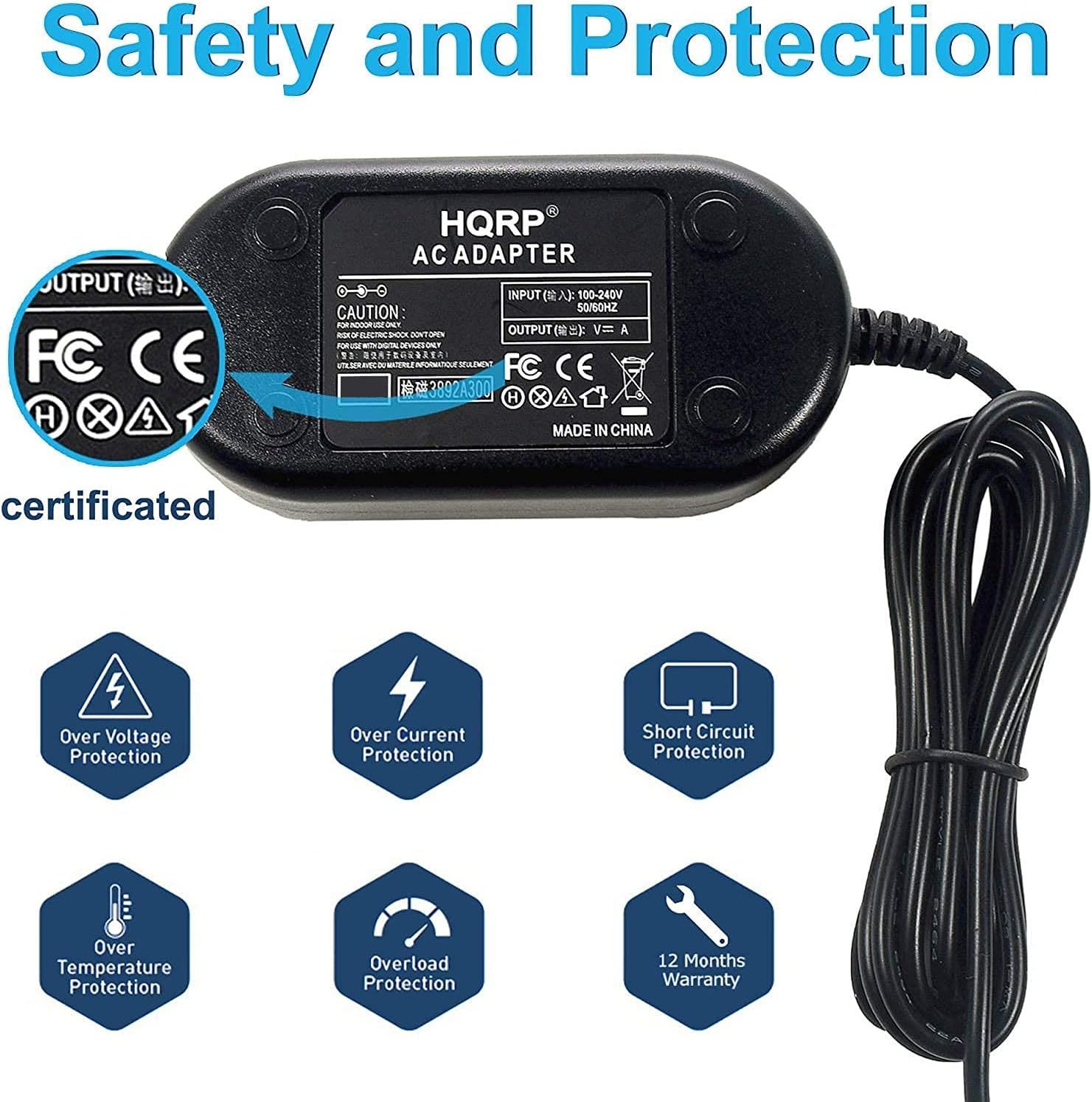
Image 2.1: Safety and Protection features of the HQRP AC Adapter. This image illustrates the various built-in protections such as overload, over temperature, short circuit, low interference, and over voltage protection.
3. Setup and Connection
- Identify Components: Unpack the HQRP AC Power Adapter. You should find the main adapter unit, a USA power cord, and a Euro plug adapter.
- Connect Power Cord:
- For USA outlets: Connect the USA power cord to the AC input port on the main adapter unit.
- For European outlets: Connect the USA power cord to the AC input port on the main adapter unit, then attach the Euro plug adapter to the USA plug.
- Connect to Camcorder: Locate the DC input port on your Samsung SC-D6550 camcorder. Connect the small rectangular plug from the adapter's output cable into this port. Ensure a firm connection.
- Plug into Wall Outlet: Insert the power cord's plug (with or without the Euro adapter) into a suitable AC wall outlet.
The camcorder should now receive power, and if applicable, its battery will begin charging.

Image 3.1: HQRP AC Adapter in use. This image shows the adapter connected to a wall outlet and providing power to a camcorder.

Image 3.2: Detail of the camcorder connection plug. This image provides a close-up view of the specific connector type used to interface with the Samsung SC-D6550 camcorder.
4. Operating Instructions
Once connected, the HQRP AC Power Adapter provides a stable power source for your Samsung SC-D6550 camcorder. You can use your camcorder for extended periods without relying on battery power, or charge the camcorder's battery if the camcorder model supports this function via its DC input.
- Powering the Camcorder: With the adapter connected and plugged into an active wall outlet, turn on your camcorder as you normally would.
- Battery Charging: If your camcorder supports in-camera charging, the battery will automatically charge when the adapter is connected and the camcorder is either off or in a charging mode. Refer to your camcorder's user manual for specific battery charging procedures.
5. Maintenance and Care
Proper care ensures the longevity and safe operation of your AC power adapter.
- Cleaning: Disconnect the adapter from the power outlet and camcorder before cleaning. Use a soft, dry cloth to wipe the exterior. Do not use liquid cleaners or solvents.
- Storage: Store the adapter in a cool, dry place away from direct sunlight and extreme temperatures. Avoid tightly winding the cables to prevent damage.
- Inspection: Periodically inspect the adapter and cables for any signs of damage, such as frayed wires, cracked casing, or bent pins. If damage is observed, discontinue use and replace the adapter.
6. Troubleshooting
If you encounter issues with your HQRP AC Power Adapter, refer to the following common troubleshooting steps:
| Problem | Possible Cause | Solution |
|---|---|---|
| Camcorder not powering on or charging. |
|
|
| Adapter feels warm during operation. | Normal operation. | A slight warmth is normal. If the adapter becomes excessively hot, disconnect it immediately and contact support. Ensure adequate ventilation. |
If the problem persists after trying these steps, please contact HQRP customer support.
7. Specifications
- Input: 100V-240V AC, 50/60Hz
- Output: DC 8.4V, 1.5A
- Compatibility: Samsung SC-D6550 / SCD6550 Camcorder
- Safety Features: Overload Protection, Over Temperature Protection, Short Circuit Protection, Over Voltage Protection, Low Interference & Noise.
- Included: AC Adapter Unit, USA Power Cord, Euro Plug Adapter

Image 7.1: Internal components of the HQRP AC Adapter. This image shows the circuit board, emphasizing features like low interference, automatic temperature protection, and overall safe and reliable design.

Image 7.2: Cable construction detail. This image provides a cross-section view of the power cable, illustrating its double insulation and high-quality, effectively conductive contacts for reliability and safety.
8. Warranty and Support
Warranty: This HQRP AC Power Adapter comes with a 1-year warranty from the date of purchase. This warranty covers manufacturing defects and material faults under normal use. It does not cover damage caused by misuse, accidents, unauthorized modifications, or external causes.
Customer Support: For technical assistance, warranty claims, or any questions regarding your HQRP product, please visit the official HQRP website or contact their customer service department. Please have your product model and purchase information ready when contacting support.
You can find more information and contact details on the HQRP Store on Amazon.