
1. Product Overview
The HON 685LP 600 Series 5-Drawer Lateral File is a robust and well-engineered storage solution designed for high-activity filing environments. This model features five drawers and measures 36 inches wide. It is constructed with a sturdy double-walled base for enhanced durability and security. The cabinet is designed to accommodate both letter and legal-sized hanging file folders.
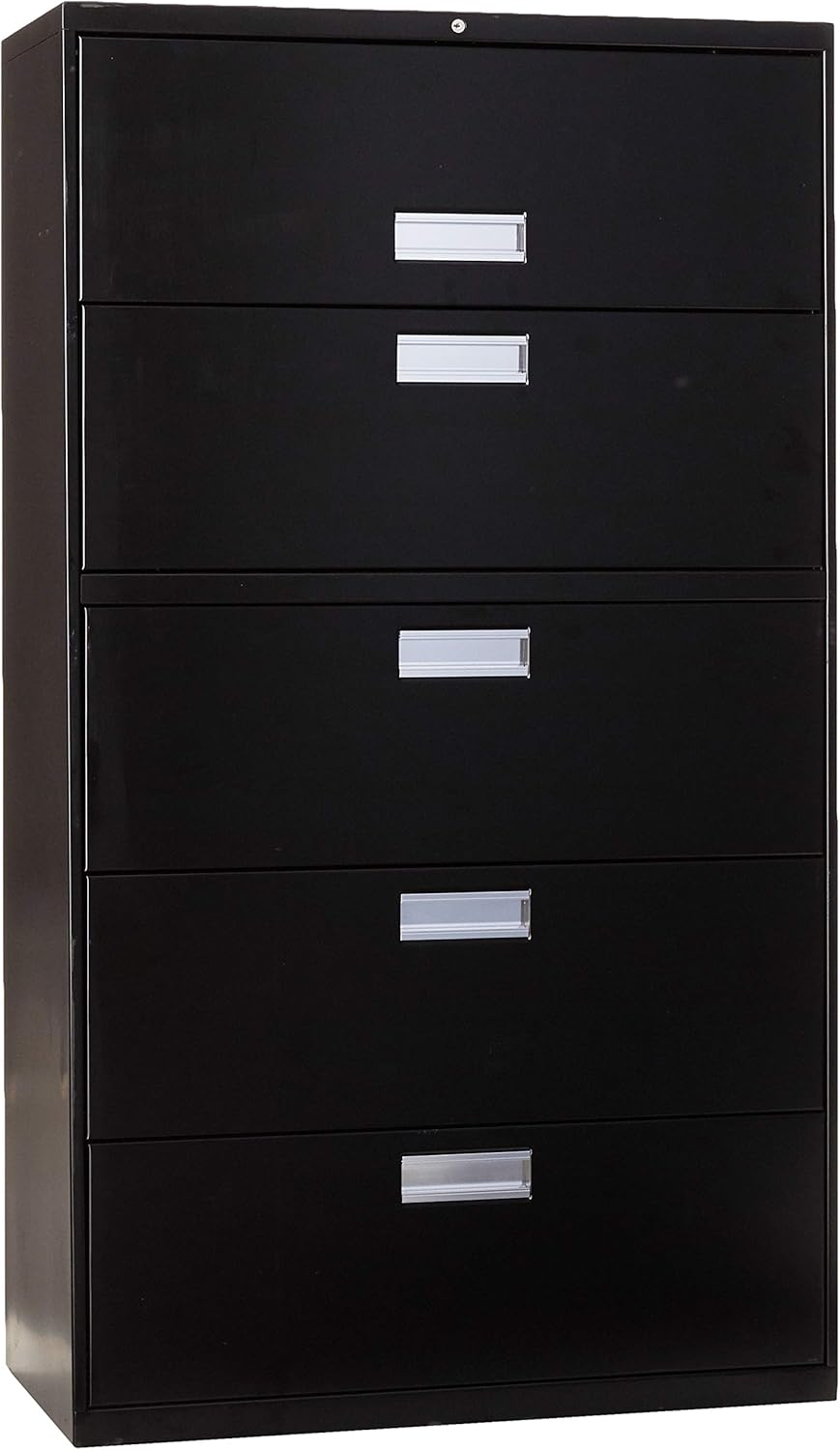
Image 1.1: Front view of the HON 685LP 5-Drawer Lateral File in black. This image displays the full height of the cabinet with all five drawers closed, featuring silver-colored handles and a key lock at the top.
2. Important Safety Information
Please read and understand all safety instructions before using this product. Failure to follow these instructions may result in injury or damage to the product.
- Always keep the key in a safe and accessible location.
- Exercise caution when operating the lock to prevent injury.
- Do not force the lock if it is jammed. Refer to the troubleshooting section or contact support.
- Ensure the file cabinet is placed on a level surface to prevent tipping, especially when drawers are open.
- Avoid opening more than one drawer at a time to maintain stability and prevent the cabinet from tipping over.
- Do not climb on or lean heavily on the drawers or cabinet.
3. Setup and Installation
The HON 685LP lateral file cabinet is designed for freestanding installation and requires no assembly.
3.1 Unpacking
- Carefully remove all packaging materials. Inspect the cabinet for any signs of damage during transit.
- Retain packaging materials until you are satisfied with the product.
3.2 Placement
- Place the cabinet on a firm, level surface. Uneven surfaces can affect drawer operation and cabinet stability.
- Ensure adequate clearance around the cabinet for full drawer extension and access.

Image 3.1: Diagram showing the dimensions of the HON 685LP 5-Drawer Lateral File. The cabinet is approximately 36 inches wide, 64 inches high, and 18 inches deep.

Image 3.2: The HON 685LP 5-Drawer Lateral File positioned in an office environment next to a desk and office chair, illustrating its scale and typical placement.
4. Operating Your File Cabinet
4.1 Drawer Operation
- To open a drawer, grasp the handle and pull firmly. The drawers are designed for smooth operation.
- To close a drawer, push it gently until it is fully seated.
- The cabinet is equipped with an interlock system that prevents more than one drawer from being opened at a time to maintain stability. Do not attempt to force multiple drawers open simultaneously.
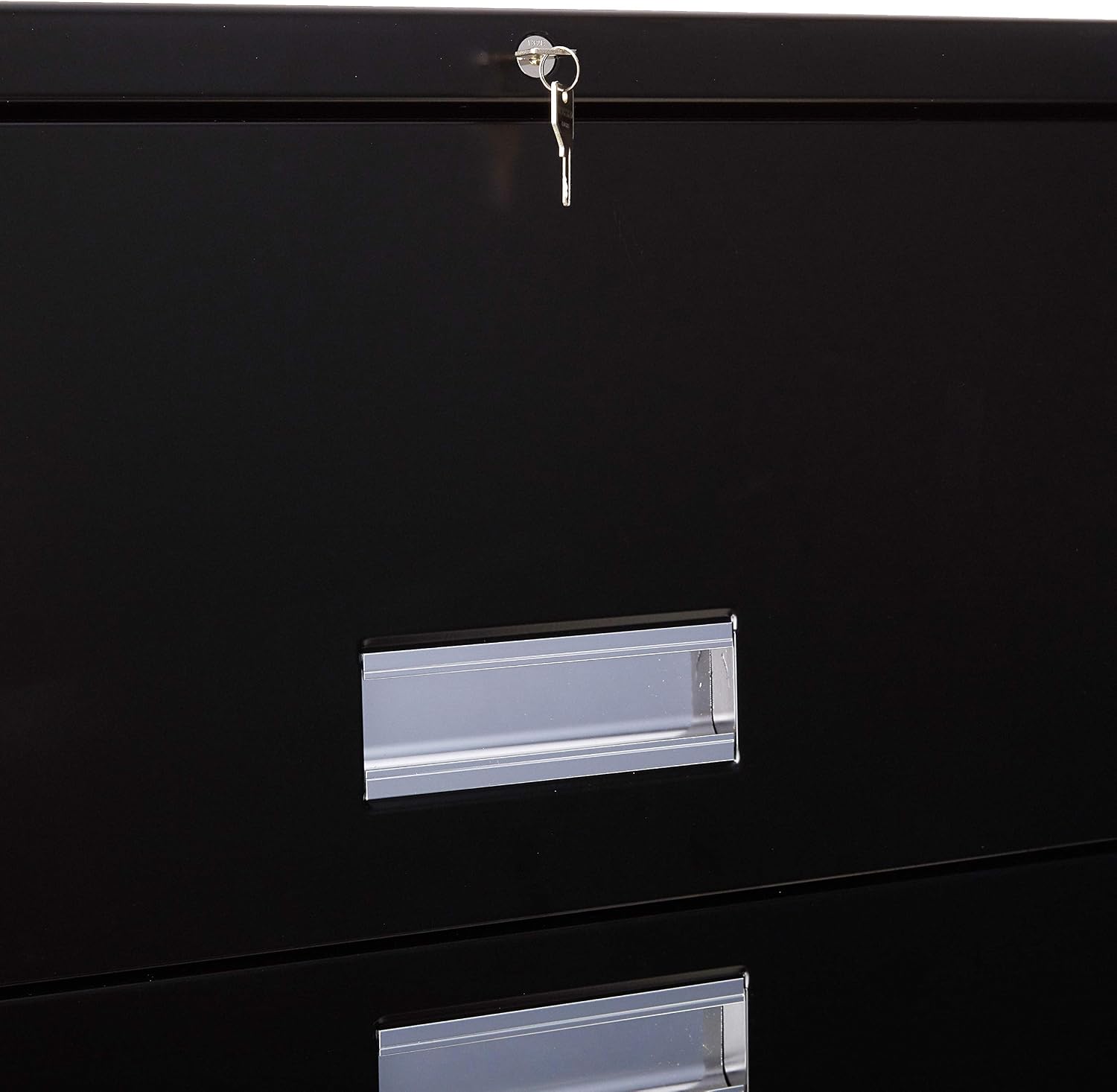
Image 4.1: The HON 685LP 5-Drawer Lateral File with one drawer fully extended, showing the internal mechanism and space for hanging files.
4.2 Filing Documents
The drawers are designed to accommodate both letter and legal-sized hanging file folders. Adjust the internal rails as needed for your preferred document size.
4.3 Locking Mechanism
- The cabinet features a central locking system that secures all drawers simultaneously.
- To lock: Ensure all drawers are fully closed. Insert the key into the lock cylinder located at the top of the cabinet and turn it to the locked position. Remove the key.
- To unlock: Insert the key into the lock cylinder and turn it to the unlocked position. The drawers can now be opened.

Image 4.2: A close-up view of the key lock mechanism located at the top of the file cabinet, with a key inserted.
5. Care and Maintenance
- Cleaning: Wipe the exterior surfaces with a damp cloth. Avoid abrasive cleaners or solvents that could damage the painted finish.
- Drawer Slides: Periodically check drawer slides for smooth operation. If a drawer becomes stiff, ensure it is not overloaded or obstructed. Lubrication is generally not required for these sealed mechanisms.
- Lock: Keep the lock mechanism free of dust and debris. Do not apply oil or grease to the lock cylinder unless specifically recommended by the manufacturer.
6. Troubleshooting
6.1 Drawer Not Opening/Closing Smoothly
- Check for Obstructions: Ensure no items are blocking the drawer's path or caught in the slides.
- Overloading: Verify that the drawer is not overloaded beyond its capacity, which can hinder smooth movement.
- Level Surface: Confirm the cabinet is on a level surface. An uneven placement can cause drawers to bind.
- Interlock System: Remember that only one drawer can be opened at a time due to the anti-tip interlock system. Ensure other drawers are fully closed.
6.2 Lock Not Engaging/Disengaging
- All Drawers Closed: The lock will only engage if all drawers are fully closed and seated. Push each drawer firmly to ensure it is completely shut.
- Key Orientation: Ensure the key is fully inserted and turned correctly. Do not force the key.
- Damaged Key/Lock: If the key is bent or the lock appears damaged, do not attempt to force it. Contact customer support.
7. Product Specifications
| Brand | HON |
| Model Number | 685LP |
| Product Dimensions (D x W x H) | 18" x 36" x 64.25" |
| Number of Drawers | 5 |
| Color | Black |
| Item Weight | 247 Pounds |
| Material | Alloy Steel (Frame, Back), Steel (Top) |
| Handle Material | Aluminum |
| Lock Type | Key |
| Assembly Required | No |
| Installation Type | Freestanding |
8. Warranty and Customer Support
8.1 Warranty Information
This HON 685LP 600 Series Lateral File is covered by a HON full lifetime warranty. For specific details regarding coverage, terms, and conditions, please refer to the official HON warranty documentation or contact HON customer service.
8.2 Customer Support
If you have any questions, require assistance with setup, operation, or encounter any issues not covered in this manual, please contact HON customer support. Contact information can typically be found on the manufacturer's official website or on the product packaging.


