
1. Introduction
This manual provides detailed instructions for the installation, operation, and maintenance of your Ritto Porter 1875970 Door Communication Interface. Please read this manual thoroughly before attempting to install or operate the device to ensure safe and correct usage. Keep this manual for future reference.
The Ritto Porter 1875970 is designed to facilitate communication within a door entry system, serving as a crucial component for managing access and interaction at your entrance.
2. Safety Information
Important Safety Instructions: Failure to follow these instructions may result in electric shock, fire, or serious injury.
- Always disconnect power before installing or servicing the device.
- Installation should only be performed by a qualified electrician or trained professional.
- Do not expose the device to moisture, rain, or extreme temperatures.
- Ensure all wiring connections are secure and comply with local electrical codes.
- Do not attempt to open or repair the device yourself. Refer all servicing to qualified personnel.
- Use only original Ritto accessories and spare parts.
3. Package Contents
Verify that all items listed below are present in your package. If any items are missing or damaged, contact your supplier immediately.
- Ritto Porter 1875970 Door Communication Interface (Model 4972092)
- Mounting hardware (screws, wall plugs)
- Quick Start Guide (if applicable)
4. Setup Instructions
This section guides you through the physical installation and initial wiring of the door communication interface.
4.1. Mounting
- Choose a suitable mounting location, typically near the door entry point, ensuring it is protected from direct weather exposure if installed outdoors.
- Mark the drilling points on the wall using the device's mounting plate as a template.
- Drill holes and insert wall plugs if necessary.
- Secure the mounting plate or the device itself to the wall using the provided screws.
4.2. Wiring
Before proceeding, ensure the main power supply to the door entry system is disconnected.
- Identify the terminals on the back of the Ritto Porter 1875970 interface. Refer to the wiring diagram provided with your complete door entry system.
- Connect the necessary communication and power cables to the corresponding terminals. Ensure correct polarity for power connections.
- Double-check all connections for tightness and correct placement.
- Once wiring is complete, carefully close the device housing.
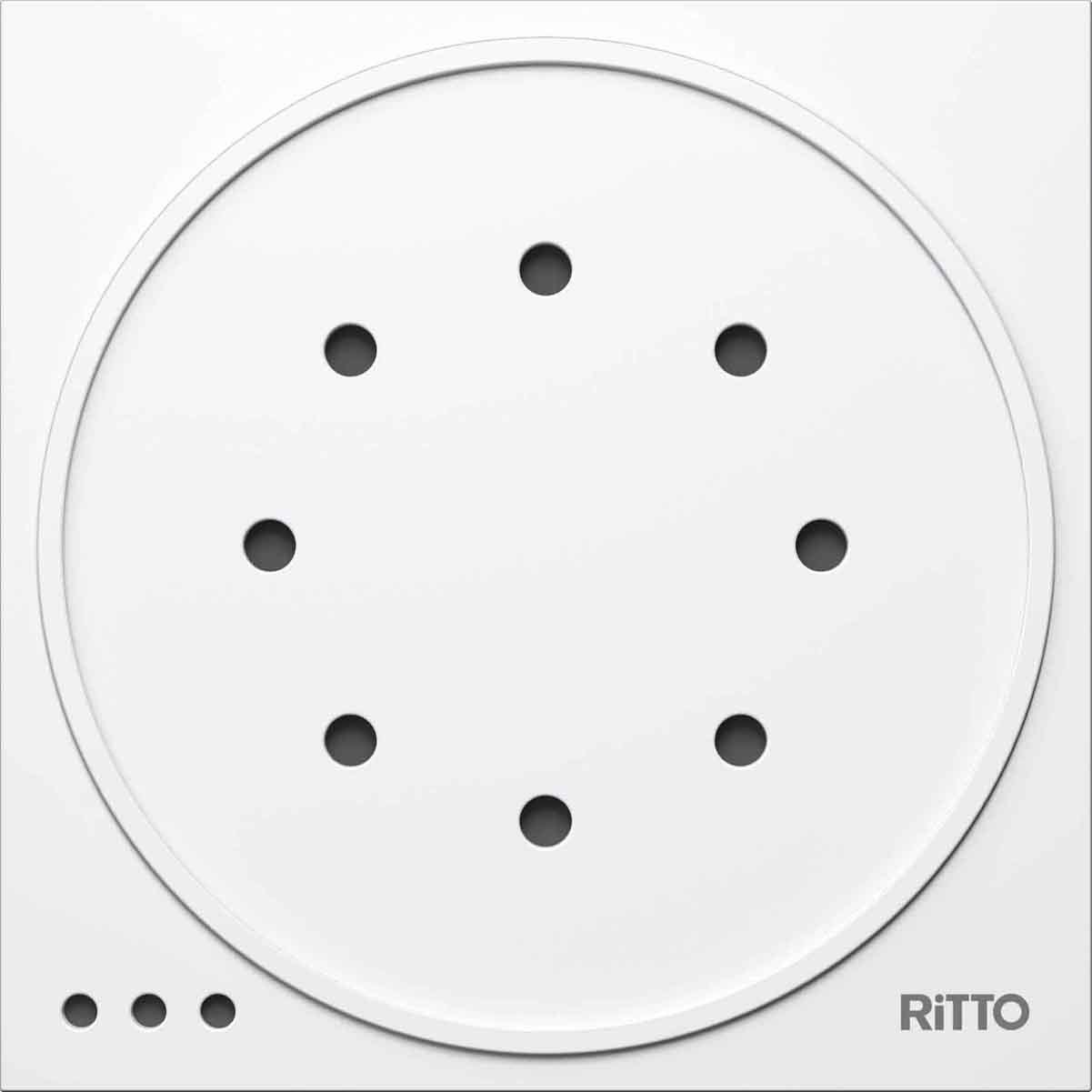
Figure 1: Front view of the Ritto Porter 1875970 Door Communication Interface. This image shows the compact design of the white module, ready for integration into a door entry system.
5. Operating Instructions
Once installed and powered, the Ritto Porter 1875970 operates as part of your integrated door communication system. Its primary function is to process and transmit audio and/or video signals between the outdoor station and indoor units.
5.1. Basic Functionality
- Audio Transmission: Enables clear two-way audio communication between visitors at the door and occupants inside.
- Signal Routing: Routes communication signals to the appropriate indoor stations based on system configuration.
- System Integration: Works seamlessly with other Ritto components to form a complete door entry solution.
Specific operational details, such as call initiation and door release functions, are typically managed by the indoor station or central control unit of your door entry system.
6. Maintenance
The Ritto Porter 1875970 is designed for minimal maintenance. Regular cleaning and occasional checks are usually sufficient.
- Cleaning: Use a soft, dry cloth to wipe the exterior of the device. For stubborn dirt, a slightly damp cloth with mild soap can be used, ensuring no liquid enters the device. Do not use abrasive cleaners or solvents.
- Inspection: Periodically check for any visible damage to the housing or cables. Ensure all connections remain secure.
- Software Updates: If your system supports firmware updates for connected components, follow the instructions provided by your system integrator or Ritto for any available updates.
7. Troubleshooting
If you encounter issues with your Ritto Porter 1875970, refer to the table below for common problems and their solutions.
| Problem | Possible Cause | Solution |
|---|---|---|
| No communication (audio/video) | Power supply issue, incorrect wiring, faulty cable, system configuration error. | Check power supply to the entire system. Verify all wiring connections according to the diagram. Inspect cables for damage. Consult your system's main control unit manual for configuration. |
| Intermittent communication | Loose connection, interference, partial cable damage. | Ensure all terminal connections are tight. Check for sources of electrical interference. Inspect cables for any signs of wear or damage. |
| Device not powering on | No power supply, incorrect wiring, internal fault. | Confirm power is supplied to the system. Re-check power wiring to the interface. If problem persists, contact technical support. |
If the problem persists after attempting these solutions, please contact Ritto technical support or a qualified service technician.
8. Technical Specifications
Below are the key technical specifications for the Ritto Porter 1875970 Door Communication Interface.
| Feature | Value |
|---|---|
| Manufacturer | Ritto |
| Model Number | 4972092 |
| Color | White |
| Quantity per package | 1 |
| Batteries Included | No |
| Batteries Required | No |
| ASIN | B0020RFVF0 |
9. Warranty and Support
Ritto products are manufactured to high-quality standards. For information regarding the warranty period and terms for your Ritto Porter 1875970 Door Communication Interface, please refer to the warranty card included with your purchase or consult the official Ritto website.
For technical support, service, or spare parts inquiries, please contact your authorized Ritto dealer or visit the Ritto official support portal. When contacting support, please have your model number (4972092) and purchase date readily available.