
Introduction
This manual provides detailed instructions for the setup, operation, maintenance, and troubleshooting of your TIMEX Expedition Chronograph T49747 watch. Please read this guide thoroughly to ensure proper use and care of your timepiece.
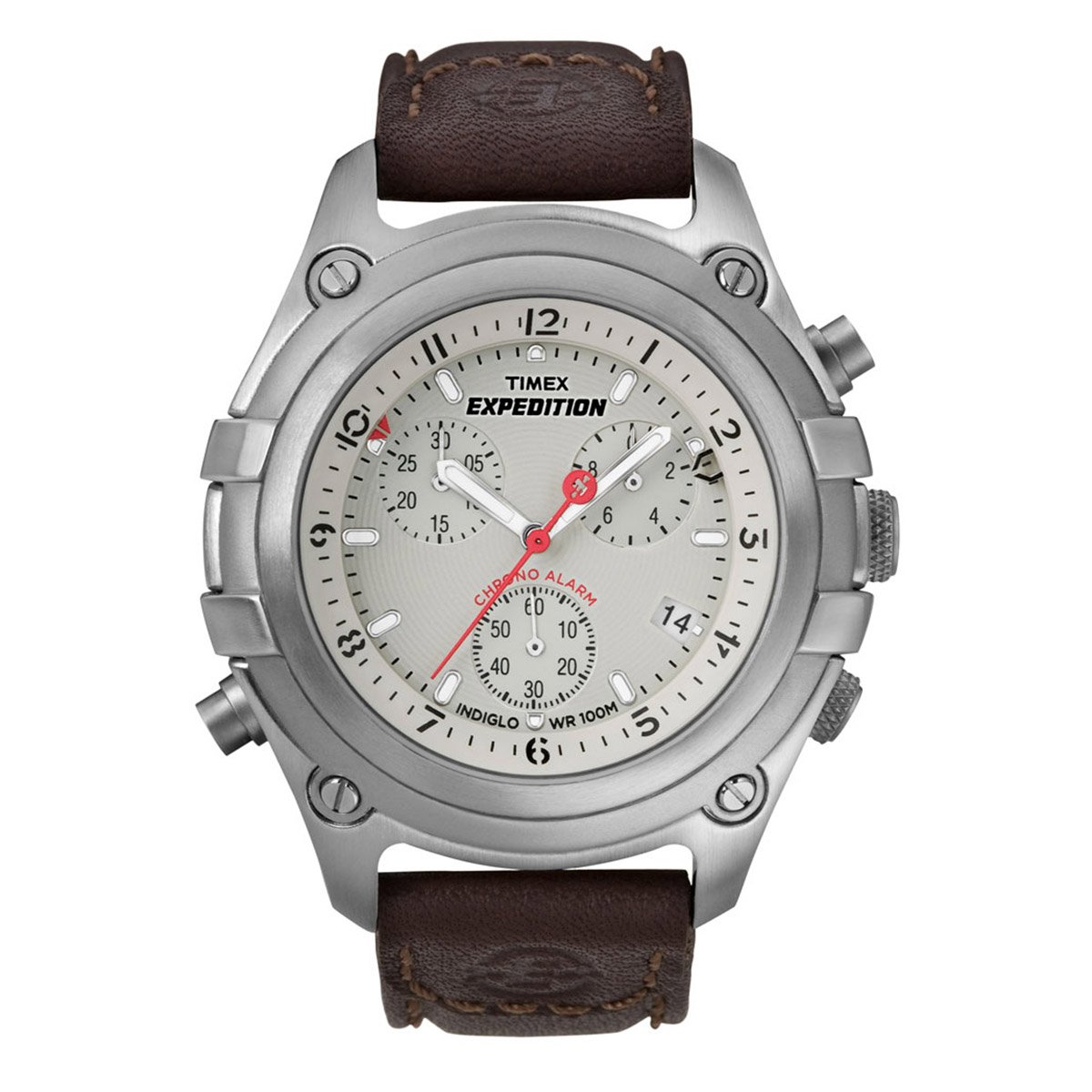
Image: The TIMEX Expedition Chronograph T49747 watch, featuring a white dial and a brown leather strap.
Setup
1. Setting the Time
- Pull the crown out to the second click position.
- Turn the crown clockwise or counter-clockwise to set the hour and minute hands to the desired time.
- Push the crown back in to the normal position to start the watch.
2. Setting the Date
- Pull the crown out to the first click position.
- Turn the crown clockwise or counter-clockwise to set the date.
- Push the crown back in to the normal position.
3. Chronograph Hand Reset
If the chronograph hands do not reset to the zero position, follow these steps:
- Pull the crown out to the second click position.
- Press the top pusher (A) repeatedly to advance the chronograph seconds hand.
- Press the bottom pusher (B) repeatedly to advance the chronograph minute hand.
- Once all chronograph hands are aligned to the 12 o'clock (zero) position, push the crown back in to the normal position.
Operating Instructions
1. Using the Chronograph
- To start the chronograph, press the top pusher (A).
- To stop the chronograph, press the top pusher (A) again.
- To reset the chronograph to zero, press the bottom pusher (B) while the chronograph is stopped.
2. Indiglo Night-Light
To activate the Indiglo night-light, press and hold the crown (C) for a few seconds. The entire dial will illuminate for easy viewing in low-light conditions.
3. Alarm Function
This watch features an alarm function. Refer to the detailed instructions provided in the full product manual for setting and activating the alarm. Typically, the alarm is set by pulling the crown to a specific position and rotating it to align the alarm hand with the desired time.
Maintenance
1. Battery Replacement
The watch is powered by a quartz movement and requires a battery. When the watch stops or the Indiglo light dims significantly, the battery may need replacement. It is recommended to have the battery replaced by an authorized TIMEX service center to ensure proper sealing and water resistance.
2. Cleaning
Clean your watch regularly with a soft, dry cloth. For water-resistant models, a slightly damp cloth can be used, followed by drying. Avoid using chemical cleaners or abrasive materials.
3. Water Resistance
This watch has a water resistance depth of 100 Metres. This means it is suitable for swimming and snorkeling, but not for high-impact water sports or diving. Ensure the crown is fully pushed in before any contact with water. Do not operate the pushers or crown while the watch is wet.
Troubleshooting
1. Watch Not Running
- Ensure the crown is fully pushed into the normal operating position.
- If the watch still does not run, the battery may need to be replaced.
2. Chronograph Hands Not Resetting to Zero
Refer to the "Chronograph Hand Reset" section under Setup for detailed instructions on how to recalibrate the chronograph hands.
3. Indiglo Not Working
- Ensure the battery is not low. A dim or non-functional Indiglo is often an indicator of a low battery.
- Press and hold the crown firmly.
Specifications
| Model Number | T49747 |
| Brand | TIMEX |
| Display Type | Chronograph |
| Movement Type | Quartz |
| Case Diameter | 43 Millimetres |
| Case Thickness | 18 Millimetres |
| Band Material | Leather |
| Band Colour | Brown |
| Dial Colour | White |
| Crystal Material | Mineral |
| Water Resistance Depth | 100 Metres |
| Item Weight | 89 Grams |
Warranty and Support
Warranty Information
This product comes with a 1 Year manufacturer warranty from the date of purchase. To claim your warranty, you must produce either the original bill copy/invoice or the warranty card at any authorized Timex service center.
Customer Support
For any service-related inquiries or feedback, please contact Timex India customer support:
- Toll-free number: 1800 419 2727 (Monday to Sunday, 10:00 am to 7:00 pm, except government holidays)
- Email: custservice@timexindia.com, feedback@timexindia.com
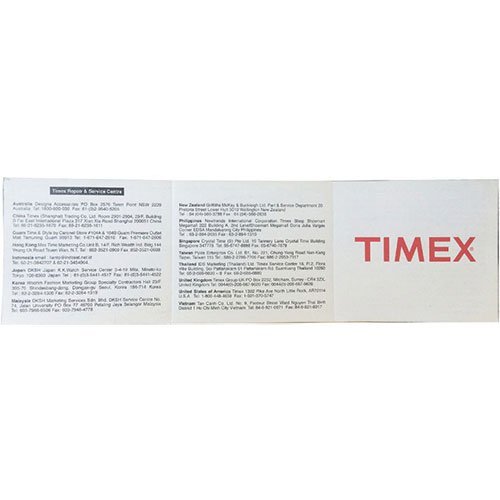
Image: A leaflet displaying Timex repair and service center contact information for various regions.


