
Introduction
This manual provides essential information for the safe and efficient operation, maintenance, and troubleshooting of your Master Airbrush 1/5 HP Air Compressor Model TC-20. Please read these instructions thoroughly before using the compressor to ensure proper function and longevity of the unit.
The Master Airbrush TC-20 is a professional-grade, high-performance single-piston air compressor designed for various airbrushing applications, including hobby painting, cake decorating, and tattoo art. It features an air pressure regulator, a water trap filter, and a dual airbrush holder for convenience.

Figure 1: Master Airbrush 1/5 HP Air Compressor Model TC-20, showing the main unit, braided air hose, and an instructional guide.
Safety Information
- Always operate the compressor in a well-ventilated area.
- Ensure the power switch is in the 'OFF' position before plugging or unplugging the unit.
- Do not touch hot surfaces during or immediately after operation. The compressor head can become hot.
- Keep children and pets away from the operating compressor.
- Do not use the compressor near flammable liquids or gases.
- Always wear appropriate personal protective equipment, such as safety glasses, when airbrushing.
- Regularly inspect the power cord and air hose for damage. Do not use if damaged.
Setup
Follow these steps to set up your air compressor for the first time:
- Unpacking: Carefully remove all components from the packaging. Verify that all parts are present.
- Component Identification: Familiarize yourself with the compressor's parts as shown in Figure 2.
- Attach Airbrush Holder: Secure the compressor-mounted airbrush holder to the designated mounting point on the compressor using the provided hardware.
- Connect Air Hose: Connect one end of the braided air hose to the air outlet on the regulator. Ensure a secure, airtight connection.
- Placement: Place the compressor on a stable, level surface. Ensure adequate space around the unit for ventilation.
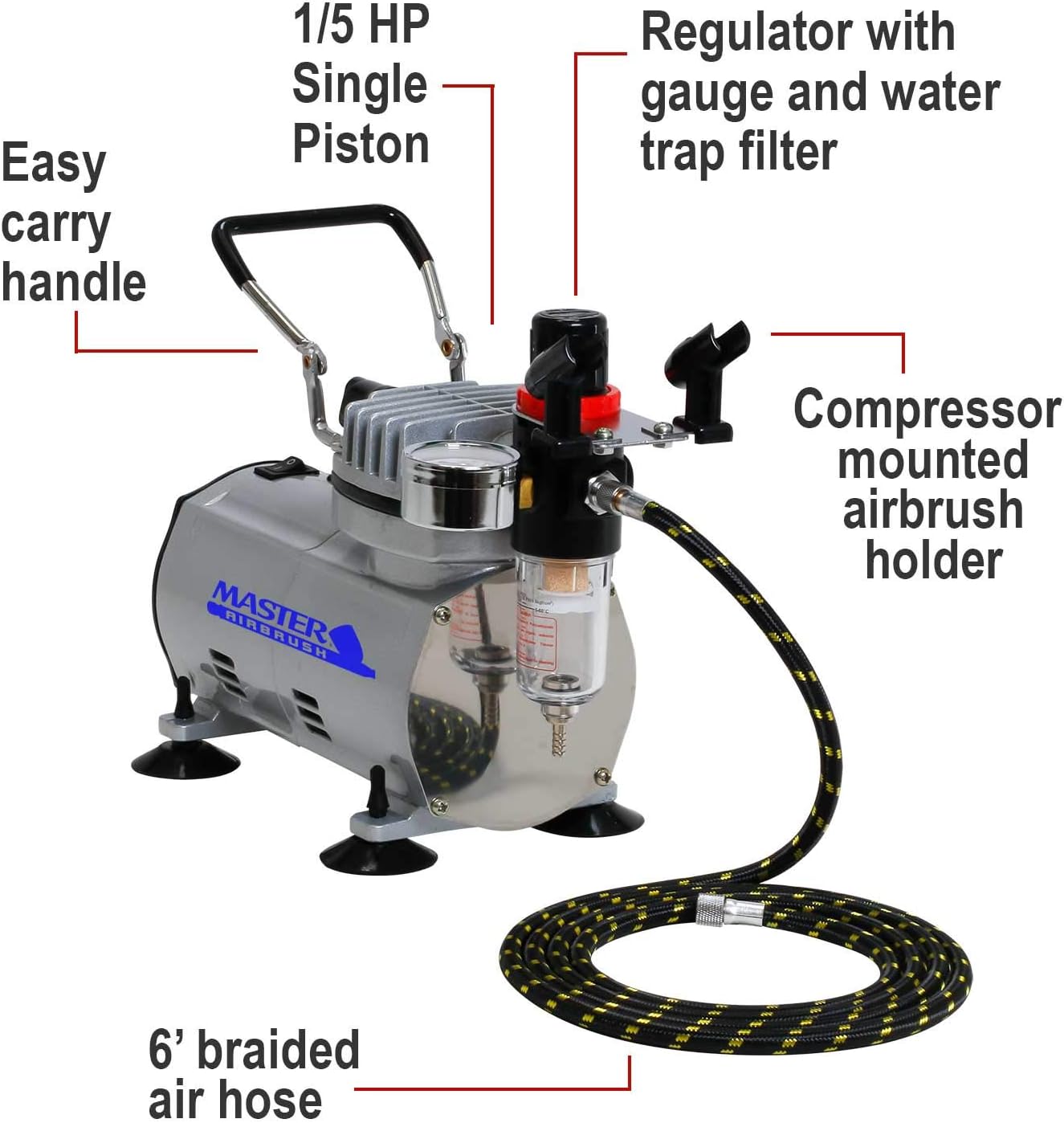
Figure 2: Key components of the Master Airbrush TC-20 compressor, including the easy carry handle, 1/5 HP single piston, regulator with gauge and water trap filter, compressor mounted airbrush holder, and 6-foot braided air hose.

Figure 3: The dual airbrush holder, designed to attach directly to the compressor unit for convenient storage of airbrushes during use.

Figure 4: The included 6-foot braided air hose, featuring durable construction for reliable air delivery.
Operating Instructions
Operating your Master Airbrush TC-20 compressor is straightforward:
- Power Connection: Plug the power cord into a standard 120V AC electrical outlet.
- Power On: Flip the power switch to the 'ON' position. The compressor will begin to build pressure.
- Automatic Shut-off: The compressor features an automatic on/off shut-off. It will stop running once the maximum pressure is reached and restart automatically when the pressure drops due to airbrush use.
- Pressure Adjustment: The regulator allows you to adjust the output air pressure. Turn the knob on top of the regulator clockwise to increase pressure and counter-clockwise to decrease it. Monitor the pressure gauge for the desired setting.
- Connect Airbrush: Connect your airbrush to the free end of the air hose. Ensure the connection is secure.
- Begin Airbrushing: Once the desired pressure is set and your airbrush is connected, you can begin your airbrushing task.
- Power Off: When finished, turn the power switch to the 'OFF' position and unplug the unit.
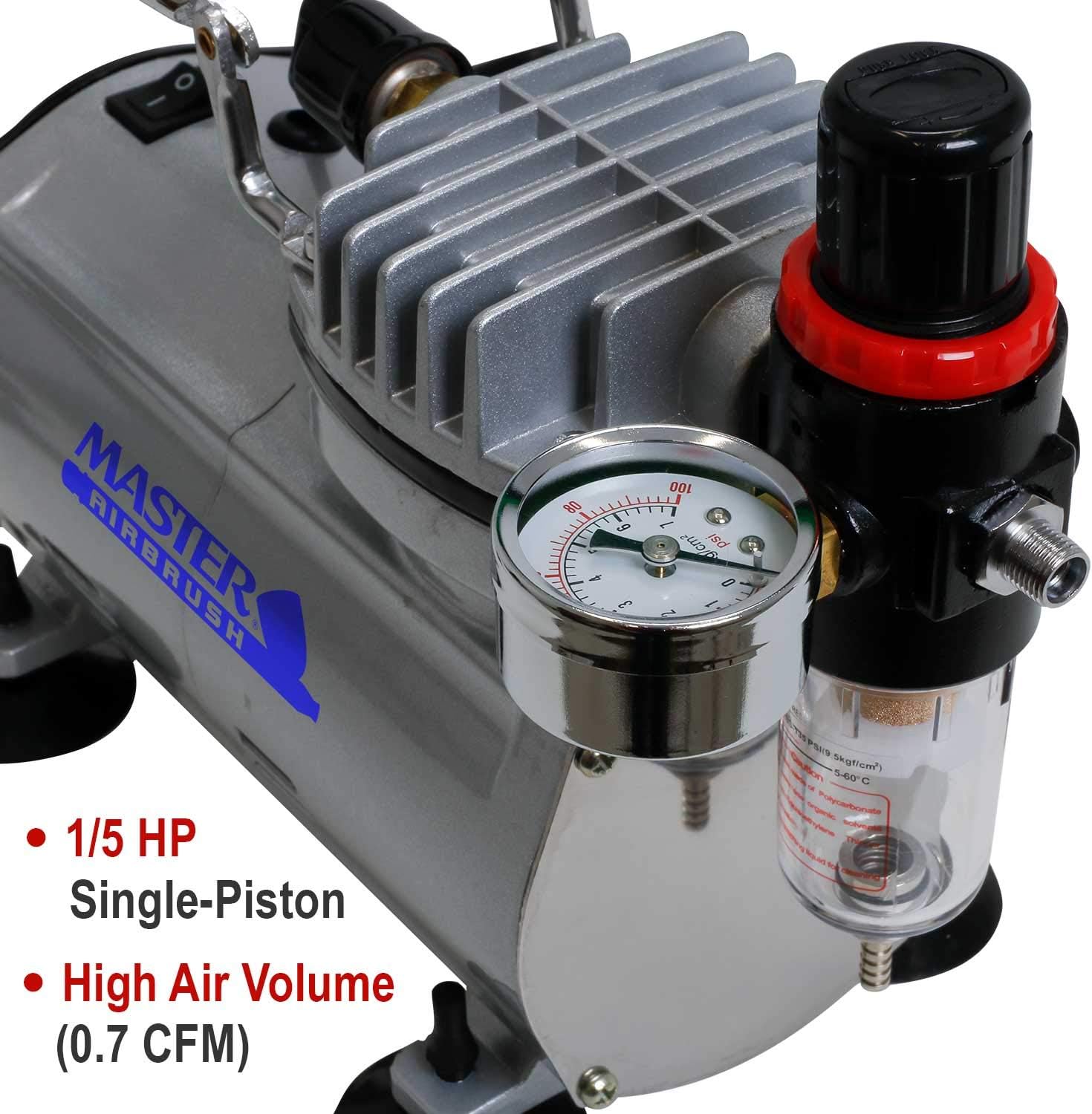
Figure 5: Detail of the pressure regulator with gauge and the water trap filter, essential for controlling air pressure and ensuring clean, dry air.
Maintenance
Regular maintenance ensures optimal performance and extends the life of your compressor:
- Drain Water Trap: The water trap filter collects moisture from the air. Regularly drain any accumulated water by pressing the release valve at the bottom of the filter bowl. This should be done after each extended use or when water is visible.
- Clean Exterior: Wipe down the exterior of the compressor with a damp cloth to remove dust and paint residue. Do not use harsh chemicals or abrasive cleaners.
- Air Filter: The compressor is equipped with an air filter. Check it periodically for dust and debris. Clean or replace the filter as needed to maintain airflow.
- Storage: Store the compressor in a clean, dry environment when not in use. Disconnect the air hose and power cord.
Troubleshooting
Refer to the following table for common issues and their solutions:
| Problem | Possible Cause | Solution |
|---|---|---|
| Compressor does not turn on | No power; Power switch off; Faulty power cord | Check power outlet; Ensure switch is ON; Inspect power cord for damage |
| Low or no air pressure | Air hose leak; Regulator set too low; Clogged air filter; Airbrush clogged | Check hose connections; Adjust regulator; Clean/replace air filter; Clean airbrush |
| Compressor runs continuously | Air leak in system; Regulator malfunction | Check all connections for leaks; Contact support if regulator is faulty |
| Excessive moisture in air | Water trap full or not draining | Drain water trap filter regularly |
| Compressor overheats | Poor ventilation; Prolonged continuous use | Ensure adequate airflow around unit; Allow compressor to cool down periodically |
If you encounter a problem not listed here or if the suggested solutions do not resolve the issue, please contact Master Airbrush customer support.
Specifications
Key technical specifications for the Master Airbrush 1/5 HP Air Compressor Model TC-20:
- Brand: Master Airbrush
- Model Name: TC-20
- Motor Horsepower: 0.2 HP (1/5 HP)
- Power Source: Corded Electric
- Voltage: 120 Volts
- Noise Level: 59 Decibels (Silent Operation)
- Item Weight: 9.05 Pounds
- Package Dimensions: 14.5 x 12.6 x 6.9 inches
- Included Components: Filters, 6ft Braided Air Hose, Instructional Airbrush Guide Book

Figure 6: Overview of the compressor's high-performance features, including regulator, water trap, 1/5 HP motor, portability, automatic shut-off, and included accessories.
Warranty Information
For specific warranty details regarding your Master Airbrush TC-20 compressor, please refer to the documentation included with your purchase or visit the official Master Airbrush website. Warranty coverage typically addresses manufacturing defects and material flaws under normal use conditions.
Customer Support
Should you require further assistance, have questions about operation, or need to report a problem, please contact Master Airbrush customer support. You can typically find contact information on the manufacturer's website or through the retailer where the product was purchased.
For additional resources and tips on airbrushing, you may find the included 'How to Airbrush' guide book helpful.
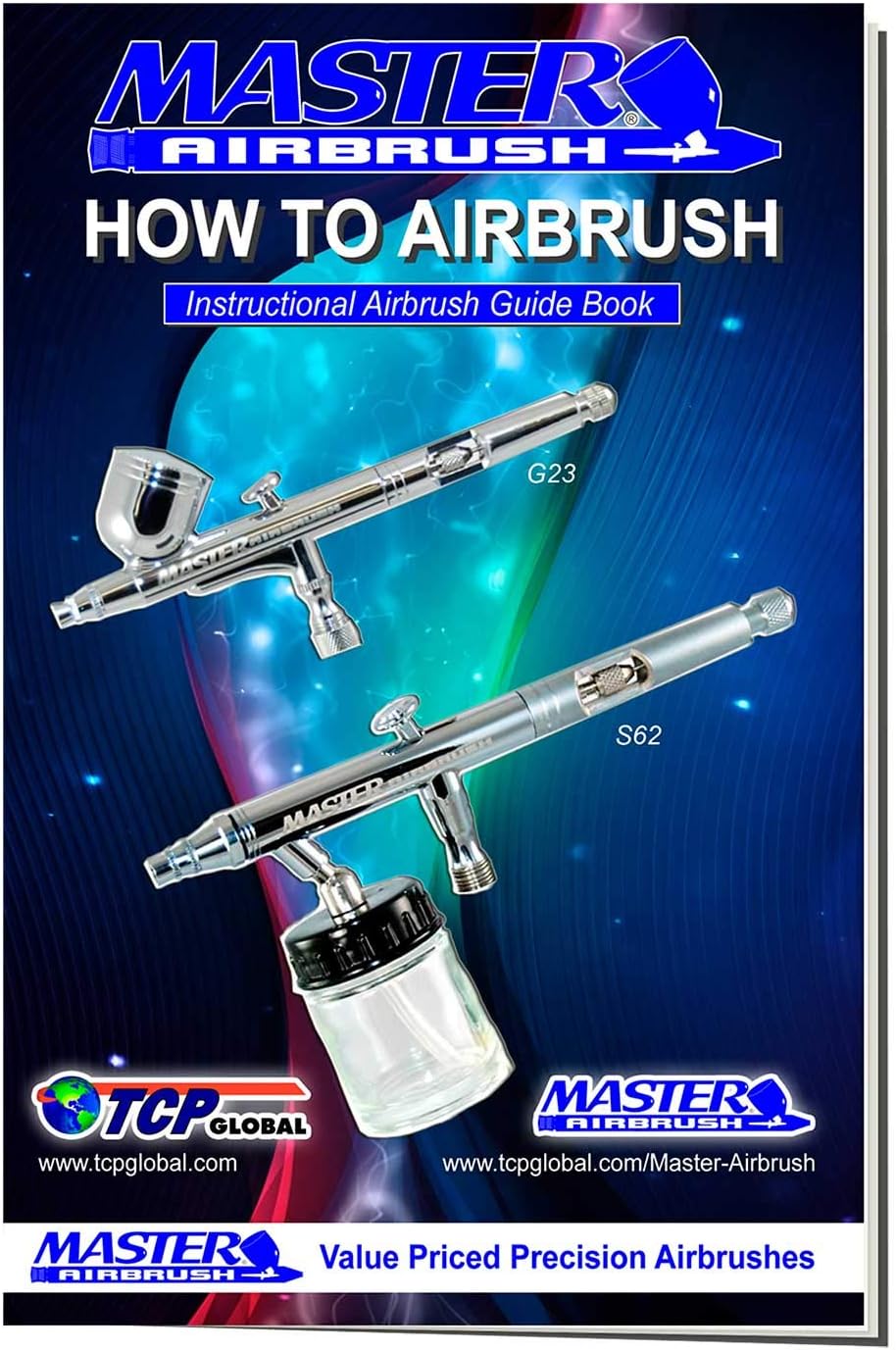
Figure 7: The 'How to Airbrush' Instructional Guide Book, providing additional information and techniques for airbrush users.