
Canon 2607B001
Canon NB-6L Rechargeable Battery User Manual
Model: NB-6L / 2607B001
Introduction
This manual provides essential information for the safe and effective use of your Canon NB-6L Rechargeable Lithium-Ion Battery. Designed for compatible Canon digital cameras, this battery offers reliable power for your photography needs. Please read this manual thoroughly before use.
Product Overview
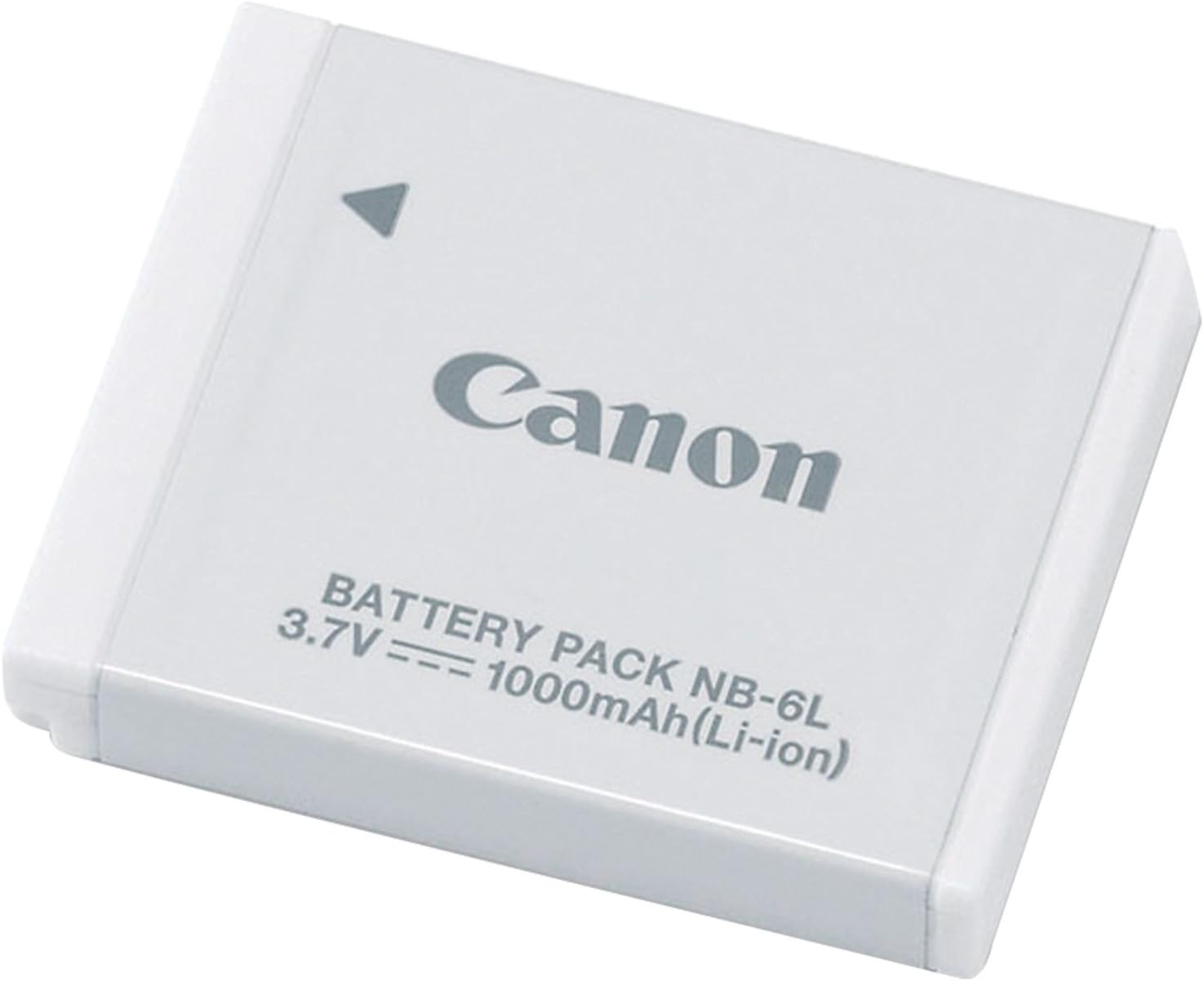
Figure 1: The Canon NB-6L Rechargeable Battery. This image shows the compact, rectangular battery with the Canon logo and specifications (3.7V, 1000mAh, Lithium-Ion) printed on its white surface.
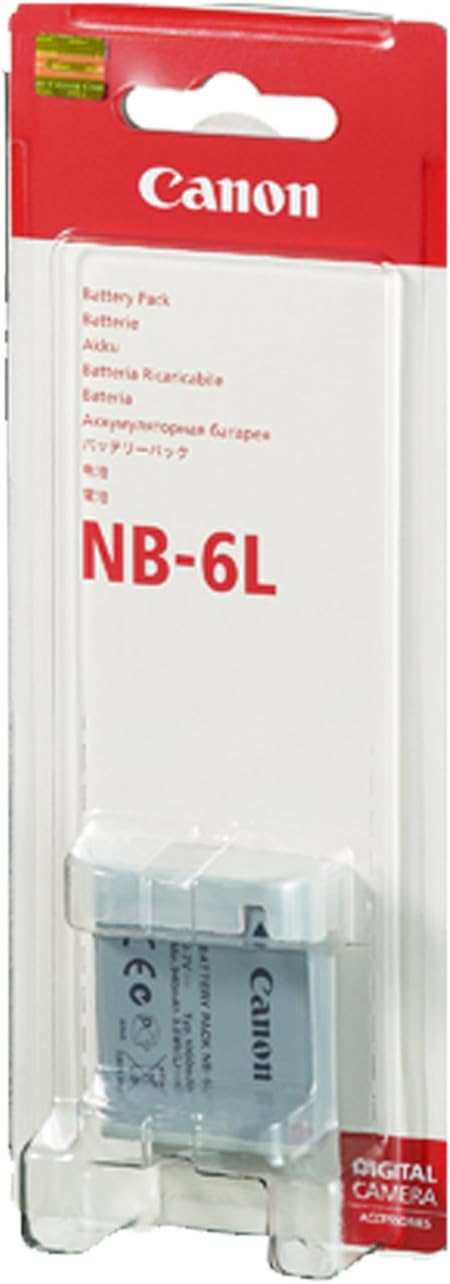
Figure 2: Retail packaging for the Canon NB-6L Battery. The packaging is predominantly red and white, featuring the Canon brand and the battery model number prominently, indicating it is a genuine Canon product.
Setup
Initial Charging
Before first use, fully charge the Canon NB-6L battery using a compatible Canon battery charger (sold separately or included with your camera). Ensure the battery is inserted correctly into the charger according to the charger's instructions.
- Connect the charger to a power outlet.
- Insert the NB-6L battery into the charger.
- Observe the charging indicator light on the charger. It typically changes color or turns off when charging is complete.
- Charging time may vary depending on the charger model and the battery's remaining charge.
Operating Instructions
Inserting the Battery into Your Camera
- Ensure your camera is turned off before inserting or removing the battery.
- Open the battery compartment cover on your camera. This is usually located on the bottom of the camera.
- Align the battery with the battery slot, paying attention to the orientation indicated inside the compartment (usually with an arrow or diagram).
- Gently push the battery into the compartment until it clicks into place and is securely seated.
- Close the battery compartment cover firmly.
Removing the Battery
- Turn off the camera.
- Open the battery compartment cover.
- Press the battery release lever (if present) to eject the battery slightly.
- Carefully remove the battery from the compartment.
- Close the battery compartment cover.
Maintenance and Care
- Storage: Store the battery in a cool, dry place away from direct sunlight and extreme temperatures. For long-term storage, it is recommended to store the battery with approximately 50% charge.
- Cleaning: If the battery terminals become dirty, wipe them with a clean, dry cloth. Do not use liquid cleaners.
- Charging Cycles: Lithium-Ion batteries do not suffer from a "memory effect," so you can charge them at any time. However, frequent full discharge cycles can reduce overall battery life.
- Disposal: Do not dispose of batteries in general household waste. Recycle them according to local regulations. Many electronics stores or recycling centers accept used batteries.
- Safety: Do not short-circuit the battery terminals. Do not expose the battery to fire or water. Do not attempt to disassemble or modify the battery.
Troubleshooting
| Problem | Possible Cause | Solution |
|---|---|---|
| Battery not charging | Incorrectly inserted battery; faulty charger; dirty terminals; battery reached end of life. | Reinsert battery correctly; try a different charger; clean battery terminals; replace battery if old. |
| Camera not turning on with battery | Battery not charged; battery not inserted correctly; battery faulty. | Charge battery fully; reinsert battery; try a different, charged battery. |
| Short battery life | Battery not fully charged; extreme temperatures; battery degradation over time. | Ensure full charge; operate camera within recommended temperature range; replace battery if significantly degraded. |
Specifications
- Model: NB-6L / 2607B001
- Battery Type: Lithium-Ion (Li-ion)
- Voltage: 3.7V
- Capacity: 1000 mAh
- Dimensions: 1.4 x 1.6 x 0.3 inches (approx.)
- Weight: 0.64 ounces (approx.)
- Manufacturer: Canon Cameras US
- Recommended Use: Camera
Warranty and Support
For information regarding the warranty of your Canon NB-6L battery, please refer to the warranty card included with your original camera purchase or visit the official Canon support website. Canon provides customer support for genuine products.
For further assistance or technical support, please visit the Canon Official Store on Amazon or the main Canon support portal.
Ask a question about this manual
Ask about setup, troubleshooting, compatibility, parts, safety, or missing instructions. Manuals+ will review the question and use this page’s manual context to help answer it.