
Introduction
This manual provides comprehensive instructions for the Hasbro Littlest Pet Shop Digital Care for Me - Horse electronic pet. It covers setup, operation, maintenance, and troubleshooting to ensure you can fully enjoy and care for your digital companion.

Image: The Littlest Pet Shop Digital Care for Me - Horse electronic pet device.
Setup
Battery Installation
The Littlest Pet Shop Digital Care for Me - Horse requires batteries for operation. Locate the battery compartment, typically on the back of the device. Use a small Phillips head screwdriver if necessary to open the compartment cover. Insert the required batteries, ensuring correct polarity as indicated by the diagrams inside the compartment (+/-). Close the compartment securely and fasten any screws.
Initial Power On
After installing the batteries, press the designated power button to turn on your digital pet. The screen will illuminate, and your pet will appear, ready for interaction.
Operating Your Digital Pet
Basic Interaction
Your digital pet features several buttons for interaction. Use these buttons to navigate menus, select activities, and play games with your horse. Explore the different options to discover all available interactions and features.
Caring for Your Pet
Monitor your pet's well-being using the on-screen Paw Meter. This meter displays your pet's current Health, Happiness, and Hunger levels. Ensure these levels remain high by regularly interacting with, playing with, and feeding your pet.
On-screen TLC
If your pet's happiness level drops or it appears 'blue', provide 'TLC' (Tender Loving Care) through specific on-screen actions or games. This will help improve your pet's mood and overall well-being.
Games and Activities
The device includes over 30 unique games and activities. Engage with these to keep your pet entertained, develop its skills, and potentially unlock new features or interactions.
Maintenance
Cleaning
To clean your digital pet, gently wipe the surface with a soft, dry cloth. Avoid using harsh chemicals, solvents, or abrasive materials, as these can damage the device's casing or screen.
Battery Replacement
When the screen dims, the device becomes unresponsive, or performance degrades, it may be time to replace the batteries. Follow the battery installation steps outlined in the 'Setup' section.
Troubleshooting
- Device Not Turning On: Check if batteries are correctly installed and not depleted. Replace batteries if necessary. Ensure the power button is pressed firmly.
- Screen Issues: If the screen is dim, flickering, or unresponsive, replace the batteries. If the issue persists, contact customer support.
- Pet Not Responding: Ensure you are pressing the correct buttons for interaction. If the device appears frozen, try removing and reinserting the batteries to perform a soft reset.
Specifications
| Model: | 63721 |
| Brand: | Hasbro |
| Animal Theme: | Horse |
| Material: | Plastic |
| Color: | Green |
| Minimum Age: | 6 years (72 months) |
| Dimensions (L x W x H): | 18.1 cm x 4.5 cm x 21 cm |
| Weight: | 181 g |
| Power Source: | Battery Powered (Batteries Required) |
| Key Features: | Interactive Digital Play, 30+ games and activities, Paw Meter for pet needs |
Warranty and Support
For warranty information or technical support regarding your Littlest Pet Shop Digital Care for Me - Horse, please refer to the product packaging or contact Hasbro customer service directly. It is recommended to keep your proof of purchase for any warranty claims.
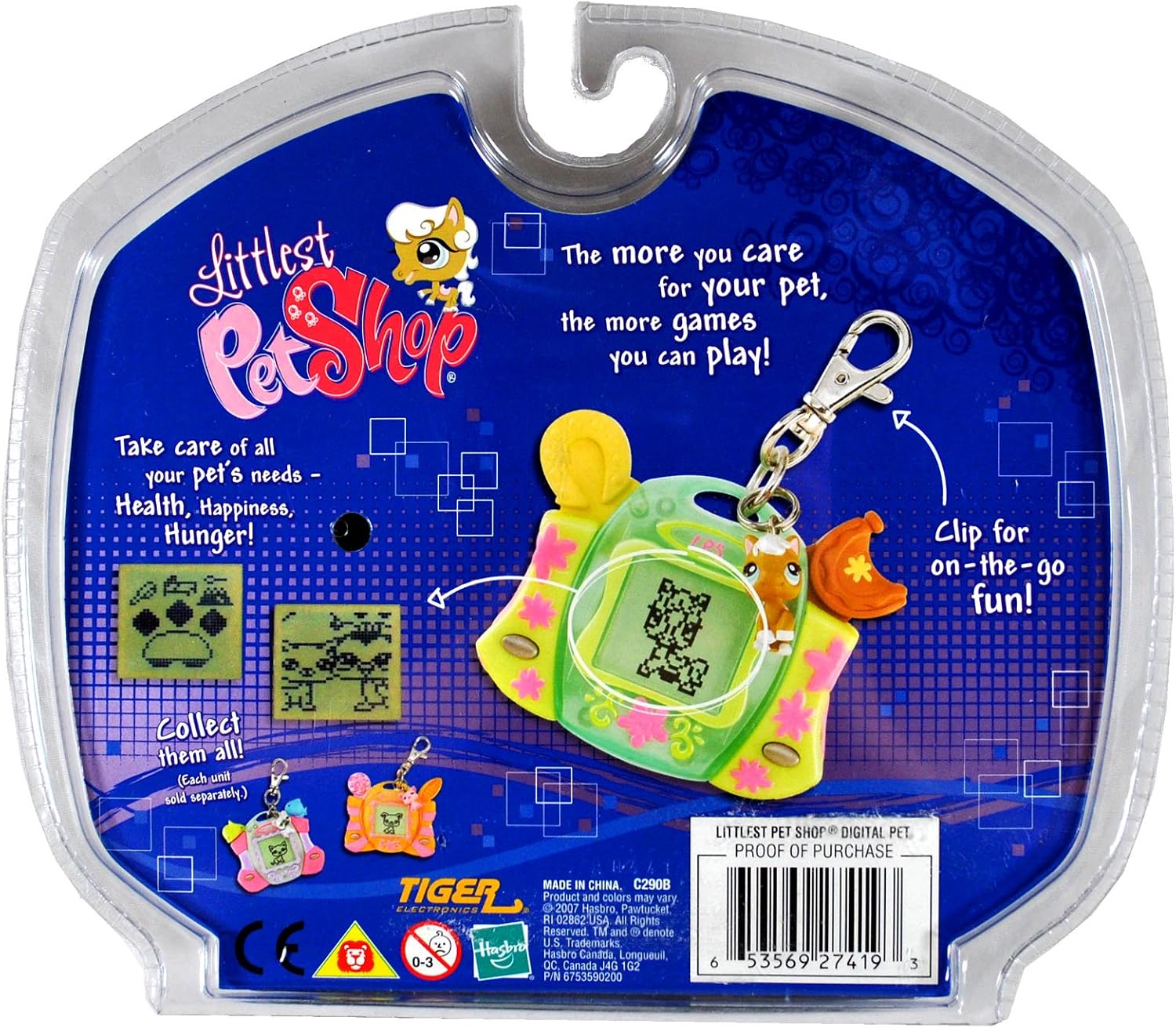
Image: Back of product packaging with care instructions and proof of purchase information.
UPC: 0653569274193


