Introduction
Thank you for choosing the Casio TQ-140-1EF Analog Alarm Clock. This compact and reliable alarm clock is designed for simplicity and ease of use, providing accurate timekeeping and a clear alarm function. This manual will guide you through the setup, operation, and maintenance of your new alarm clock.
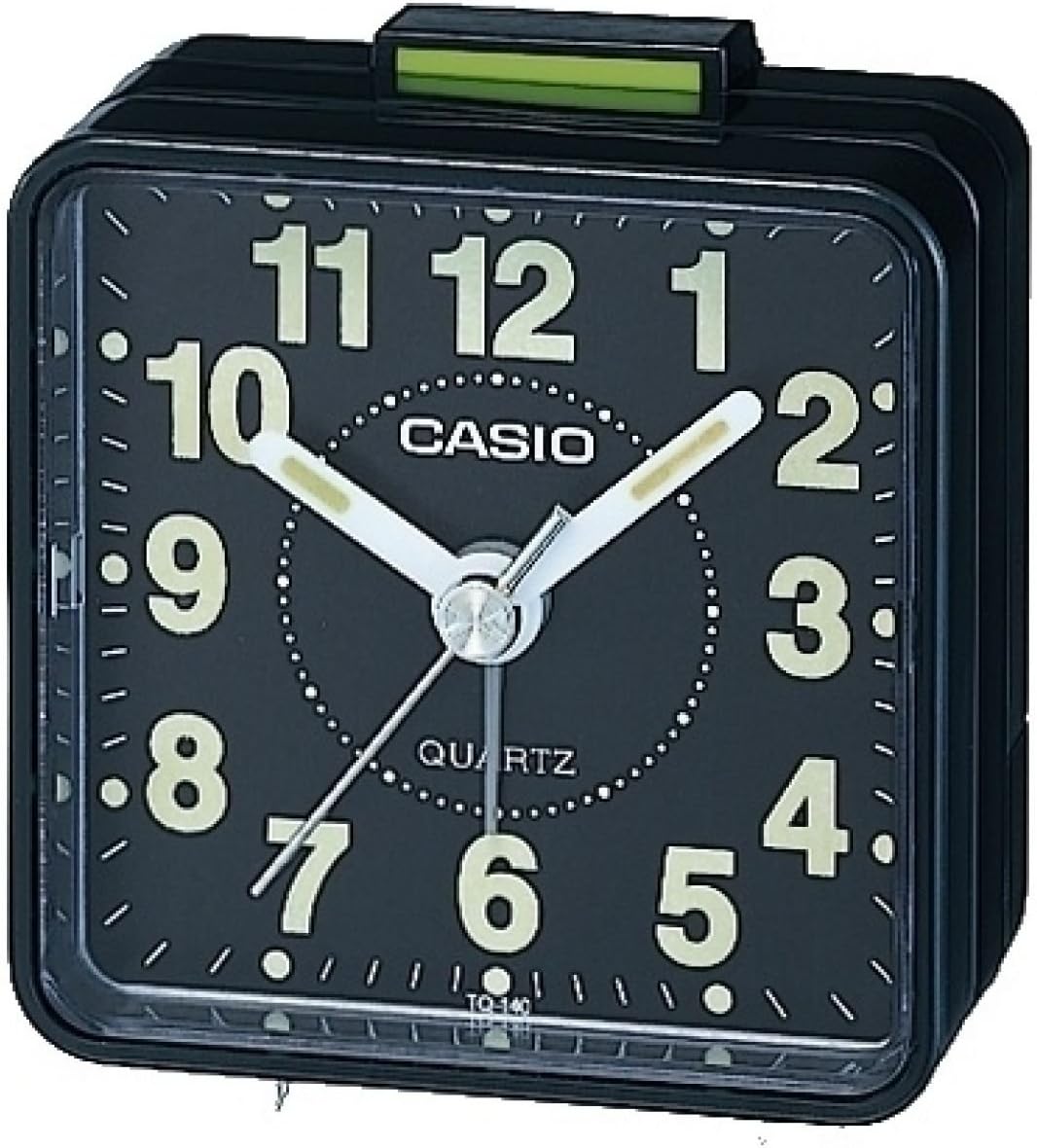
Figure 1: Front view of the Casio TQ-140-1EF Analog Alarm Clock. It features a black square body, a black dial with large white luminous Arabic numerals, and white luminous hour and minute hands. A thin white second hand is also visible. The alarm on/off switch is located on top, colored green.
Product Overview
The Casio TQ-140-1EF is a compact analog alarm clock with a simple, functional design. Key components include:
- Time Setting Knob: Located at the back, used to adjust the current time.
- Alarm Setting Knob: Located at the back, used to set the desired alarm time.
- Alarm ON/OFF Switch: Located on the top, slides to activate or deactivate the alarm.
- Battery Compartment: Located at the back, holds one AA battery.
- Luminous Hands and Numbers: Allow for visibility in low-light conditions.
Setup
1. Battery Installation
- Open the battery compartment cover located on the back of the alarm clock.
- Insert one AA battery (included) into the compartment, ensuring the correct polarity (+/-) as indicated inside the compartment.
- Close the battery compartment cover securely.
2. Setting the Current Time
- Locate the time setting knob on the back of the clock.
- Rotate the knob in either direction to move the hour and minute hands until the correct current time is displayed.
Operating Instructions
Setting the Alarm Time
- Locate the alarm setting knob on the back of the clock.
- Rotate this knob to move the small alarm hand to your desired wake-up time.
Activating/Deactivating the Alarm
- To activate the alarm, slide the alarm ON/OFF switch (green tab) on the top of the clock upwards.
- To deactivate the alarm, slide the alarm ON/OFF switch downwards. The alarm will sound at the set time if activated.
Maintenance
Cleaning
Wipe the clock with a soft, dry cloth. Do not use abrasive cleaners or solvents, as they may damage the finish.
Battery Replacement
When the clock starts to lose time or the alarm sound weakens, it is time to replace the battery. Follow the battery installation steps in the "Setup" section.
Troubleshooting
| Problem | Solution |
|---|---|
| Clock is not running or running slowly. | Check if the battery is inserted correctly. Replace the battery with a new AA battery. |
| Alarm does not sound. | Ensure the alarm ON/OFF switch is in the 'ON' (upwards) position. Verify the alarm time is set correctly. Replace the battery if the alarm sound is weak. |
| Luminous hands/numbers are not glowing. | The luminous material requires exposure to light to charge. Expose the clock to bright light for a period to recharge the glow. Note that the glow intensity may diminish over time. |
Specifications
| Feature | Detail |
|---|---|
| Model Number | TQ-140-1EF |
| Brand | Casio |
| Color | Black |
| Dimensions (L x W x H) | 6 x 3 x 6 cm (approx. 2.36 x 1.18 x 2.36 inches) |
| Weight | 64 grams (approx. 2.26 oz) |
| Material | Resin |
| Display Type | Analog |
| Power Source | 1 x AA Battery |
| Special Features | Neo-display (luminous hands/numbers), Acoustic alarm sound |
Warranty and Support
Your Casio TQ-140-1EF Alarm Clock comes with a 2-year warranty from the date of purchase. Please retain your proof of purchase for warranty claims.
For technical support or warranty service, please contact your local Casio authorized service center or visit the official Casio website for contact information.
You can find more information and support on the official Casio website: www.casio.com


