
Belkin A3L781-14-BLU
Belkin CAT5E Patch Cable User Manual
Model: A3L781-14-BLU
Introduction
This user manual provides essential information for the proper use, setup, and maintenance of your Belkin CAT5E Patch Cable (Model: A3L781-14-BLU). Please read this manual thoroughly before using the product to ensure optimal performance and longevity.
Product Overview
The Belkin CAT5E Patch Cable is designed for reliable network connectivity. It features RJ45 male connectors on both ends, making it suitable for connecting various network devices such as computers, routers, modems, and switches.
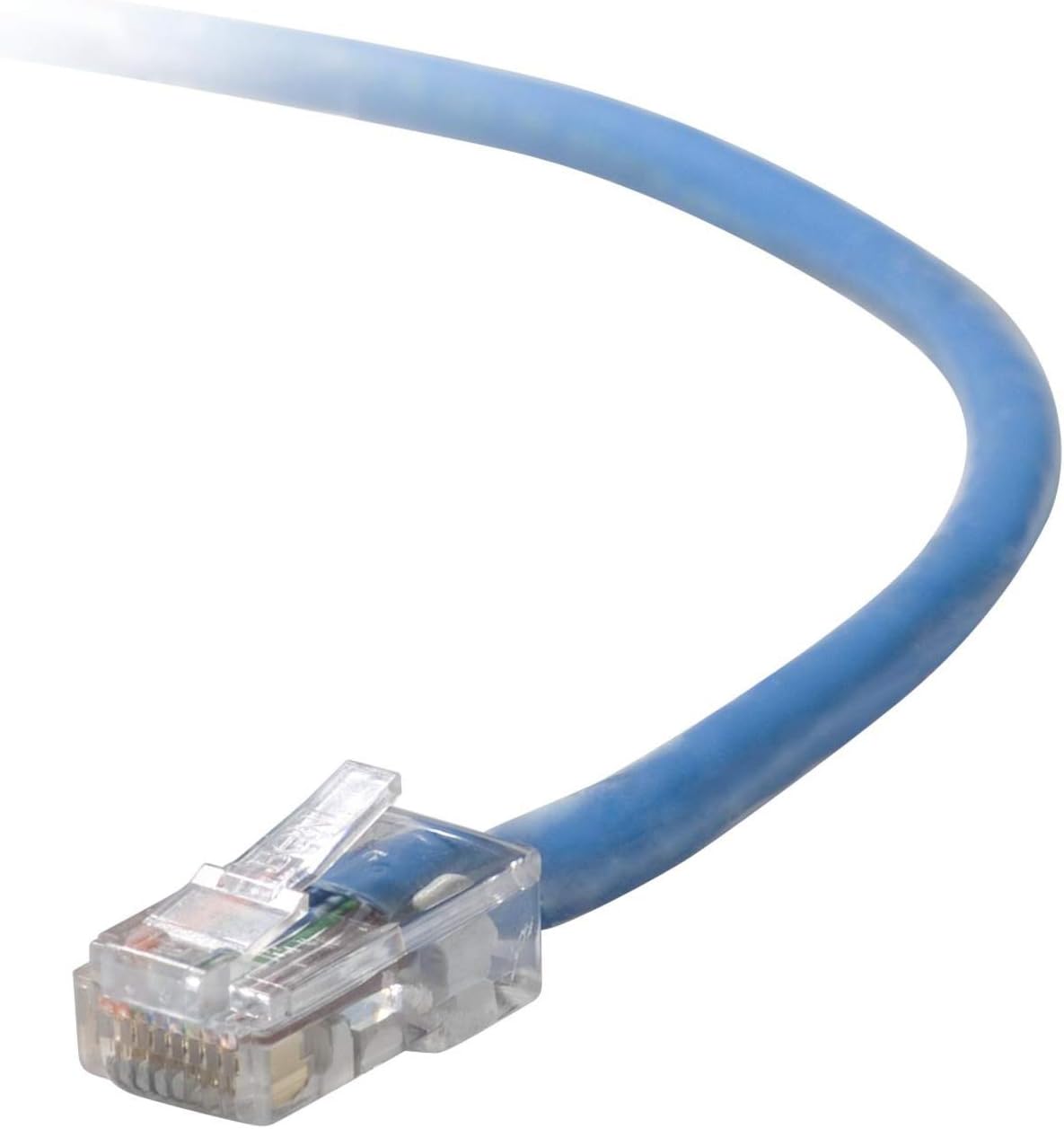
An image showing the blue Belkin CAT5E patch cable, highlighting one of its clear RJ45 male connectors. The cable is coiled slightly, demonstrating its flexibility.
Key Features:
- Product Type: Electronic Cable
- Cable Type: Ethernet (Cat 5e)
- Connector Type: RJ45 Male-to-Male
- Color: Blue
- Length: 14 feet
- Compatibility: Suitable for connecting laptops, desktop computers, network switches, routers, modems, and other Ethernet-enabled devices.
- Usage: Designed for both indoor and outdoor applications.
Setup
The Belkin CAT5E Patch Cable is designed for simple plug-and-play installation.
- Identify Ports: Locate the RJ45 (Ethernet) ports on the devices you wish to connect. These ports are typically rectangular with a small clip on one side.
- Connect First Device: Gently insert one end of the Belkin CAT5E Patch Cable into the Ethernet port of your first device (e.g., a computer or router) until you hear a click, indicating it is securely latched.
- Connect Second Device: Insert the other end of the cable into the Ethernet port of your second device (e.g., a network switch, modem, or another computer) until it clicks into place.
- Verify Connection: Most devices will indicate a successful connection with an illuminated LED light near the Ethernet port. Refer to your device's manual for specific indicators.
No additional software or drivers are required for the cable itself.
Operating Instructions
Once connected, the Belkin CAT5E Patch Cable facilitates data transmission between the connected devices. Its operation is passive, meaning it simply carries the network signal.
- Ensure both connected devices are powered on and configured for network communication.
- The cable supports standard Ethernet speeds up to 1 Gigabit per second (Gbps) for Cat 5e, suitable for most home and office network applications.
- For optimal performance, avoid excessive bending or kinking of the cable, which can damage the internal wires and degrade signal quality.
Maintenance
Proper care will extend the life of your Belkin CAT5E Patch Cable.
- Cleaning: If necessary, gently wipe the cable with a soft, dry cloth. Avoid using harsh chemicals or abrasive cleaners.
- Storage: When not in use, coil the cable loosely. Do not wrap it tightly around objects or create sharp bends. Store in a cool, dry place away from direct sunlight and extreme temperatures.
- Handling: Always grasp the connector housing when plugging or unplugging the cable, not the cable itself, to prevent damage to the wires or connector.
- Protection: Avoid placing heavy objects on the cable or running it through high-traffic areas where it could be stepped on or damaged.
Troubleshooting
If you experience network connectivity issues, consider the following troubleshooting steps:
- Check Connections: Ensure both ends of the cable are securely plugged into their respective ports. Listen for the "click" sound.
- Inspect Cable: Visually inspect the cable for any signs of physical damage, such as cuts, kinks, or frayed connectors. A damaged cable may need replacement.
- Try Different Ports: If available, try plugging the cable into a different Ethernet port on your router, switch, or computer.
- Test with Another Device/Cable: If possible, test the cable with another known working device, or test your devices with a different Ethernet cable to isolate the problem.
- Restart Devices: Power cycle your network devices (router, modem, computer) by turning them off, waiting 30 seconds, and then turning them back on.
If problems persist, consult the user manuals for your connected network devices or contact Belkin support.
Specifications
| Attribute | Value |
|---|---|
| Brand | Belkin |
| Model Number | A3L781-14-BLU |
| Connector Type | RJ45 |
| Cable Type | Ethernet (Cat 5e) |
| Compatible Devices | Laptop, Desktop, Router, Switch, Modem |
| Color | Blue |
| Connector Gender | Male-to-Male |
| Length | 14 feet |
| Number of Pins | 8 |
| Indoor/Outdoor Usage | Outdoor, Indoor |
| Product Dimensions | 5.51 x 5.51 x 0.98 inches (packaged) |
| Item Weight | 4.8 ounces |
| UPC | 699300554339, 722868522912 |
Warranty and Support
For information regarding product warranty, technical support, or customer service, please visit the official Belkin website or contact their customer support directly. Warranty terms and conditions may vary by region and product.
Belkin Official Website: www.belkin.com
Ask a question about this manual
Ask about setup, troubleshooting, compatibility, parts, safety, or missing instructions. Manuals+ will review the question and use this page’s manual context to help answer it.