
1. Introduction and Overview
The Extech 407730 is a digital sound level meter designed for accurate measurement of sound decibel levels. It is suitable for various applications including workplace machinery monitoring, audio system checks, and general environmental noise assessment. This manual provides essential information for the safe and effective use of your device.
1.1 Key Features
- Measures sound levels from 40 to 130dB with a digital display.
- Achieves 2dB accuracy with 0.1dB resolution.
- Features a fast-responding analog bar graph for visual trend analysis.
- Records Maximum (MAX) and Minimum (MIN) values over time.
- Includes an auto power-off function to conserve battery life.
- Equipped with a Max Hold function to capture the highest reading.
- Selectable A/C weighting and Fast/Slow response times.
1.2 Package Contents
Verify that all items are present upon unpacking:
- Extech 407730 Digital Sound Level Meter
- Microphone Windscreen
- Four AAA Batteries
- User Manual (this document)

Image 1.2.1: The Extech 407730 meter shown with its included microphone windscreen and AAA batteries.
2. Safety Information
Read all safety instructions before operating the device. Failure to follow these instructions may result in electric shock, fire, or damage to the meter.
2.1 General Safety
- Do not operate the meter if it appears damaged or if the case is open.
- Avoid exposing the meter to extreme temperatures, humidity, or direct sunlight.
- Keep the meter away from strong electromagnetic fields.
- Clean the meter with a dry, soft cloth. Do not use abrasives or solvents.
2.2 Battery Safety
- Use only the specified type and size of batteries (4 x AAA).
- Ensure correct polarity when installing batteries.
- Remove batteries if the meter is not used for an extended period to prevent leakage.
- Dispose of used batteries according to local regulations.
3. Setup
3.1 Battery Installation
- Locate the battery compartment cover on the back of the meter.
- Use a small Phillips head screwdriver to loosen the screw securing the cover.
- Remove the cover.
- Insert four (4) AAA batteries, observing the correct polarity (+ and -) as indicated inside the compartment.
- Replace the battery compartment cover and tighten the screw.
3.2 Attaching the Windscreen
The foam windscreen helps to minimize wind noise and protect the microphone. Gently slide the windscreen over the microphone at the top of the meter until it is securely in place.
4. Operating Instructions
Familiarize yourself with the meter's controls and display before beginning measurements.

Image 4.0.1: Front view of the Extech 407730 Digital Sound Level Meter, highlighting the display and control buttons.
4.1 Power On/Off
- To power on the meter, press the POWER button (red circle with line).
- To power off the meter, press and hold the POWER button until the display turns off. The meter also features an auto power-off function after a period of inactivity.
4.2 Taking Measurements
Hold the meter with the microphone pointed towards the sound source. Ensure no obstructions are blocking the microphone. The current sound level will be displayed on the LCD screen.

Image 4.2.1: A hand holding the Extech 407730 Digital Sound Level Meter, demonstrating its ergonomic design for handheld use.
4.3 A/C Weighting Selection
Press the A/C button to toggle between A-weighting and C-weighting. The selected weighting will be indicated on the display.
- A-weighting: Simulates the human ear's response to sound, commonly used for environmental noise measurements.
- C-weighting: Provides a flatter response, suitable for measuring peak sound levels or noise from machinery.
4.4 Fast/Slow Response Time
Press the F/S button to select between Fast and Slow response times. The chosen response time will be shown on the display.
- Fast Response: Captures rapid changes in sound levels (e.g., impulsive noise).
- Slow Response: Provides an averaged reading, suitable for measuring steady noise levels.
4.5 MAX Hold Function
Press the MAX HOLD button to freeze the highest measured sound level on the display. Press it again to exit MAX Hold mode and resume real-time measurements.
4.6 Range Selection
Press the RNG button to cycle through available measurement ranges. This allows for optimal resolution across the meter's 40 to 130dB range.
4.7 Recording Max/Min Values
Press the REC button to begin recording the maximum and minimum sound levels. Press REC again to stop recording. The recorded MAX and MIN values can then be viewed on the display.

Image 4.7.1: The Extech 407730 Digital Sound Level Meter being used outdoors, potentially for environmental noise monitoring near an airport.
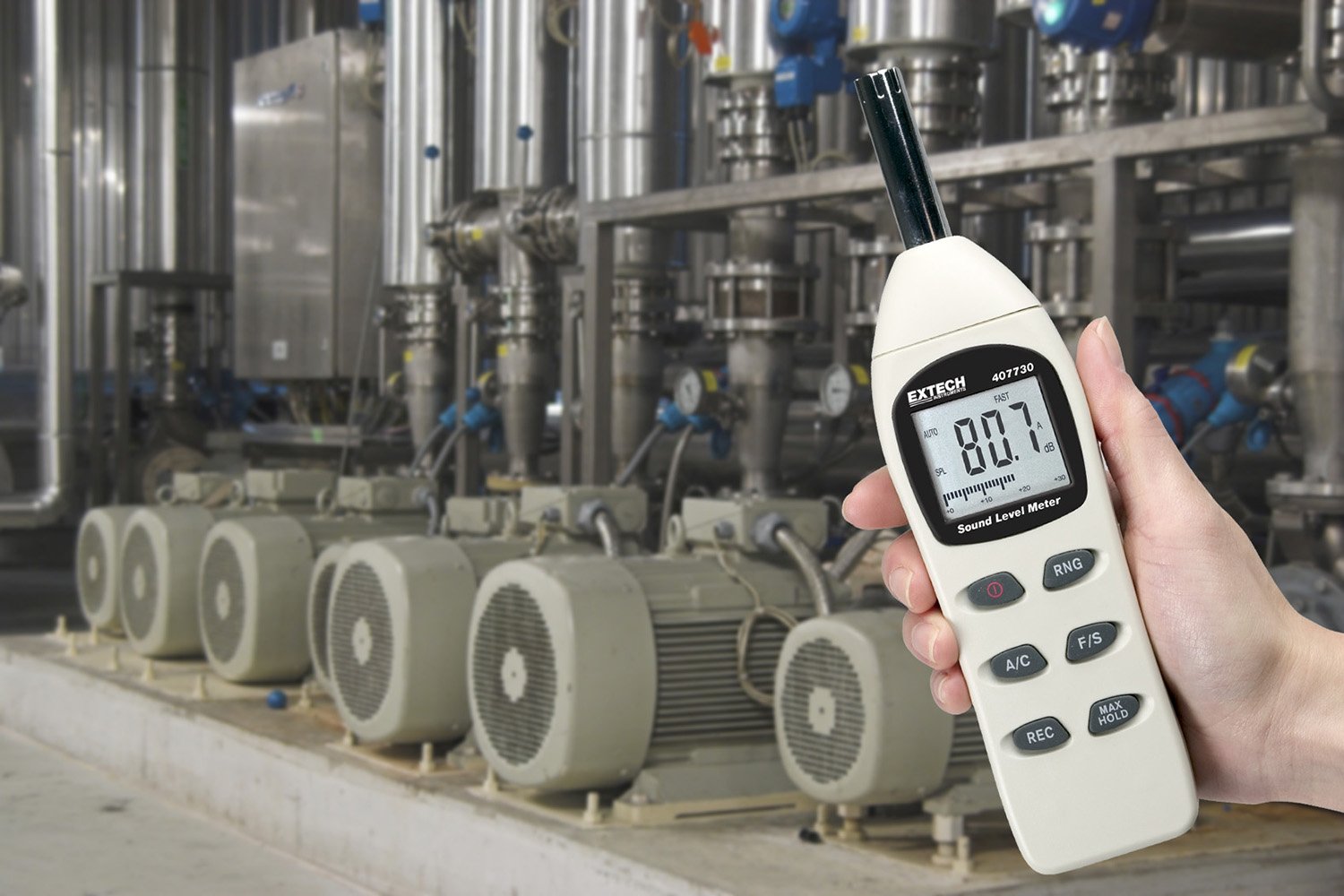
Image 4.7.2: The Extech 407730 Digital Sound Level Meter being used in an industrial environment, suitable for monitoring machinery noise levels.
5. Maintenance
5.1 Cleaning
Wipe the meter's casing with a soft, dry cloth. Do not use abrasive cleaners, solvents, or strong detergents, as these may damage the plastic components or the display. Keep the microphone free from dust and debris.
5.2 Storage
When not in use, store the meter in a cool, dry place, away from direct sunlight and extreme temperatures. If storing for an extended period, remove the batteries to prevent leakage and potential damage to the device.
6. Troubleshooting
This section addresses common issues you might encounter with your Extech 407730 Digital Sound Level Meter.
| Problem | Possible Cause | Solution |
|---|---|---|
| Meter does not power on. | Dead or incorrectly installed batteries. | Check battery polarity. Replace with new AAA batteries. |
| Inaccurate readings. | Microphone obstructed, incorrect weighting/response, or environmental interference. | Ensure microphone is clear. Select appropriate A/C weighting and Fast/Slow response. Move away from strong electromagnetic fields. |
| Display shows 'OL' (Overload). | Sound level exceeds the current measurement range. | Press the RNG button to select a higher measurement range. |
| Auto power-off too frequent. | Meter is designed to power off after inactivity. | This is a feature to conserve battery life. Press any button to keep the meter active. |
7. Specifications
| Parameter | Value |
|---|---|
| Measurement Range | 40 to 130 dB |
| Accuracy | ±2 dB |
| Resolution | 0.1 dB |
| Frequency Weighting | A and C |
| Response Time | Fast / Slow |
| Display | Digital LCD with Analog Bar Graph |
| Microphone | 1/2-inch Electret Condenser Microphone |
| Power Supply | 4 x AAA Batteries (included) |
| Battery Life | Approximately 30 hours (typical) |
| Auto Power Off | Yes (after inactivity) |
| Dimensions | 9 x 1.7 x 2.2 inches (228 x 43 x 56 mm) |
| Weight | 8.11 ounces (230 g) |
| Operating Temperature | 32°F to 122°F (0°C to 50°C) |
| Operating Humidity | 10% to 80% RH (non-condensing) |
8. Warranty Information
The Extech 407730 Digital Sound Level Meter is backed by a manufacturer's one-year limited warranty on parts and labor. This warranty covers defects in materials and workmanship under normal use. It does not cover damage resulting from misuse, unauthorized modifications, accident, or neglect. Please retain your proof of purchase for warranty claims.
9. Support and Contact
For technical assistance, troubleshooting beyond this manual, or warranty service, please contact Extech Instruments customer support. Refer to the official Extech website for the most current contact information and support resources.
Extech Instruments Official Website: www.extech.com


