
1. Product Overview
Welcome to the user manual for your SKMEI 1549 Analogue Digital Sports Watch. This timepiece combines traditional analogue display with modern digital functions, designed for durability and versatility. It features a black dial, digital display, and is suitable for men.
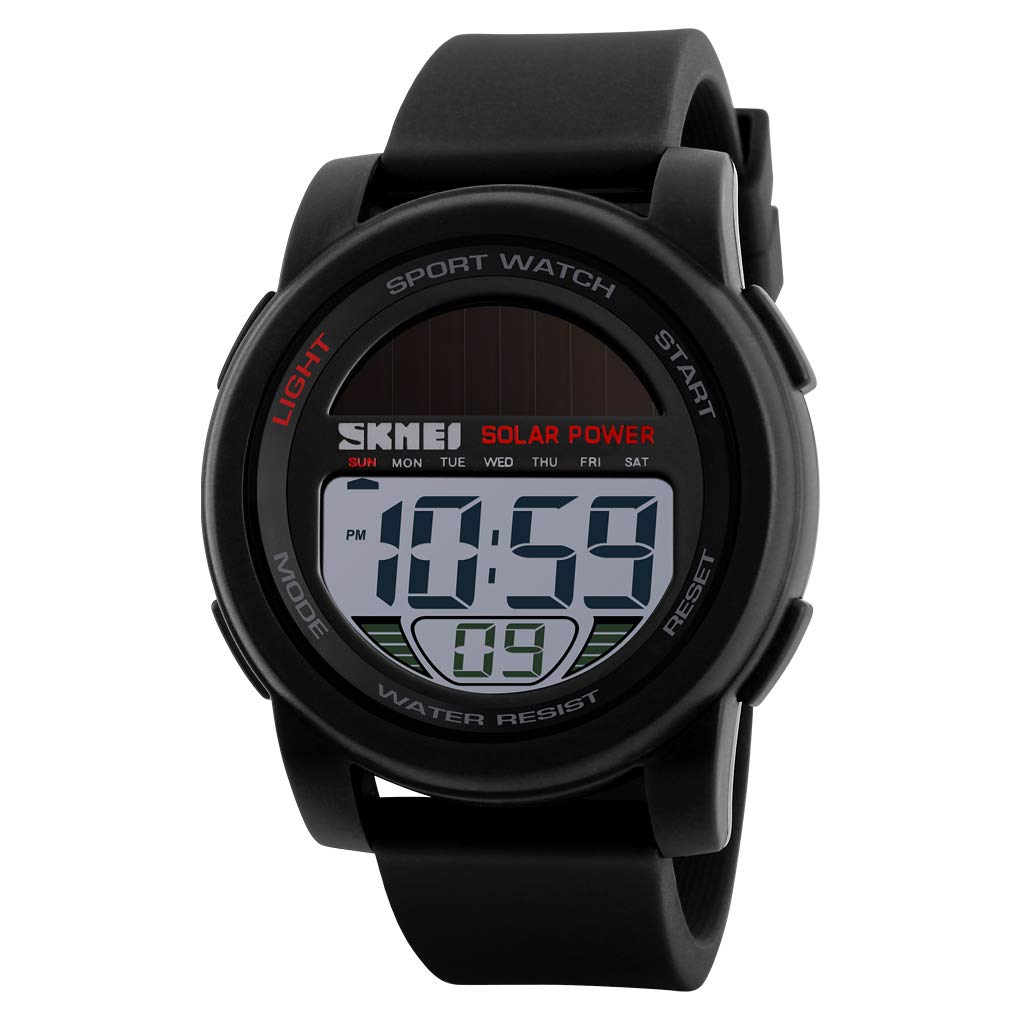
Front view of the SKMEI 1549 watch, displaying the digital time and solar power indicator.
2. Watch Components and Functions
Familiarize yourself with the various parts and buttons of your SKMEI 1549 watch.

Detailed view of the watch components: Watch Case, Watch Dial, Watch Band, Watch Clasp, Watch Mirror, and Back Cover.
Button Functions:
- LIGHT Button: Activates the EL backlight for visibility in low-light conditions.
- MODE Button: Cycles through different display modes (Time, Chronograph, Alarm, Date).
- START Button: Used to start/stop functions in Chronograph mode and adjust settings in setting mode.
- RESET Button: Used to reset functions in Chronograph mode and adjust settings in setting mode.

Side view illustrating the placement of buttons on the left and right sides of the watch case.
3. Initial Setup
Battery Information:
The SKMEI 1549 watch is powered by a CR2032 battery, which is included. The watch also features 'Light Powered' movement, indicating a solar panel on the dial assists in power generation or charging, extending battery life.
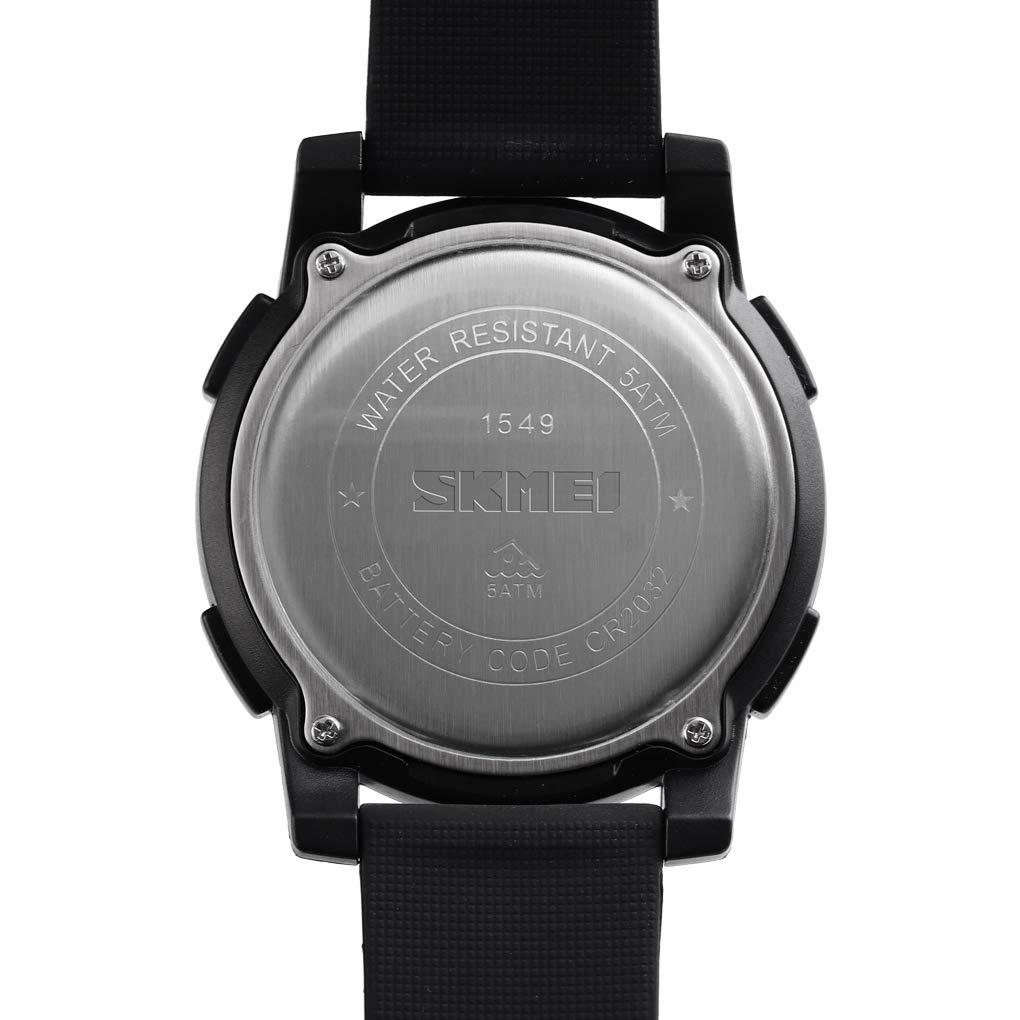
The back cover of the watch, indicating the battery code CR2032 and 5ATM water resistance.
Setting Time and Date:
- From the normal time display, press the MODE button repeatedly until the seconds begin to flash. This indicates you are in time setting mode.
- Press the RESET button to cycle through the setting items: Seconds → Hour → Minute → Month → Day → Day of Week.
- Use the START button to adjust the flashing value. Hold START to increase values quickly.
- Once all settings are correct, press the MODE button to exit the setting mode and return to normal time display.
4. Operating Instructions
Using the EL Backlight:
Press the LIGHT button (top left) to illuminate the digital display for a few seconds. This is useful in dark environments.
Chronograph (Stopwatch) Mode:
- From the normal time display, press the MODE button once to enter Chronograph mode. The display will show '00:00:00'.
- Press the START button to begin timing.
- Press the START button again to pause timing.
- Press the RESET button to clear the stopwatch to '00:00:00'.
- To resume timing after pausing, press START.
- Press the MODE button to exit Chronograph mode.
Alarm Mode:
- From the normal time display, press the MODE button twice to enter Alarm mode. The alarm time will be displayed.
- Press the RESET button to select the hour or minute setting. The selected value will flash.
- Use the START button to adjust the flashing hour or minute.
- Press the MODE button to exit Alarm setting mode.
- To turn the alarm ON/OFF, press the START button while in Alarm mode (without any digits flashing). An alarm icon will appear/disappear to indicate its status.
5. Maintenance
Cleaning Your Watch:
Wipe the watch case and band with a soft, dry cloth. For stubborn dirt, a slightly damp cloth can be used, followed by immediate drying. Avoid harsh chemicals or abrasive cleaners.
Water Resistance (50M):
Your SKMEI 1549 watch is water resistant up to 50 meters (5 ATM). This means it is suitable for daily use, showering, and swimming in shallow water. It is not suitable for diving, snorkeling, or high-pressure water activities. Do not operate buttons underwater to prevent water ingress.
Battery Replacement:
When the display becomes dim or functions become erratic, it may be time to replace the CR2032 battery. Battery replacement should ideally be performed by a qualified watch technician to ensure proper sealing and water resistance.
6. Troubleshooting
- Display is blank or dim: Check battery. If recently replaced, ensure it is installed correctly. Exposure to light for the solar panel may also help if the 'Light Powered' feature is active.
- Buttons are unresponsive: Ensure the watch is not in a locked mode (if applicable, though not a common feature for this model). Try a soft reset by pressing all four buttons simultaneously for a few seconds, then re-setting the time.
- Incorrect time/date: Follow the 'Setting Time and Date' instructions in Section 3 to re-adjust.
- Water inside the watch: Immediately take the watch to a professional for inspection and repair to prevent further damage.
7. Specifications

Product parameter diagram detailing basic information and dimensions of the SKMEI 1549 watch.
| Feature | Detail |
|---|---|
| Brand | SKMEI |
| Model Number | 1549 |
| Movement Type | Light Powered (Digital) |
| Display Type | Digital |
| Case Material | ABS Plastic |
| Mirror Material | Resin |
| Band Material | Silica Gel |
| Clasp Type | Tang Buckle |
| Water Resistance | 50M (5 ATM) |
| Battery Type | CR2032 (included) |
| Item Weight | 63g |
| Dial Width | 50mm |
| Dial Thickness | 15mm |
| Band Width | 22mm |
| Watch Length | 265mm |


