
Introduction
This manual provides essential information for playing The Legend of Zelda: Ocarina of Time (w/ Master Quest) on your Nintendo GameCube system. This special edition includes both the original Ocarina of Time adventure and the challenging Master Quest version, which features redesigned dungeons. Prepare to embark on an epic journey through Hyrule as Link, destined to save the land from the evil Ganondorf.
For additional information or support, please visit the official Nintendo Store.
Setup
- Insert the Game Disc: Gently insert the The Legend of Zelda: Ocarina of Time (w/ Master Quest) game disc into the disc tray of your Nintendo GameCube console. Ensure the disc is clean and free of scratches.
- Connect Controller: Plug a Nintendo GameCube controller into one of the controller ports on the front of your console.
- Power On: Turn on your television and your Nintendo GameCube console. Select the correct input channel on your TV.
- Start Game: The GameCube menu should appear. Select the game from the menu to begin playing.
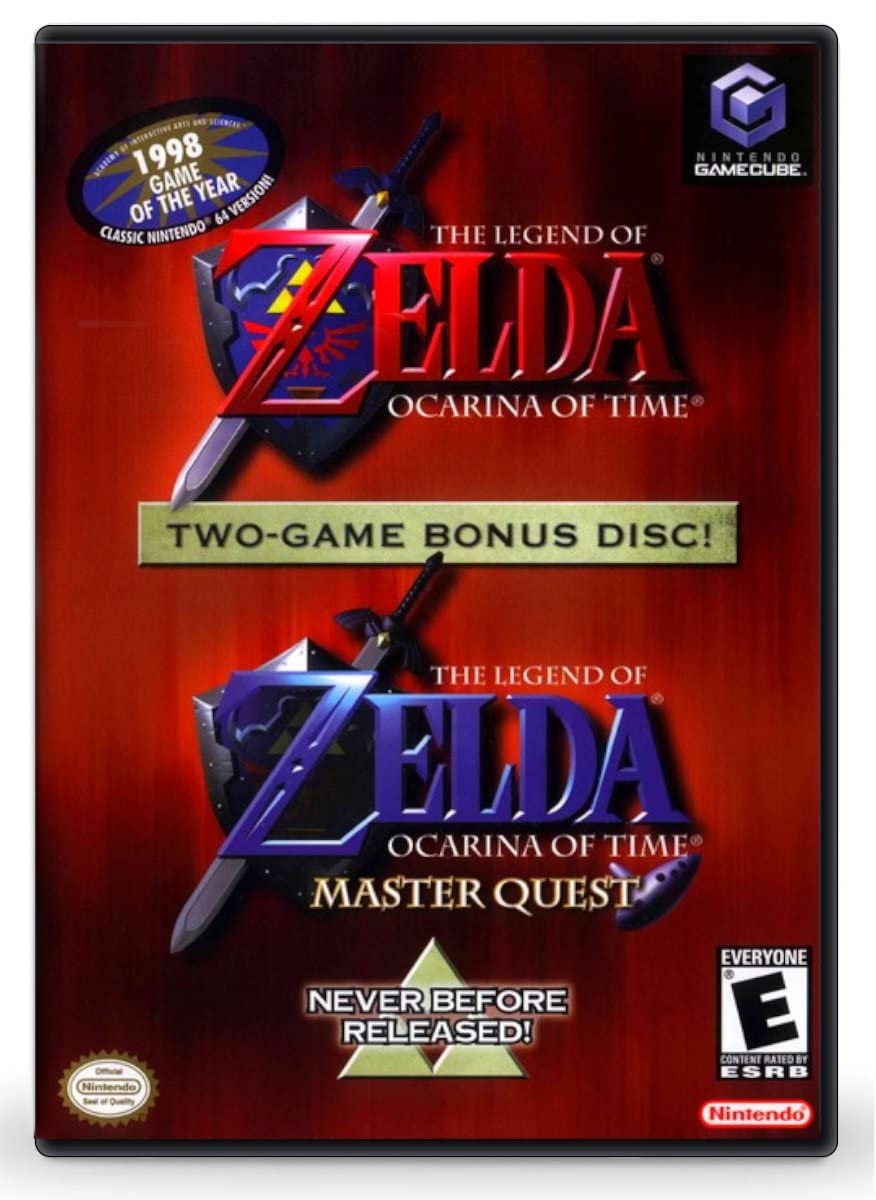
Image: The game disc and its packaging for The Legend of Zelda: Ocarina of Time (w/ Master Quest) on Nintendo GameCube.
Operating
Basic Controls
Familiarize yourself with the Nintendo GameCube controller layout for optimal gameplay. Specific in-game controls will be detailed within the game's tutorial or pause menu.
- Control Stick: Move Link.
- C-Stick: Control camera, or assign items.
- A Button: Action (talk, examine, attack).
- B Button: Use equipped item.
- X, Y Buttons: Assignable items.
- Z Button: Target (Z-targeting).
- L/R Buttons: Shield, roll, or other context-sensitive actions.
- Start/Pause Button: Open the pause menu.
Game Modes
Upon starting the game, you will have the option to select between two distinct game modes:
- Original Ocarina of Time: Experience the classic adventure as it was originally released on the Nintendo 64. This mode features the original dungeon layouts and challenges.
- Master Quest: For experienced players seeking a greater challenge, Master Quest offers the same storyline but with significantly redesigned and more difficult dungeons.
Maintenance
Proper care of your game disc will ensure its longevity and optimal performance.
- Handling: Always hold the disc by its edges. Avoid touching the reflective surface.
- Cleaning: If the disc becomes dirty, gently wipe it with a soft, lint-free cloth from the center outwards. Do not use abrasive cleaners or solvents.
- Storage: Store the disc in its original case when not in use to protect it from dust, scratches, and direct sunlight.
- Temperature: Avoid exposing the disc to extreme temperatures or humidity.
Troubleshooting
| Problem | Solution |
|---|---|
| Game disc does not load or freezes. |
|
| Controller inputs are not responding. |
|
| No audio or video output. |
|
Specifications
| Feature | Detail |
|---|---|
| Product Title | The Legend of Zelda: Ocarina of Time (w/ Master Quest) |
| Platform | Nintendo GameCube |
| Manufacturer | Nintendo |
| ASIN | B0009XSMNA |
| Rated | Everyone |
| Item Weight | 0.8 ounces |
| Product Dimensions | 7.5 x 5.4 x 0.6 inches |
| Date First Available | June 15, 2005 |
Warranty and Support
For information regarding product warranty, please refer to the documentation included with your Nintendo GameCube console or visit the official Nintendo support website. This game disc is subject to standard Nintendo warranty policies for software.
For technical assistance or gameplay inquiries, please visit the official Nintendo Support Page or contact their customer service directly.