
Introduction
The Chef'sChoice Professional Electric Knife Sharpener Model 325 is designed to sharpen both straight-edge and serrated knives to a precise 20-degree angle. This two-stage sharpener utilizes 100% diamond abrasives to create a durable, sharp edge quickly and efficiently. It is suitable for various kitchen environments, including commercial kitchens, delicatessens, and catering services.

Image: Chef'sChoice Professional Electric Knife Sharpener Model 325, gray color.
Important Safety Instructions
- Read all instructions before using the sharpener.
- To protect against electrical hazards, do not immerse the sharpener in water or other liquid.
- Unplug from outlet when not in use, before putting on or taking off parts, and before cleaning.
- Avoid contact with moving parts.
- Do not operate any appliance with a damaged cord or plug, or after the appliance malfunctions or has been dropped or damaged in any manner. Contact customer service for examination, repair, or electrical or mechanical adjustment.
- The use of attachments not recommended or sold by the manufacturer may cause fire, electric shock, or injury.
- Do not use outdoors.
- Do not let cord hang over edge of table or counter or touch hot surfaces.
- Always place the sharpener on a stable, flat surface during use.
- Keep fingers away from sharpening slots during operation.
Setup
- Unpack: Carefully remove the sharpener from its packaging. Retain packaging for future storage or transport.
- Placement: Place the sharpener on a stable, dry, and flat surface. Ensure there is adequate space around the unit for safe operation.
- Power Connection: Plug the power cord into a standard electrical outlet. Ensure the power switch is in the 'OFF' position before plugging in.
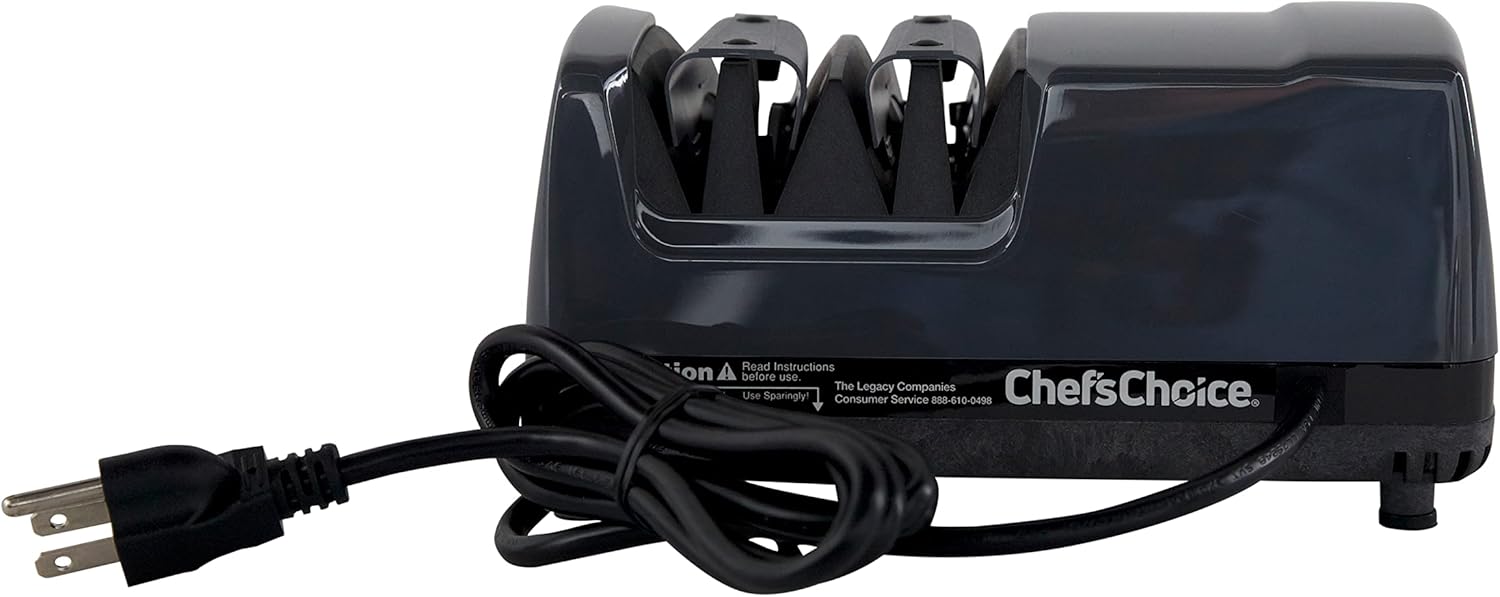
Image: Rear view of the Chef'sChoice Model 325 electric knife sharpener, showing the power cord and the on/off switch.
Operating Instructions
The Chef'sChoice Model 325 features two sharpening stages for optimal results. Always ensure the sharpener is plugged in and the power switch is turned 'ON' before beginning.
Sharpening Straight-Edge Knives
- Stage 1 (Coarse Sharpening): Insert the knife blade into the left slot of Stage 1. Pull the knife towards you, applying moderate downward pressure. Repeat this motion 3-5 times for each side of the blade, alternating between the left and right slots of Stage 1. This stage uses 100% diamond-plated abrasive disks to remove the old edge and establish the initial bevel.
- Stage 2 (Fine Honing and Polishing): Move to Stage 2. Insert the knife blade into the left slot of Stage 2. Pull the knife towards you, applying lighter downward pressure than in Stage 1. Repeat this motion 3-5 times for each side of the blade, alternating between the left and right slots of Stage 2. This stage uses revolutionary flexible abrasive disks to hone and polish the edge to hair-splitting sharpness.
- Check Sharpness: Test the knife's sharpness. If not sufficiently sharp, repeat Stage 2 a few more times. For resharpening a previously sharpened knife, often only Stage 2 is needed, requiring only about 15 seconds.
Sharpening Serrated Knives
Serrated knives should only be sharpened in Stage 2. Do not use Stage 1 for serrated blades.
- Stage 2 (Honing Serrations): Insert the serrated knife blade into the left slot of Stage 2. Pull the knife towards you, applying light downward pressure. Repeat this motion 5-10 times, alternating between the left and right slots of Stage 2. The flexible abrasive disks in Stage 2 will sharpen the individual serrations.
- Check Sharpness: Test the knife's sharpness.
Precision Angle Guides: The sharpener features flexible elastomeric guides that ensure the blade is positioned at the correct sharpening angle, eliminating guesswork and ensuring consistent results.

Image: Chef'sChoice Model 325 electric knife sharpener with knives on a kitchen counter.

Image: Chef'sChoice Model 325 in a kitchen setting with prepared food.
Maintenance
Proper maintenance ensures the longevity and optimal performance of your Chef'sChoice sharpener.
- Cleaning the Unit: After each use, wipe the exterior of the sharpener with a damp cloth. Do not use abrasive cleaners or immerse the unit in water.
- Cleaning Abrasive Disks: The sharpener includes a cleaning system for the abrasive disks. Periodically, with the unit unplugged, use a soft brush to gently clean any metal particles from the sharpening slots.
- Storage: Store the sharpener in a dry, safe place away from children.
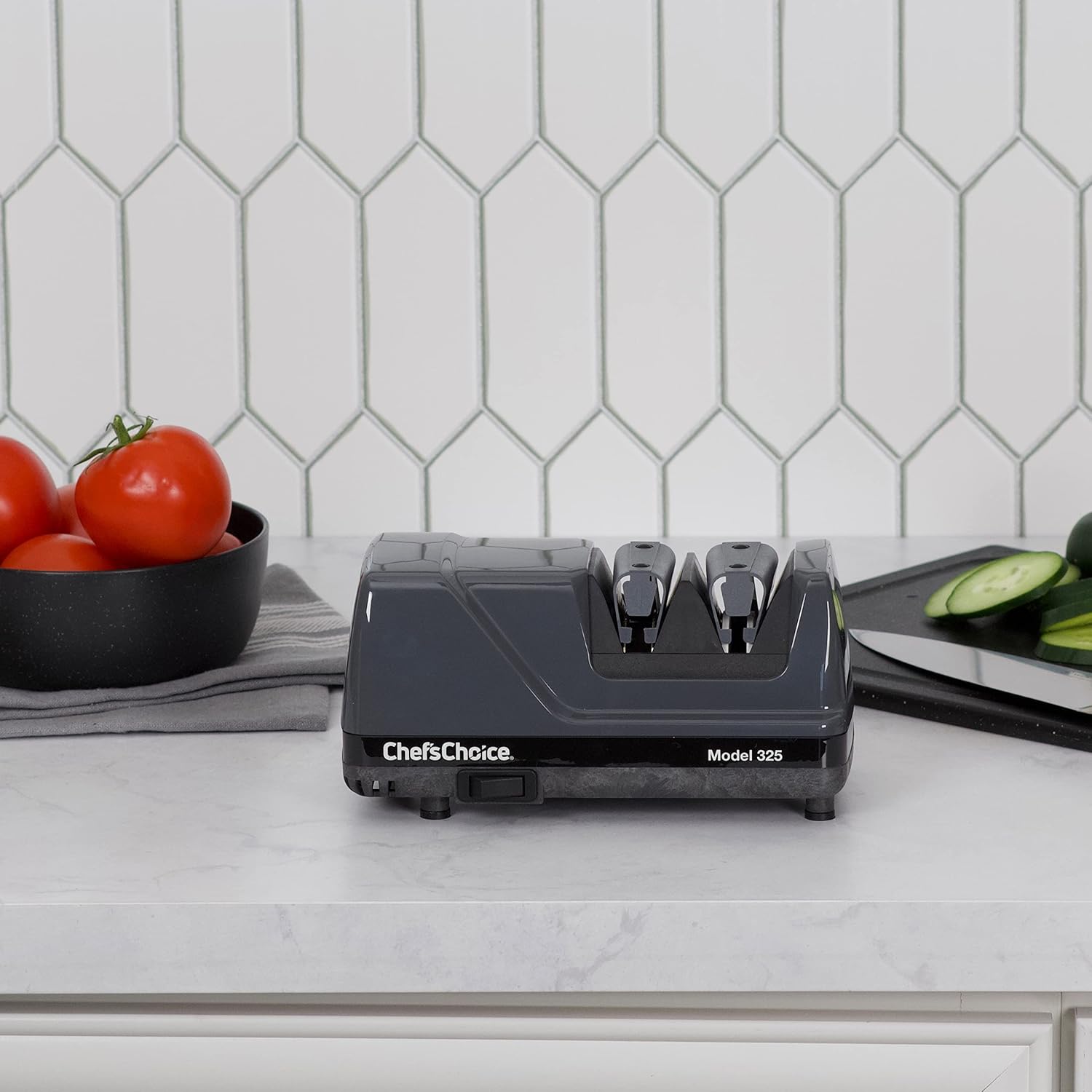
Image: Chef'sChoice Model 325 on a kitchen counter, ready for use or cleaning.
Troubleshooting
- Knife not sharpening effectively:
- Ensure the sharpener is plugged in and turned on.
- Verify you are using the correct stages for your knife type (Stage 1 & 2 for straight-edge, Stage 2 only for serrated).
- Apply consistent, moderate pressure. Too little pressure may not engage the abrasives effectively, while excessive pressure can hinder proper sharpening.
- Ensure the knife is pulled slowly and steadily through the slots.
- Knife appears duller after sharpening:
- This can occur if the knife is not pulled through the slots correctly or if too much pressure is applied, especially in Stage 2. Review the operating instructions carefully, focusing on consistent, light pressure in Stage 2.
- Ensure you are alternating slots for each side of the blade to maintain a symmetrical edge.
- Unit not turning on:
- Check the power cord connection to both the unit and the wall outlet.
- Ensure the power switch is in the 'ON' position.
- Test the outlet with another appliance to confirm it is functional.
Specifications
| Feature | Detail |
|---|---|
| Brand | Chef's Choice |
| Model Number | 325 |
| Material | Diamond Abrasives |
| Color | Gray |
| Product Dimensions | 8.5"L x 4"W x 4"H |
| Item Weight | 4.55 Pounds |
| Grit Type | Diamond |
| Number of Stages | 2 |
| Knife Compatibility | 20-degree straight-edge and serrated knives |

Image: Chef'sChoice Model 325 with dimensions.
Warranty and Support
Chef's Choice products are manufactured by EdgeCraft Corporation. For warranty information or customer support, please refer to the documentation included with your product or visit the official Chef's Choice website. You may also contact The Legacy Companies, the manufacturer, for assistance.
For additional information and products, visit the Chef'sChoice Store.