
1. Introduction
The Markal Dura-Ink #80 Permanent Marker is designed for industrial-strength marking on a variety of surfaces. Its robust construction and specialized ink formula ensure clear, durable marks in demanding environments. This manual provides essential information for the safe and effective use of your Dura-Ink #80 marker.
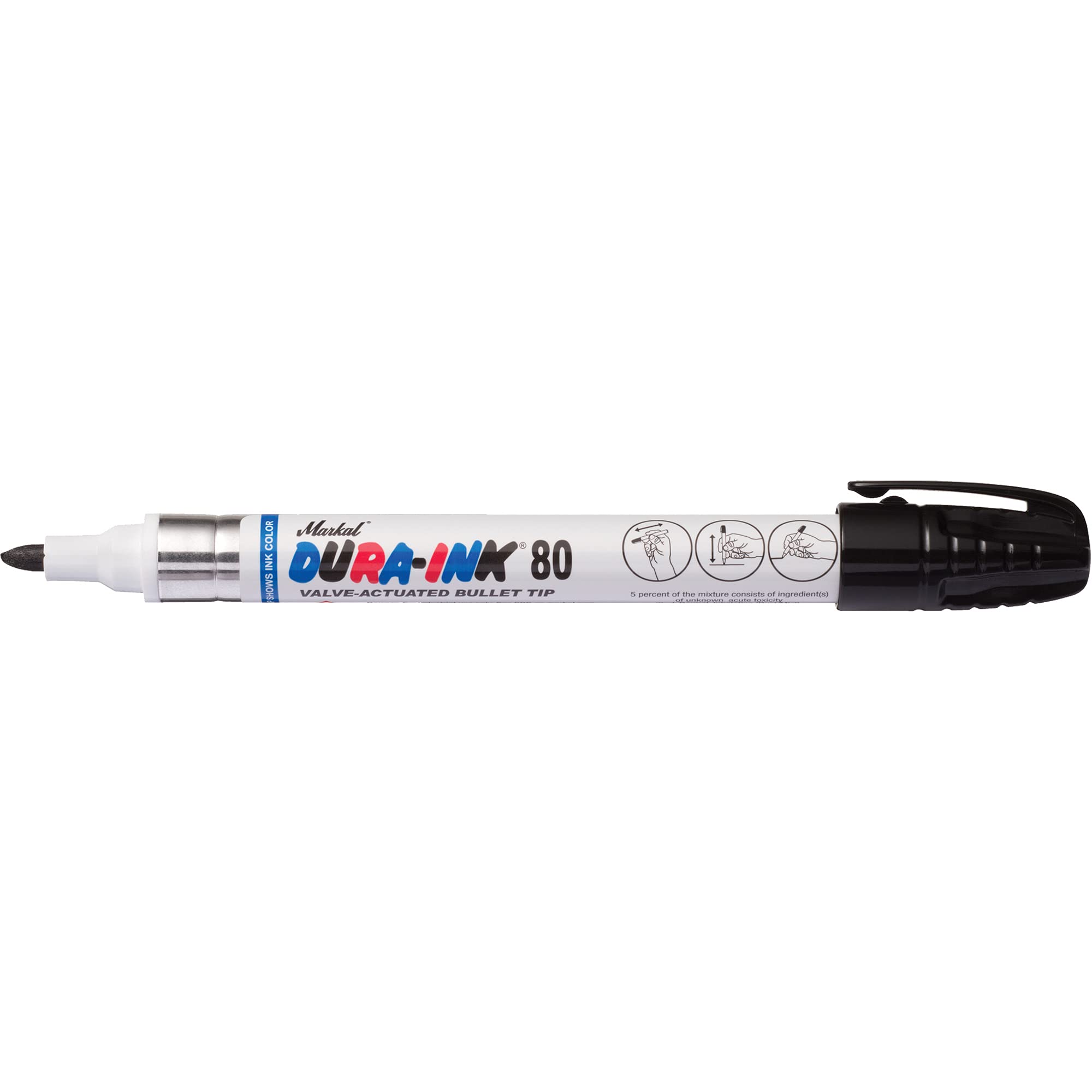
Image: Markal Dura-Ink #80 Permanent Marker. This image displays the black marker with its cap on, featuring a pocket clip for convenient carrying.
2. Safety Information
- Flammability: The ink contains flammable solvents. Keep away from heat, sparks, open flames, and hot surfaces. No smoking.
- Ventilation: Use in a well-ventilated area to avoid inhalation of vapors.
- Skin and Eye Contact: Avoid prolonged skin contact. In case of eye contact, rinse cautiously with water for several minutes. Remove contact lenses, if present and easy to do. Continue rinsing. Seek medical attention if irritation persists.
- Storage: Store in a cool, dry place, out of direct sunlight and away from children. Keep container tightly closed when not in use.
- Disposal: Dispose of contents and container in accordance with local, regional, national, and international regulations.
3. Setup
The Markal Dura-Ink #80 marker is ready for use directly out of its packaging. No assembly is required.
- Uncap: Remove the cap by pulling it straight off.
- Shake (Optional): If the marker has been stored for an extended period or ink flow is initially weak, gently shake the marker with the cap on to ensure ink is well-mixed.
- Prime Tip (If needed): If the tip appears dry, gently press the tip against a scrap surface a few times until ink flows consistently.
4. Operating Instructions
The Dura-Ink #80 marker is designed for clear and consistent marking on various materials.
- Surface Compatibility: This marker is suitable for marking on metal, wood, cardboard, glass, paper, and other surfaces. Ensure the surface is clean and dry for optimal adhesion and mark visibility.
- Making a Mark: Hold the marker firmly and apply the medium bullet tip to the desired surface with light to moderate pressure. The marker produces bold 1/8-inch marks.
- Ink Characteristics: The ink is formulated for industrial strength usage and is fast-drying, reducing smudging and transfer.
- Cap After Use: Always replace the durable cap securely after each use to prevent the ink from drying out and to protect the tip. The cap features a pocket clip for convenient storage and access.
5. Maintenance
Proper maintenance ensures the longevity and performance of your Dura-Ink #80 marker.
- Capping: Always replace the cap firmly when the marker is not in use. A loose cap can lead to the tip drying out and reduced ink flow.
- Storage: Store the marker horizontally at room temperature. Avoid extreme heat or cold, which can affect ink consistency and marker performance.
- Tip Care: Avoid excessive pressure that could damage the tip. If the tip becomes clogged with debris from a dirty surface, gently wipe it clean with a dry cloth. Do not use solvents to clean the tip.
6. Troubleshooting
If you encounter issues with your Dura-Ink #80 marker, consider the following:
- No Ink Flow or Faint Marks:
- Ensure the cap was securely replaced after the last use.
- Gently shake the marker.
- Prime the tip by pressing it against a scrap surface a few times until ink flows.
- If the marker has been stored uncapped for an extended period, the tip may be permanently dry.
- Inconsistent Marks:
- Ensure the surface is clean and free of oils or moisture.
- Check if the tip is damaged or worn.
7. Specifications
| Brand | Markal |
| Model Number | PA426 |
| Product Dimensions | 5.5 x 0.5 x 0.5 inches |
| Item Weight | 1.28 ounces |
| Ink Color | Black |
| Number of Items | 1 |
| Recommended Uses | Glass, Metal, Wood |
| Target Audience | Adult |
8. Warranty and Support
Markal products are manufactured to high-quality standards. For specific warranty information or technical support, please refer to the official Markal website or contact their customer service directly.
You can visit the official Markal store for more information: Markal Store