
1. Introduction to Crimson Sea
Game Overview
Crimson Sea is an action-packed game that immerses players in a battle against an unknown alien enemy. Experience intense combat as you face thousands of alien creatures simultaneously, utilizing a new and improved Group Control engine. These liquid aliens possess the ability to change shape during attacks, adding a dynamic challenge to each encounter.
The game combines elements of intense shooting and melee combat with strategic weapon customization and powerful Neo-Psionic abilities. Navigate through diverse futuristic environments, including floating cities, vast deserts, and underwater metropolises across more than 20 stages.
Key Features
- Massive Enemy Encounters: Fight for your life as you are surrounded by hordes of over 1,000 enemies converging at once.
- Dynamic Alien Behavior: Liquid aliens change shape as they attack, requiring adaptive combat strategies.
- Customizable Arsenal: Utilize customizable futuristic weapons to suit your combat style.
- Neo-Psionic Powers: Unleash powerful Neo-Psionic energy blasts to decimate swarming enemy masses.
- Diverse Worlds: Explore 6 distinct futuristic worlds across more than 20 stages, featuring varied landscapes.
Important Safety and Usage Information
Please read this instruction manual thoroughly for important safety and health information before playing. This game is for use only with Xbox video game consoles with "NTSC" designation. Unauthorized copying, reverse engineering, transmission, public performance, rental, pay for play, or circumvention of copy protection is strictly prohibited.
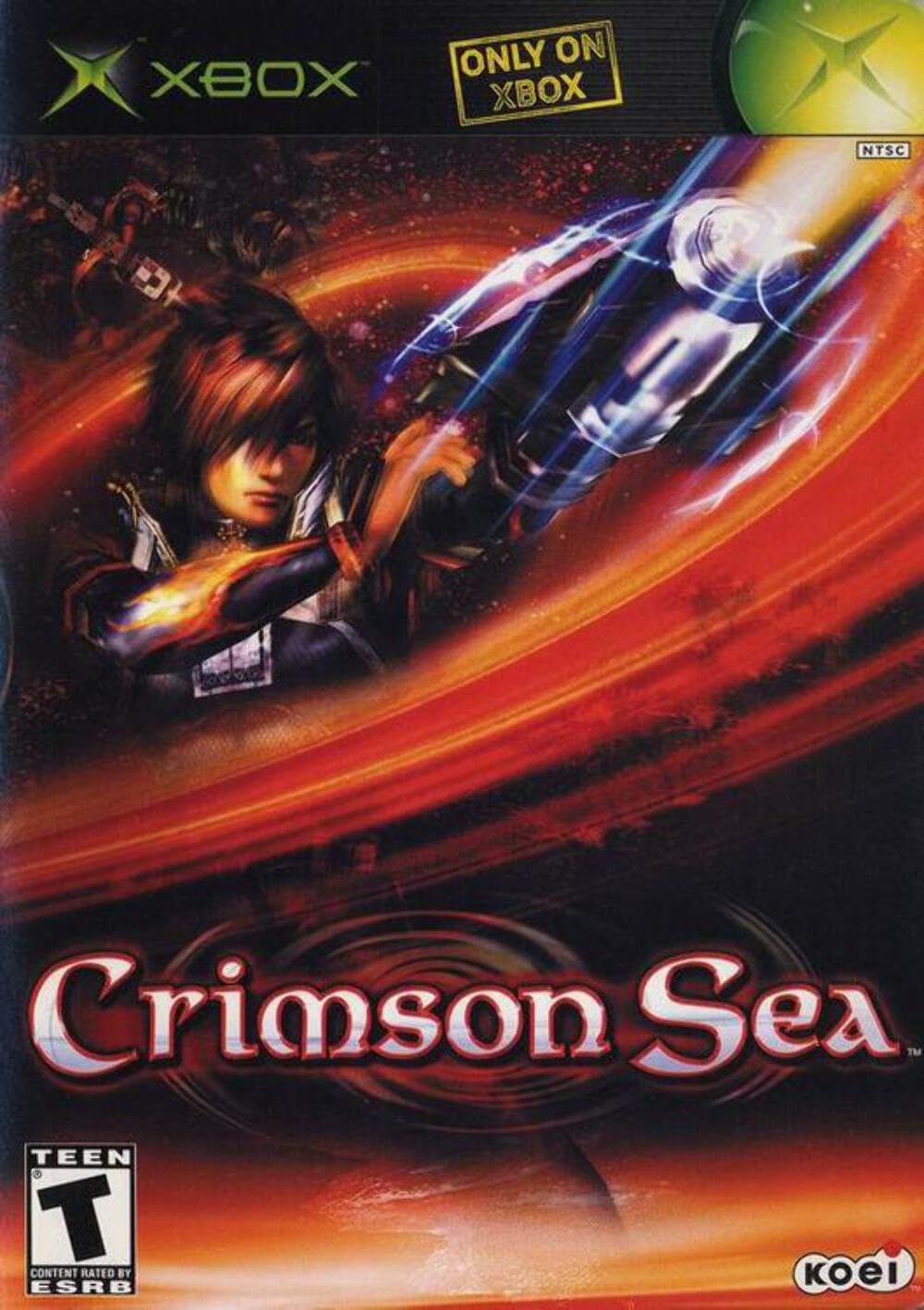
Image 1.1: Back cover of the Crimson Sea Xbox game case, illustrating various gameplay scenes and key features.
2. Setup and Installation
System Requirements
- Xbox console (NTSC region)
- Memory Unit (for saving game progress)
- Optional: High Definition AV Pack or Advanced AV Pack for Dolby Digital sound (sold separately).
Disc Handling
Always handle the game disc by its edges. Avoid touching the shiny surface to prevent fingerprints and scratches. Store the disc in its original case when not in use, away from direct sunlight, extreme temperatures, and humidity.
Starting the Game
- Ensure your Xbox console is properly connected to your television and power source.
- Open the disc tray on your Xbox console.
- Carefully place the Crimson Sea game disc into the tray with the label side facing up.
- Close the disc tray.
- Turn on your Xbox console. The game should start automatically. If not, select the game from the Xbox dashboard.
3. Gameplay and Controls
Basic Gameplay
Crimson Sea features fast-paced action where you control Sho, a mercenary tasked with combating alien threats. Missions involve navigating various environments, eliminating large numbers of enemies, and completing objectives. The game emphasizes quick reflexes and strategic use of weapons and powers.
Weapon System
The game offers a detailed and customizable weapon system. You can acquire and combine three types of weapon parts: barrels, effectors, and generators. These parts influence your gun's firing mode (e.g., machine gun, bazooka, guided missiles), energy consumption, and special bonuses. Experiment with different combinations to find the most effective setup for various enemy types and situations.
Neo-Psionic Powers
In addition to firearms, Sho can utilize powerful Neo-Psionic abilities. These powers range from super-strong attacks and wide-area damage to healing and defensive shields. Neo-Psionic powers can be acquired and upgraded, becoming more potent and energy-efficient with continued use. Strategic deployment of these powers is crucial for overcoming overwhelming odds.
Controls
Movement is typically controlled using the left analog stick. The right analog stick or face buttons are used for camera control and aiming. Basic actions include:
- Movement: Walk, run, dash, and strafe to navigate environments and evade enemy attacks.
- Ranged Attack: Fire your equipped weapon at the nearest enemy within your line of sight.
- Melee Attack: Engage enemies in close quarters with a beam sword, often allowing for multi-hit combos.
- Neo-Psionic Activation: Use designated buttons to activate your learned Neo-Psionic abilities.
- Jump: Perform jumps to traverse obstacles or gain tactical positions.
Refer to the in-game control scheme for a detailed button layout and advanced maneuvers.
Saving Progress
Game progress is saved to an Xbox Memory Unit. Ensure a Memory Unit with sufficient free blocks is inserted into your console. The game will typically prompt you to save at designated checkpoints or after completing missions.
4. Game Care
Disc Care
To ensure optimal performance and longevity of your game disc, keep it clean and free from dust, dirt, and scratches. Use a soft, lint-free cloth to gently wipe the disc from the center outwards if cleaning is necessary. Avoid using abrasive materials or harsh chemicals.
Console Environment
Place your Xbox console in a well-ventilated area to prevent overheating. Ensure there is adequate space around the console for air circulation. Avoid placing it on soft surfaces that may block vents.
5. Troubleshooting
Common Issues and Solutions
- Game Not Starting:
- Ensure the game disc is clean and free of scratches.
- Verify the disc is inserted correctly into the Xbox console.
- Check that all console cables are securely connected.
- Freezing or Lagging:
- Clean the game disc.
- Ensure your Xbox console is not overheating; check ventilation.
- Restart the console.
- Saving Issues:
- Confirm a Memory Unit is inserted and has sufficient free space.
- Ensure the Memory Unit is properly formatted for the Xbox.
6. Product Specifications
| ASIN | B00007F8QD |
| GTIN / UPC | 040198001199 |
| Product Dimensions | 7.5 x 5.3 x 0.6 inches |
| Item Weight | 8 ounces |
| Date First Available | November 7, 2002 |
| Rated | Teen (Suggestive Themes, Violence) |
| Supported Features | Players 1, Memory Unit, System Link 1-X, HDTV 480p, Custom Soundtracks, In-game Dolby Digital |
7. Manufacturer Information and Support
For technical support or inquiries regarding Crimson Sea, please contact the manufacturer:
KOEI CORPORATION1818 Gilbreth Road, Suite 235
Burlingame, CA 94010
Please note that specific warranty details may vary and are typically outlined in the product packaging or on the manufacturer's official website.