
1. Safety Information
WARNING: To avoid fire, shock, or death, turn off power at the circuit breaker or fuse box and test that power is off before wiring. This device must be installed in accordance with all national and local electrical codes.
- Use only copper or copper-clad wire.
- Do not use with aluminum wire.
- Ensure all connections are secure.
- If you are unsure about any part of these instructions, consult a qualified electrician.
2. Product Overview
The Leviton 5601-2WM Decora Rocker Single-Pole AC Quiet Switch is a residential-grade grounding switch designed for reliable control of lighting and other electrical loads. It features a modern Decora style and provides quiet operation. This switch is rated for 15 Amps and operates at 120/277 Volts AC.
Key Features:
- Decora Design: Modern aesthetic complements various interior decors.
- Quiet Operation: Engineered for smooth and silent switching.
- Durable Construction: Sturdy materials ensure a long service life.
- Versatile Load Compatibility: Full-rated current capacity with tungsten, fluorescent, or resistive loads. Motor capacity is 80% of switch rating.
- Easy Wiring: Terminal screws accept up to No. 12 AWG wire, and Quickwire push-in terminals accept No. 14 AWG solid copper wire only.
- Dust Protection: Switch frame shields against dust and fits securely within the wallplate to prevent rocker binding.
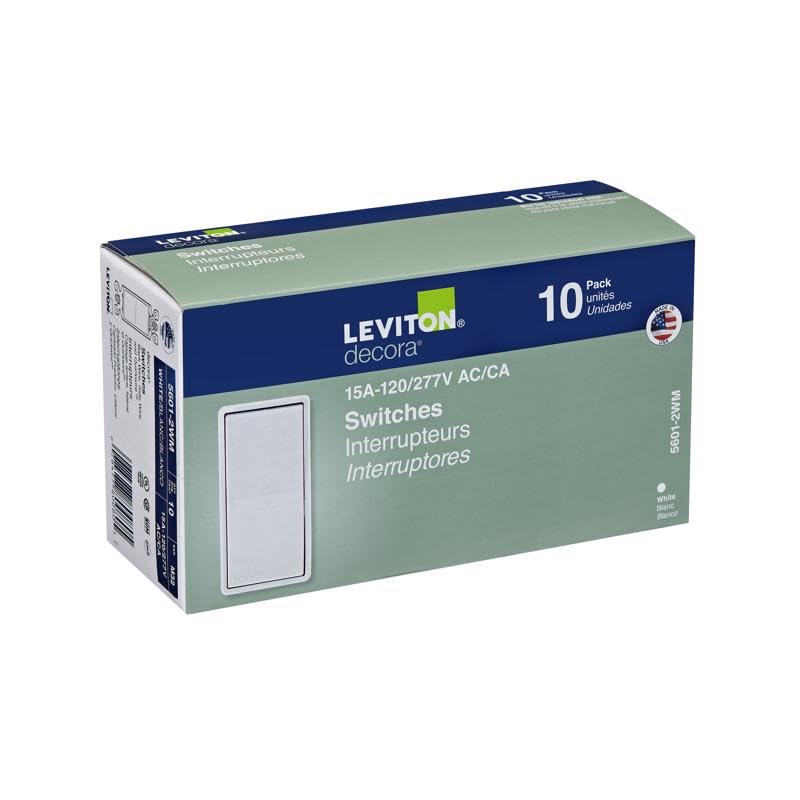
Image: Front view of the Leviton 5601-2WM Decora Rocker Switch.
3. Specifications
| Specification | Value |
|---|---|
| Model Number | 5601-2WM |
| Operation Mode | OFF-NONE-ON |
| Current Rating | 15 Amps |
| Operating Voltage | 120/277 Volts AC |
| Contact Type | Normally Open |
| Connector Type | Clamp |
| Switch Type | Rocker |
| Terminal | 2p6t |
| Material | Acrylonitrile Butadiene Styrene (Housing), Brass (Contact) |
| Product Dimensions | 4.25 x 8.25 x 2.25 inches |
| Item Weight | 1 pounds |
| Circuit Type | 1-way |
| Actuator Type | Push Button |
| International Protection Rating | IP00 |
| Number of Positions | 2 |
| Control Method | Touch |
| Color | Gray |
| Unit Count | 10.0 Count |
4. Installation
Before beginning installation, ensure the power to the circuit is turned OFF at the service panel (circuit breaker or fuse box). Failure to do so may result in serious injury or death.
Steps for Installation:
- Turn Off Power: Locate the circuit breaker or fuse that controls the switch you are replacing or the area where you are installing the new switch. Turn it off.
- Verify Power is Off: Use a voltage tester to confirm that power is completely off at the switch box.
- Remove Old Switch (if applicable): Carefully remove the old switch from the wall box. Disconnect the wires, noting their positions.
- Prepare Wires: If necessary, strip approximately 1/2 inch of insulation from the ends of the wires.
- Connect Wires:
- Connect the ground wire (bare copper or green) to the green grounding screw on the switch.
- Connect the hot (black) and load (black) wires to the brass-colored terminal screws. For quickwire push-in terminals, insert No. 14 AWG solid copper wire only.
- Mount the Switch: Carefully fold the wires into the wall box and secure the switch to the box using the provided mounting screws. Ensure the switch is flush with the wall.
- Install Wallplate: Attach the Decora wallplate over the switch. Gently tighten the wallplate screws; do not overtighten to prevent cracking the plastic.
- Restore Power: Turn the power back on at the circuit breaker or fuse box.
- Test Operation: Test the switch to ensure it functions correctly.
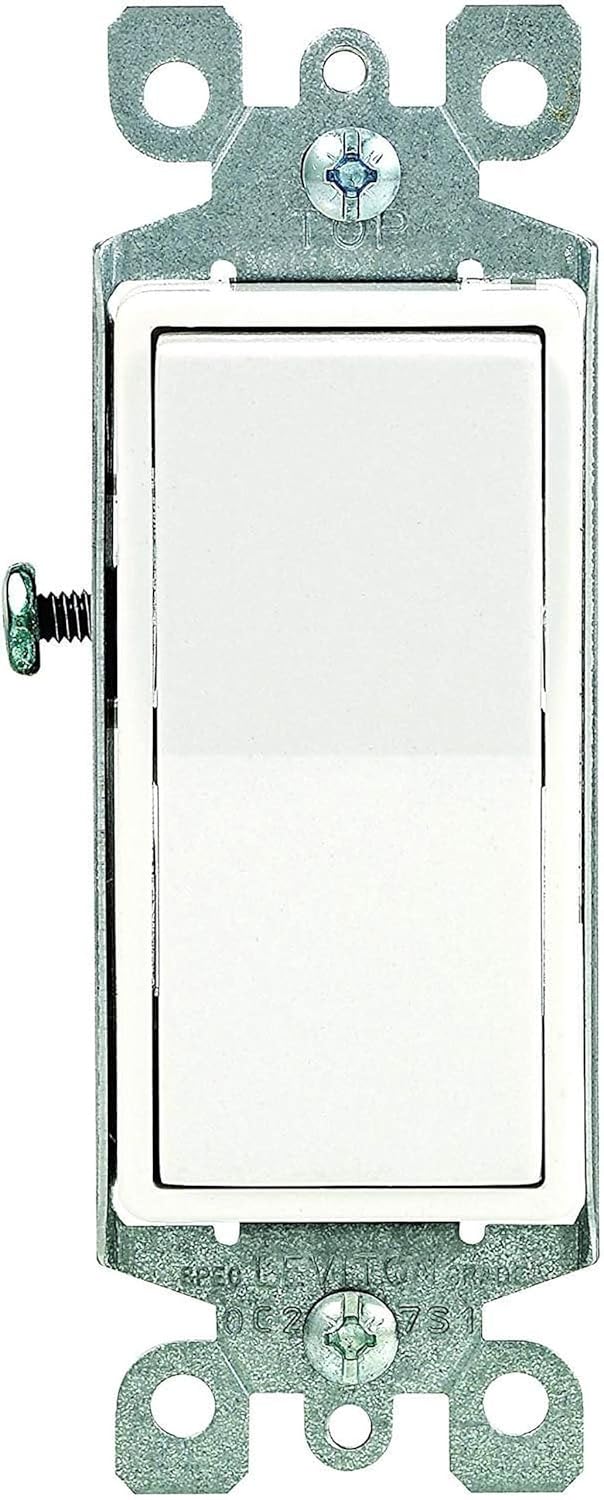
Image: Rear view of the Leviton 5601-2WM switch showing wiring terminals.
5. Operation
The Leviton 5601-2WM Decora Rocker Switch operates as a standard single-pole switch. Press the top of the rocker to turn the connected load ON, and press the bottom of the rocker to turn the connected load OFF. The switch is designed for quiet and smooth action.
6. Maintenance
The Leviton 5601-2WM switch requires minimal maintenance. To clean the surface, wipe with a soft, damp cloth. Do not use abrasive cleaners or solvents, as these may damage the finish. Ensure power is off before cleaning.
7. Troubleshooting
Common Issues and Solutions:
- No Power to Load:
- Check the circuit breaker or fuse for the circuit. Reset if tripped or replace if blown.
- Verify all wire connections are secure and correctly made.
- Switch Not Operating Smoothly:
- Ensure the switch is properly aligned within the wall box and the wallplate is not causing binding.
- Check that the wallplate screws are not overtightened.
- Flickering Lights:
- Confirm that the connected load (e.g., light bulbs) is compatible with the switch and in good working order.
- Inspect wire connections for looseness.
If issues persist after attempting these troubleshooting steps, consult a qualified electrician.
8. Warranty & Support
For warranty information and technical support, please refer to the documentation included with your product packaging or visit the official Leviton website. Keep your purchase receipt for warranty claims.
Manufacturer: Leviton
Contact: Refer to Leviton's official website for customer service and support options.


