
Introduction
This manual provides essential information for the operation and care of your Mega Man game cartridge for the Nintendo Entertainment System (NES). Mega Man challenges players to navigate Monsteropolis, a multi-layered land of robot-like humanoids created by Dr. Wily. As Mega Man, your mission is to infiltrate seven heavily-guarded empires and defeat their leaders: Cutman, Gutsman, Iceman, Bombman, Fireman, Elecman, and ultimately, Dr. Wily. The game involves strategic use of laser beam weapons against various humanoid enemies within fortified structures and subterranean passages.
Setup
To begin playing Mega Man on your Nintendo Entertainment System, follow these steps:
- Power Off: Ensure your Nintendo Entertainment System console is powered off before inserting or removing any game cartridge.
- Insert Cartridge: Hold the Mega Man game cartridge with the label facing forward (towards you) and gently slide it into the cartridge slot of your NES console. Apply firm, even pressure until the cartridge is fully seated. Do not force the cartridge.
- Lower Tray: If your NES console has a front-loading tray, gently push down the front of the cartridge until it clicks into place.
- Connect to TV: Ensure your NES console is properly connected to your television or display device via the appropriate audio/video cables.
- Power On: Turn on your television and select the correct input channel. Then, power on your NES console. The game should load automatically.

Image: Front and side view of the Mega Man NES game cartridge, displaying the "MEGA MAN" title on the label.
Operating Instructions
Mega Man utilizes the standard Nintendo Entertainment System controller. Familiarize yourself with the basic controls:
- Directional Pad (D-Pad): Move Mega Man left, right, up (to climb ladders), and down (to descend ladders or duck).
- A Button: Jump.
- B Button: Fire Mega Buster (primary weapon).
- START Button: Pause the game; access the weapon selection screen.
- SELECT Button: Not used in primary gameplay.
Gameplay Objective: Your primary goal is to defeat Dr. Wily. This requires you to first defeat the six Robot Masters. After defeating a Robot Master, Mega Man acquires their special weapon, which can be strategically used against other Robot Masters or enemies. Use the START button to access your weapon inventory and select the appropriate weapon for the situation.
Maintenance
Proper care of your Mega Man game cartridge will ensure its longevity and reliable performance. Refer to the caution label on the back of the cartridge for important guidelines.
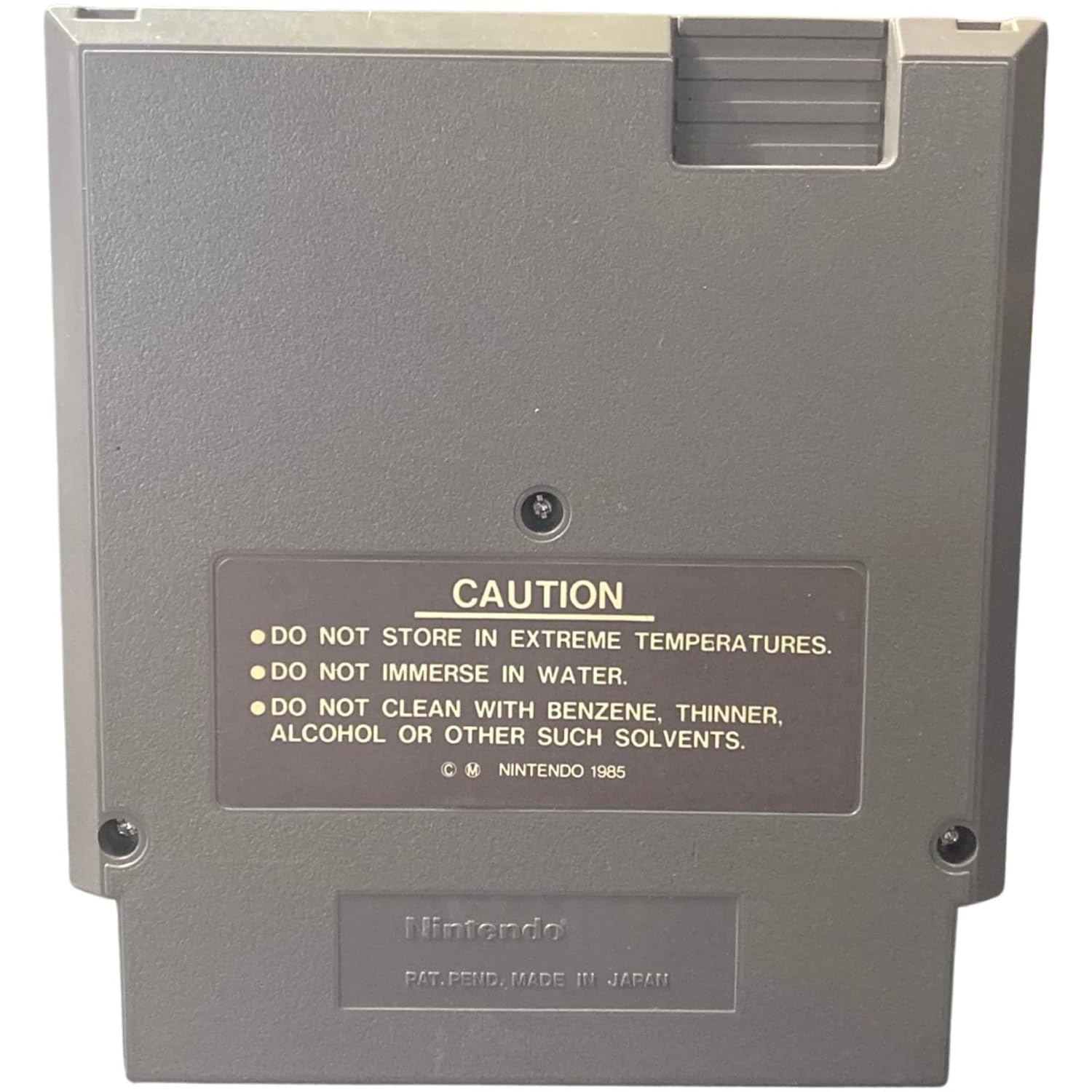
Image: Back view of the Mega Man NES game cartridge, showing the caution label with important handling instructions.
Caution Guidelines:
- Temperature: DO NOT STORE IN EXTREME TEMPERATURES. High or low temperatures can damage the cartridge components.
- Moisture: DO NOT IMMERSE IN WATER. Liquid exposure will cause irreparable damage.
- Cleaning: DO NOT CLEAN WITH BENZENE, THINNER, ALCOHOL OR OTHER SUCH SOLVENTS. Use a soft, dry cloth for general cleaning. For cleaning the connector pins, use a specialized electronic contact cleaner or isopropyl alcohol applied to a cotton swab, and allow to dry completely before use.
- Handling: Avoid touching the metal connector pins directly to prevent corrosion or damage from static electricity.
- Storage: Store the cartridge in its original sleeve or a protective case when not in use to prevent dust accumulation and physical damage.
Troubleshooting
If you encounter issues while playing Mega Man, consider the following troubleshooting steps:
- Game Not Starting:
- Ensure the cartridge is fully and correctly inserted into the NES console.
- Clean the cartridge's connector pins using the method described in the Maintenance section.
- Ensure the NES console is properly connected to the TV and the TV is on the correct input.
- Try another NES game to verify the console's functionality.
- Game Freezes or Glitches:
- Turn off the NES console, remove the cartridge, re-insert it, and power on again.
- Ensure the cartridge pins are clean.
- Avoid bumping or moving the console while the game is running.
- No Sound or Distorted Sound:
- Check the audio connections between the NES console and your TV.
- Adjust the volume on your TV.
- Ensure the cartridge is fully seated.
Specifications
| Product Title | Mega Man - Nintendo NES |
| Brand | Nintendo |
| Compatible Console | Nintendo Entertainment System (NES) |
| ASIN | B00004SVXG |
| Item Weight | 4 ounces |
| Product Dimensions | 5.3 x 4.8 x 0.8 inches |
| Manufacturer | Capcom |
| Date First Available | January 1, 2000 |
| ESRB Rating | Everyone |
Warranty Information
Specific warranty information for this vintage game cartridge is not provided. For inquiries regarding product condition or returns, please refer to the retailer's policy where the item was purchased.
Support
For technical support or assistance with your Nintendo Entertainment System console, please refer to the official Nintendo support resources or contact their customer service. For issues specific to the Mega Man game, community forums and online resources dedicated to retro gaming may provide helpful insights.
Official Product Videos
No official product videos from the seller are available for this item.